.webp&w=3840&q=75 "How to Create a Digital Business Card for Your Business (Step-by-Step)")

A digital business card takes 10 minutes to set up and works forever. Unlike a printed card, it never goes out of date, never runs out, and can be shared with anyone - in person, via WhatsApp, by email, or over a video call. If you've been putting this off, this guide walks you through the whole process using ProfileTap as the example platform. You'll have a live digital business card up and running before you finish reading.
This guide is the simplest way to learn how to make a digital business card in 2026, and because ProfileTap makes a digital business card free to set up, you can publish yours today at zero cost. If you searched digital visiting card kaise banaye, the steps below are exactly that, in order, and they work just as well on a phone as on a laptop.
What You Need Before You Start (5-Minute Prep List)
Most of the setup time goes into gathering your information, not filling out the form. Get these ready before you open ProfileTap and you'll finish in minutes.
Required:
- Professional profile photo (square crop, clear background preferred)
- Your full name and designation
- Business or company name
- Primary phone number (mobile)
- Email address
- One primary link (website, booking page, portfolio, or LinkedIn)
Strongly recommended:
- Business logo (PNG with transparent background, if available)
- WhatsApp number (same as or different from your main number)
- 2–3 social media handles (LinkedIn, Instagram, Twitter/X — depending on your profession)
- A short bio or tagline (one to two sentences describing what you do)
Optional but high-value:
- Google Business Profile review link (especially for doctors, consultants, and local businesses)
- Booking or appointment link (Calendly, Practo, your website's booking page)
- Portfolio or case study link
- Video introduction link
You don't need all of these on day one. Start with the essentials and add the rest as you go. The whole point of a digital card is that you can update it anytime. Short of inspiration for how it should look? Our creative visiting card ideas work for printed and digital cards alike.
The same steps let you make digital visiting card profiles too — so if you're wondering how to make digital visiting card designs, the digital visiting card free option on ProfileTap covers everything most professionals need. If you would rather have the layout drafted for you, the AI visiting card maker explains what the assist actually does.
Step-by-Step: How to Create Digital Business Card Profiles on ProfileTap
Step 1: Sign Up
Go to ProfileTap and create a free account. Use your business email address - it keeps your professional and personal profiles cleanly separated. You'll be in your profile editor within 30 seconds.
Step 2: Fill In Your Profile
Enter your name, designation, company name, and a short bio. Add your phone number and email. This is the core of your card - the information most people expect when they tap or scan your profile.
Add your profile photo. A clear, professional headshot makes your profile significantly more credible. A blurry or informal photo undermines everything else on the card. If you don't have a professional photo, a well-lit selfie in business attire is better than a placeholder.
Step 3: Add Your Links and Social Profiles
This is where your digital card becomes genuinely more useful than a paper one. Add your website, your LinkedIn profile, your WhatsApp contact, and any booking or portfolio link relevant to your work.
ProfileTap lets you add custom link buttons with labels - so instead of a raw URL, a potential client sees "Book a Consultation" or "View My Portfolio" as clearly labelled action buttons. Label them descriptively. "Website" is weaker than "View My Work." "Book a Call" converts better than "Calendly."
Add your social handles. For most Indian professionals, LinkedIn and WhatsApp are the two highest-priority links. Instagram matters for creative professionals, real estate agents, and anyone with a visual portfolio.
Step 4: Choose a Theme
ProfileTap's theme library includes a range of professional layouts. Choose one that matches your industry and personal brand. A consultant or lawyer benefits from a clean, minimal theme. A creative professional or designer can use something more visual. A doctor or healthcare provider should choose a layout that leads with credentials and contact options clearly.
This takes two minutes. Don't overthink it - you can change it later without affecting any shared links.
Step 5: Share Your Profile via QR, NFC, or Link
Your digital business card is live. Now make it accessible everywhere.
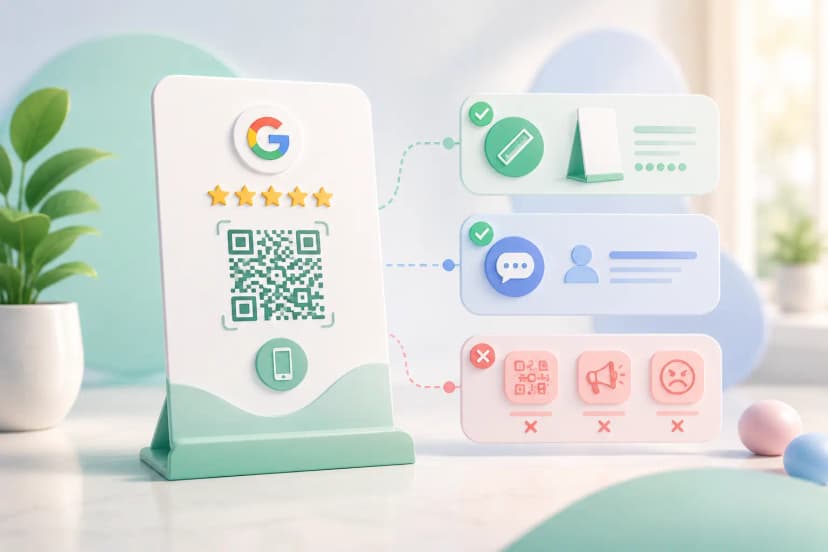
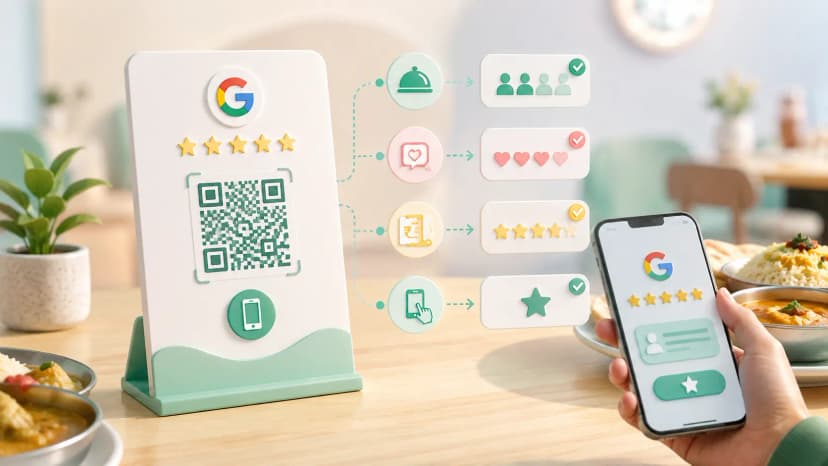
- QR code: Download your profile QR code from your ProfileTap dashboard. Save it to your phone's photos so you can show it on screen. Print it on a desk standee, the back of a paper card, or a product package.
- NFC card: Order a ProfileTap NFC card if you want a physical card that taps to your profile. It looks like a standard business card and works by holding it to any NFC-enabled phone.
- Direct link: Copy your profile URL from your dashboard. Add it to your email signature, your LinkedIn bio, your Instagram bio, and your WhatsApp status.
- WhatsApp share: Share your profile link directly in WhatsApp conversations instead of typing out your number and email separately.
Step 6: Check Your Analytics
A week after setup, check your ProfileTap analytics dashboard. You'll see how many people opened your profile, which days had the most views, and how they found you (NFC tap, QR scan, or direct link). This is information a paper card can never give you.
Use it. If most of your views come from direct links but you've invested in an NFC card, lean into the link-sharing more. If QR scans spike after an event, double down on QR placement at your next one.
What to Include on Your Digital Business Card
Less than you think. When you create a digital visiting card, the temptation is to fill every field; the cards that get used carry six things: a clear photo, your name, one line on what you do, a phone or WhatsApp number, one link you actually want clicked, and a Save Contact button. A business name and a map link belong on it only if customers visit you.
For the photo, crop square so it renders cleanly in a circle. For a logo, use a PNG with a transparent background so it sits on any theme colour. That is really all there is to how to create digital visiting card content that reads well on a stranger's phone: fewer, clearer items.
How do I share my digital visiting card once it is made?
NFC Tap — short for Near Field Communication, the chip that opens your profile when someone holds their phone to your card.
Hold your NFC card against the back of someone's phone (near the top on most Android devices). Their phone detects the card, a notification appears, and tapping it opens your profile in their browser. No app download. No QR code. Just tap. This works on most Android phones from 2015 onwards and iPhones running iOS 13 or later.
QR Code
Show your QR code on your phone screen or share a printed version. The other person opens their camera app, points it at the code, and taps the notification. Your profile opens instantly. This works on every modern smartphone without any special settings.
WhatsApp Link
Copy your ProfileTap profile URL and paste it into a WhatsApp message. The link previews as a card with your name and photo, making it look professional rather than like a raw URL. This is the fastest way to share your digital card with someone you've already connected with but haven't met in person.
Email Signature
Add your profile URL (or your QR code image) to your email signature. Every email you send becomes a soft introduction. For consultants and sales professionals who send dozens of emails per day, this turns outbound communication into a passive networking channel.
Making It Work for Your Business Type
Freelancers and Independent Consultants
Your profile is your portfolio gateway. Lead with a punchy bio, link your portfolio prominently, and add a "Book a Call" button. Make it easy for a potential client to go from seeing your name to booking a conversation in two taps. Share your link in every proposal email and LinkedIn outreach.
Corporate Employees
Keep it professional and credential-forward. Company name, designation, LinkedIn, and email are your priority fields. This is especially useful at conferences and industry events where exchanging business cards is expected but paper cards get lost. An NFC tap to your profile is more memorable and more practical.
Small Business Owners
Your profile is both a contact card and a mini-landing page. Add your Google Business Profile review link, your WhatsApp business number, your operating hours if relevant, and your Instagram if you showcase products or work visually. Place your QR code at your physical location - counter, door, packaging, receipt - to turn every customer interaction into a digital connection.
Try ProfileTap Free
ProfileTap gives you a professional digital business card you can set up in minutes, share via NFC, QR, or link, and update anytime. Free to start, no credit card required.
That's how to make a digital business card in minutes — and now you know how to make a digital business card you never have to reprint.
Create your free digital business card
Related reading: NFC Business Card vs QR Code · Paper vs Digital Business Card · How Freelancers Use Digital Visiting Cards