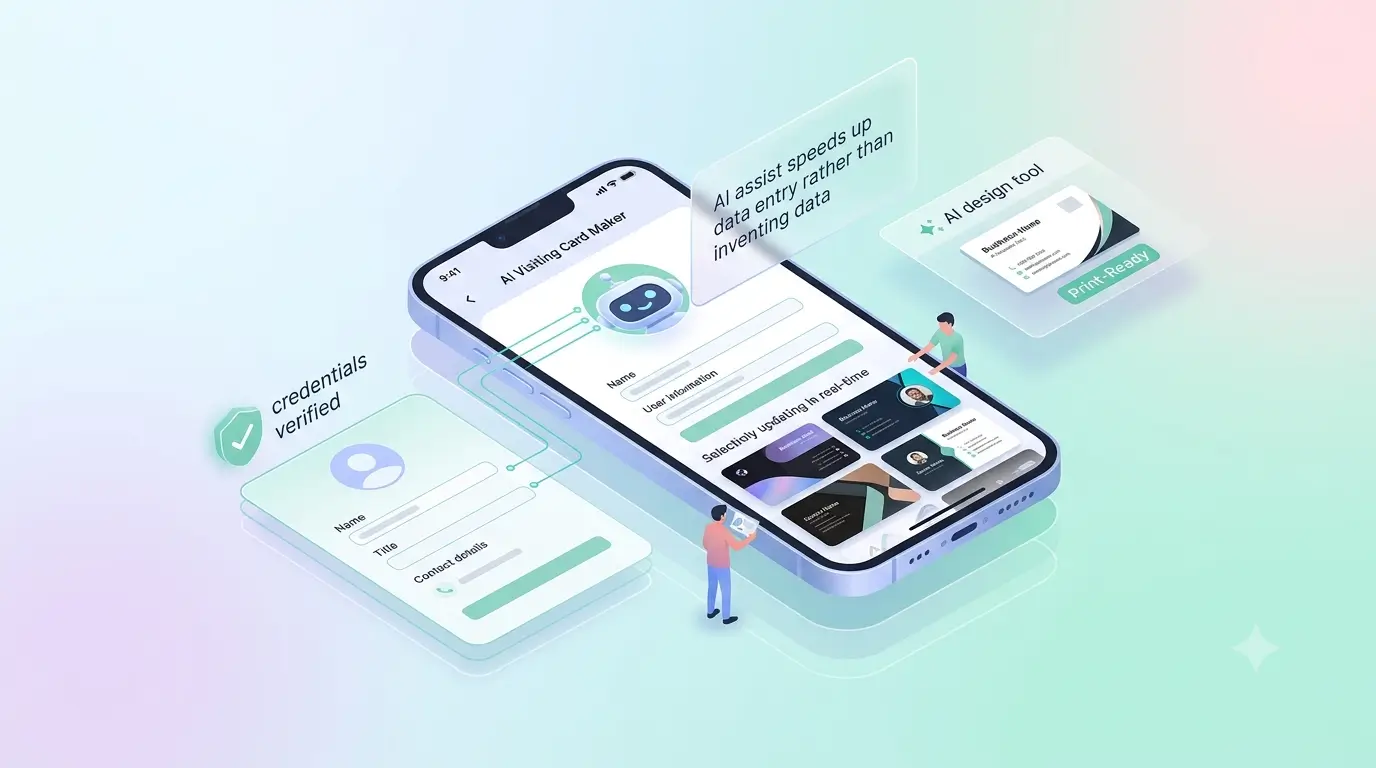

An AI visiting card maker helps you fill in a profile faster — it drafts the wording for your role, your services and your short bio so you are editing sentences instead of staring at empty fields. What it does not do is invent your credentials. Everything factual on the card still comes from you.
That distinction matters, because 'AI card maker' means two very different things depending on who is selling it.
Two kinds of AI card tool
- Design generators produce an image. You describe a look, the tool renders a card, and you are left with a picture you still have to get printed — and which you cannot change afterwards.
- Profile assists help you build the live page a card points at. The output is not an image; it is something you can edit next year.
ProfileTap is the second kind. The assist is built into the card maker rather than sold separately, so it is an AI visiting card maker free to begin with — the free plan covers the digital profile in full, and you only pay when you order a physical card. That combination is what most people actually want from a free visiting card maker AI or otherwise.
Where an assist actually saves time
The blank-page problem is real. Most people can say what they do out loud and freeze when asked to type it into a box. Having a first draft to react to is faster than writing from nothing — you cut what is wrong, which is easier than inventing what is right. It also helps with the parts people skip entirely: a service list, an opening line, the difference between a job title and a description of the work.
What to always check yourself
- Anything factual — your qualification, registration number, years in the trade, area served. A draft is a starting point, not a source.
- Claims. If a draft says 'trusted by hundreds', delete it unless you can point at the hundreds.
- Voice. Read it aloud. If it does not sound like you at a counter, it will not sound like you on a phone screen either.
Once the profile reads right, the card is the easy part. If you want the manual route instead, the step-by-step guide walks through the same build without any assist at all.