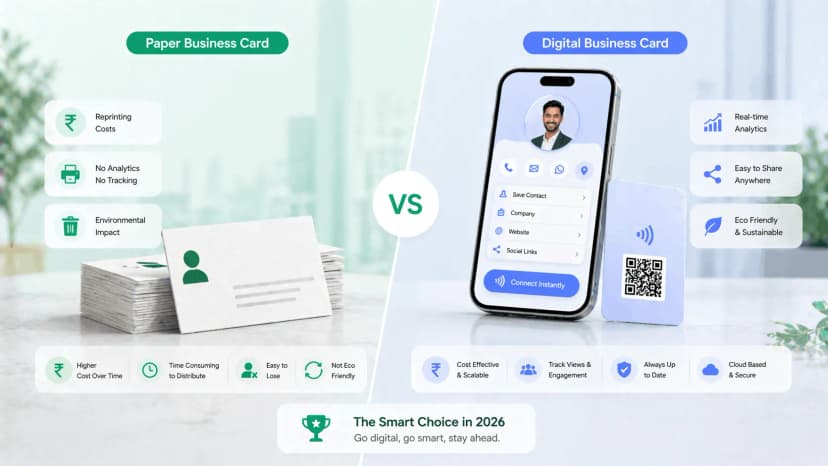

As a freelancer, your next big contract often depends on the very first impression you leave behind. Traditional paper business cards get lost, tossed into wallets, or become out-of-date the moment you update your service offerings. That's why switching to a digital visiting card completely changes the networking game. It works as one live profile that lets you share your dynamic design portfolio, direct contact info, and social proof instantly with a single smartphone tap or scan.
Whether you call it a freelancer business card or simply your profile link, the same page does both jobs — and this guide walks through how freelancers actually use it day to day.
How Freelancers Use Digital Visiting Cards to Win Clients
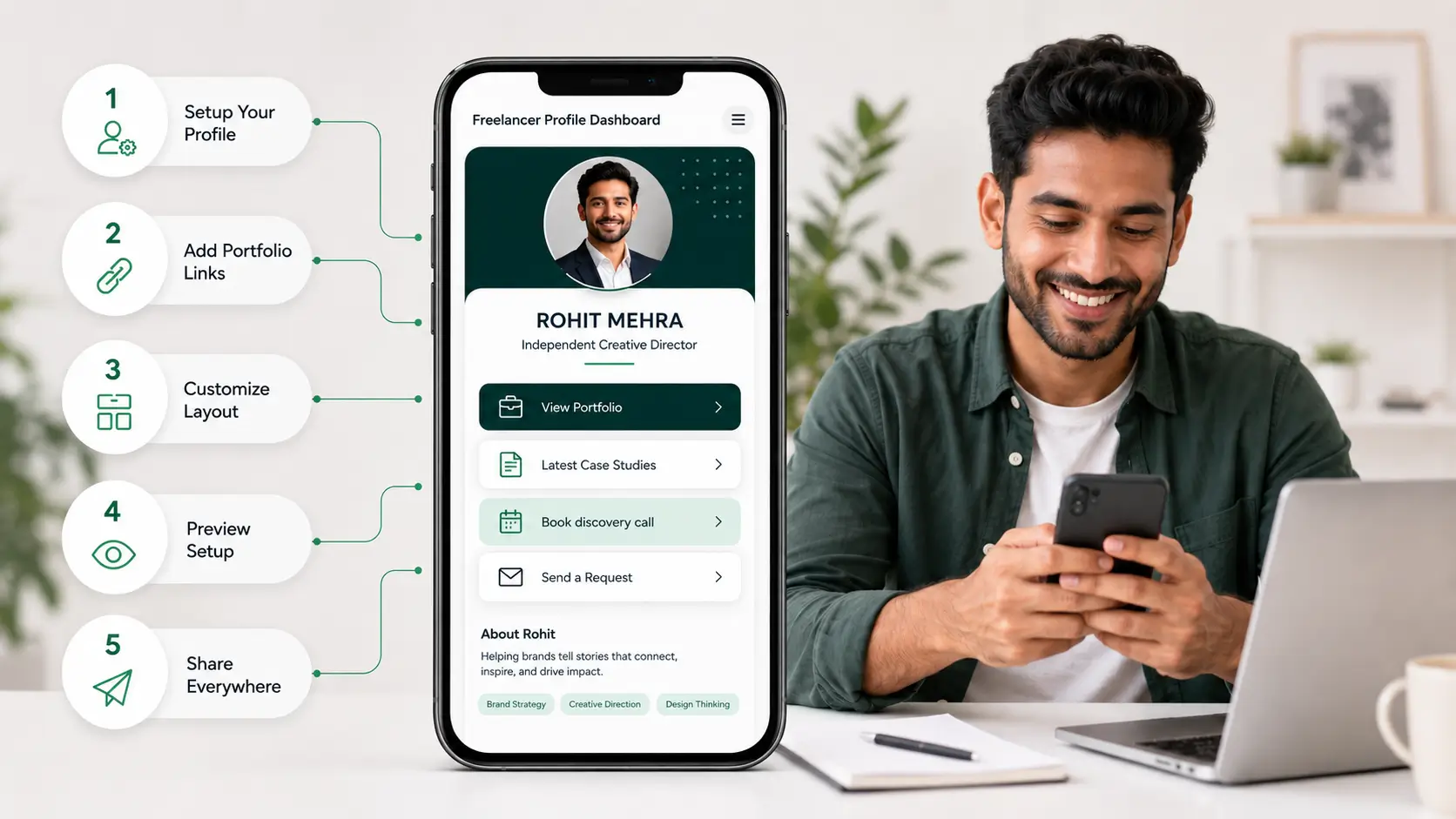
Here's how freelancers use digital visiting cards to win clients: they share one live profile — portfolio, rates, case studies, testimonials and a direct contact button — with a tap or scan, then update it per pitch without reprinting. A designer drops it in a proposal DM, a consultant taps it at a meetup, and the same link sits on every deck and invoice. When you're ready to build one, see ProfileTap's digital business card for freelancers to set it up in minutes.
Why Freelancers Need a Live, Adaptive Profile
Unlike corporate professionals who hold static, singular job roles, a modern gig economy worker wears multiple professional hats. On Monday, you might be pitching web design to a startup founder; by Wednesday, you could be presenting your content strategy metrics to an e-commerce brand. A physical card can never reflect this flexibility.
A digital networking profile acts as your live command center. Because your data is web-hosted rather than fixed permanently into physical print, you can swap out featured case studies, rewrite your service bio, or adjust your contact numbers directly from your dashboard in real-time. If you are wondering how these stack up against traditional options, check out our deep-dive on Digital Business Card vs Paper Business Card to see why paper is a thing of the past.
Key Functional Blocks Every Freelancer Profile Needs
1. Instant Portfolio & Creative Asset Integration: Instead of expecting high-value prospects to manually type complex sub-domain links into their mobile devices, you can embed a direct freelance portfolio link shortcuts to your Behance, GitHub, Dribbble, or custom domain portfolio directly onto your profile tap dashboard. This solves the hurdle of how to share freelance portfolio instantly, eliminating client friction and driving instant project discovery.
2. Frictionless Payment Gateways and Retainers: Securing client confirmation requires quick conversion while interest is high. When you use the best digital business cards for independent creators, you can embed direct payment deep-links, UPI intent paths, or Stripe interfaces on your card profile. This allows you to streamline freelance client payments and handle upfront retainer deposits right on the spot during coffee shop or co-working discussions.
3. Direct One-Click Calendar Booking Connections: Eliminate the endless back-and-forth emails detailing availability. Incorporating scheduling widgets like Calendly or Google Calendar lets leads secure a discovery call directly onto your calendar while they are actively evaluating your digital profile.
Comparing Sharing Channels: NFC Taps vs. WhatsApp vs. QR
Many freelancers make the mistake of relying strictly on sending a raw link over a WhatsApp chat thread or LinkedIn message. Let's look at how the different avenues perform in live client ecosystems:
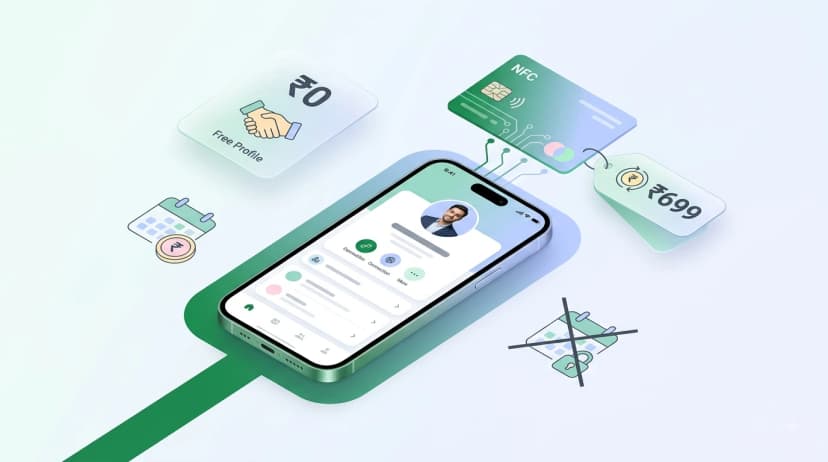
- Physical NFC Smart Cards: Perfect for offline, in-person scenarios (co-working cafes, design conferences, agency mixers). A single tap brings your profile up in 2 seconds, offering a premium touchpoint that makes you stand out from everyday gig workers. To learn more about setting this up, read our guide on How to Use NFC Business Cards.
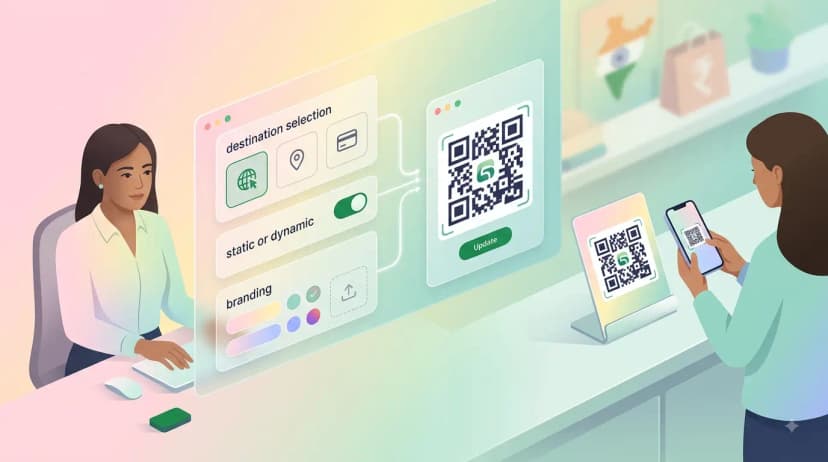
- Dynamic Profile QR Codes: Excellent for virtual pitches and presentations. Dropping your custom QR code on your final slide during Zoom or Google Meet proposals allows clients to pull your details onto their phones without disrupting the call.
- Direct Link-in-Bio: Ideal for social media acquisition funnels like Instagram or LinkedIn. It ensures that any warm inbound traffic discovers a consolidated, highly polished, and action-oriented landing page instead of a cluttered website.
Using Traffic Analytics to Close Premium Leads
One major edge over old-school paper cards is user analytics. Whenever a potential agency client taps your card or opens your link, it records an analytical trace on your ProfileTap dashboard. Seeing a spike in profile views or clicks on your design portfolio links right after a regional meetup tells you exactly which leads are warm, making it easy to plan your follow-up outreach timeline effectively.
How to Use It Offline vs Online
- In-Person Events: Carry an NFC-enabled physical card. Tap it onto a client's smartphone at co-working spaces, conferences, or cafes, and your interactive freelance profile pops up instantly.
- Virtual Networking: Add your QR code to your Zoom/Meet presentation backgrounds or paste your profile link directly into chat feeds during remote webinars and LinkedIn networking groups.
Elevate Your Freelance Status
Relying on traditional paper cards signals an outdated way of working. Stepping into pitches with a unified digital profile tells clients you value tech adoption, precision efficiency, and modern design principles. It helps independent creators establish authority, show modern clients that you stay on top of technological adaptations, and ultimately win higher-paying, premium clients.
For most independent professionals, moving your card online is the simplest upgrade you can make this year.
Related reading: How to Make a Digital Business Card · NFC Business Card vs QR Code