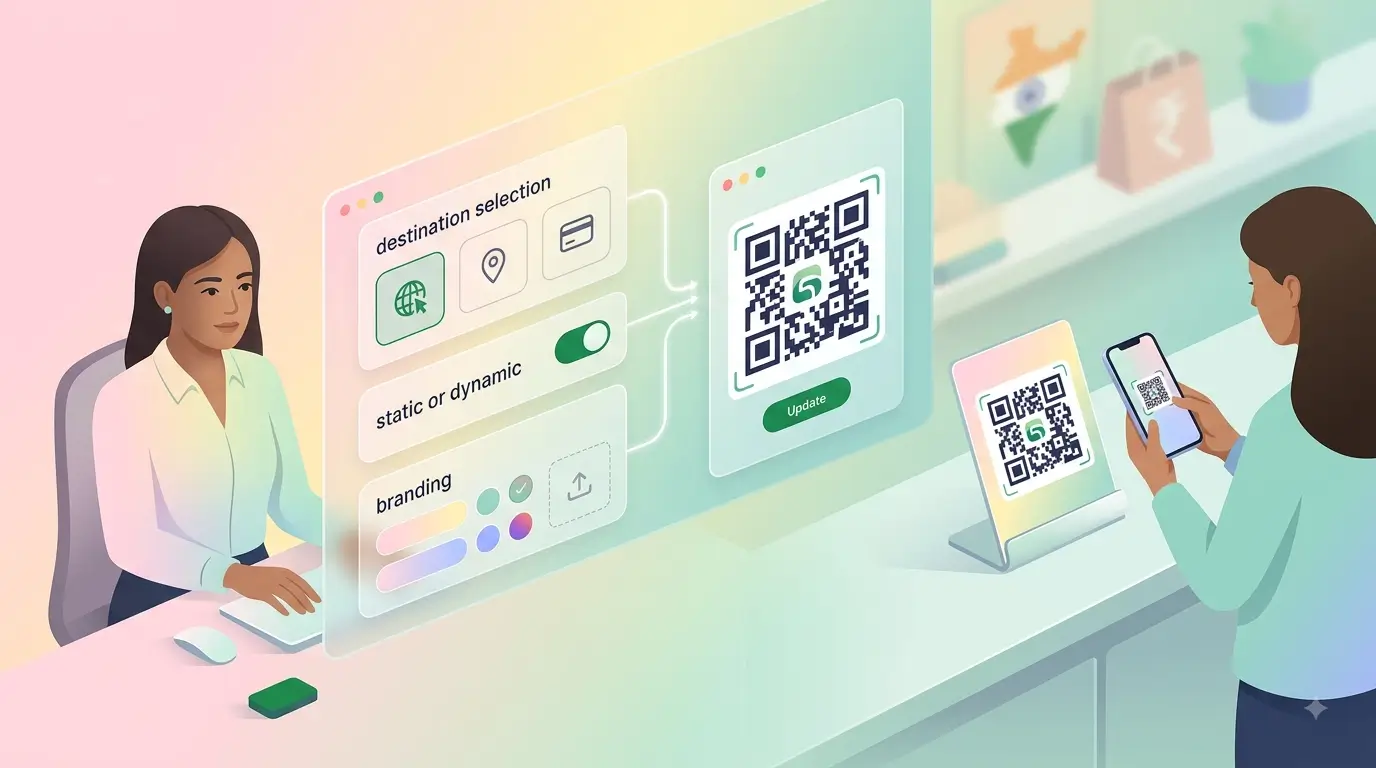

Learning how to make QR code for business India customers will actually scan takes about ten minutes, and most of that is deciding what the code should open. Pick the destination, generate the code, test it on two phones, then print it large enough to scan from arm's length. The mistakes people make are almost never technical.
Decide what the code should open first
A code is only a shortcut to a web address, so the address matters more than the code. Sending people to a homepage wastes the scan. Send them to the one thing you want them to do: your menu, your catalogue, your review page, or a profile that holds all of it.
If you do not have a page worth scanning yet, build one before generating anything. A free digital business card gives you a destination in a couple of minutes, and you can point the code at it permanently.
The four steps, start to finish
- Copy the exact web address you want people to land on, including the https part.
- Paste it into any generator to make QR code from link, and download the result as a PNG or SVG.
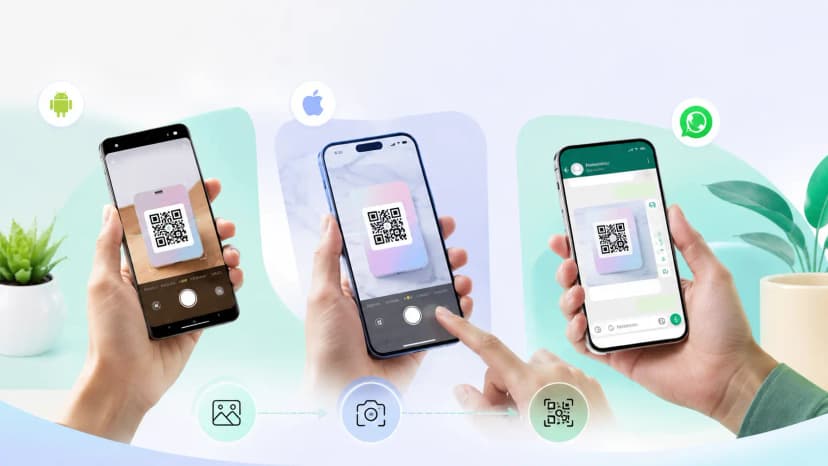
- Scan your own code with two different phones, ideally one Android and one iPhone, before printing anything.
- Print it at a sensible size with clear white margin around all four sides, then place it where people already pause.
Step three is the one everybody skips, and it is the reason so many printed codes in the wild simply do not work.
Static or dynamic: the decision that costs money later
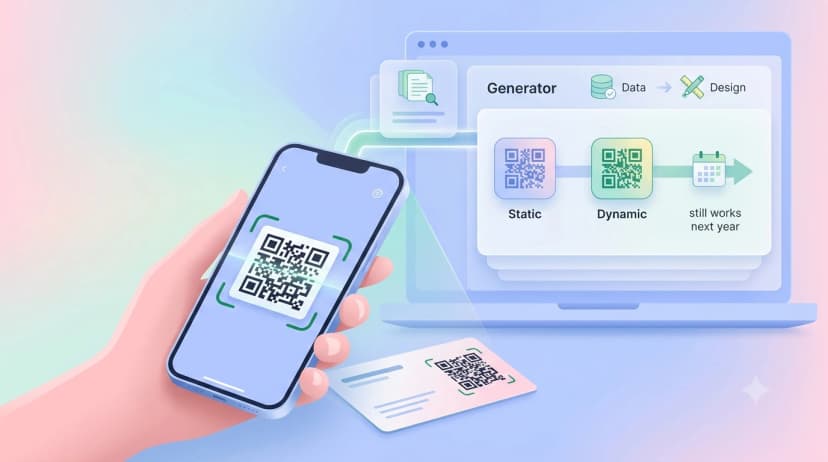
A static code has the address baked into the pattern. Change the address and the printed code is dead. A dynamic code points at a redirect you control, so the destination can change while the printed code stays the same.
For anything you print in quantity, standees, stickers, packaging or signage, dynamic is worth it. A DIY QR code from a free tool is usually static, which is fine for a one-off poster and expensive for a shopfront.
Branding it without breaking it
A customized QR code with your logo in the centre and your brand colour instead of black scans perfectly well, as long as you respect two limits. Keep strong contrast between the pattern and its background, and keep the logo small enough that it covers only the middle.
Light pattern on a dark background fails more often than the reverse on older phone cameras, so if you are inverting the colours, test harder. Our QR code size guide covers how small you can safely go on print.
Where to put it in a shop
Knowing how to generate QR code for shop use is half the job; placement is the other half. The billing counter catches every customer, the entrance catches people still deciding whether to walk in, and tables catch diners while they wait. Anywhere someone stands still for ten seconds is a good spot.
Add one line telling people what they get. A bare code gets ignored; a code labelled with a reason to scan gets used.
When a printed code is not enough
A code taped to a counter works, but it looks like a code taped to a counter. If the scan is part of how you introduce your business, a proper standee or a card that also taps tends to get used more, because customers do not have to hold their phone at an awkward angle over a printout.
Give the code somewhere to point
Set up a digital business card for free, point your code at it, and you can change what visitors see later without touching a single printed sticker.