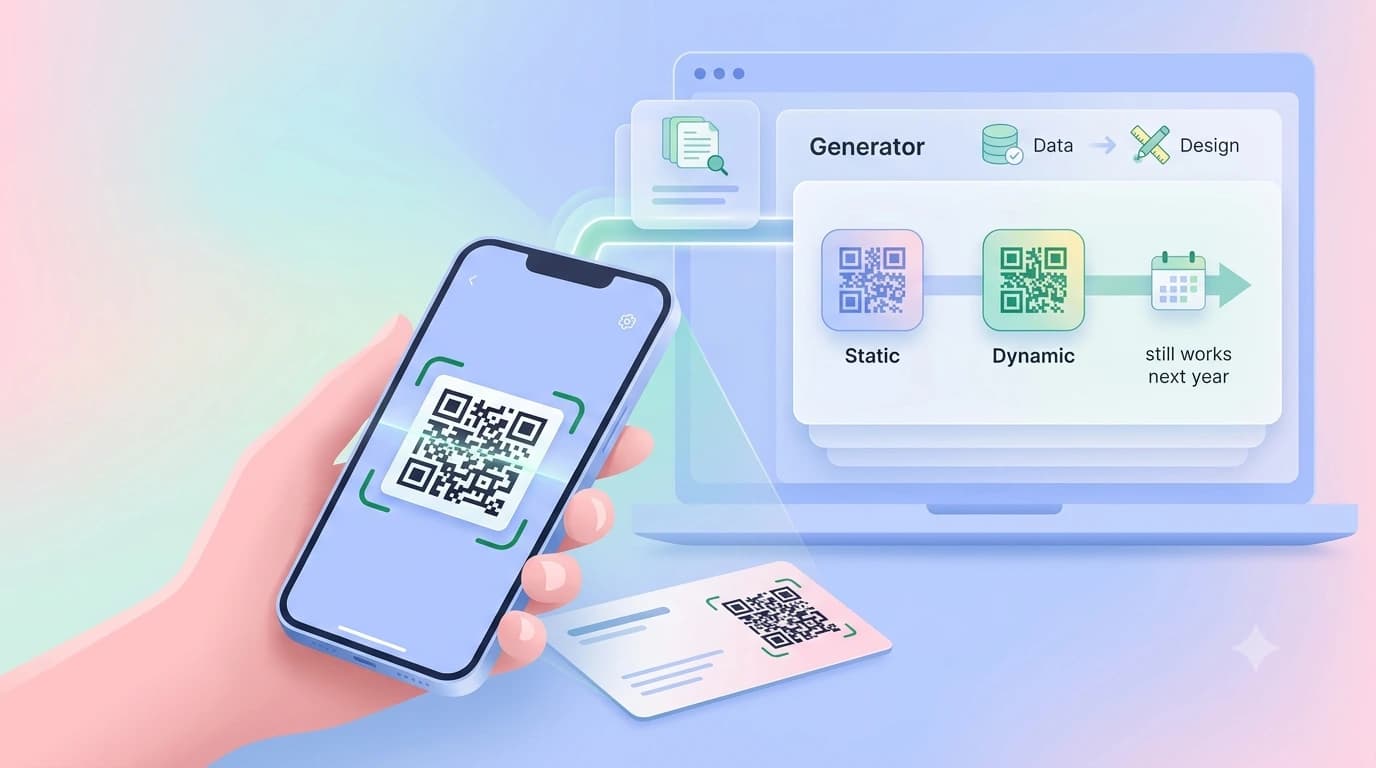
A QR code business card generator turns your contact details into a scannable square you can print on a card. There are two kinds, and the difference matters more than the design: a static generator bakes your details into the code itself, while a dynamic one encodes a short link to a profile you can edit later. For anything you are about to print in bulk, choose dynamic. That single decision is where most people get burnt: 500 cards printed with a static code become waste paper the day the number changes.
Key takeaways
- Dynamic codes point at a link you can edit; static codes are frozen at print time.
- Build the profile first, then generate the code from its URL.
- Print at 15 to 20 mm with a clear quiet zone; 12 mm is the floor.
- Test on three phones in dim light before approving the run.
What a QR code business card generator actually does
It converts text into a matrix of black and white modules that a phone camera can decode. What you put in decides what happens on scan. Encode a vCard block and the phone offers to save a contact. Encode a plain URL and the phone opens that page. Encode a phone number with the tel: prefix and it opens the dialler. Logo in the middle, rounded corners and brand colours are cosmetic styling over the same underlying data.
Static vs dynamic: the choice that decides everything
| Feature | Static code | Dynamic code |
|---|---|---|
| What is stored | Your details, inside the pattern | A short link to a profile |
| Editable after printing | No | Yes |
| Works without a service | Yes | No, the redirect must stay live |
| Scan counts | No | Yes |
| Pattern density | Higher for a full vCard | Lower, scans faster |
| Best for | One-off badges you will reprint anyway | Anything with your name on it for the next two years |
The trade-off with dynamic is a dependency: if the service goes away, the link dies, so pick one you expect to be around. Any generator worth using will offer both.
How to make a QR business card, step by step
- Build the profile the code will point to first, not last. Name, role, phone, WhatsApp, email, address, socials; you can create a free digital business card and use its public URL as the target.
- Generate the code from that URL. Keep error correction at level M or Q; higher levels let the code survive a printing smudge or a logo overlay at the cost of a slightly denser pattern.
- Download as SVG or a 300 DPI PNG. A screenshot looks fine on a laptop and fails at the printer because the modules blur into each other.
- Place it with a clear quiet zone, a blank margin about four modules wide on all sides. Text or a border crowding the edge is the most common reason a code will not read.
- Add a two-word instruction next to it, such as Scan to save. Labelled codes get scanned more because people know what they are agreeing to.
How big does the code need to be on a card?
Aim for 15 to 20 mm square and treat 12 mm as the hard floor for a card held at arm's length. The working principle is the 10:1 rule: scan distance divided by ten gives the minimum code width. On a standard Indian card of 89 x 51 mm, a 20 mm code sits in a corner without dominating the layout. Shorter target URLs produce simpler, chunkier patterns that read faster, one more reason a short dynamic link beats a long vCard payload. The QR code size guide covers the distance maths and business card size in India covers the card itself.
vCard QR or profile link: what gets saved?
Encoding a profile link
- Visitor sees photo, services and socials before saving
- One tap still saves the contact
- Editable after printing
- Shorter payload, simpler pattern
Encoding a vCard
- Limited to the handful of fields the vCard format supports
- Frozen at print time
- No photo, services or socials on the way in
- No scan counts
Free generators: what to check before you use one
- Does the free code expire? Several sites hand out a dynamic code free, then disable the redirect after a trial. That is the worst failure mode for something already printed.
- Can you download vector? SVG or EPS means the printer can scale it without softening the edges.
- Who owns the short domain? If the redirect runs through a domain nobody recognises, cautious scanners and corporate networks will warn the person on the other side.
- Is there an interstitial? Some free tools show their own ad page before your content loads. On a first meeting that is an expensive two seconds.
QR or NFC on the card?
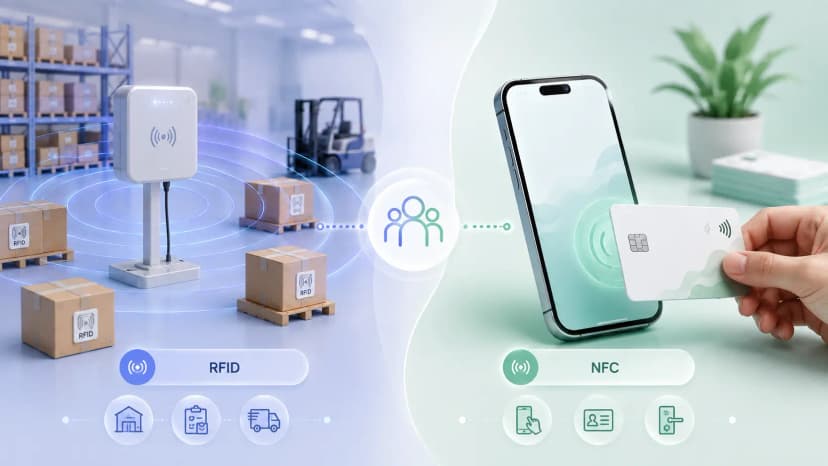
They are not rivals; the sensible card carries both. QR works on every phone with a camera, including the older Android handsets common across India, and it can be photographed off a screen from across a table. NFC is faster in a one-to-one meeting but needs a compatible phone and physical contact. Printing a QR on a card that also has a chip costs nothing extra and removes the my-phone-does-not-do-that moment. The NFC vs QR comparison goes deeper.
The three-phone check
Print one card on ordinary paper at final size and scan it with an older Android, a recent Android and an iPhone, in dim indoor light, which is where most cards are exchanged. Check the landing page on mobile data rather than office wifi. If the code reads in under two seconds on all three, approve the run. If any hesitates, enlarge the code by 2 mm before you touch the design.
The short version
Pick a dynamic QR code business card generator, point it at a profile you control, print at 15 to 20 mm with a clean quiet zone, and test on three phones. Done that way, the card outlives your next job change. If you would rather skip the generator step, create your profile on ProfileTap and the code comes with it, already linked to an editable page.