
The standard visiting card size in India is 3.5 x 2 inches, which is 89 x 51 mm. Most Indian printers accept this as the default, and a slightly wider 90 x 54 mm is the common second option. Internationally the standard shifts to 85 x 55 mm, so a card designed for India may need re-sizing before it travels.
Those visiting card dimensions have barely moved in fifty years, whether you look them up in full or type the shorthand b card size. Below is the full chart, the print-file settings that stop a card getting trimmed badly, and the sizing rule that decides whether a QR code on your card actually scans.
The short answer: the visiting card size in inches is 3.5 x 2, and in millimetres it is 89 x 51. If you are checking visiting card measurements to set up a print file, those are the only two numbers you need. The right size for visiting card printing does not change by city or by stock.
Visiting card dimensions by country
There is no single worldwide business card standard size. There are four regional conventions, and India follows the North American one:
| Region | Millimetres | Inches |
|---|---|---|
| India / US / Canada | 89 x 51 mm | 3.5 x 2 in |
| India (alternate) | 90 x 54 mm | 3.54 x 2.13 in |
| Europe / international | 85 x 55 mm | 3.35 x 2.17 in |
| ISO 7810 ID-1 (credit card) | 85.6 x 54 mm | 3.37 x 2.13 in |
| Japan | 91 x 55 mm | 3.58 x 2.17 in |
| Australia / New Zealand | 90 x 55 mm | 3.54 x 2.17 in |
Indian visiting card size: what printers here actually use
The Indian visiting card size you will be quoted at almost any print shop in Mumbai, Delhi, Bengaluru or Pune is 89 x 51 mm. If you are unsure what size visiting card presses here expect, that is the number. A few presses default to 90 x 54 mm because it nests more efficiently on their sheet. Both are correct; the practical difference is 1 to 3 mm, which matters only if your design runs edge to edge. Weighing a local press against an online service? We compared them in visiting card maker near me.
- Ask your printer for their exact trim size before you design — do not assume.
- Standard thickness runs 300 to 400 GSM for paper stock; below 300 GSM the card feels flimsy in hand.
- Portrait cards use the same numbers flipped: 51 x 89 mm. They stand out, but they do not sit flat in most card holders and wallets.
Bleed, safe area and DPI: the print file settings
Most rejected print files fail on these three settings, not on the business card size itself. And what fills that canvas matters just as much — our visiting card background guide covers the image sizes, formats and colours that print cleanly on it.
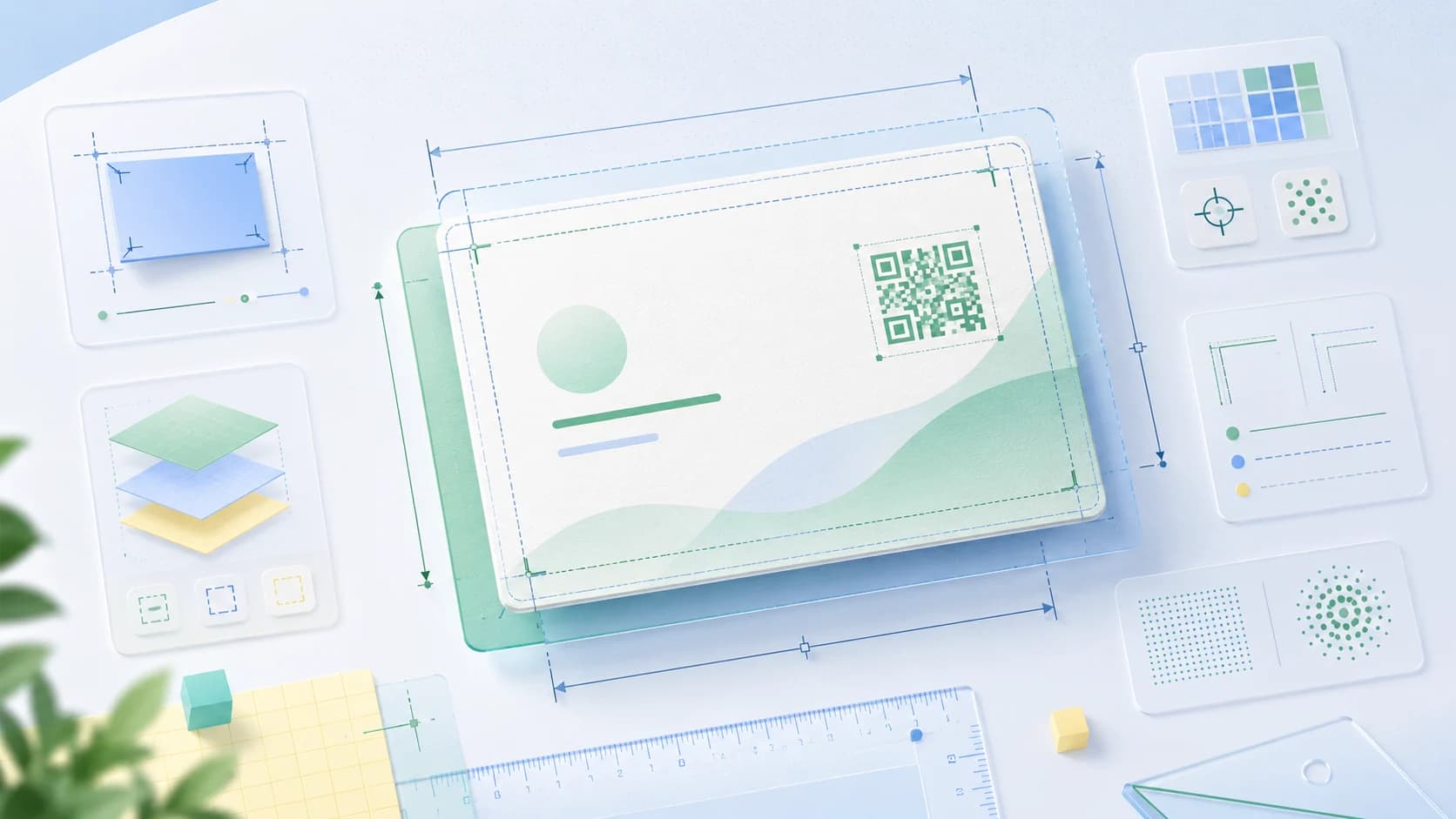
- Bleed: 3 mm on every side. An 89 x 51 mm card is built on a 95 x 57 mm canvas. Any background colour or image must run all the way to that outer edge.
- Safe area: 3 to 5 mm inside the trim line. Keep every bit of text and your logo inside it. Guillotine trimming drifts by a millimetre or two on a real production run.
- Resolution: 300 DPI, CMYK. Screen artwork at 72 DPI will print soft and pixelated. Convert to CMYK yourself so you see the colour shift before the press does.
Size of visiting card in pixels at 300 DPI
- 89 x 51 mm trim, no bleed: 1050 x 600 px
- 95 x 57 mm with 3 mm bleed: approximately 1122 x 673 px
- 85 x 55 mm international trim: approximately 1004 x 650 px
QR code on business card size: how big does it need to be?
A QR code on a business card should be at least 2 x 2 cm (about 0.8 x 0.8 inch). Below roughly 1.5 cm, phone cameras start failing in low light or at an angle — which is exactly the condition at an event or a restaurant table. Getting the QR code on business card size wrong is the single most common reason a printed code never gets scanned.
- Leave a quiet zone — clear space equal to about four modules of the code — on all four sides. No text, no border, no logo touching it.
- Keep it dark-on-light. Inverted codes and low-contrast pastel pairs scan unreliably.
- Shorten the destination URL. Fewer characters means fewer modules, which means a code that reads cleanly at small sizes.
- Print a proof and scan it with two different phones before you approve a full run.
If the code points to a live profile rather than a static PDF, you can change what it opens without reprinting anything — that is the whole idea behind a QR business card.
The card size that never changes
An NFC visiting card is built to a single international standard rather than a regional one, so it fits any wallet slot anywhere in the world — the exact NFC card size and why it never changes covers the dimensions in full. That single standard replaces the whole regional chart above, because you are no longer printing details onto the surface. The card carries a chip; the details live on a profile you can edit.
That changes what sizing means in practice:
- A new number, a new designation or a new address is a profile edit, not a reprint — the card in someone's wallet updates itself.
- There is no character limit, so your full portfolio, catalogue, location and social links all fit — no cramming into 89 x 51 mm.
- One card works internationally, because ID-1 is the same size in every market.
- Multi-language support means the same card can open a profile in the language your contact reads.
Paper still has its place — a well-printed card at 400 GSM makes an impression that a tap does not. Most people we speak to end up carrying both. We broke the trade-off down in paper vs digital business cards.
Getting your card made
If you are printing, lock the trim size with your press first, then design to 3 mm bleed at 300 DPI. If you would rather skip the reprint cycle entirely, you can make a visiting card online free in a few minutes and share it by link or QR before you order any physical card at all. Start free, then add a digital business card when you are ready. One-time purchase, GST invoice, no subscription required.