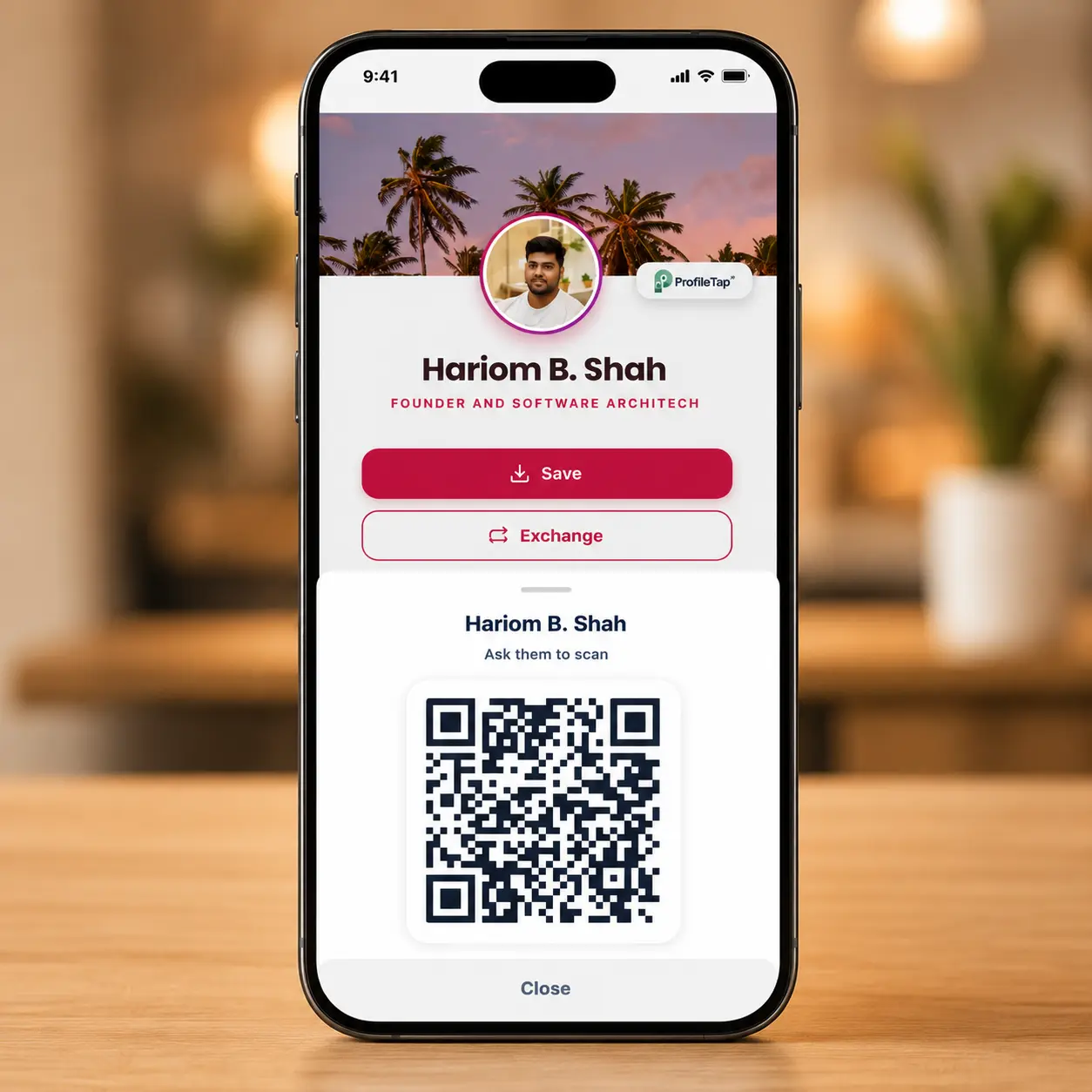
Free digital QR profile
Create a qr code business card in minutes and share the QR from your phone, email or bio. Free forever for the basics.

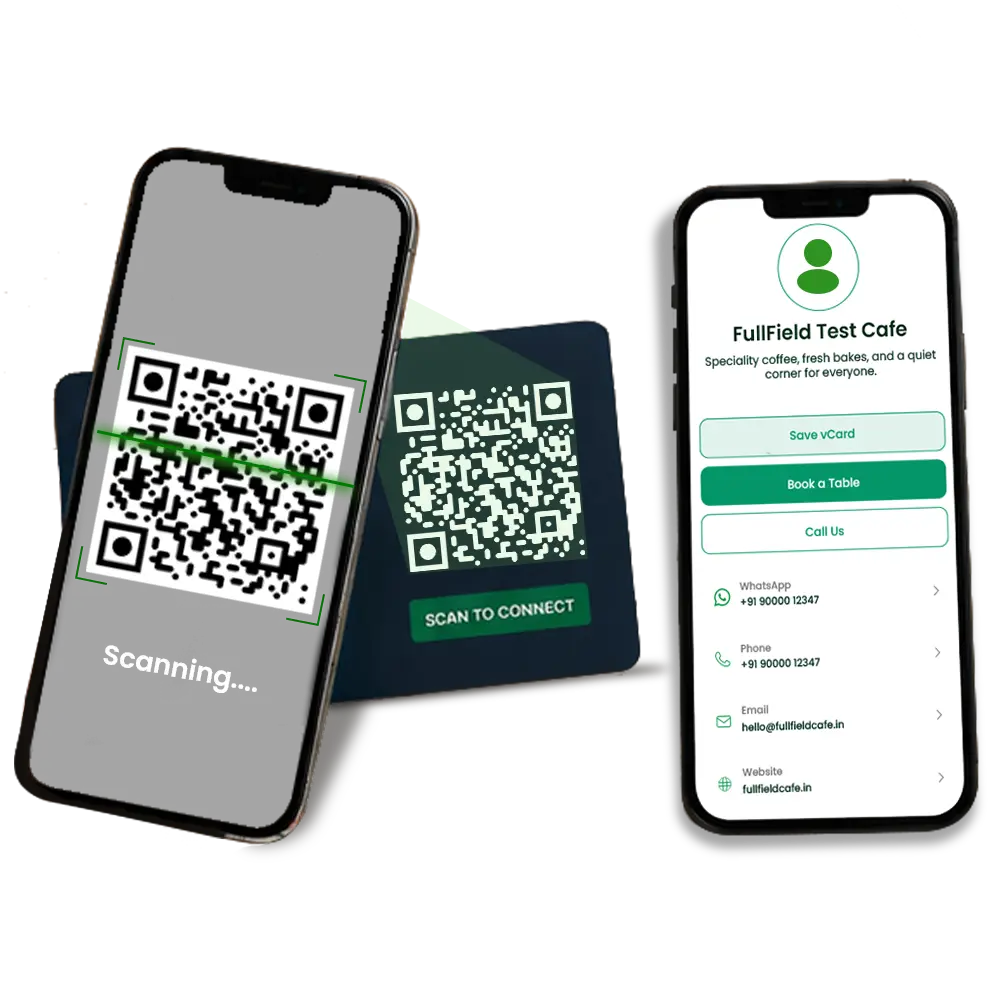
A qr business card turns one scan into your live digital profile — contact, links, portfolio and a Save Contact button — with no app to install and nothing to type. Point any phone camera at the code and it opens instantly, so your qr code business card works on 100% of phones, even older ones without NFC. Create yours free in minutes, or order a printed card with your QR and NFC built in. It's the qr visiting card professionals reach for when a paper card just isn't enough.
Pay once, no monthly fee · GST invoice · prepaid · ships across India.
Why a QR card
Every ProfileTap qr business card comes with a full digital profile behind the code — no app, always live, and easy to update. It's a scan business card built for India: WhatsApp-native, multi-language, with a GST invoice on every order.
Point any camera at your QR and your profile opens — a scan business card with no app and no typing.
A QR code reads on 100% of phones, Android and iPhone — even older handsets that don't support NFC.
Nothing to install and no number to key in — the scan does everything.
Change your number, role or links once; the same QR always shows the latest — no reprinting.
Tap-to-WhatsApp and Call buttons, plus share your card into any chat.
Show your profile in the language your contact reads.
Your qr business card brings contact details, links, portfolio, reviews and analytics into one profile you control — and pairs with a printed QR + NFC card so you share it with a single scan.
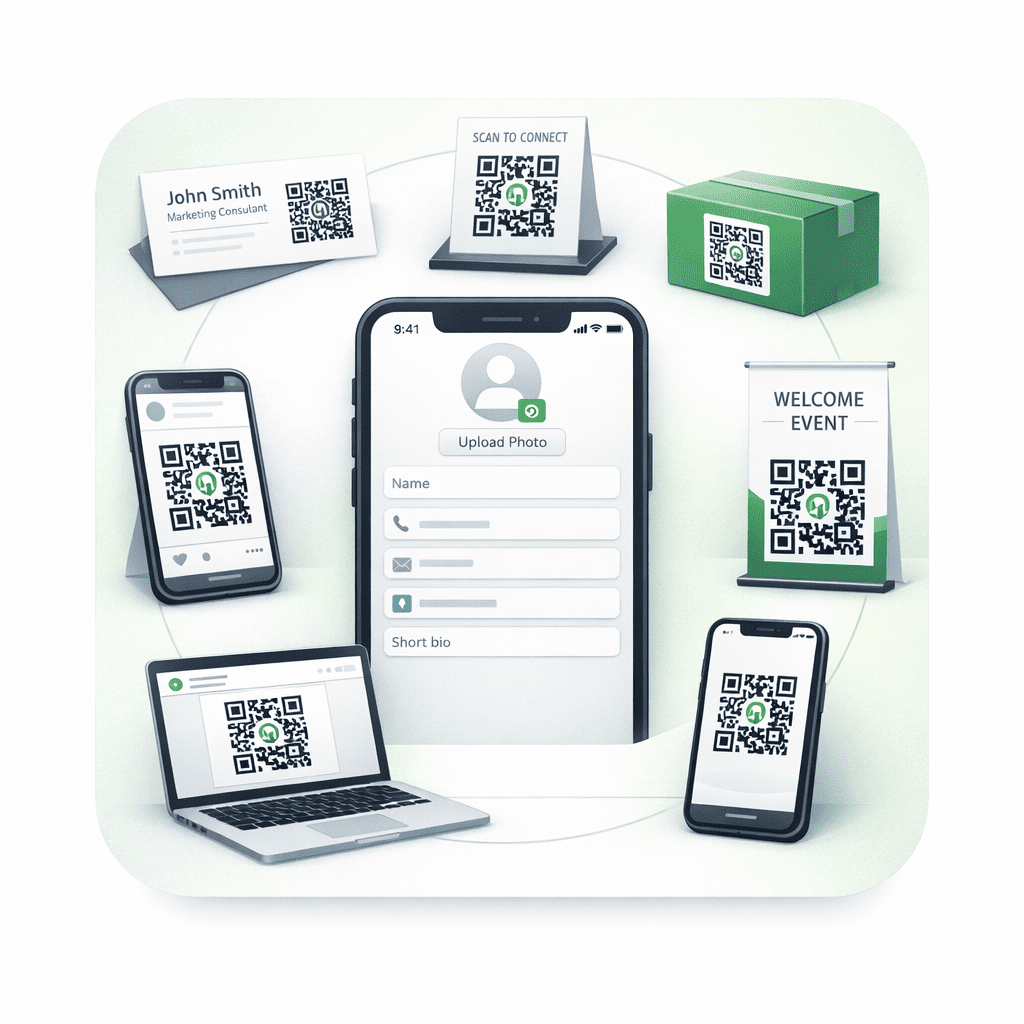
Share full contact details that drop straight into the other person's phone — no app, and nothing to type.
Edit once and every shared link, QR and NFC card reflects it — no reprinting.
Point happy clients to your review links at the right moment and build public proof.
Present your profile in the languages your clients actually use.
Scans, views and clicks, so your follow-ups are timed, not guessed.
One-time pricing, GST invoice, and your data stays yours.
Trade a stack of paper cards for one qr business card you scan to share and update forever.
Reprint every time a number or role changes.
Update once; everyone sees the latest.
Runs out at the worst moment.
Opens on every phone — no app.
No links, no scan, no analytics.
One scan shares your full profile.
Ends up forgotten in a drawer.
Share by QR, WhatsApp or link.
Start free with a digital qr business card you can share today, or order a physical card with your QR and NFC printed on it. Both are a one-time choice — no monthly fee. Each card includes a full ProfileTap profile and 7 years of Pro features, and there's a free-forever plan too. Prices include a GST invoice; orders are prepaid and ship across India.
Create a qr code business card in minutes and share the QR from your phone, email or bio. Free forever for the basics.
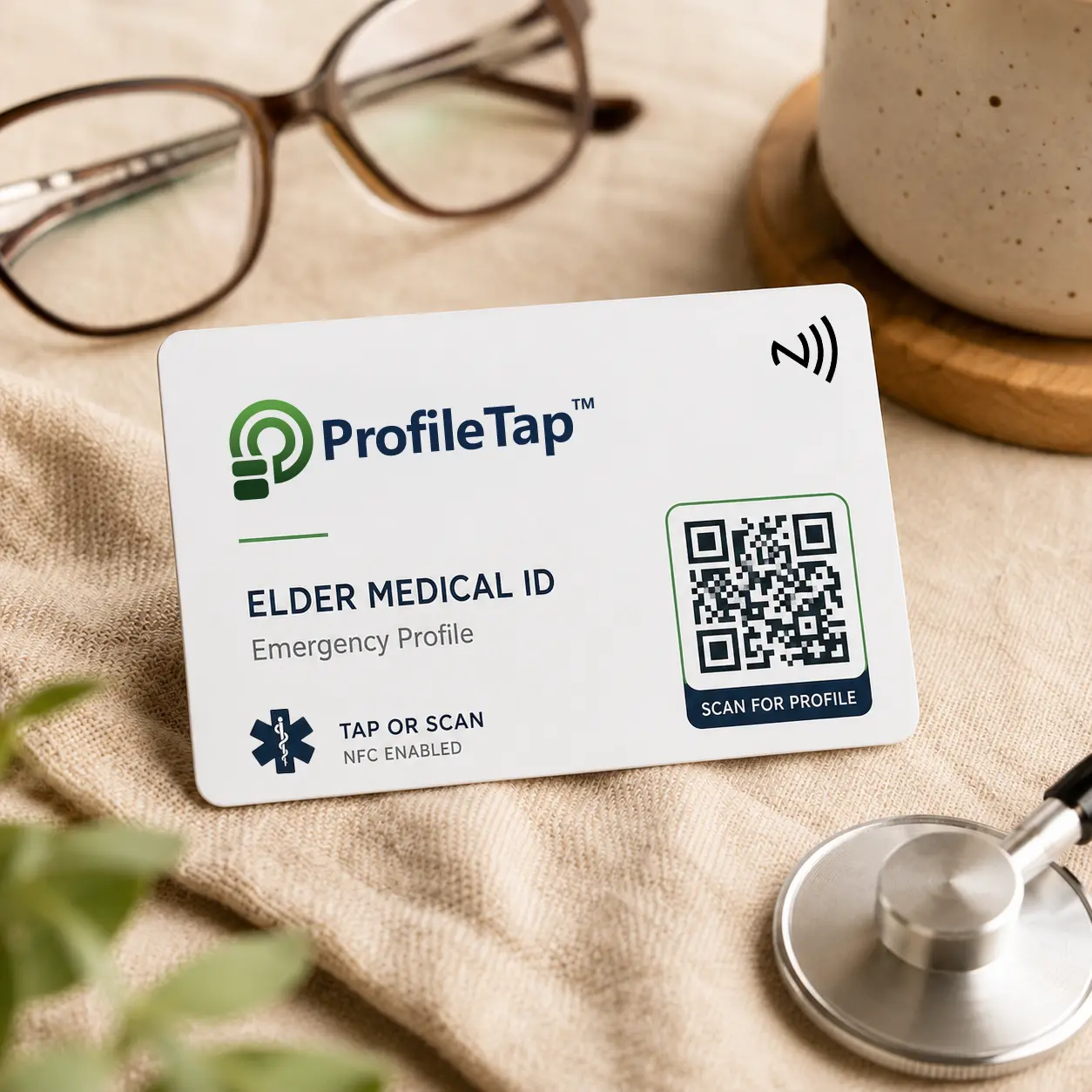
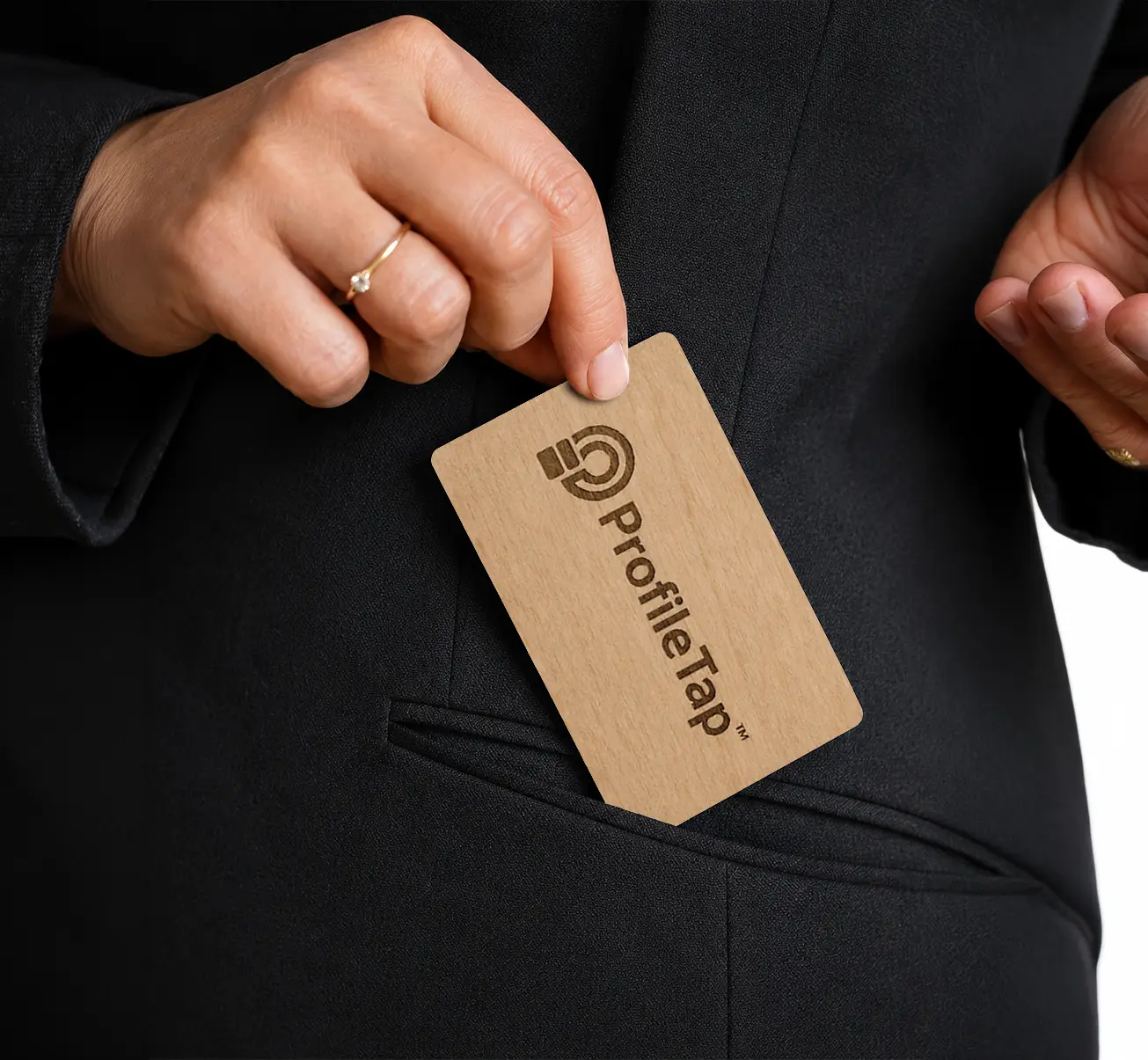
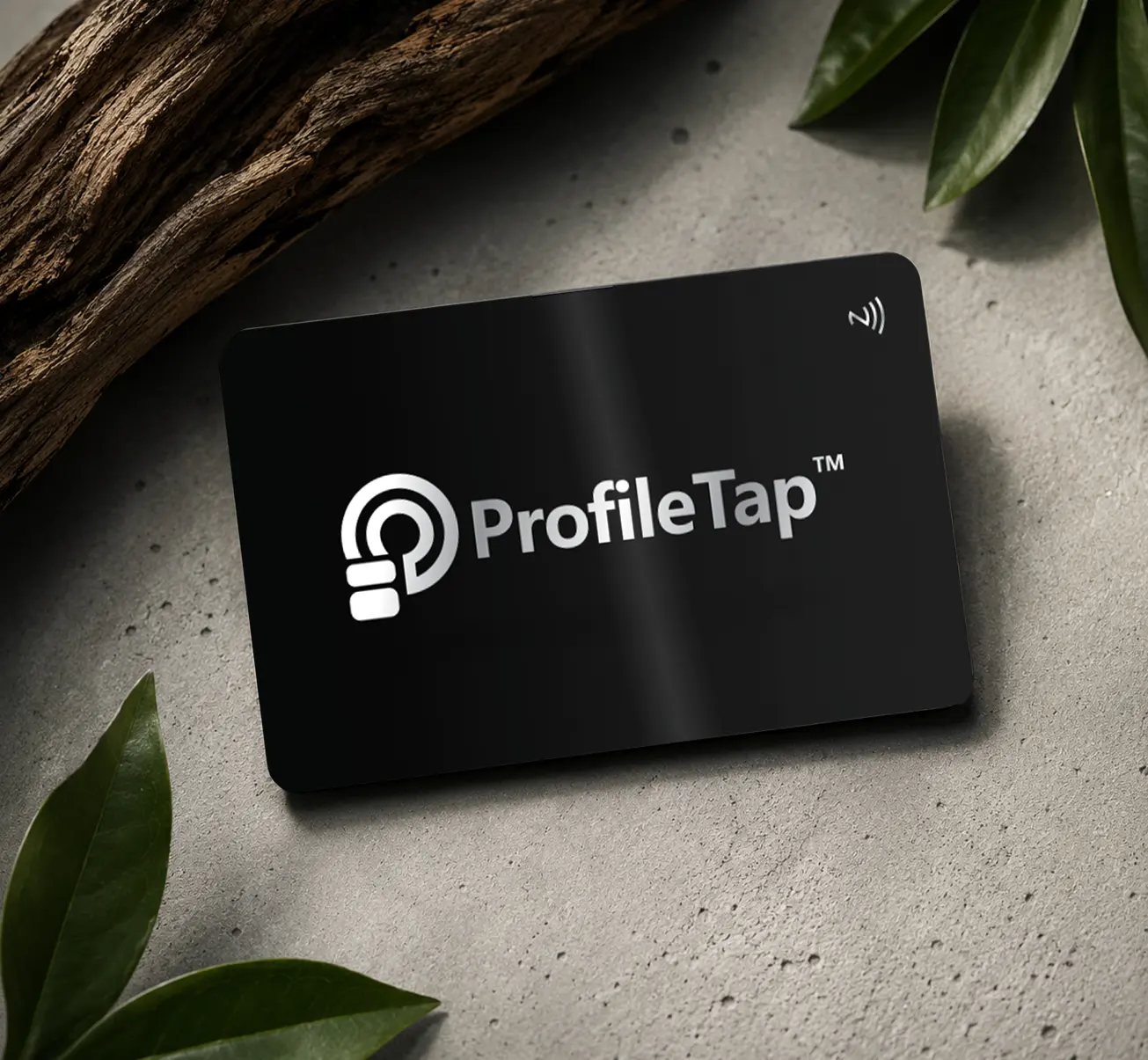
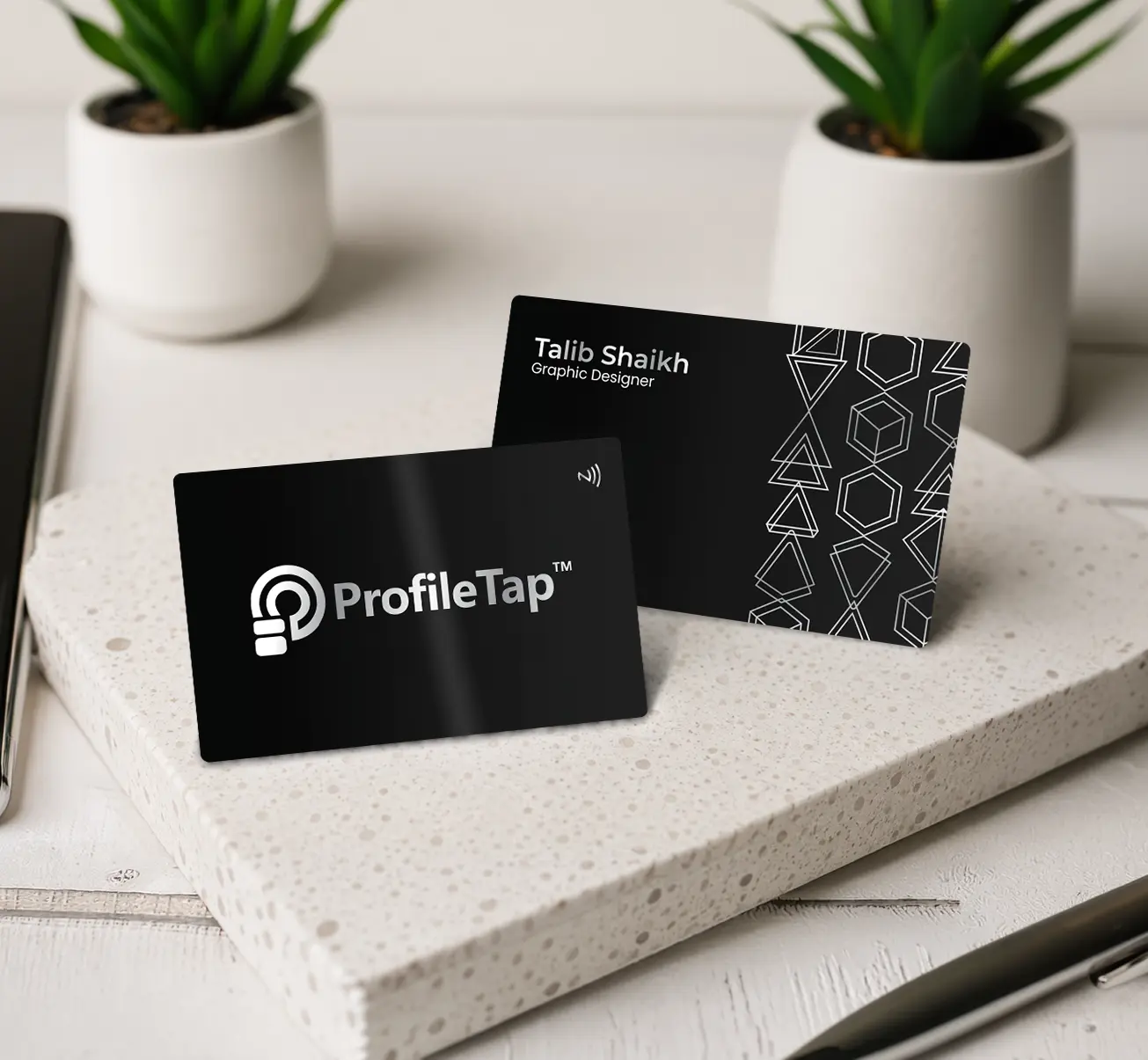
Put your QR (and tap-to-share NFC) on a durable card — pay once, update forever.
Every ProfileTap qr visiting card opens your full digital profile the moment someone scans it — no app, no typing, and it works on every phone. Pick the finish that fits you: each qr business card is a one-time price with a free-forever profile and 7 years of Pro included, so you can share and scan business card details in a single motion.
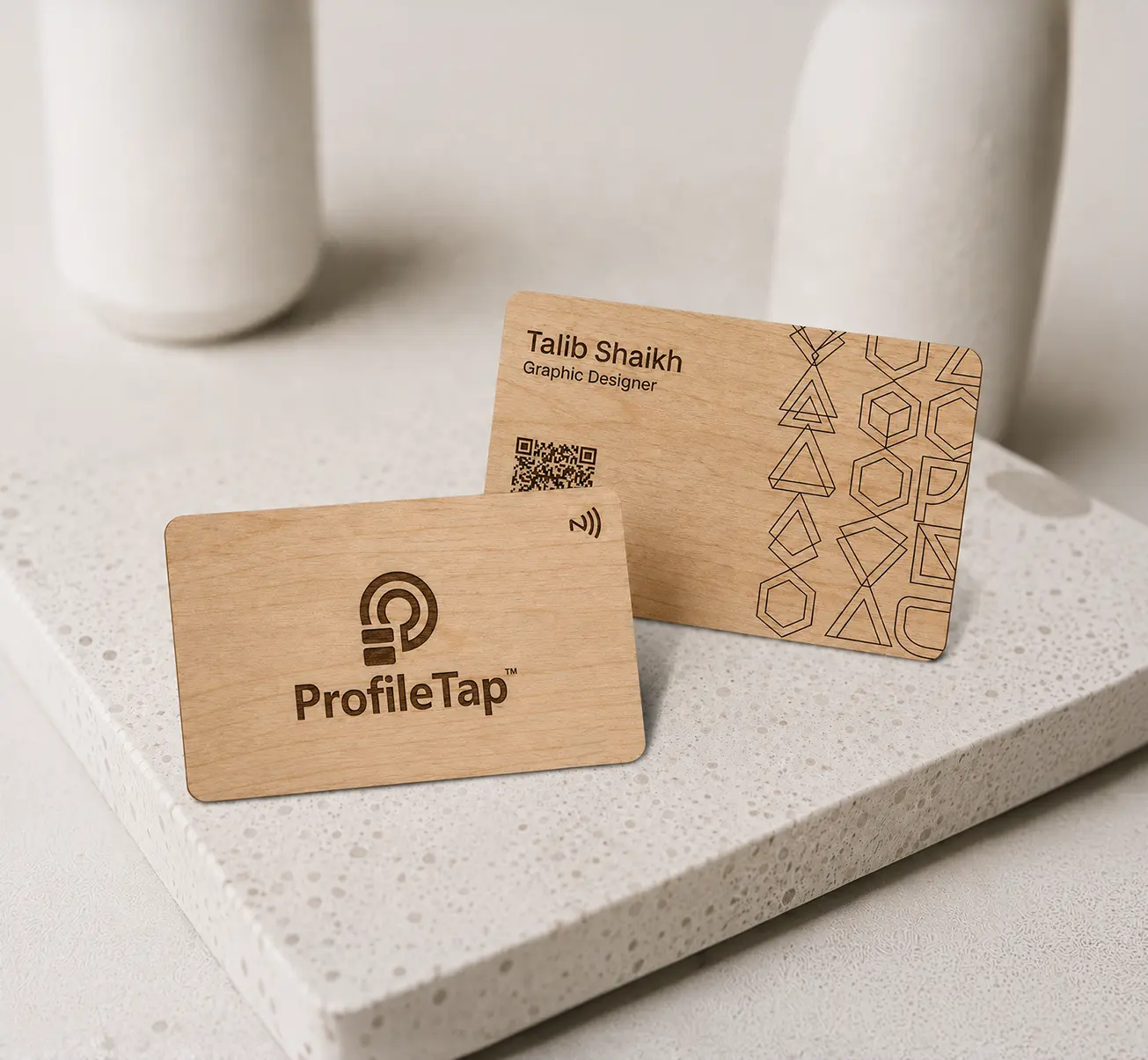
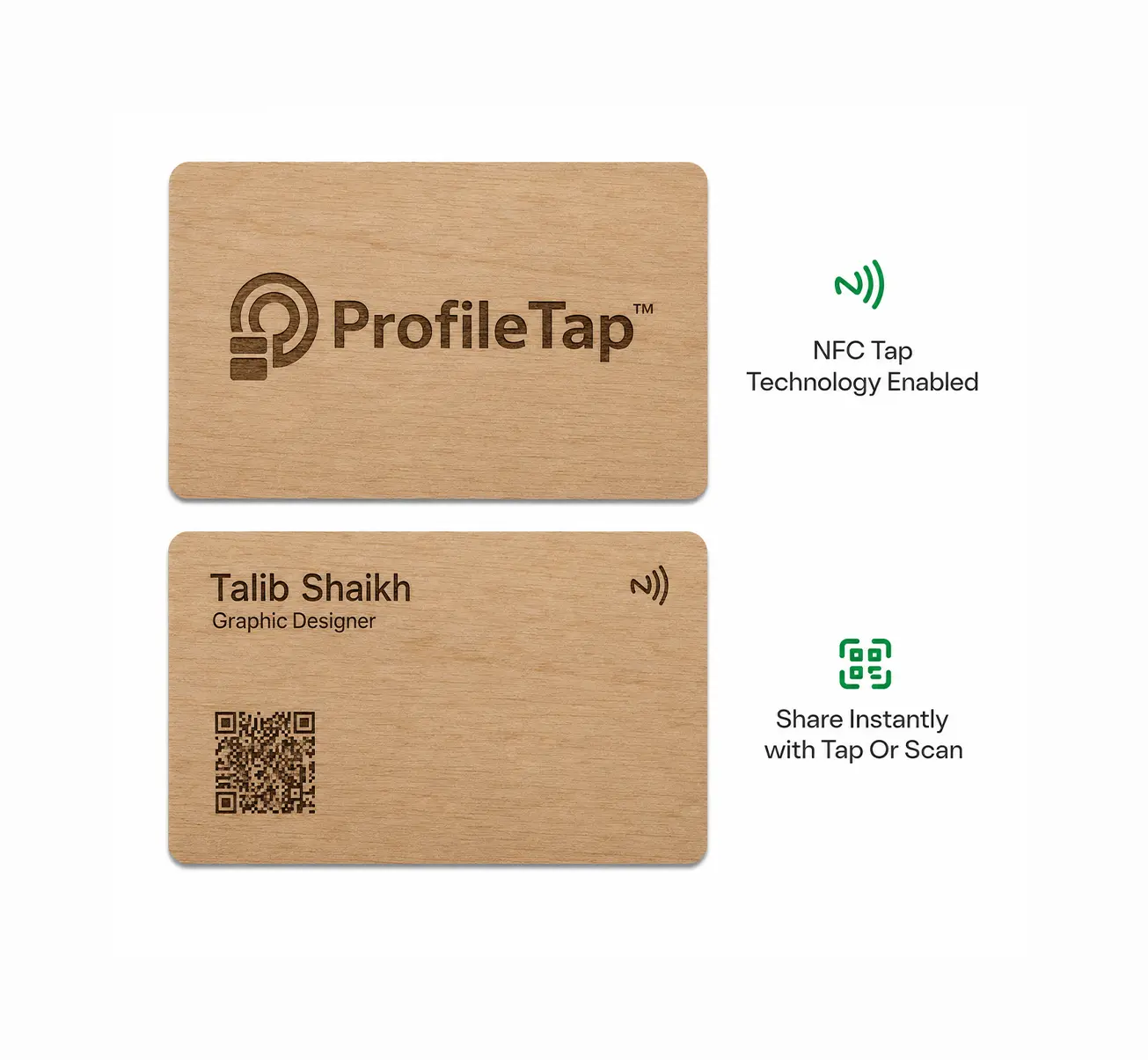
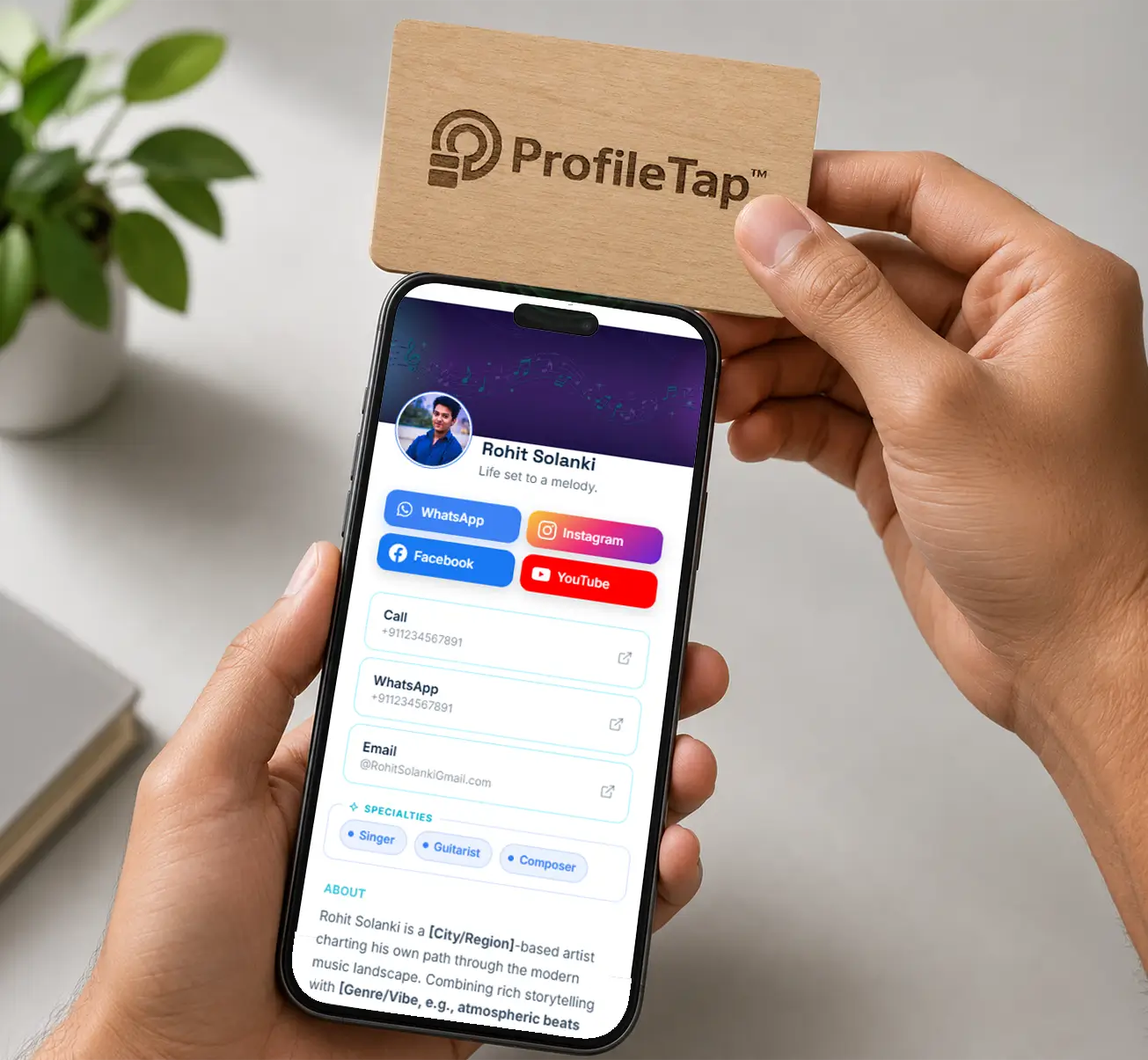
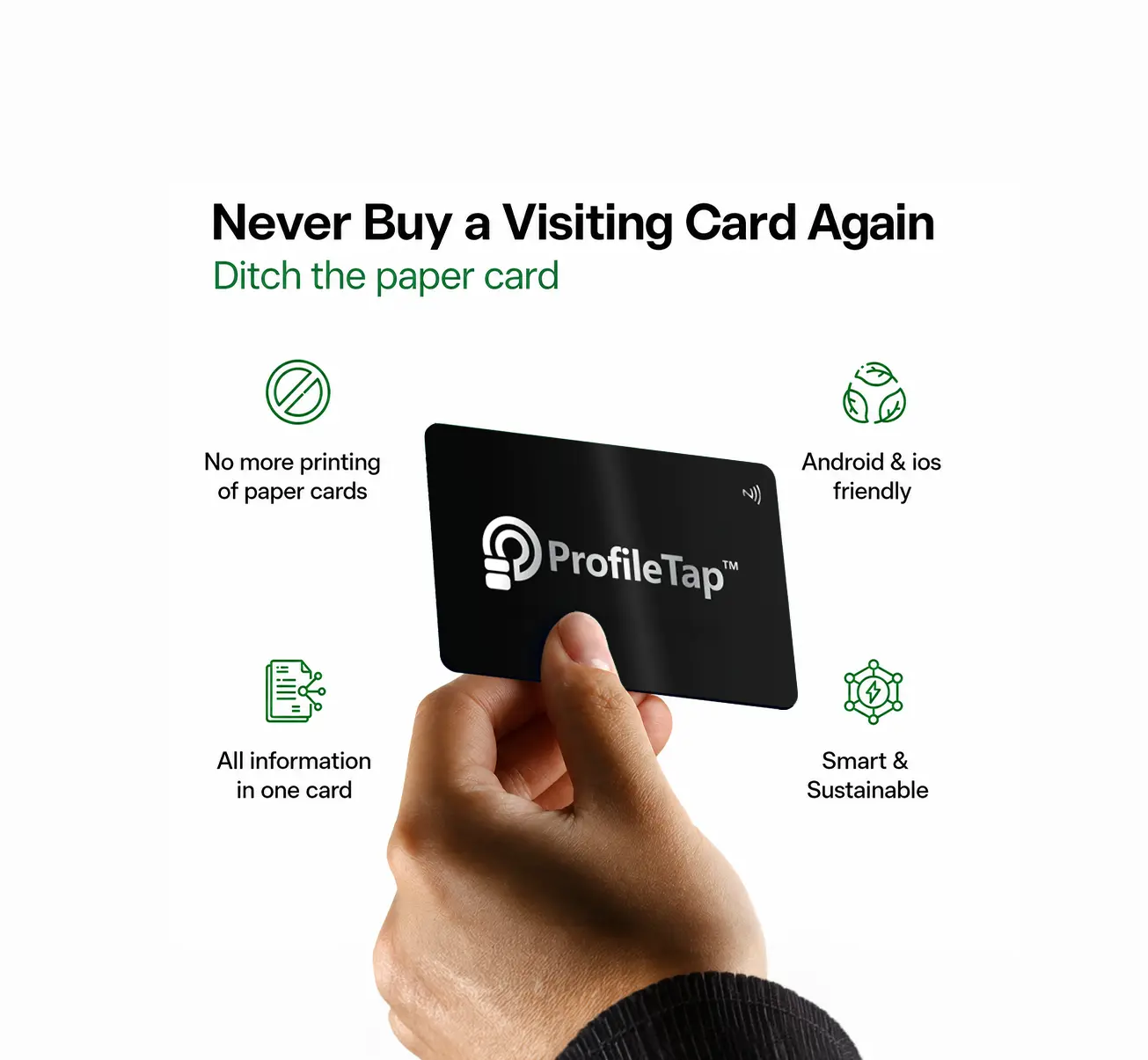
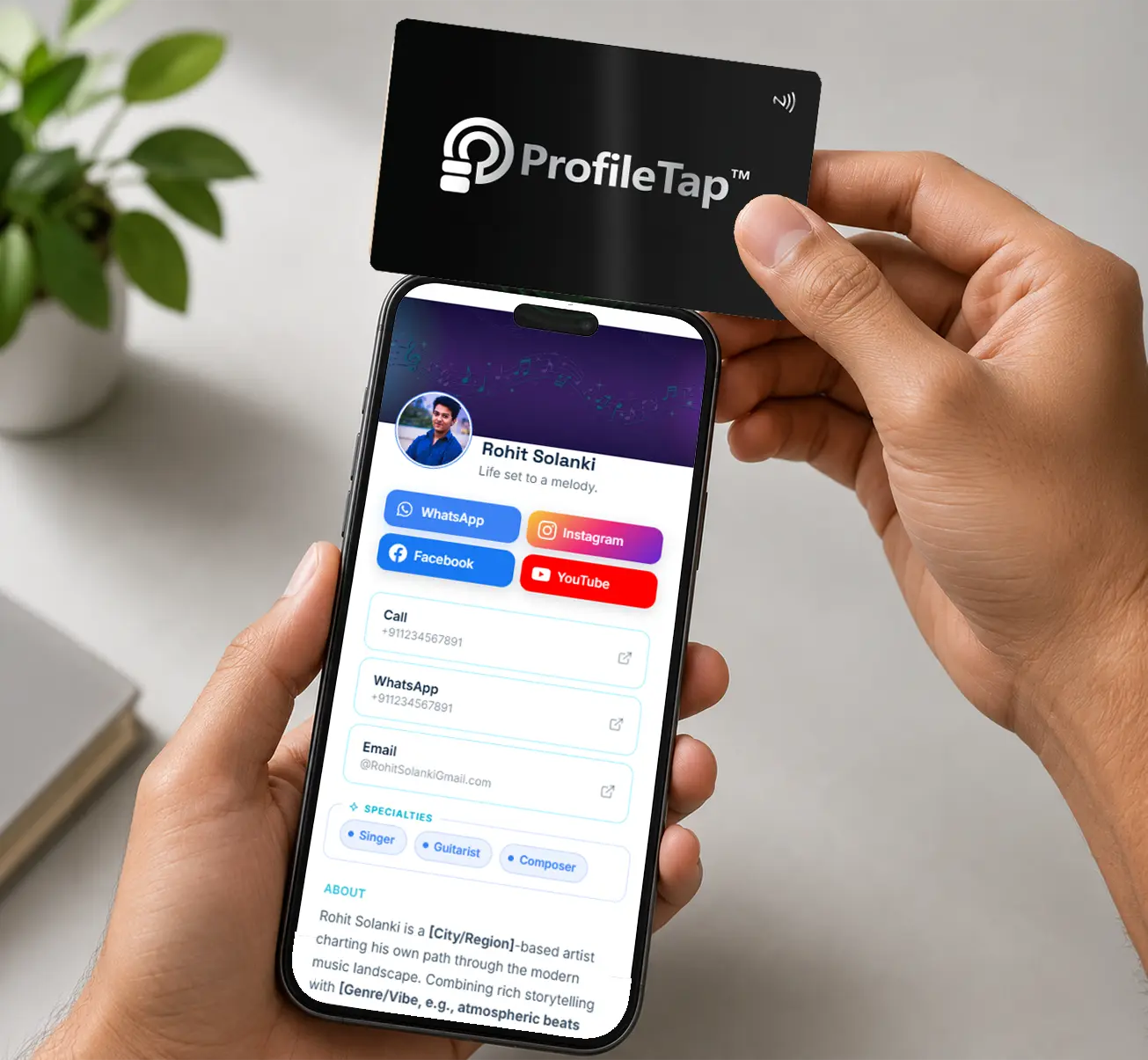
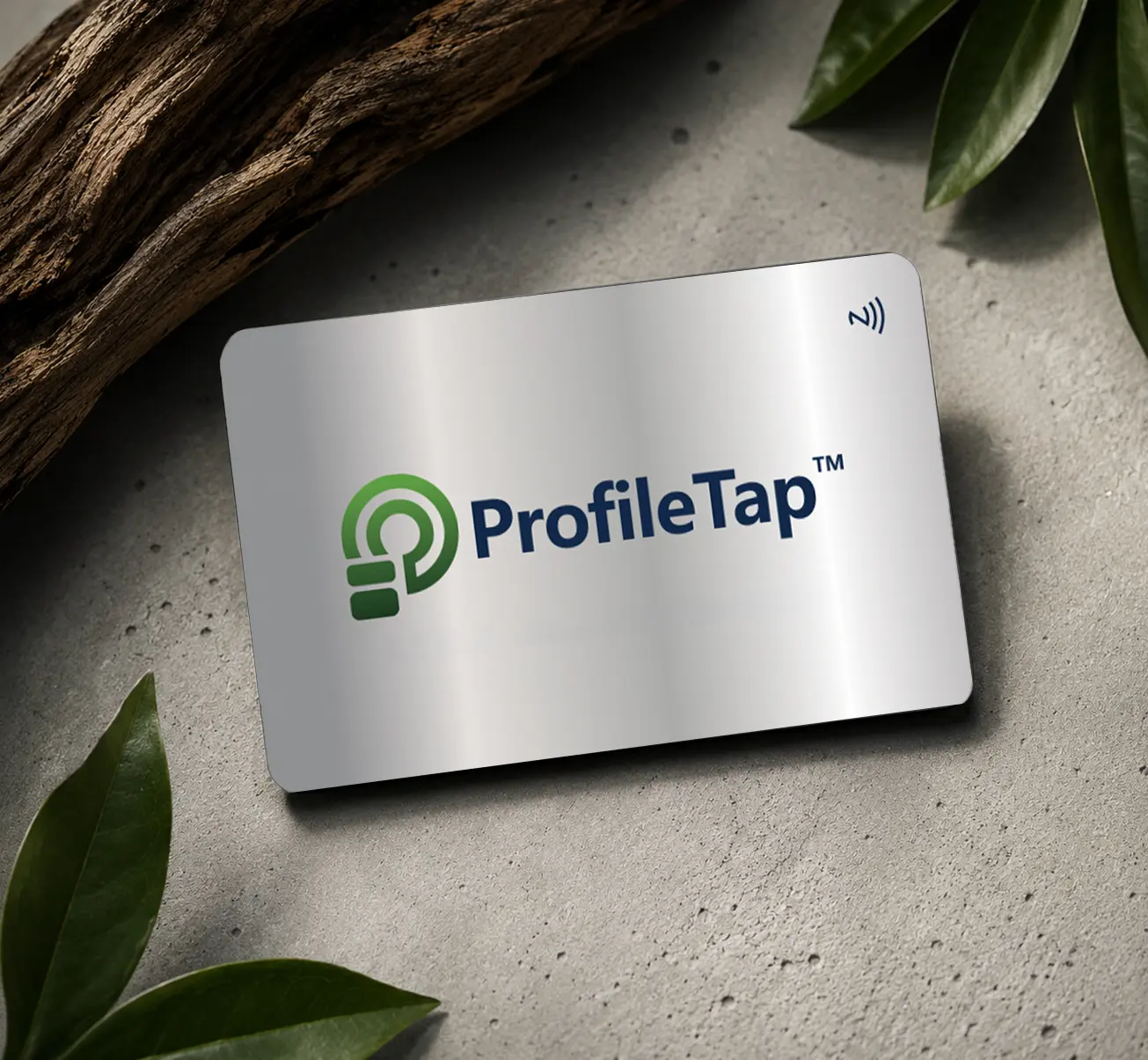
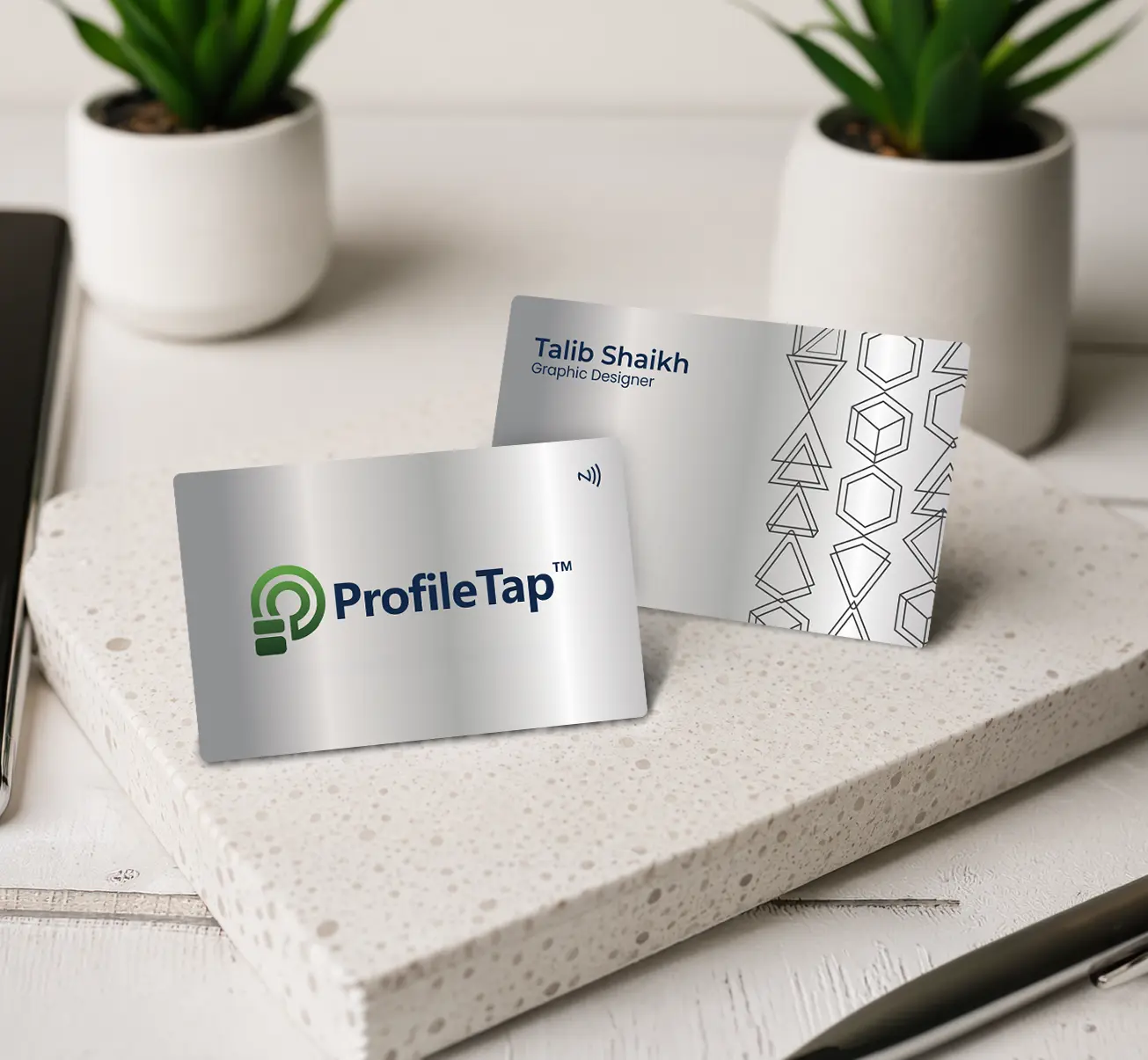
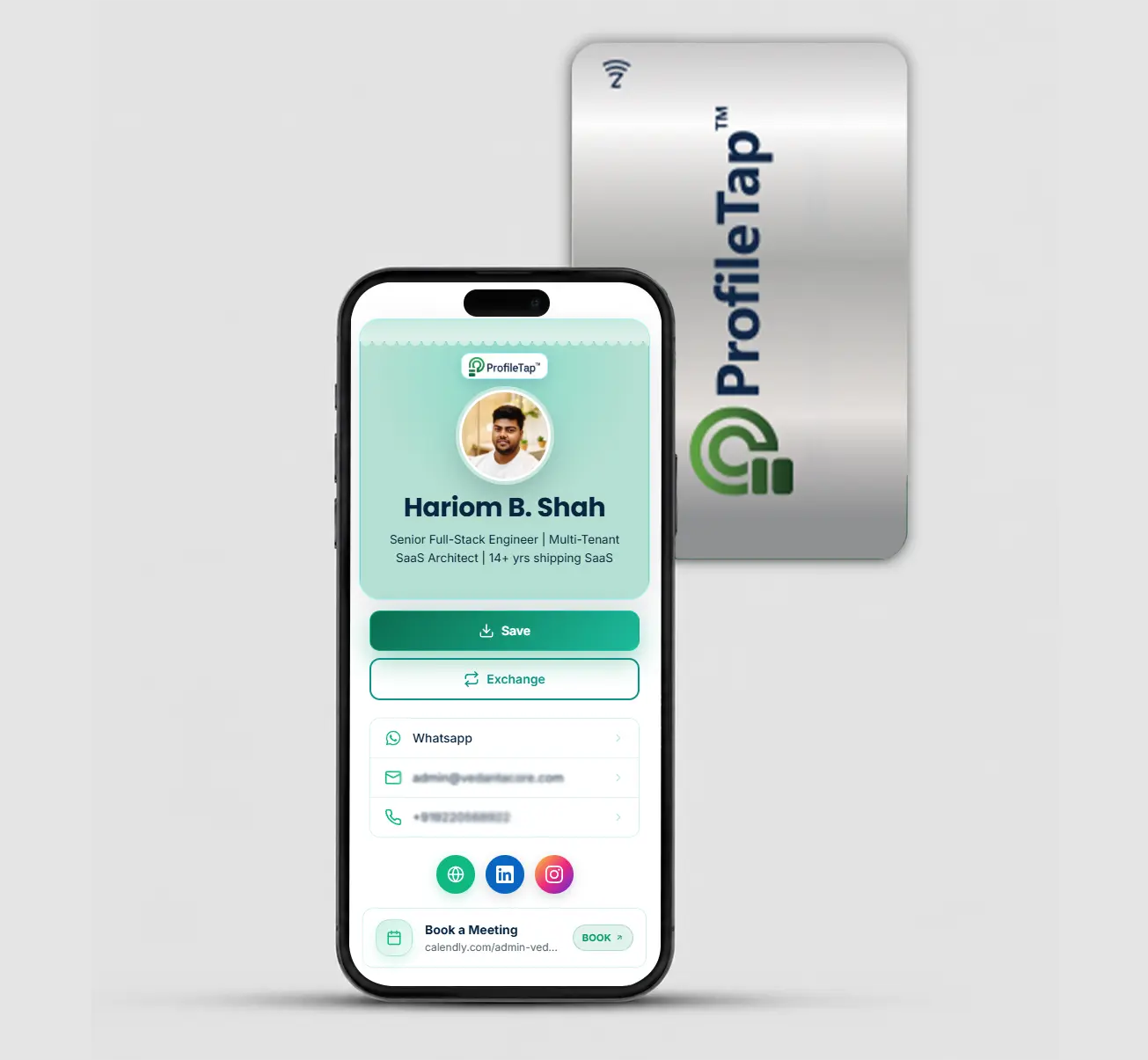
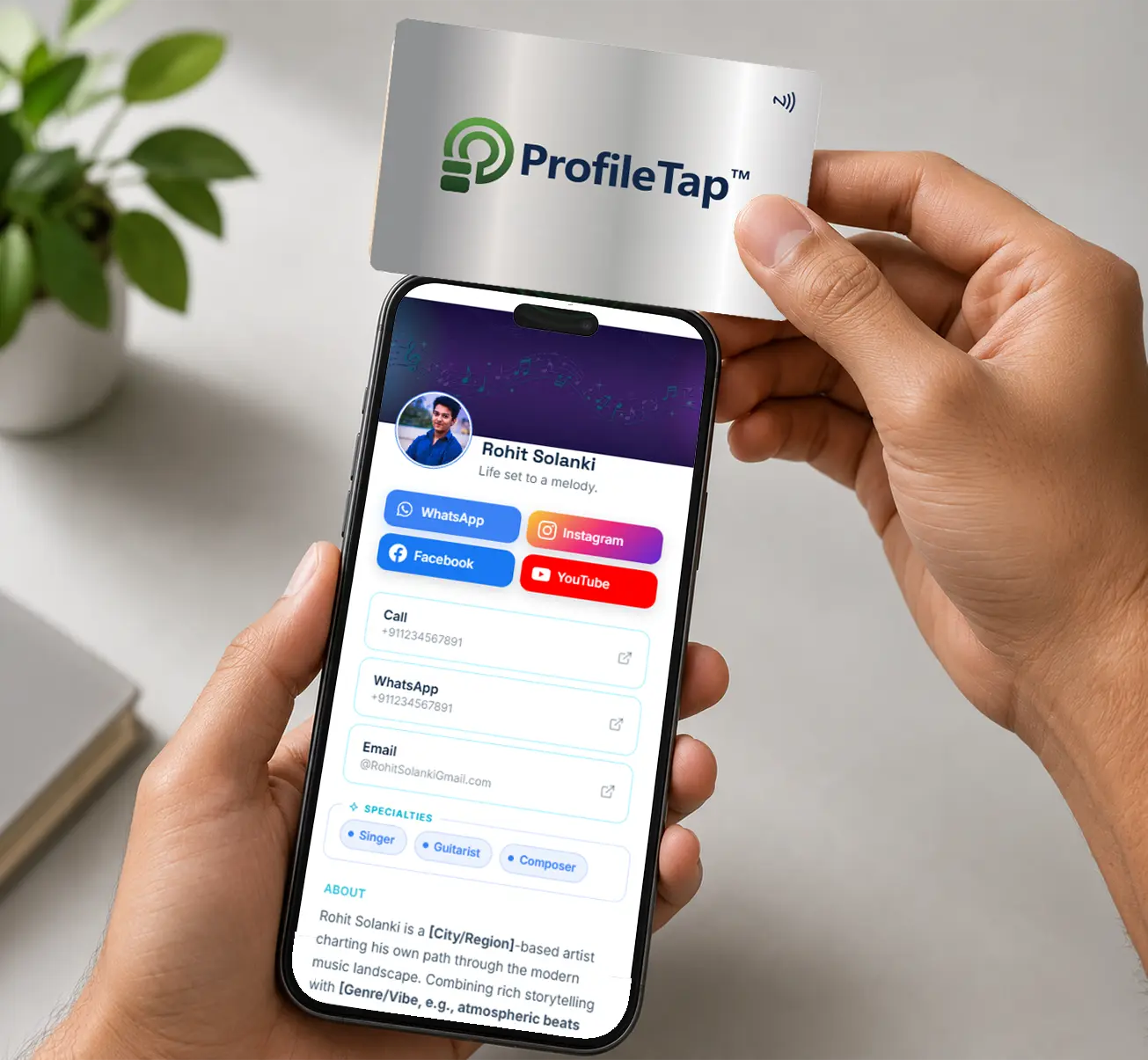
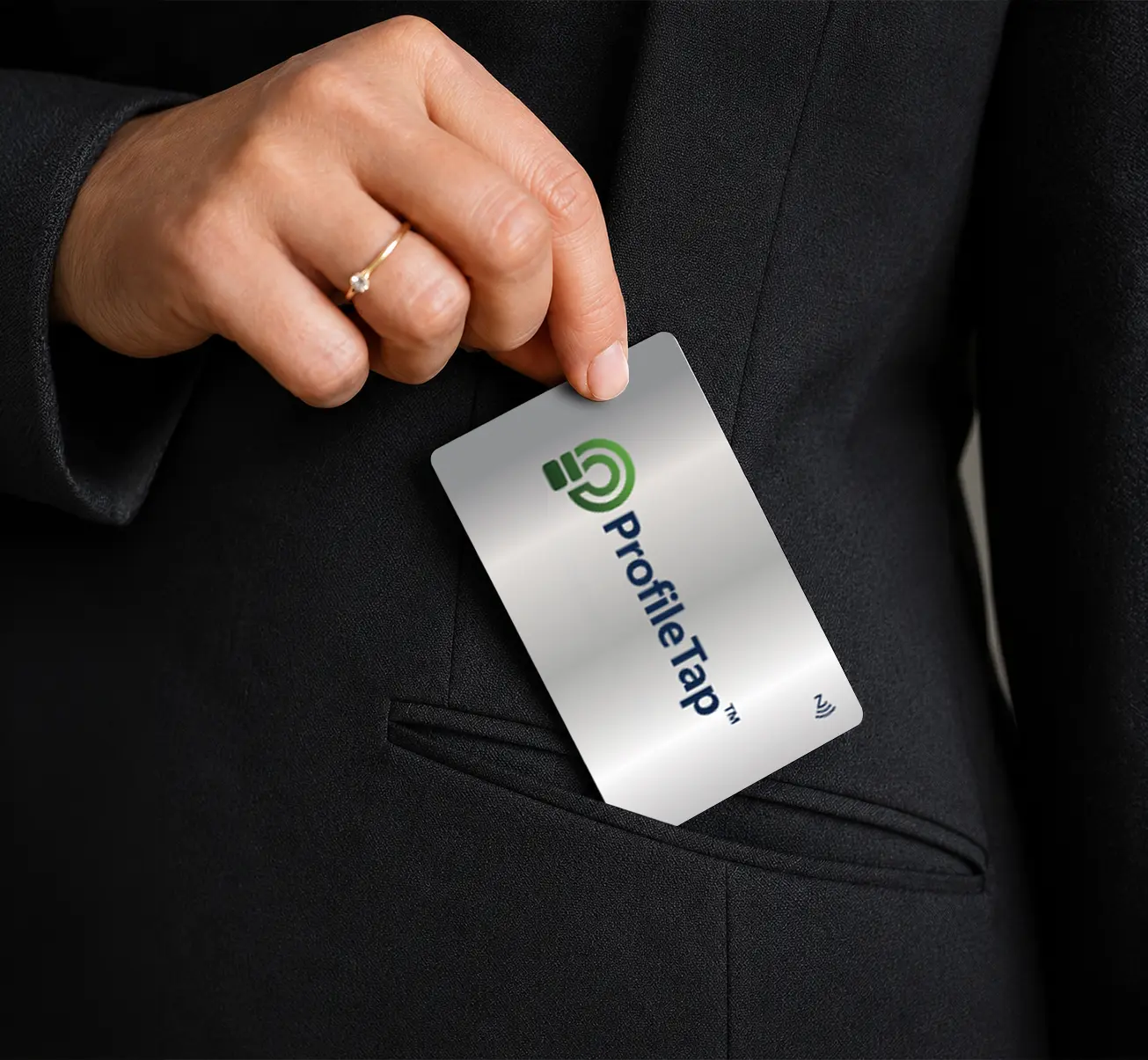
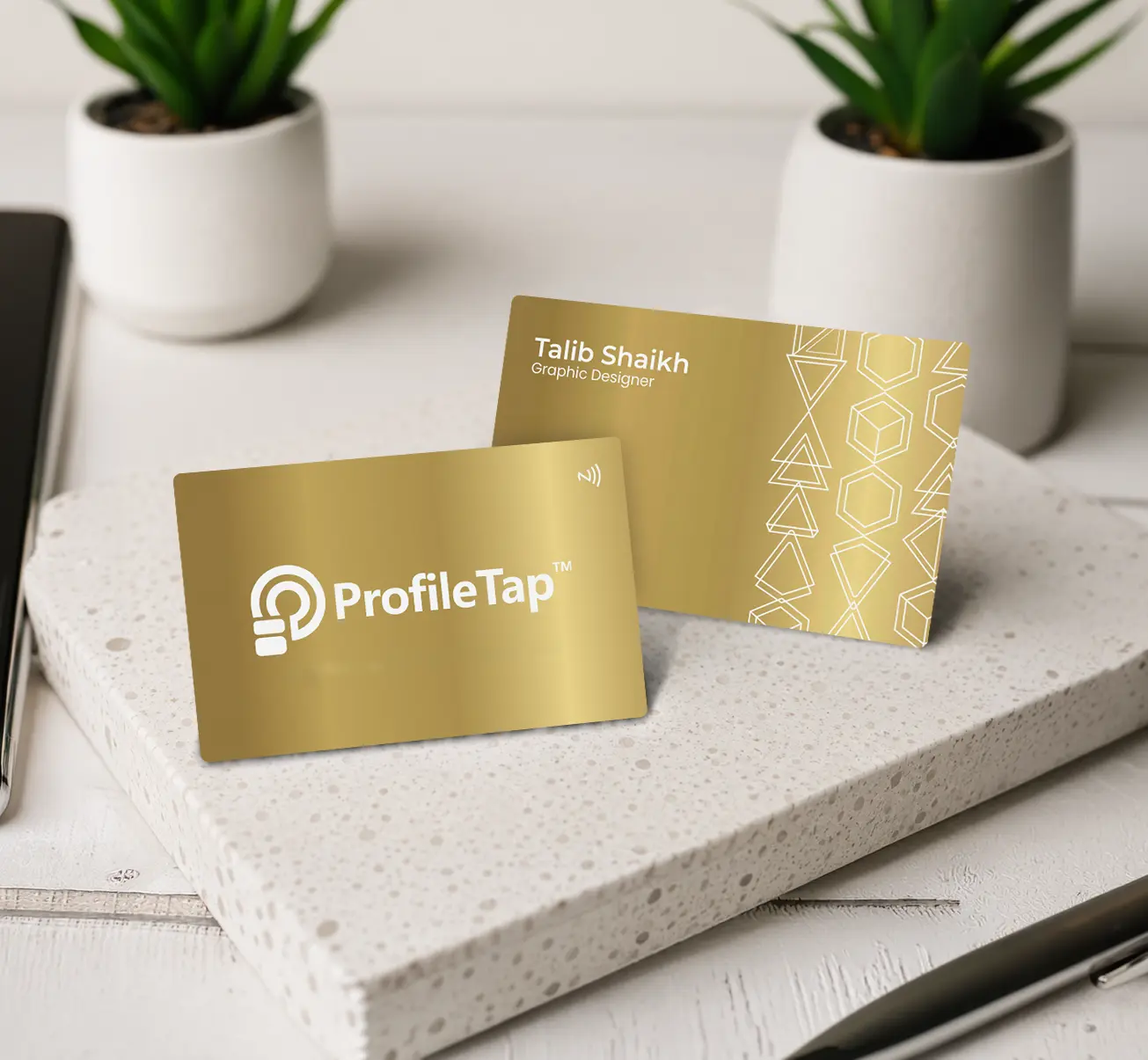
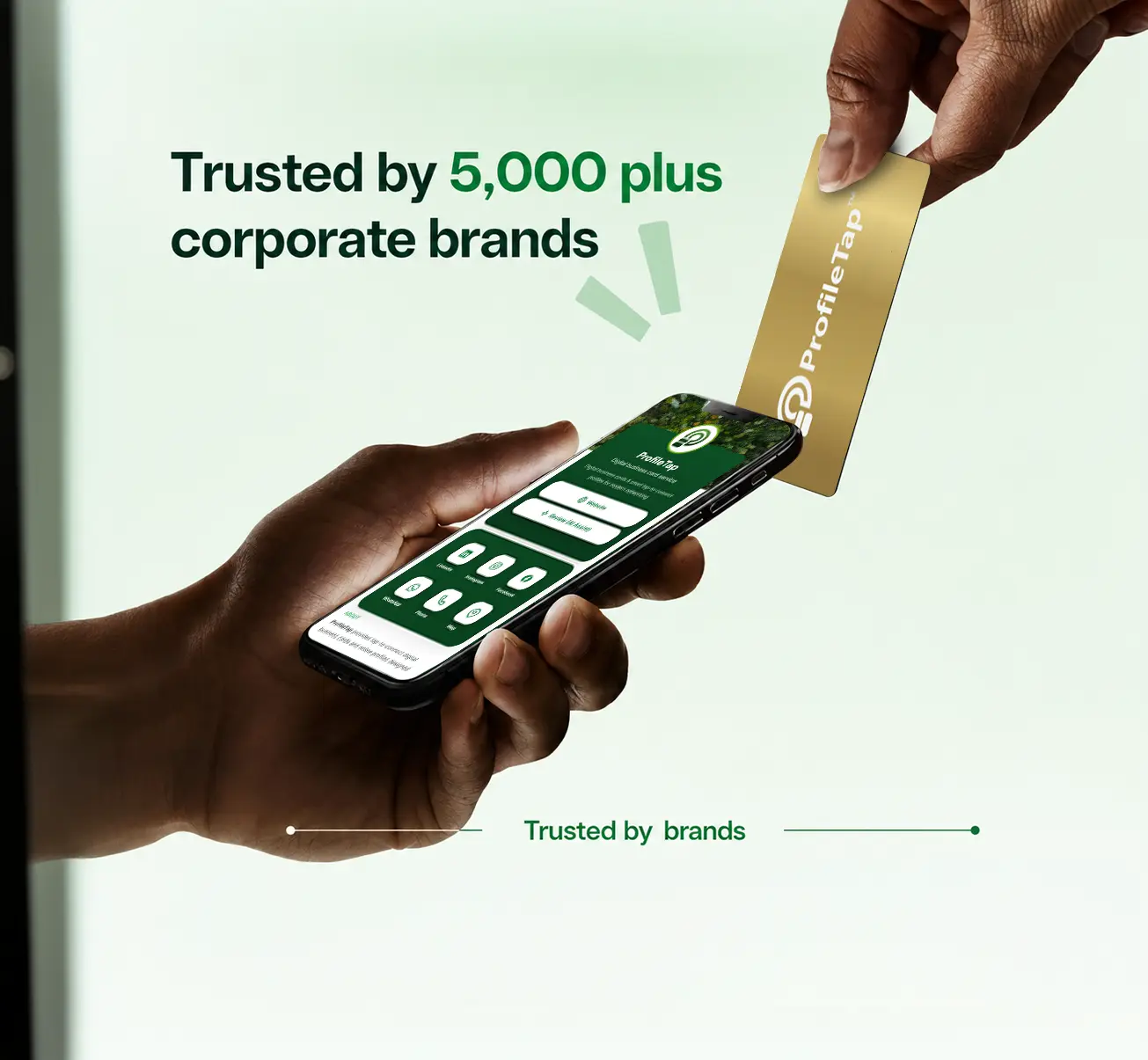
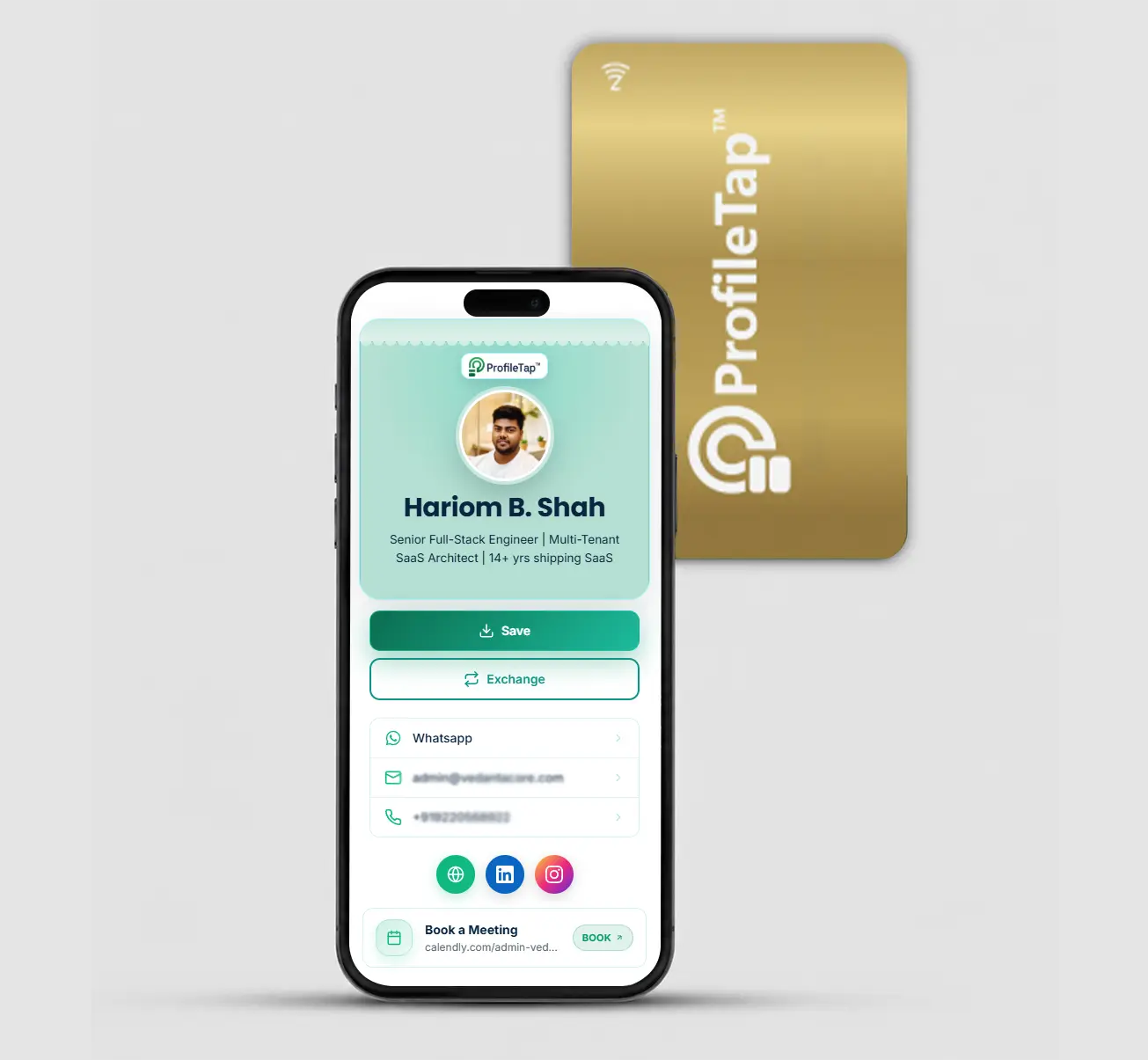
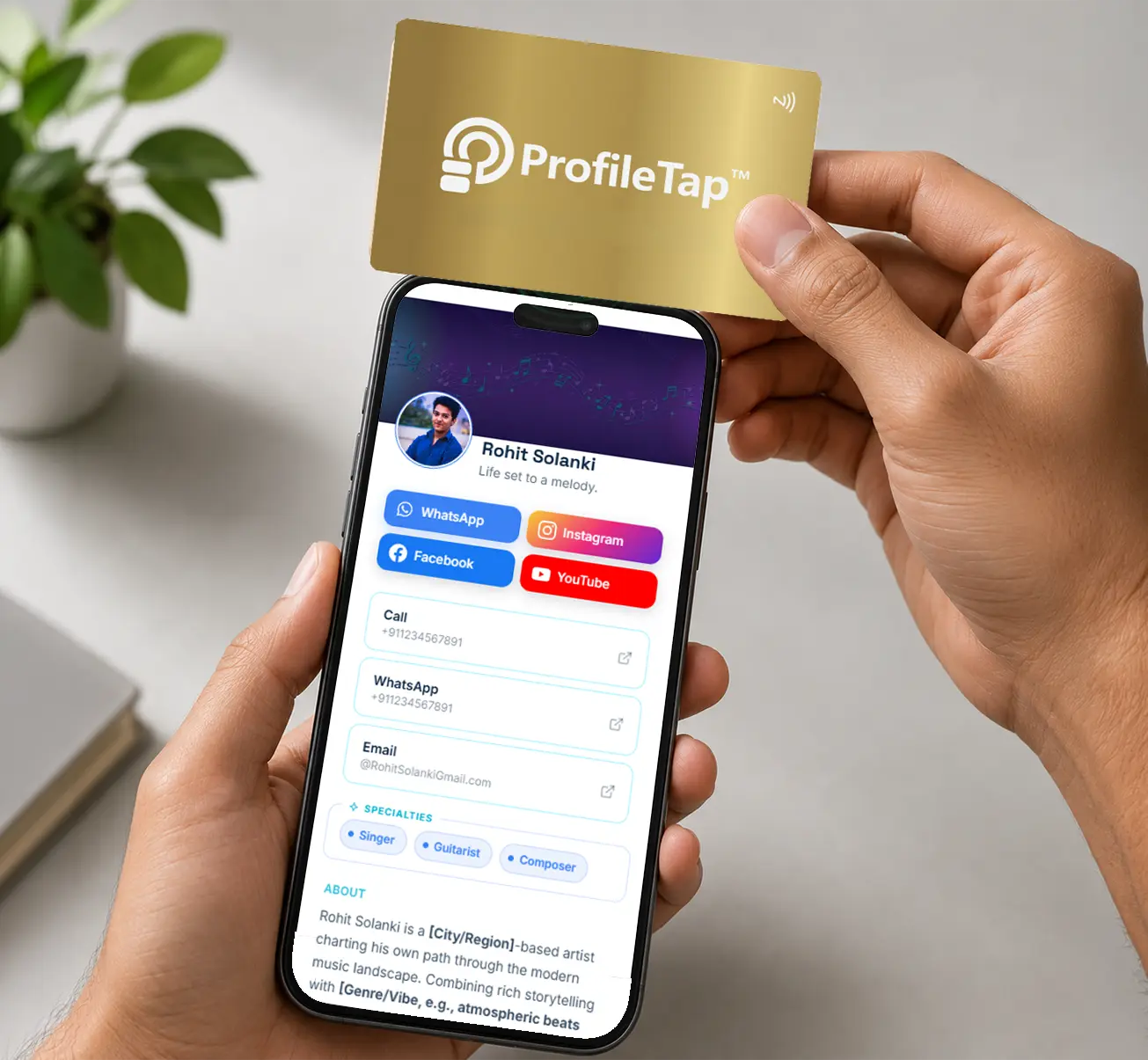
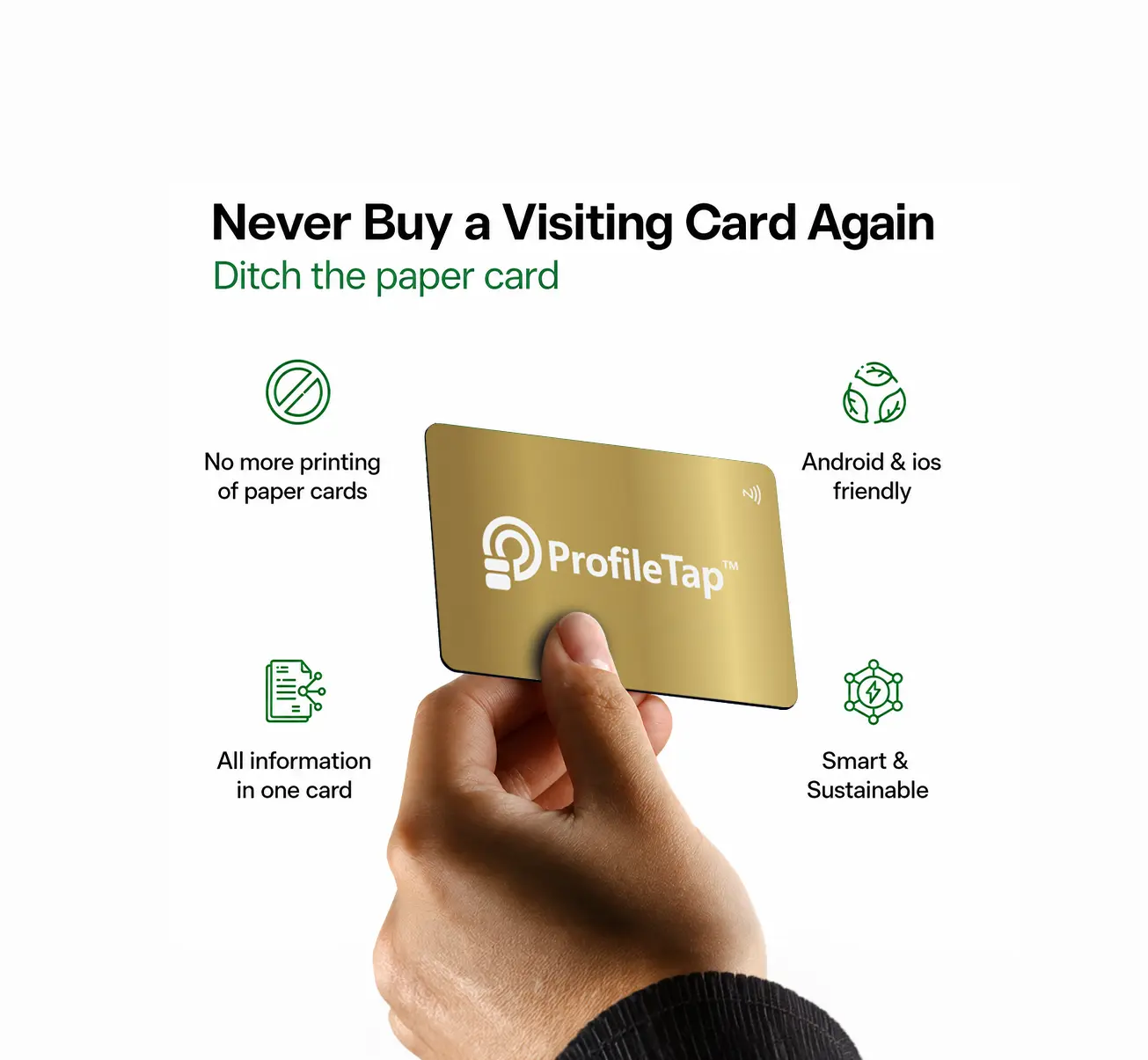
How a scan-based card compares with an NFC-only card and an ordinary printed card. ProfileTap cards include both QR and NFC, so you get the universal reach of a scan plus a one-tap option on newer phones.
A scannable business card puts your entire profile behind one QR code — point any phone's camera at it and your details open instantly, with no business card scanner app to download. ProfileTap turns a plain qrcode for business card into a live vcard qr, so a single scan drops your name, number and links straight into your contact's phone.
Order business cards with qr codes on back and share your full profile with one scan — the printed code never expires, even when your details change.
Choose everyday qr code cards or premium metal business cards with qr code — the same instant scan, built to last for years.
Every scan offers a Save Contact button, so your details land in their phonebook without a single keystroke.
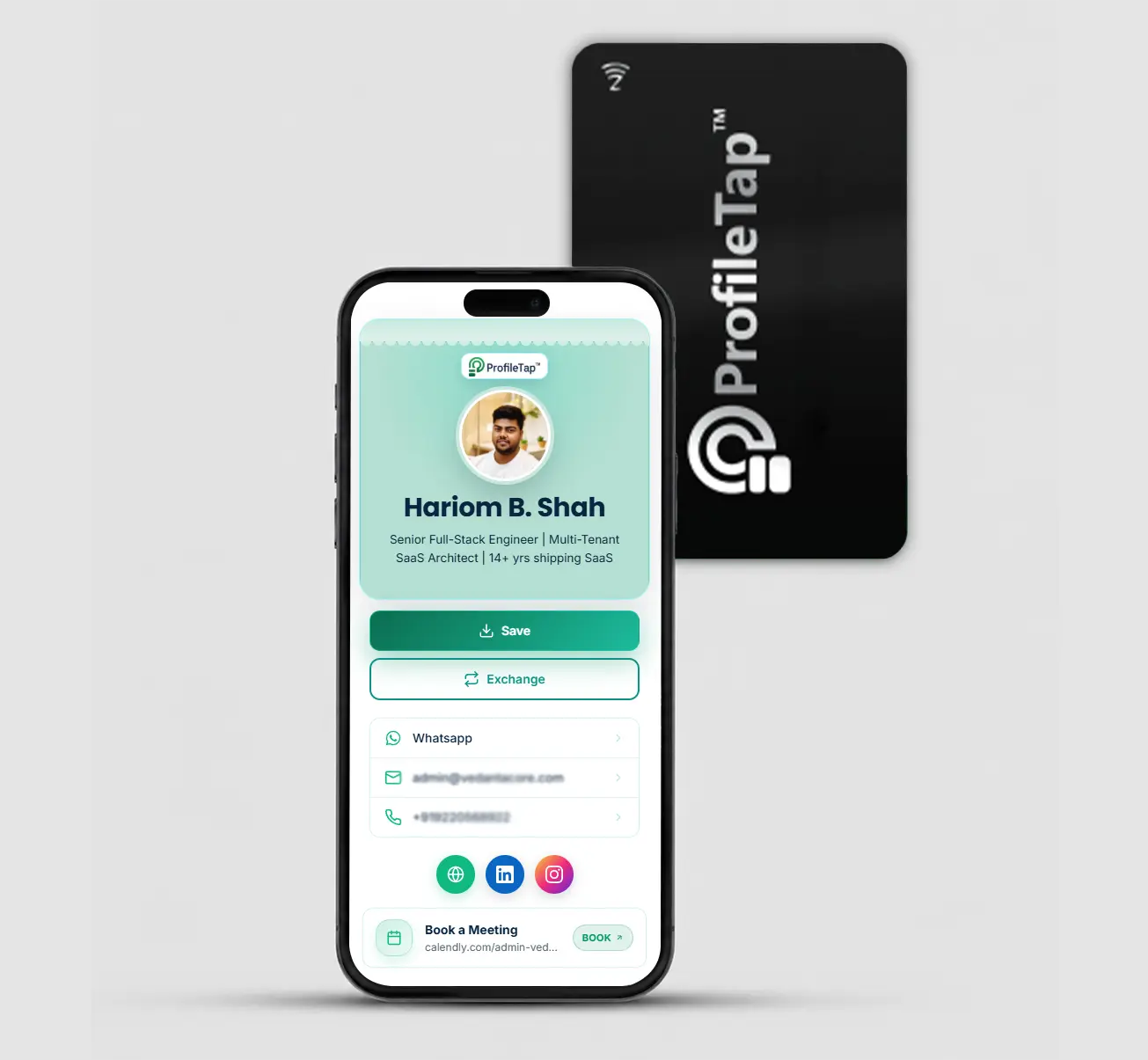
A qr business card is a profile behind a scannable code. Anyone points their phone camera at the QR and your ProfileTap profile opens in the browser — no app to install and nothing to type. Because it's a scan, it works on 100% of phones, including older ones without NFC.
Yes. ProfileTap is a free qr code business card maker — create your profile in minutes, get your QR instantly, and share it from your phone or add it to a printed card. A free-forever plan covers the basics.
NFC works by tapping the card to a newer phone; QR works by scanning a code with the camera, so it opens on every phone — even older handsets. ProfileTap cards include both, so you're never stuck. Read our NFC vs QR business card guide to see which suits you.
No. Neither side needs an app. A ProfileTap qr visiting card opens in the phone's browser — just scan and your profile appears instantly.
Yes. Your details live online, so you can change your number, role or links anytime and the same QR always shows the latest — no reprinting.
The digital qr business card is free. A printed card with your QR and NFC is a one-time purchase — PVC or metal — each with a GST invoice and no monthly fee. See the live price when you choose your card.
You don't need a separate business card scanner — any phone camera scans the QR and opens your live vCard instantly. Point the camera, scan, and your ProfileTap profile appears in the browser with a Save Contact button. No scanner app, and nothing to type.
Yes. A printed QR on the back of a PVC or metal card opens your full profile the moment it's scanned. It's the simplest way to add business cards with qr codes on back to stationery you already hand out — and the code stays live even after your number or role changes.
A vcard qr is a QR code that loads your contact card (vCard) instantly — your name, number, email and links save to the other person's phone in a single tap, with no typing.
You do not need a separate tool. Building your ProfileTap profile gives you the QR automatically, so there is no need to generate qr code business card files yourself, and no third-party qr code business card creator or vcard qr code creator to sign up for. The difference matters: a QR made by a generator points at fixed text, while yours points at a live profile you can edit any time.
Create a free digital QR in minutes, or order a printed QR + NFC card — pay once and start sharing with a scan today.
One-time payment · no monthly fee · GST invoice · ships across India.