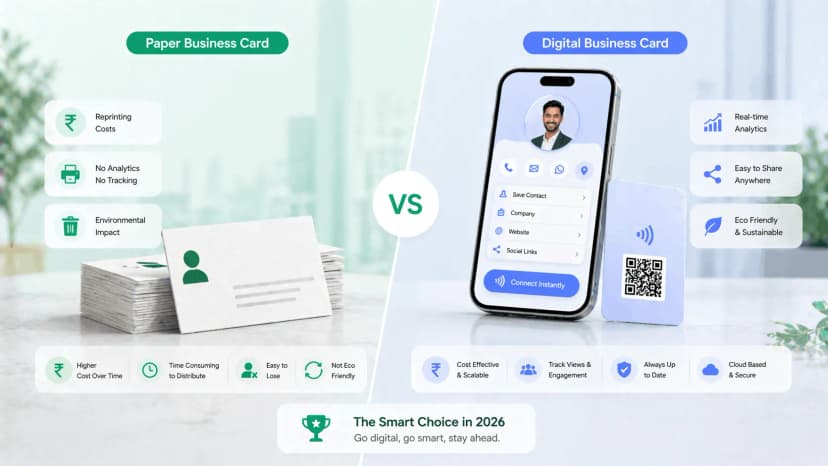
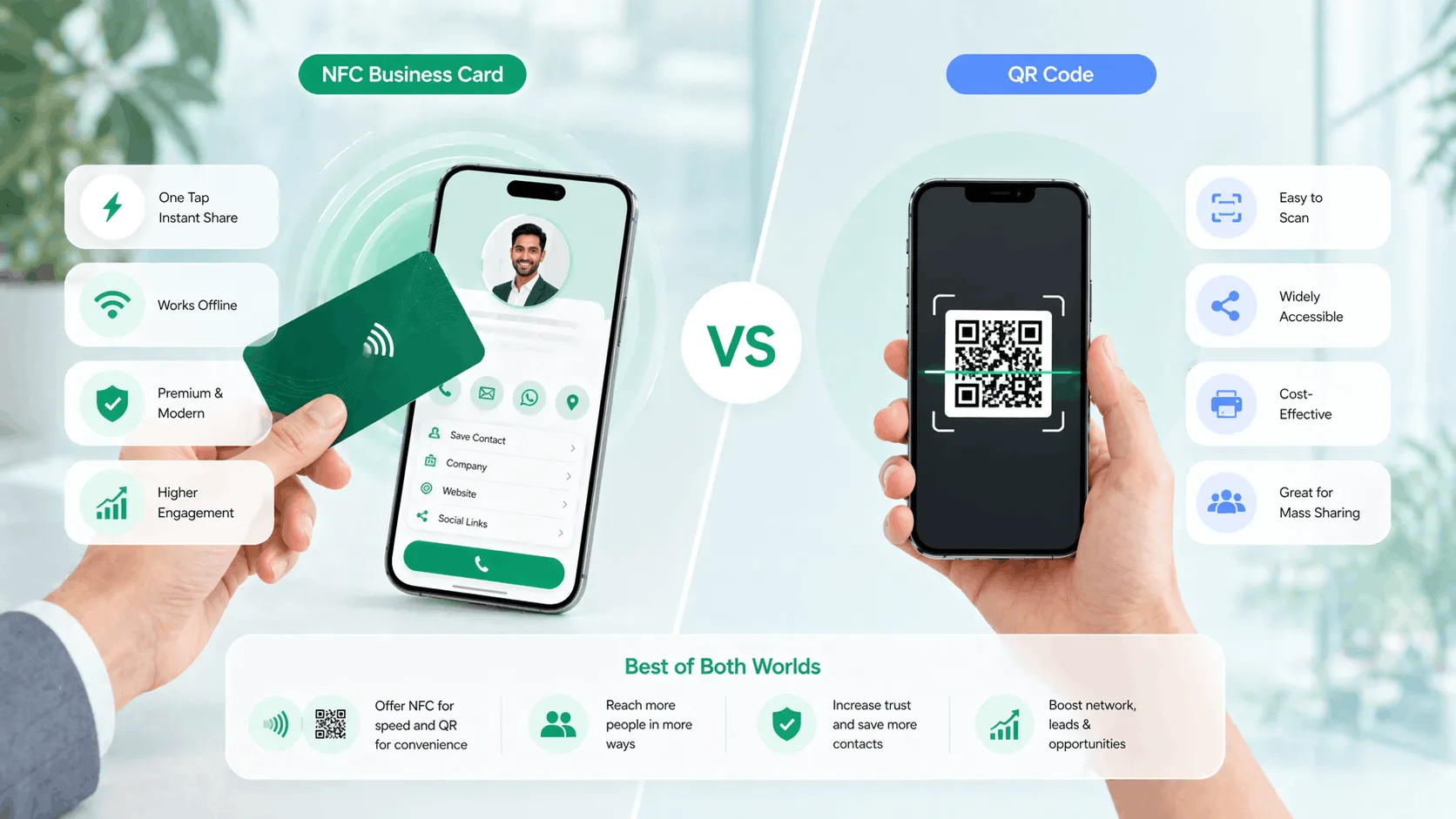
NFC business card vs QR code: an NFC card shares your profile with a tap and feels premium in person; a QR code shares the same profile with a camera scan and works in print, on screens and over WhatsApp, where there is nothing to tap. For most professionals the right answer is a card that carries both, but if you have to choose, the decision comes down to where you meet people and what phones they carry. If you are exploring an NFC business card in India, here is the comparison, criterion by criterion, and a four-step way to decide.
TL;DR
- NFC wins face to face: under two seconds, no camera, no typing.
- QR wins everywhere you cannot tap: print, video calls, email signatures, older phones.
- Both open the same editable profile, so there is no version to keep in sync.
- A card with a chip and a printed QR covers both, which is why the debate is mostly a false choice.
Before you start
NFC stands for Near Field Communication, the same technology behind contactless payments. An NFC business card is a physical card with a chip that, tapped against an NFC-enabled phone, opens your digital profile in the recipient's browser with no app, no scan and no typing. A QR code business card is the same profile behind a scannable code that can be printed on a card, saved as an image, added to an email signature or shown on a screen. Neither carries data that can be used up: every tap or scan loads the current version of the profile, so a changed number updates everywhere at once. If you are comparing either against a printed card, NFC card vs visiting card covers that.
What you need to decide
- Where you meet most new contacts: in a room, on a call, or through print and messages.
- What phones your contacts carry; field sales in smaller towns skews older than a Mumbai boardroom.
- Whether you want analytics on who opened the profile and how.
Step 1: Compare them criterion by criterion
| Feature | NFC business card | QR code business card |
|---|---|---|
| Phone compatibility | NFC-enabled phone: most Android since 2015, iPhone 7 and newer | Any phone with a camera from the last eight years |
| Sharing method | Physical tap, card to phone | Camera scan, or a link sent digitally |
| Works without internet | Partial; the tap works, the profile needs data to load | Partial; the scan works, the profile needs data to load |
| Profile always up to date | Yes | Yes |
| Shareable on WhatsApp or email | No; needs the physical card | Yes; image or link |
| Works on screens, posters, print | No | Yes |
| Analytics on opens | Yes | Yes |
| Speed in person | Under two seconds | Five to ten seconds; camera, lighting, focus |
| Perceived professionalism | High; feels like premium tech | Medium to high; familiar and trusted |
| Cost | Higher upfront; a physical card with a chip | Low; the code itself is free to generate |
Step 2: Check where your contacts actually come from
NFC shines in physical, in-person settings. At events like TiE Mumbai, CII summits or startup meetups, an NFC tap takes under two seconds while pulling out a camera to scan takes five to ten, and across thirty conversations in an evening that adds up. Across a boardroom table, tapping your card onto a decision-maker's phone starts the conversation differently from sliding paper across, and your profile, with company details, portfolio links and a direct contact button, is already open on their screen. A real estate agent in Pune showing ten properties a week, or a consultant in Hyderabad meeting new clients daily, removes the paper-card-to-contacts step entirely. Every card in the NFC cards collection carries a printed QR code too, so you get both methods on one card.
QR codes have one advantage NFC cannot match: they work where physical contact is impossible. On a Zoom or Google Meet call you can show the code on screen or drop the link in chat, and the other person can screenshot it and scan it later from the image. Printed on a prescription pad, a reception standee, a shop counter or a brochure, a QR code turns every piece of print into a contact point. As an image in an email signature or a WhatsApp status, it turns every outbound message into a networking opportunity. And in field sales or semi-urban professional networks, where a meaningful share of phones still lack NFC, QR remains the more inclusive option.
Step 3: Check the phones on the other side
NFC tap works on Android phones from roughly 2015 onward and on iPhone 7 and newer; turning on NFC on Android is a one-time toggle some people have never flipped. If your contacts are mostly urban professionals on recent phones, NFC is reliable. If they are not, the printed QR on the same card is the fallback, so no contact is lost either way.
The step people get wrong
Treating NFC vs QR code as either-or and buying a chip-only card with no printed code. The first time a contact's phone will not tap, you are back to reading your number out loud. A card that carries both costs nothing extra in effort and removes the failure case.
Step 4: Decide, and set up one profile for both
Framed as NFC vs QR business card the question sounds binary; in practice the professionals who convert best use both from a single profile. ProfileTap gives you NFC sharing and QR sharing on one digital profile with one URL, so whether someone taps your card, scans your code or clicks a link you sent on WhatsApp, they land on the same up-to-date page and every open feeds the same analytics. Tap at a conference, show the code on a call, drop the link in a LinkedIn message: no duplicate profiles, no version mismatch.
Honest comparison
Where an NFC card earns its cost
- You meet most contacts face to face and speed matters
- The premium feel of the tap is part of the impression you want to make
- You hand out a lot of cards and want the recipient to save you without typing
- You want both methods on one card anyway, since every NFC card ships with a printed QR
Where QR alone is enough
- Most of your sharing is remote: calls, email, WhatsApp, where there is nothing to tap
- Your contacts are on older or budget phones without NFC
- You want the code on print, standees, packaging or a screen
- You want zero upfront cost; the QR code is free
Common mistakes
Three ways people get this wrong
- Running two separate profiles, one for the tap and one for the code, and letting them drift apart.
- Printing the QR code too small to scan on a card the size of a credit card; it needs clear margins.
- Choosing the card body before the sharing method; the chip and the code work in metal or PVC alike, so pick the method first and the material second.
You're done
Whichever side of QR vs NFC card you land on, one profile with every sharing method built in makes the choice stop mattering. Set it up in under ten minutes, update it any time, and track every view and tap on the NFC business card for India. To go deeper, read how to make a digital business card, paper vs digital business card and metal vs PVC NFC card.