.webp&w=3840&q=75 "Best Digital Business Card for Doctors in India")
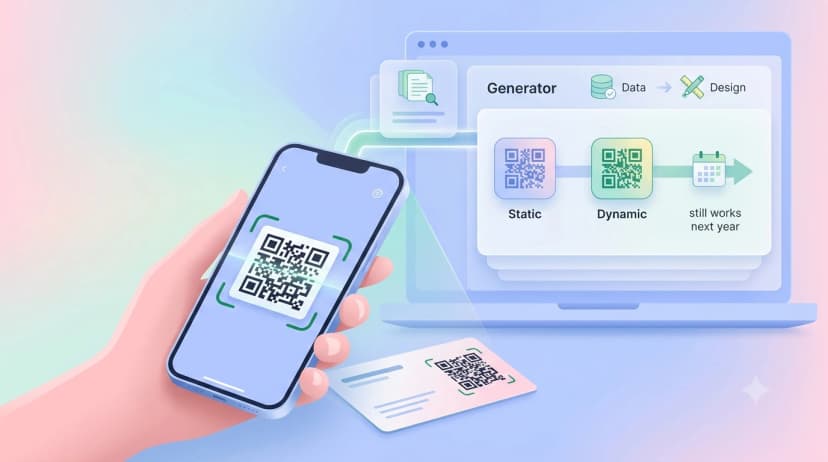
Here is how doctors use digital visiting cards in practice: they share one tap-or-scan profile with patients, referring doctors and the front desk, carrying booking links, clinic hours and a Google review prompt, all editable in seconds. A cardiologist hands it over on rounds, a clinic keeps it at reception, and a GP sends it on WhatsApp after a referral. Patients look a doctor up on Google before booking, and the profile behind the card is what shapes that first impression. When you are ready to set one up, the digital business card for doctors page walks through it.
Key takeaways
- A doctor's profile needs a professional contact and WhatsApp button so the personal number stays off patient phones.
- Multi-location hours and a booking link matter more than design.
- A direct Google review link at reception is the simplest way to grow reviews without asking face to face.
- Patients need no app; the profile opens in any phone browser from a QR, link or tap.
Why doctors in India need a digital business card
Medical practice in India is referral-driven and multi-location. A cardiologist in Chennai may consult at three hospitals and run a private clinic; a GP in Lucknow receives referrals from physiotherapists, labs and pharmacists across the city. Managing that with a paper card, or by sharing a personal WhatsApp number with every contact, creates privacy risk and stale information.
Referral management
When a specialist shares a profile instead of a card, every GP or hospital contact who has it sees current availability, clinic addresses and booking details. No reprint when a clinic moves.
Patient privacy and yours
Most doctors share a personal mobile number because it is the default. A profile lets you publish a dedicated professional contact and a WhatsApp business button instead, so patients reach the practice through a professional channel and your personal number stays off hundreds of patient phones and groups.
Google reviews
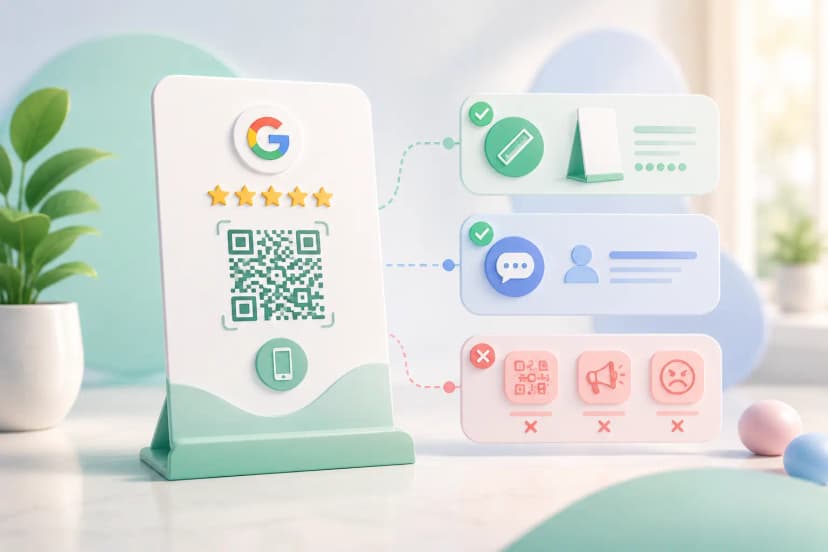
Most doctors know reviews matter and struggle to ask consistently. A profile with a one-tap review link makes it frictionless: patients scan a QR at reception, tap the link and leave a rating in under a minute. The Google review card for doctors is built for exactly this.
What a doctor's digital business card should include
| Field | Essential or optional | Why it matters |
|---|---|---|
| Full name with Dr. and specialisation | Essential | First thing a patient checks |
| Degrees and NMC registration number | Essential | Credibility and trust |
| Clinic or hospital names and addresses with Maps links | Essential | Patients need to find you |
| Consultation hours per location | Essential | Avoids the which-clinic-today call |
| Professional contact number and WhatsApp button | Essential | Keeps the personal line private |
| Direct Google review link | Essential | Review growth without asking |
| Booking link (Practo or clinic site) | Essential | Turns a view into an appointment |
| Languages spoken | Optional | Matters in metro cities with migrant populations |
| Hospital affiliations and procedures performed | Optional | Helps referring doctors |
| Patient education links and a professional photo | Optional | Trust before the first visit |
Features doctors should look for
Review collection tools that send patients straight to your Google Business Profile review page, prompted at the right moment: after a consultation, via a QR at reception, or through a follow-up link. A separate professional contact so your personal number stays personal. QR sharing on a reception standee, the back of a prescription sheet or a clinic screen, so any patient reaches the profile without NFC or an app. Profile analytics that show how many people viewed the profile and from which channel, so you know whether the referral network is active and whether the reception QR is doing anything. Multi-location profiles with accurate hours per site.
Setting it up
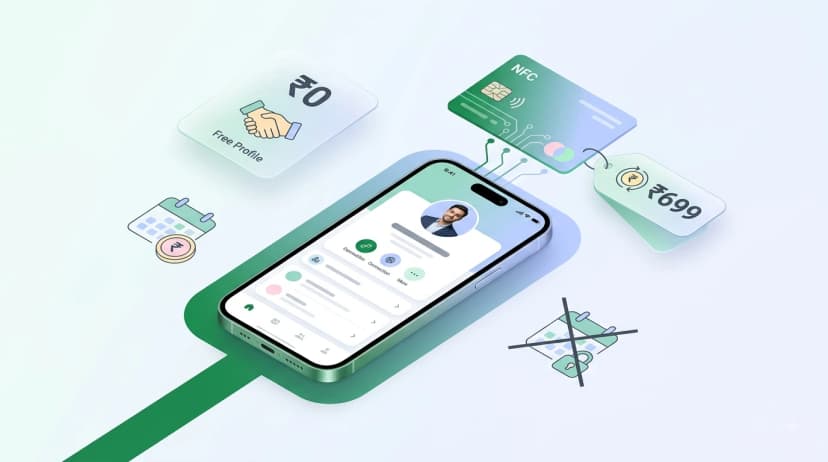
Setting up a professional doctor's profile on ProfileTap takes under 15 minutes. Create the profile with name, title, specialisation and registration number, and add a professional photo. Add each clinic location with address, professional number, hours and a Maps link. Add the WhatsApp business button, the booking link and the direct Google review link. Pick a clean theme suited to healthcare. Then share it: a QR standee at reception, an NFC card for conferences and referral meetings, the link in your email signature and WhatsApp status. Watch the analytics for views and use the review tools after consultations.
Where it earns its keep
At a conference, a specialist taps the card to every GP met and they save a WhatsApp business contact that shows both clinics and the hospital consulting hours. At a solo practice, a QR standee at reception links straight to the review page and patients scan it while waiting, so review requests happen without the doctor asking anyone. At a dental clinic, the QR sits at the bottom of the post-procedure care sheet, so the patients who had a good experience are prompted at the moment they are most likely to act.
Get started
ProfileTap gives doctors in India a professional profile with a WhatsApp business button, QR sharing, review collection tools and analytics in one place. Set it up once and let it work at every patient touchpoint. Create your free digital business card for doctors.