
NFC tag uses range from small everyday ideas, like sharing your Wi-Fi with a tap, to real business tools, like collecting Google reviews at the counter or sharing your contact without a paper card. An NFC tag is a tiny chip in a sticker, card or keyring that a phone reads when you hold it close. This post covers practical ideas for home, car and business, and explains when you need an NFC tag app and when a ready-made tag saves you the setup.
Key takeaways
Blank NFC tags can trigger phone actions at home and in the car, but you program them yourself with an app.
Ready-made NFC tags, such as business cards and Google review cards, work the moment they arrive, with no app on either phone.
Most phones read NFC tags out of the box; writing your own tags usually needs a free NFC tag app.
What is an NFC tag used for?
An NFC tag holds a small piece of information, usually a link or an instruction. When a phone touches it, the phone opens the link or runs the action. There is no battery in the tag, because the phone powers the chip during the tap. If you want the full picture of the technology first, read what an NFC card is.
Uses of NFC tags fall into two groups: tags you program yourself for personal shortcuts, and tags that come ready to do one job for you or your business.
NFC tag uses at home
These ideas use blank tags or stickers that you program once and stick where you need them.
- Share your Wi-Fi: write your Wi-Fi name and password onto a tag with a free app, stick it near the router, and guests on most Android phones can tap to join without typing the password. An NFC tag for wifi is one of the most popular home uses.
- Bedside routine: tap a tag on the nightstand to set an alarm, turn on Do Not Disturb and dim the screen.
- Kitchen timer: a tag on the fridge starts your usual cooking timer.
- Leaving home: a tag by the door turns off Wi-Fi, turns on mobile data and opens your maps app.
- Shared playlists: a tag on the speaker opens a playlist for anyone in the room.
These are good nfc tag ideas to start with because they cost little and save a few taps every day.
NFC tag uses in the car and on the go
An NFC tag for car dashboards is a simple way to start your driving setup: one tap can open navigation, start your music and switch on driving focus. On the go, tags on a laptop bag or gym bag can open a checklist or start a workout tracker.
For travel, ProfileTap's travel safety kit uses QR tags instead of NFC: anyone who finds your bag scans the tag and can call or WhatsApp you.
NFC tags for business: ready-made uses
Most lists of NFC tags uses stop at everyday ideas for your own phone. Here NFC sticker uses become useful for other people too. These tags come set up, so the person who taps does not need any app.
Share your contact details
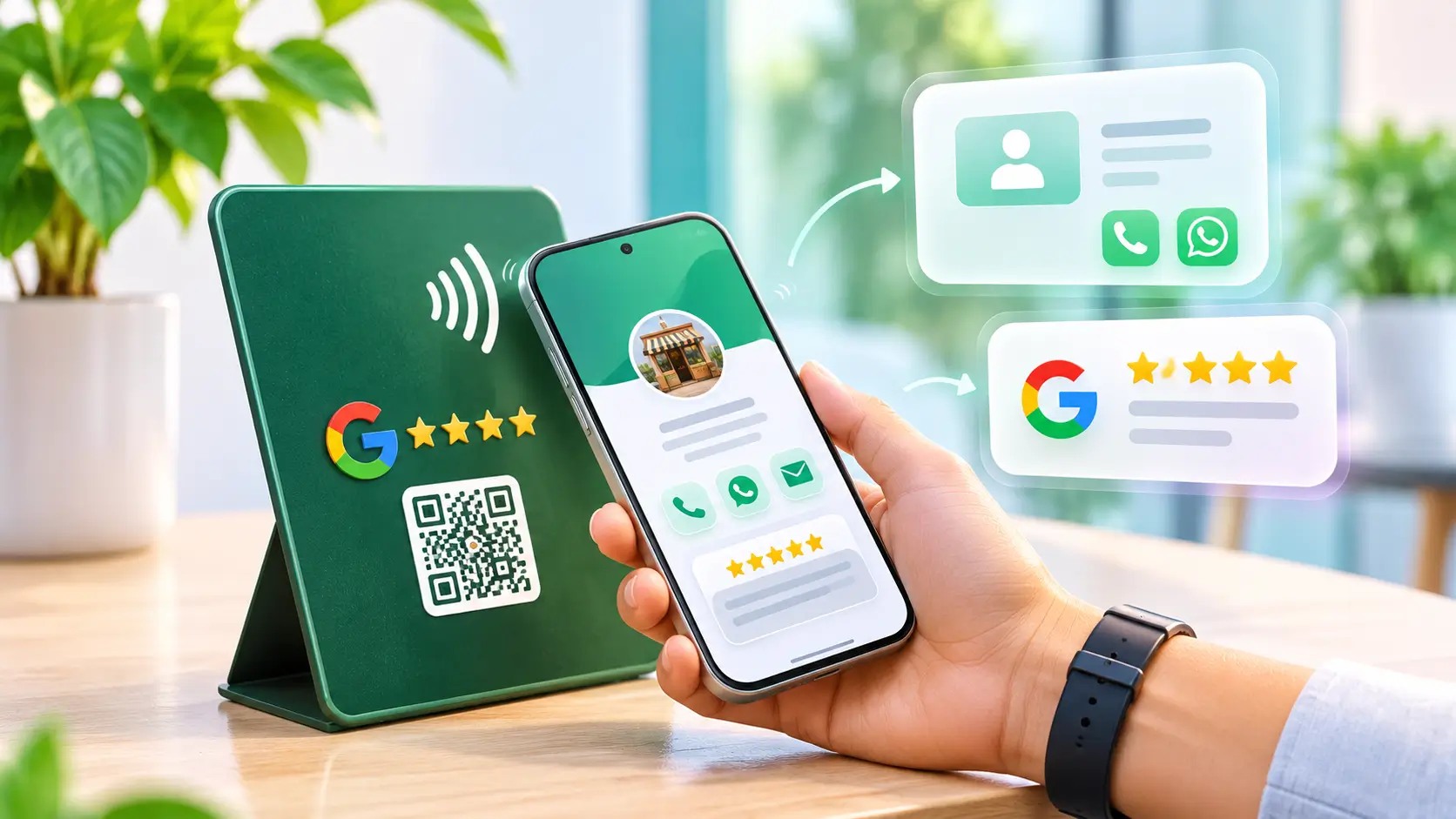
An NFC business card opens your profile with your phone, WhatsApp, links and a save contact button. You update the profile from your phone, and the card never needs reprinting. See the NFC business card range.
Collect Google reviews
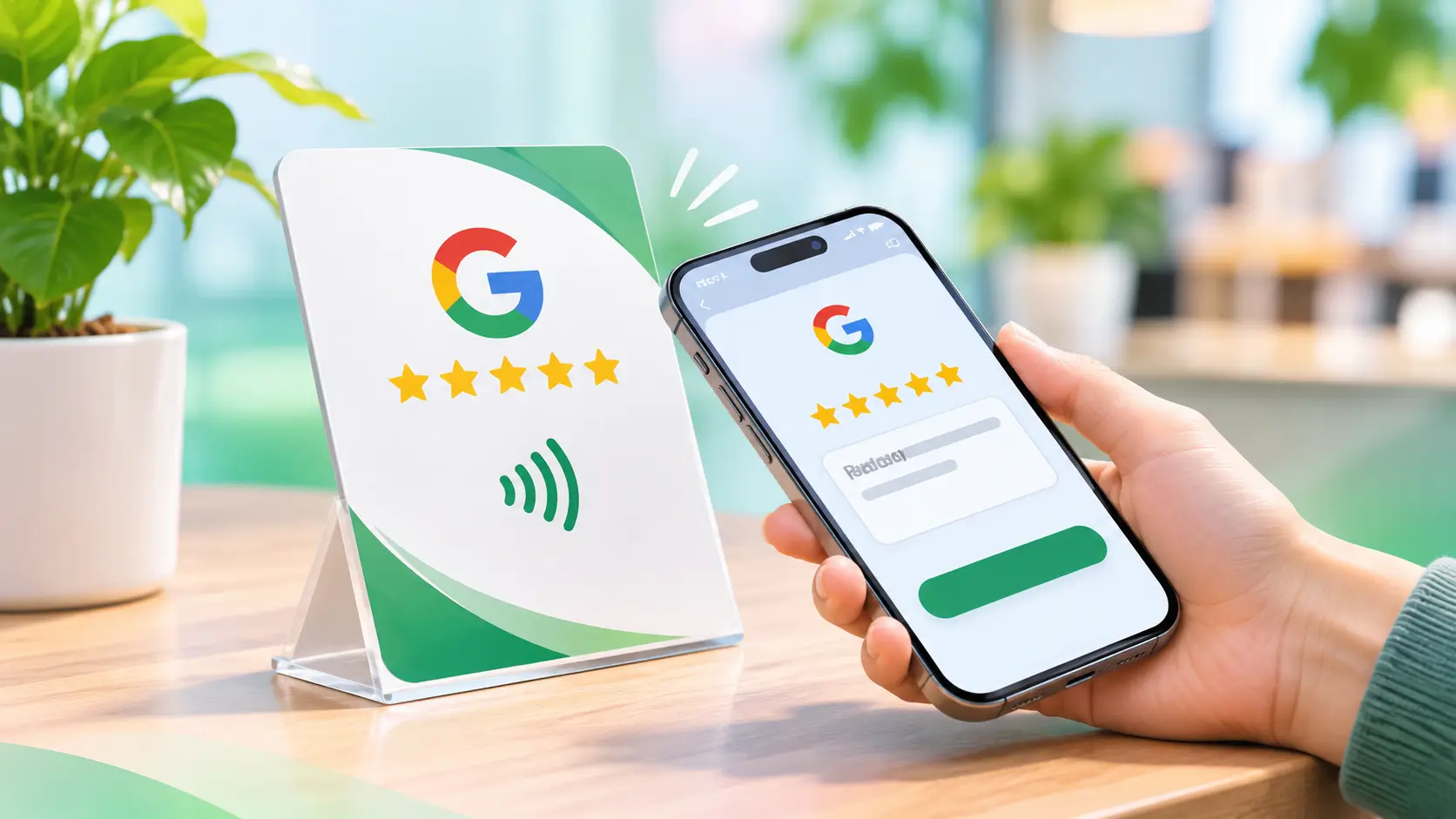
A Google review card or standee at the counter opens your review page when a customer taps it, so more happy customers actually leave a review. The Google review cards come with NFC and a printed QR.
These nfc tags for business are where a ready-made tag beats a blank one: nobody has to program anything, and the tag keeps working when your details change.
Do you need an NFC tag app?
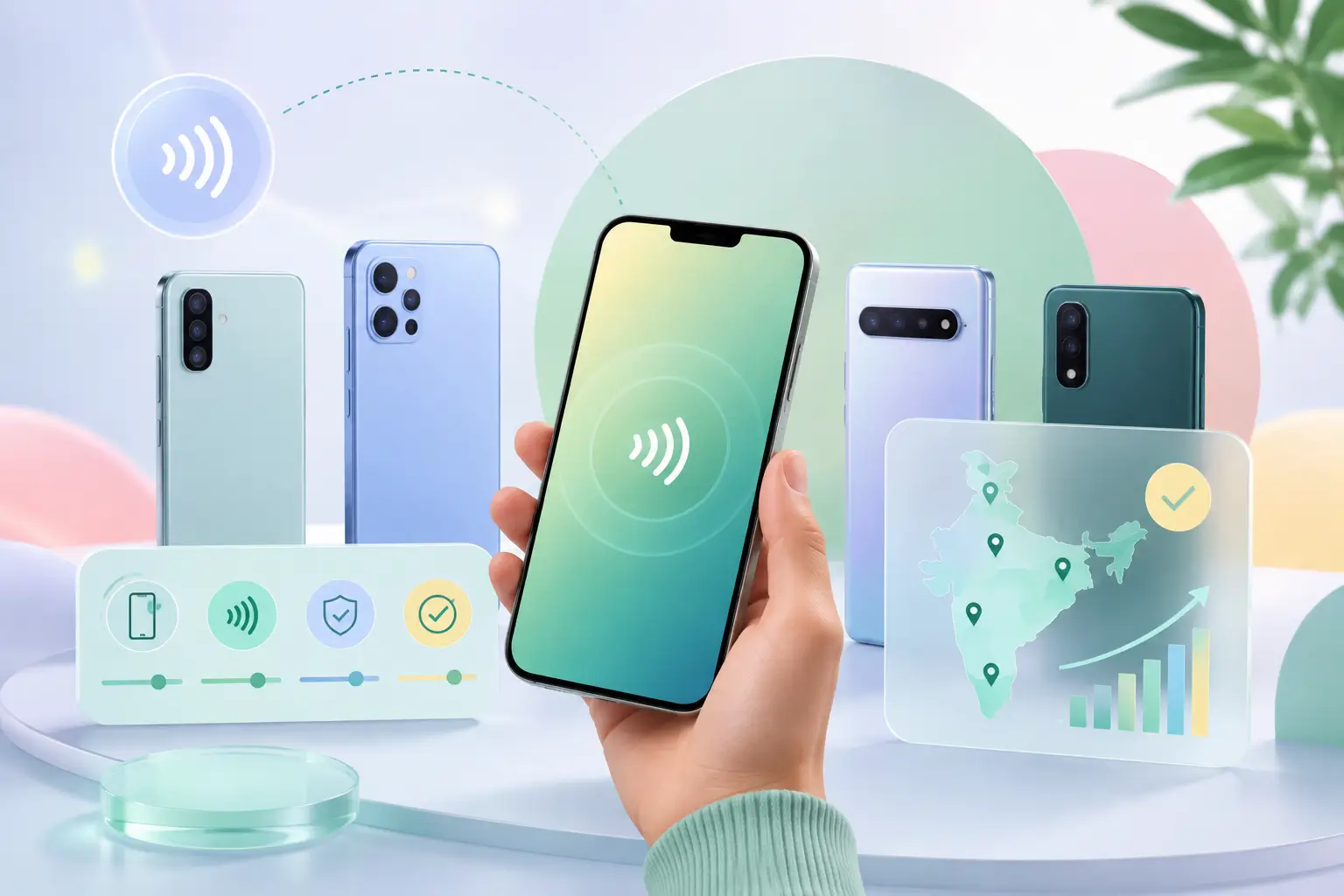
To read a tag, no. Most Android phones and newer iPhones read NFC tags without any extra app. To write your own blank tags, yes: you need a free NFC tag app, such as NFC Tools, to put a link or action onto the chip.
NFC tag uses android owners can set up are wide, because Android lets apps write tags and trigger actions directly. For NFC tag uses iphone owners want, the Shortcuts app lets you link a tag to an automation, while writing data onto a tag still needs a separate app.
| Blank NFC tag | Ready-made ProfileTap tag | |
|---|---|---|
| Setup | Program it with an NFC tag app | Arrives ready to use |
| Who it helps | Mostly you, on your own phone | Anyone who taps it |
| App needed to tap | Depends on the action | No |
| Change what it does | Rewrite the tag | Edit your profile from your phone |
| Best for | Home and car shortcuts | Contact sharing and Google reviews |
Honest limits
- On iPhone, personal automations run through the Shortcuts app, so these ideas take a little more setup than on Android.
- Metal surfaces can block a tag's signal, so use an on-metal tag or a spacer on a laptop or a car dashboard.
- A blank tag only does what you programmed; if you change your Wi-Fi password, you have to rewrite it.
What can NFC tags do that QR codes cannot?
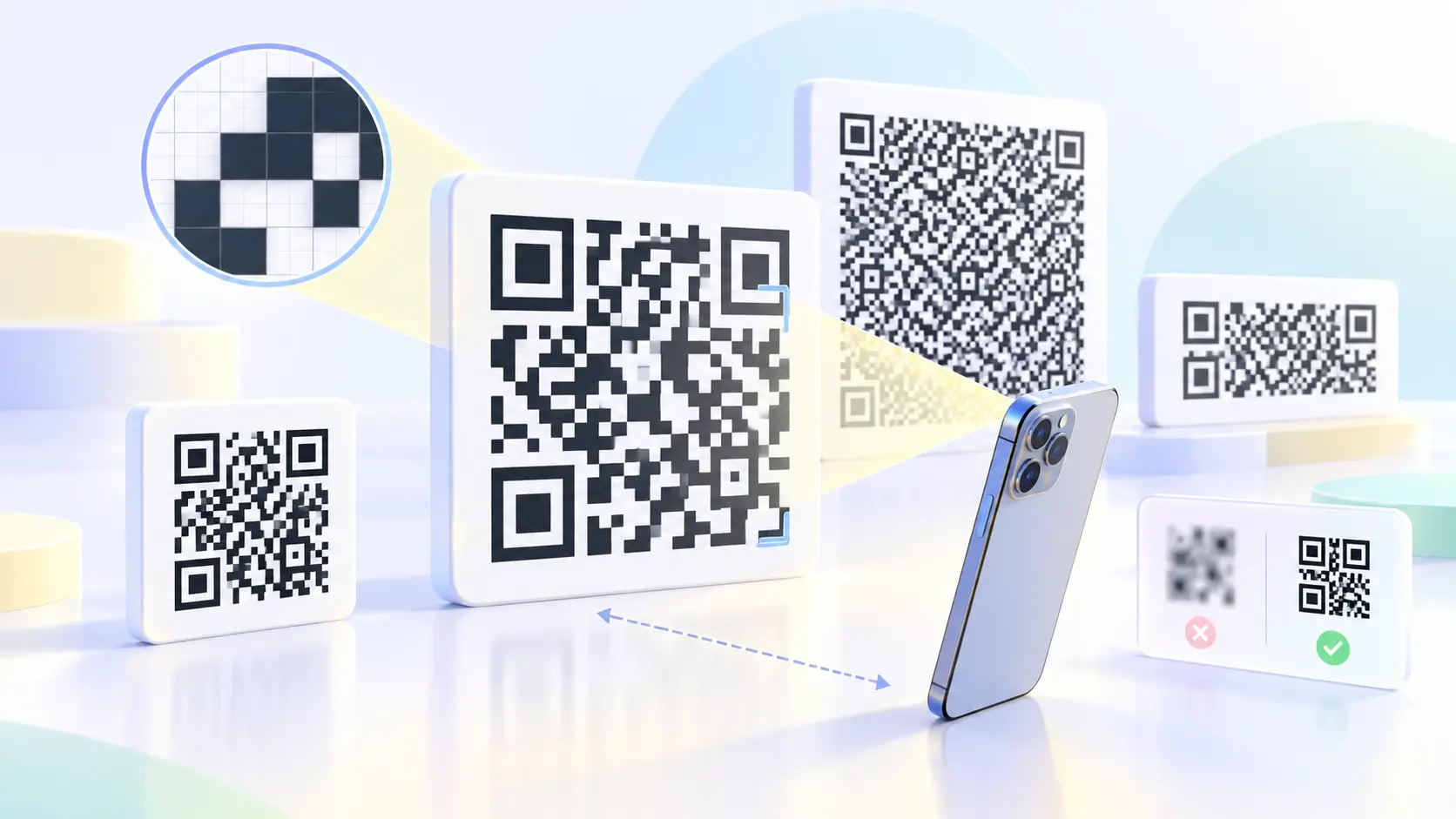
A tap is faster than opening the camera, and it works in low light. QR codes still matter, because every phone with a camera can scan one, which is why ProfileTap NFC cards and review cards carry both. Our NFC business card vs QR code guide compares them in detail.
Start with a ready-made tag
If you want an NFC tag that does something useful for other people from day one, start with an NFC business card: one tap shares your contact, WhatsApp and links, with nothing to program.