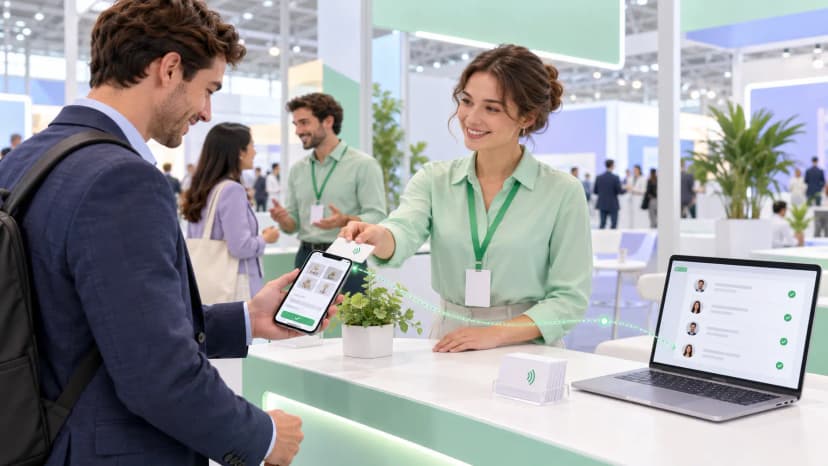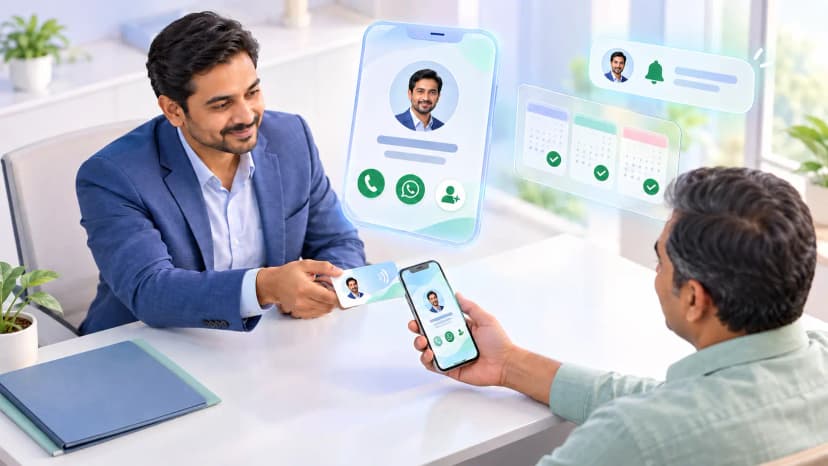
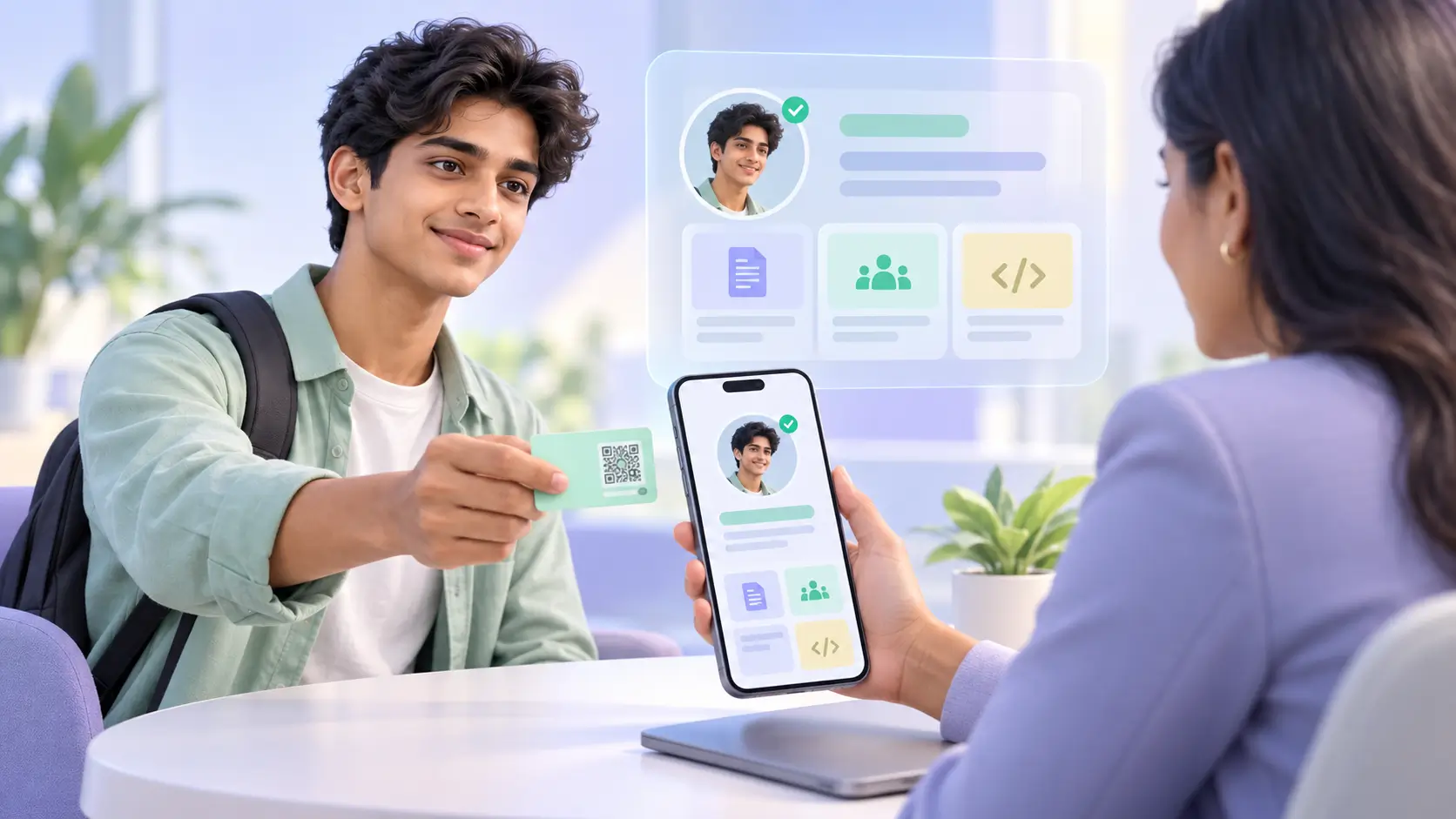
Placement season is where this pays off. Here is how students use digital visiting cards: one link carries the resume PDF, LinkedIn, GitHub or project work and a phone number, and it changes hands by tap, QR or WhatsApp at an interview, a college fest or a hackathon. When a new project or internship lands, you edit the profile once and every copy already shared is current.
Who this is for
You are in your final year or hunting for an internship. Over a few months you sit through company presentations, a run of placement drives, a hackathon or two and the college fest where alumni and sponsors turn up. Each one is a chance to be remembered by someone who can hire you, and most of those chances last under a minute.
Your resume changes every few weeks as projects, certifications and internships get added. You need one thing to hand over that is always the current version and gives the other person a way to reach you again.
The problem
A placement season on paper
- Representative scenario: eight placement drives and job fairs with five printed resumes at each is 40 copies. At ₹5 for a two-page print that is ₹200, which barely matters.
- What matters more is that a resume handed over at a fair goes onto a pile, and nothing on it brings the recruiter back to you.
- Add a project after the third drive and the 25 copies still in your bag are out of date.
- At a hackathon you meet a dozen people and leave with first names, because nobody had a pen.
The resume ends up on a pile
At a busy drive, a recruiter collects dozens of sheets in an afternoon. Yours carries a GitHub address nobody will type in and an email that has to be copied by hand.
The printout is always one project behind
Students add to their resume constantly during final year. A printed copy freezes it on the day you pressed print, so the internship you finished last week is missing from every sheet already handed out.
Contacts from fests and hackathons disappear
The alumnus who offered to refer you, the sponsor's engineer who liked your demo, the teammate from another college: by Monday you have a first name and a vague memory of which company they were from.
The fix
What changes from the next drive
- One profile holds your resume PDF, LinkedIn, GitHub or project links, and your number.
- You share it as a WhatsApp link, a QR on your phone screen, or an NFC card if you have one.
- The other person can send their details back from the same page.
- Update it once when your resume changes, and every link you have shared shows the new version.
Tap
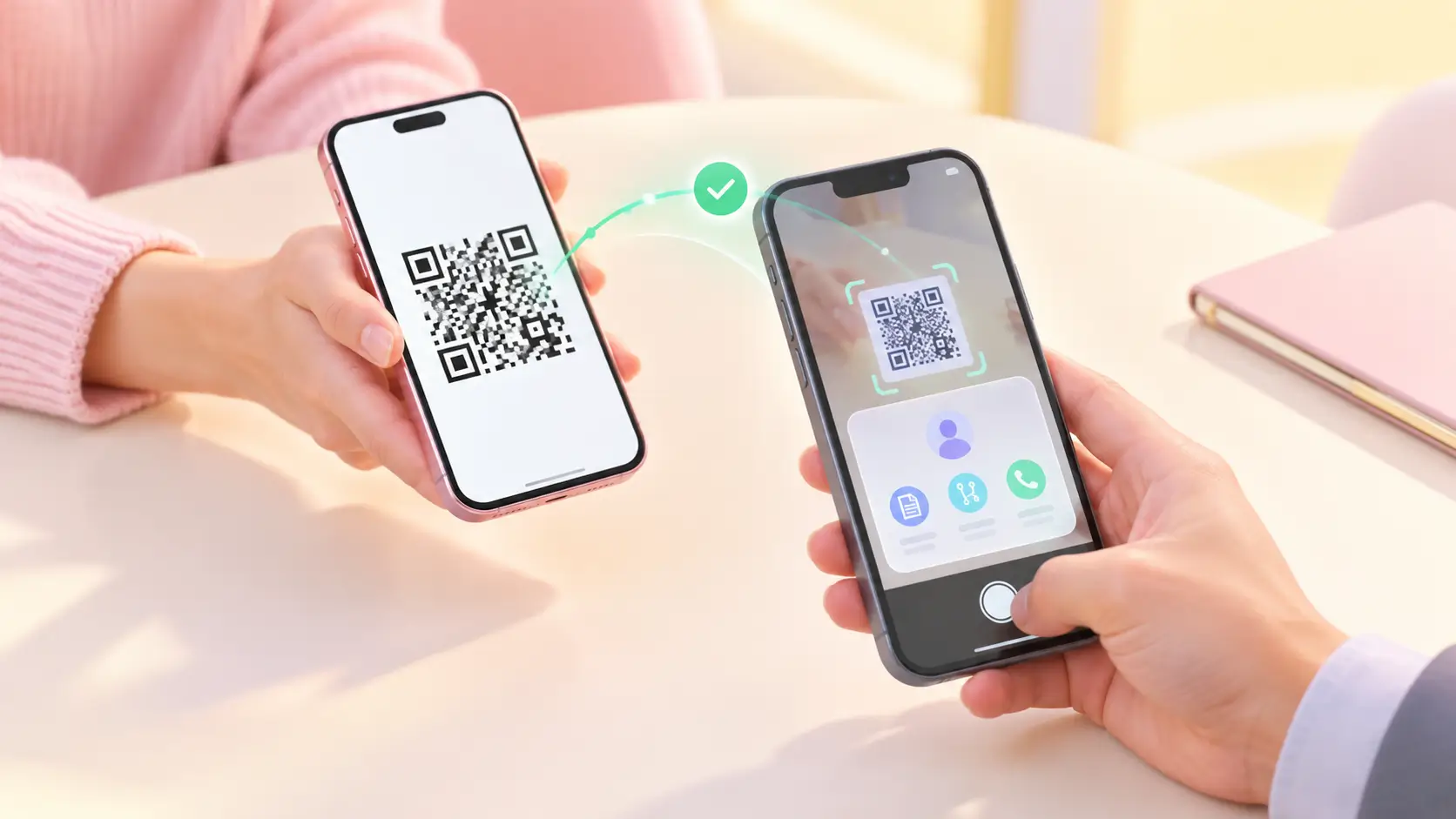
The practical answer to how to share your resume at a placement drive is to wait for the end of the conversation, then show the QR on your phone or tap a card. The recruiter has your profile open before the next candidate sits down. You can start with the free profile and a QR; an NFC card is optional and earns its place if you go to a lot of events.
Capture
At a fest or hackathon, a mentor, sponsor or teammate taps Save contact to keep your details and Exchange to send theirs back, all in one step. Networking at college fests no longer depends on whether anyone brought a pen.
Follow up
That evening, message the people you met while the conversation is still fresh. When you share your resume with recruiters who asked for it later, send the profile link on WhatsApp or email, and they open the latest version every time.
Old way vs new way
Digital visiting card
- Resume, links and number always current
- Projects and GitHub one tap away
- Details exchanged both ways at the event
- Views show who opened your profile again
Printed resume and paper notes
- Copies go out of date with every new project
- The recruiter gets a sheet with nothing to click
- Names from fests and hackathons scribbled down or forgotten
- No way to tell whether anyone looked again
What you get
Your resume as a live link
Link your resume PDF and replace it the day a new internship or certification comes through. A recruiter who saved your link last month opens the current version today.
Projects one tap away
Add GitHub, a project folder, a Kaggle profile or a design portfolio, so the work behind each line of your resume is easy to check.
Start free, add a card later
The free profile, shared as a link or QR, covers most of placement season. If you attend a lot of events, an NFC card adds the tap, and a ProfileTap NFC card comes with seven years of Pro. If you also post your work on Instagram or YouTube, the same profile can grow into a creator profile later.
See who opened it again
With Pro analytics you can see when your profile is viewed or your resume link is opened, so you know whether a recruiter came back after the drive before you send a follow-up.
Results
| Measure | Before | After |
|---|---|---|
| Resume copies printed over 8 drives | 40 | A handful, only when a company asks for paper |
| Copies out of date after a new project | Whatever is left in your bag | None, the link updates |
| Contacts saved at a hackathon | First names, if you remember them | Everyone who exchanges details |
| How a recruiter reaches your projects | Types a URL off the sheet, if at all | One tap from your profile |
How the numbers work: eight drives with five printed resumes each makes 40 copies, about ₹200 at ₹5 a print. That saving is small and it is not the point. The real difference is that every recruiter and teammate you meet ends up with a link to your current resume, and you end up with a way to reach them. All figures here describe a sample season for illustration, not ProfileTap user data.
The upshot: your resume stops being a sheet on a pile and becomes a link that is current every time someone opens it.
What to watch for
Before you rely on it
- Some companies still want a printed resume on the desk. Carry a few copies for those panels.
- The profile is only as good as the resume on it. Replace the PDF the same day something changes.
- A link nobody asked for can feel pushy to a busy recruiter. Offer it at the end of the conversation.
Summary
Background and goals. A final-year student going through placement season wanted every recruiter, alumnus and teammate they met to leave with the current resume and a way to get back in touch.
Solution. A free digital visiting card holding the resume PDF, LinkedIn, GitHub and project links, shared by WhatsApp, QR or an optional NFC card, with two-way contact exchange.
Results. Printing shrinks to the few companies that insist on paper, every shared link shows the latest resume, and contacts from fests and hackathons get saved at the event itself.
Try it before your next placement drive
Make your free digital visiting card, add your resume and project links, and share it at the next company presentation on campus.