
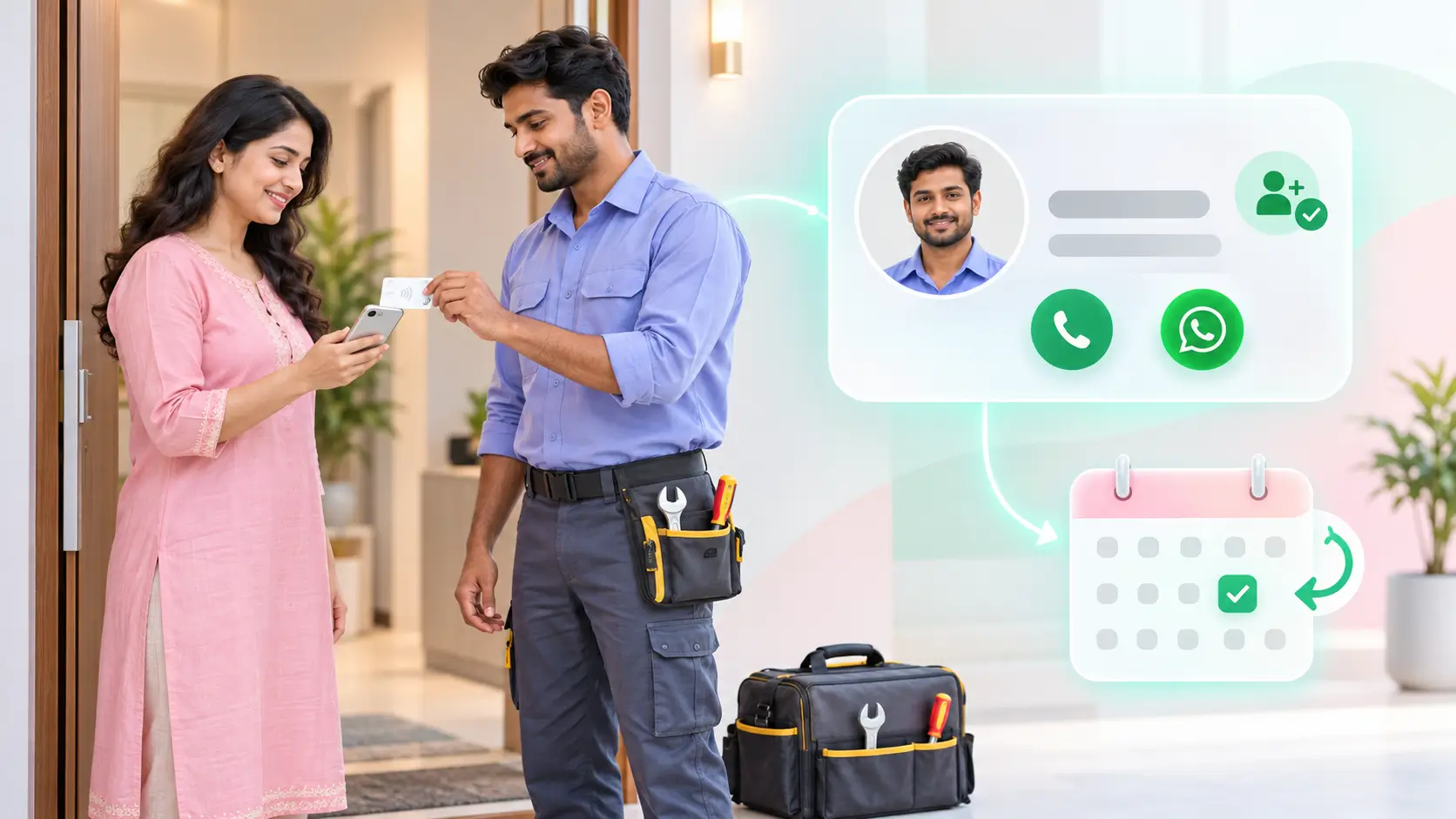
This is how plumbers and electricians get repeat bookings with digital visiting cards: at the end of a job the customer taps or scans the card, your number goes into their phone under your full name and trade, and a small printed QR stays by the meter box or geyser for the day the next fault appears. When they need you again, they find you in two taps instead of asking the neighbour for the number.
Who this is for
You fix taps, geysers, wiring, inverters or ceiling fans in people's homes, on your own or with one or two helpers, and most of your work comes from someone who had you before or someone they told. A single household can be worth a dozen jobs over a few years if they can find you each time.
What you lack is a way to make sure your number survives in their phone, under a name they will recognise at eleven at night when the water is coming through the ceiling.
The problem
What a month of lost numbers costs
- Take a month of 40 jobs, each one a household that will need a plumber or electrician again within the year.
- If half of them save your number as Plumber or Electrician with no name, and a quarter never save it at all, roughly 10 of the 40 can find you easily next time.
- The other 30 ask the society WhatsApp group, and the group sends them to whoever answered last.
- You change your SIM once, and every number saved before that day stops working.
Saved as Plumber, with no name
A customer types your number in a hurry and saves it under the trade. Six months later their phone has three contacts called Plumber, and the one they call is whichever shows first.
The paper card goes in the kitchen drawer
A printed card survives the job and dies in the drawer with the takeaway menus. When the geyser fails, nobody goes looking for it.
The society group decides who gets the call
Without a saved number, the customer asks the building group, and your good work from last year earns someone else the job. The household was yours; the booking goes to the first reply.
The fix
What changes at the end of the next job
- One profile carries your name, photo, both trades if you do both, the areas you cover, your WhatsApp and a short list of services.
- Before you pack up, the customer taps your card or scans the QR and taps Save contact, so your number lands under your full name and trade.
- A small printed copy of your profile QR goes on the inside of the meter box door, beside the geyser switch or on the inverter.
- Change your number or add a service, and the saved profile and every sticker already on a wall open the new details.
Tap
As you finish, you tap the card on the customer's phone or they scan the QR, and your profile opens in the browser with nothing to install. Older phones scan; newer ones tap. Either way they see your name, trade and WhatsApp before you reach the door.
Capture
The customer taps Save contact and your number is stored under your real name with the trade beside it. If they tap Exchange, their name and number come back to your dashboard, which is how to get repeat customers as a plumber without a notebook: you have the household's number, and they have yours.
Follow up
Home service follow up is one WhatsApp that evening: a thank you, a line on what to watch for, and your profile link so it is in the chat when they need it. Before the monsoon or a festival, a short message to past customers reminds the right households that you exist.
Old way vs new way
Digital visiting card after the job
- Saved under your full name and trade in one tap
- A QR by the meter box for the day something fails
- One edit updates every saved profile and sticker
- The household calls you straight from the saved contact
A number typed in a hurry
- Saved as Plumber, or never saved
- Paper card in the kitchen drawer
- A new SIM breaks every old contact
- The society group decides who gets the next job
What you get
Your name and both trades on one profile
Put plumbing and electrical work on the same profile if you do both, with the areas you cover and the hours you take calls. The electrician visiting card and the plumber card open the same kind of page; what changes is the list of services you show.
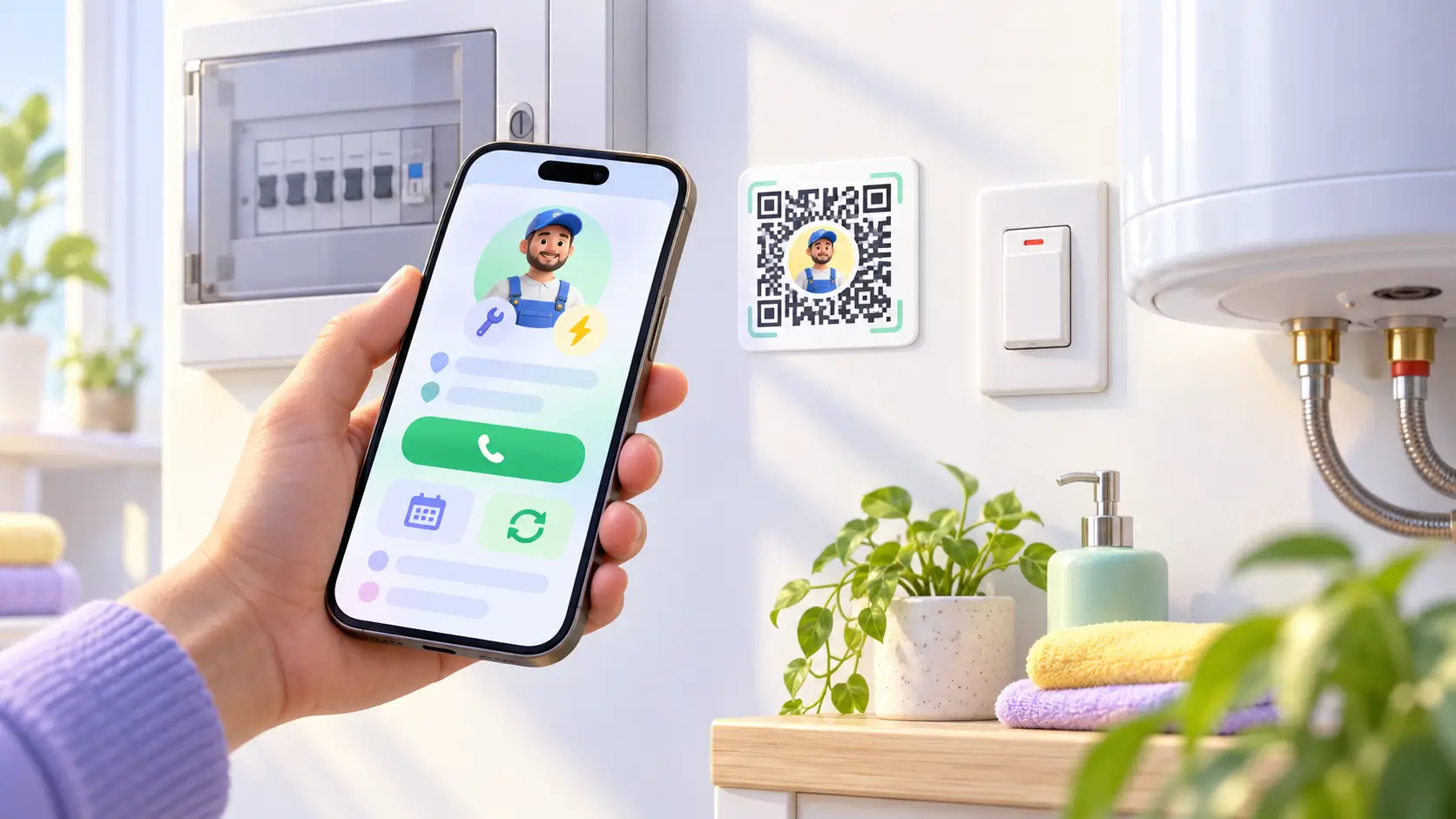
A number saved the right way
Save contact writes your full name, trade and number into the customer's phone exactly as you set them. The next time they search their contacts for a plumber, your name is the one with a face and a trade beside it.
A QR that waits by the meter box
Print your profile QR small and leave one where the next fault will be found: inside the meter box door, beside the geyser switch, on the inverter. The QR never changes, so a new number or a new service shows the moment it is scanned, years after you stuck it there.
A list of households you can message
Numbers that come back through Exchange sit in your dashboard, so a pre-monsoon message about drains or a pre-Diwali one about wiring goes to the households that already trust you. That list is your first round of calls when the season turns.
Results
| Measure | Before | After |
|---|---|---|
| Households that can find you again, out of 40 jobs | About 10, saved under a proper name | Up to 40, saved under your full name and trade |
| Where your number lives at the customer's home | A card in the kitchen drawer | Their phone, plus a QR by the meter box |
| When you change your SIM | Every old contact dead | One edit, every saved profile updated |
| Customer numbers on your side | Whatever you wrote down | Saved through Exchange in the dashboard |
| Who gets the next call | The first reply in the society group | You, from a saved contact |
The scenario, worked out: 40 jobs a month. If half the customers save you under the bare trade and a quarter never save you, about 10 can find you easily next time. With Save contact at the end of every job, the ceiling is all 40, each one stored under your real name. The figures illustrate the pattern and are not taken from a ProfileTap customer.
In short: every job ends with your name in the customer's phone and a QR waiting at the fault, and the household that liked your work calls you, not the group.
What to watch for
Before your next job
- Ask before you stick a QR anywhere in someone's home, and keep it small and out of sight of guests.
- Exchange works only when the customer chooses to share. Ask while the profile is open, after the bill is settled.
- Keep the services list honest. A customer who calls for wiring and gets a plumber will not call twice.
Summary
Background and goals. A plumber doing 40 jobs a month wanted the same households to call him back, instead of losing them to whoever answered the society group first.
Solution. A digital visiting card saved with Save contact at the end of each job, a printed profile QR left by the meter box, Exchange for the customer's number, and a WhatsApp follow-up the same evening.
Results. In the representative month above, households that can find him again can rise from about 10 to all 40, a SIM change stops killing old contacts, and repeat bookings for plumbers stop depending on the drawer.
Try it on your next job
Set up your plumber visiting card, print the QR, and at the next ten jobs ask the customer to tap Save contact before you leave. Count how many of them call you back.