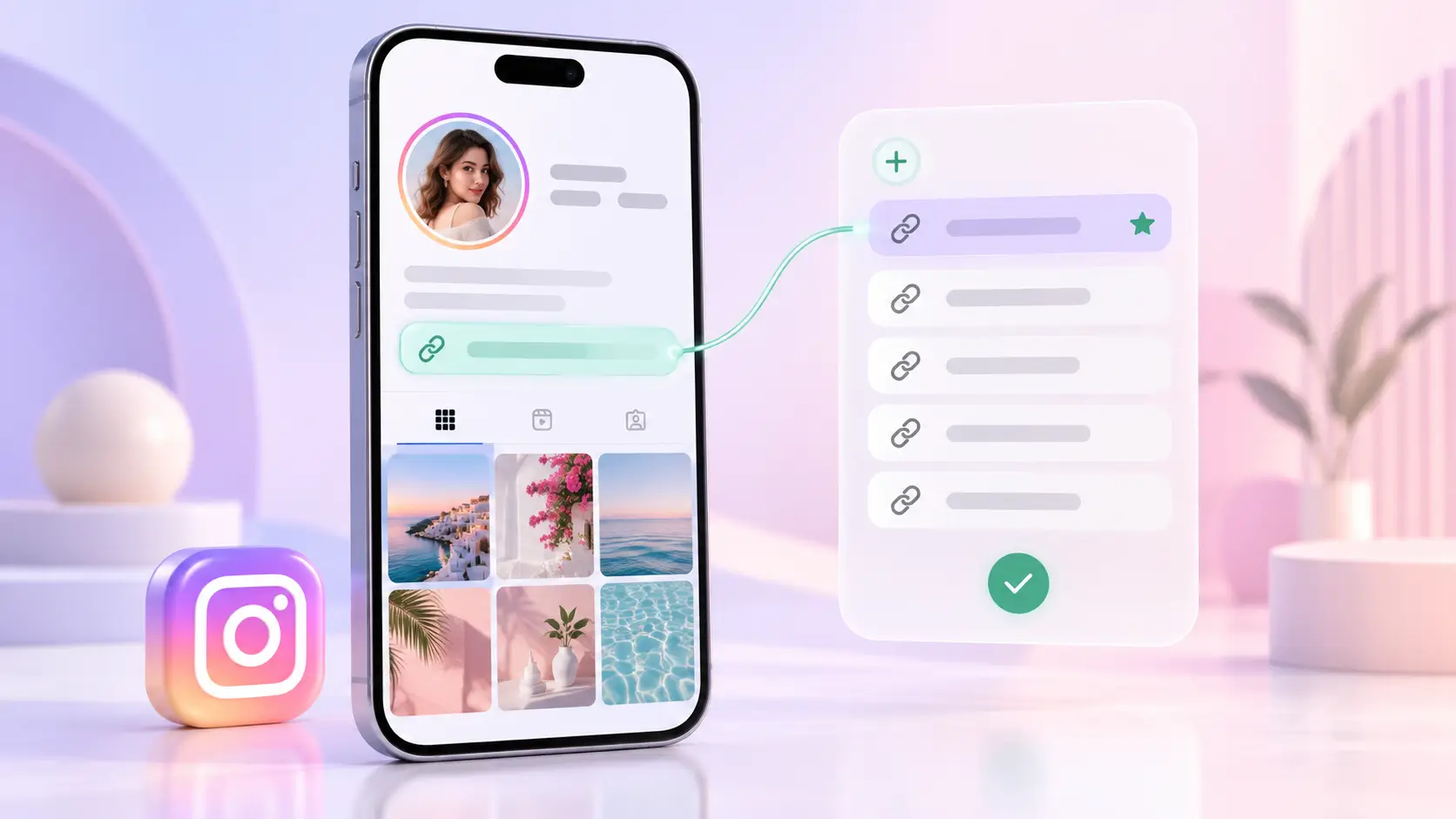
The short answer to how to add link in Instagram bio is six taps: your profile picture, Edit profile, Links, Add external link, then the URL and a title. You can add up to five links this way. Anything you type into the bio text box stays plain text and can't be tapped, which is why links have a field of their own.
The short version
- To add link to Instagram bio: profile picture, Edit profile, Links, Add external link, paste the URL, add a title, Done.
- Up to five links are allowed. Only the first appears under your bio, and the others need an extra tap to see, so order them by importance.
- A URL typed into a caption or the bio text won't open. Only the Links field makes it tappable.
Before you start
What you need
- The Instagram app, updated to its latest version
- The full web address you want to share, starting with https://
- A title of two or three words for each link that says what opens
The steps are the same on Android and iPhone, so whatever phone you use, "how to add link in bio Instagram" has one answer: the Links field. If the bio text around the link still needs work, start with these Instagram bio ideas for creators.
Step 1: Open Edit profile
Open Instagram and tap your profile picture in the bottom-right corner. On your profile, tap Edit profile, just under your name and bio.
Step 2: Go to Links
Tap Links. Older versions of the app call this row Website. On a professional account it sits just below the Bio field.
Step 3: Add the URL and a title
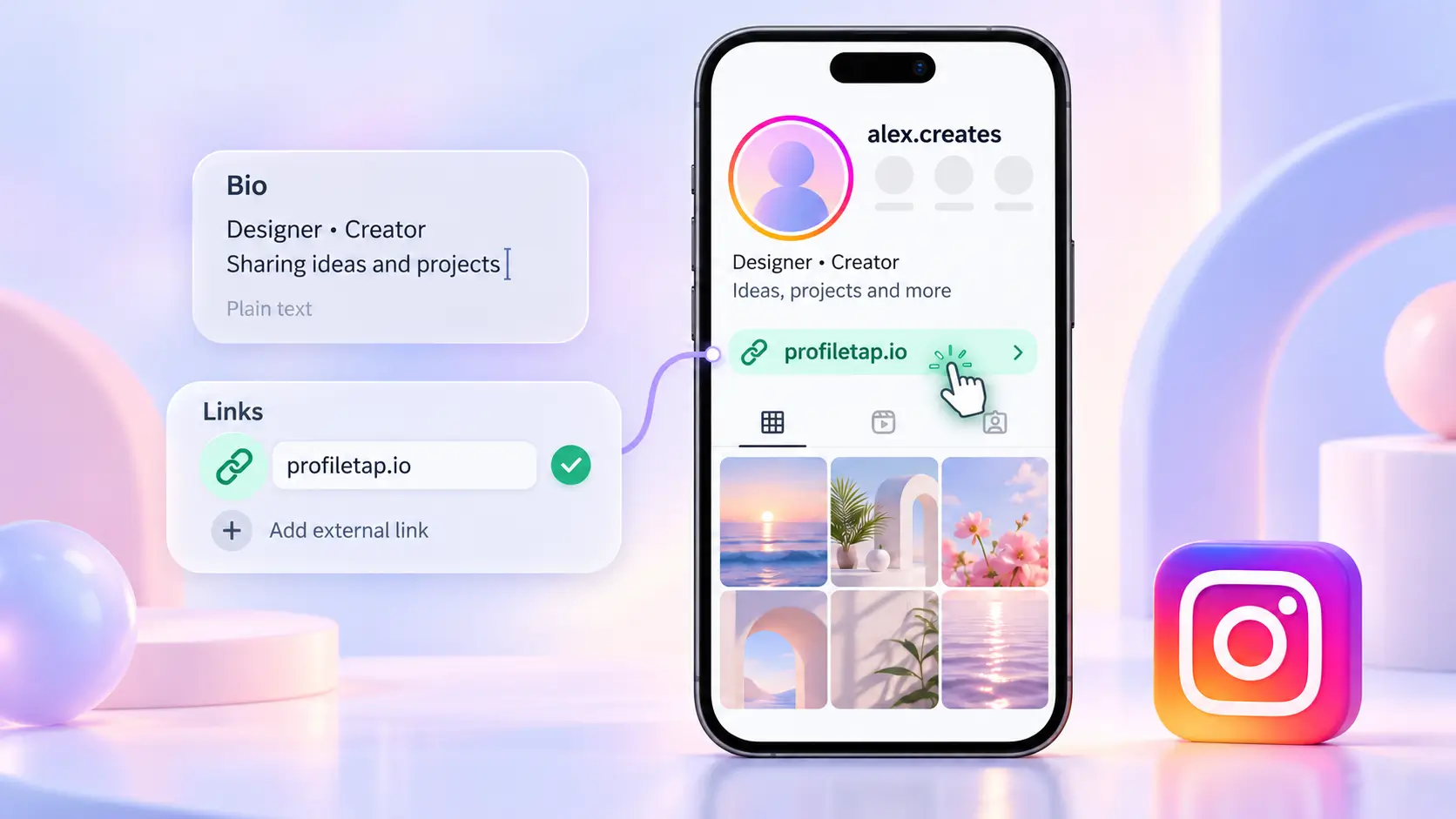
Tap Add external link. Paste the full address with https:// at the start, then type a title. Keep it short and specific, such as "Book a session" or "Shop new arrivals", because the title tells visitors what they are about to open.
Where this step goes wrong
- Pasting the URL into the Bio text box. It shows as plain text that nobody can tap.
- Leaving off https://. Some links refuse to save or fail to open without it.
Step 4: Save and test it
Tap Done, then Done again on the Edit profile screen to save. Go back to your profile and tap the link yourself to check it opens the right page. If you made the change on a computer and it didn't stick, redo it in the app.
Step 5: Add more links if you need them
For how to add multiple links in Instagram bio, repeat Step 3, up to five links in total. Then reorder them. The first link is the only one visitors see under your bio without tapping further, so give that slot to whatever matters most this month.
Why one link page can beat five links
| What you need | Instagram's five links | One link page, such as a ProfileTap creator profile |
|---|---|---|
| Links shown under the bio without a tap | One | One, opening a page that lists everything |
| Room for links | Five | All your platforms on one page |
| Changing a link | Edit your profile each time | Edit the page; the bio link stays the same |
| Ways for brands to reach you | Links only | Contact details and a WhatsApp or enquiry button |
| Sharing in person | No | Yes, by NFC tap or QR code |
Instagram's own links cost nothing and need no other tool, so start there. A link page earns its place once you have more to share than five buttons can hold. If you're weighing tools, see our link in bio tools roundup.
Honest comparison
Where a single link page is clearly easier
- You share more than five things: platforms, a store, a media kit and contact details
- You change links often and don't want to edit your profile every time
- Brands need to reach you without sending a DM first
- You also share the same profile in person, by tap or QR
Where Instagram's five links are enough
- You only need one or two links
- Your links rarely change
- Nobody needs to contact you from the profile
- You would rather not keep another page up to date
Common mistakes
Mistakes that cost you taps
- Putting your most important link second. Visitors only see the first one under your bio.
- Titles like "Click here". The title is your one chance to say what opens.
- Leaving old campaign links in place. Test each link when a sale or launch ends and swap anything that now opens an expired page.
- Expecting a URL in a post caption to work. Captions don't make links tappable, so point people to your bio or use a link sticker in Stories.
You're done
Your link is live once it opens the right page from your own profile. If that one link has to carry your platforms, contact details and media kit, a ProfileTap creator profile gives it a single page to open onto, and you can update that page later without touching your bio.