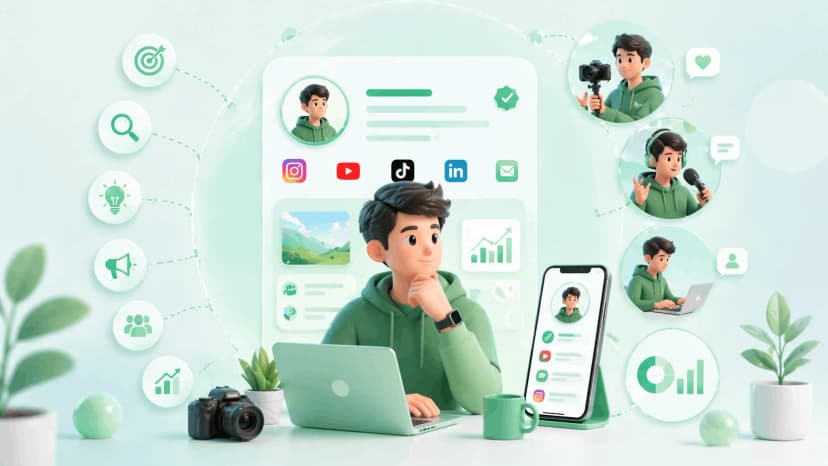
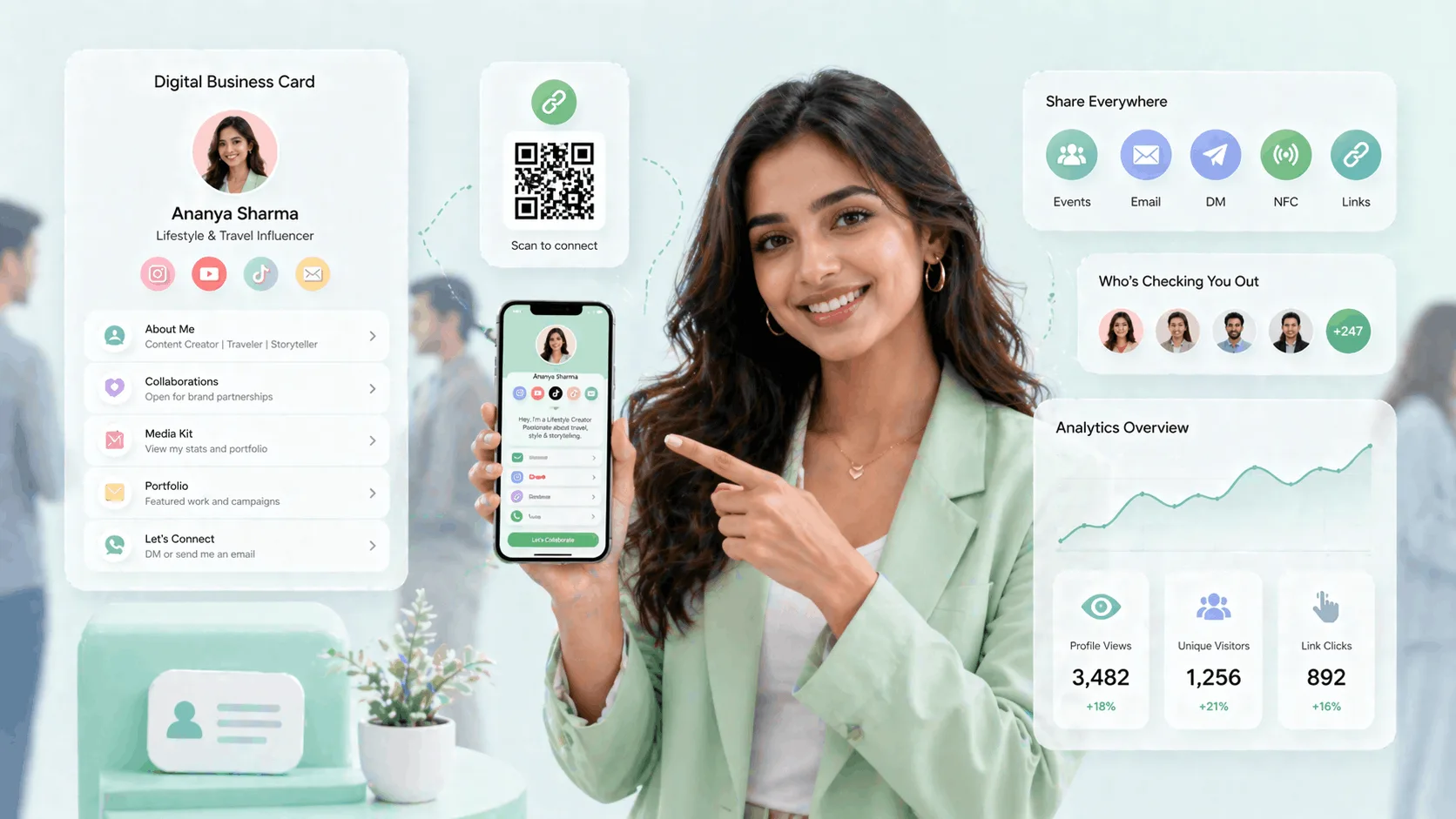
Here is how influencers use digital business cards for brand deals: they put the whole pitch behind one link, with niche, follower counts, platform handles, a live media kit and a collaboration-enquiry button, so a brand manager can size you up and reach out in seconds. Brand managers google you before they email you, and what they find has to be worth a deal. Instead of a scattered DM thread, you hand over one scannable creator identity profile that answers "should we work with this creator?" on the spot. This guide covers what to put on it, how to set it up in under twenty minutes, and how to use it at brand events to make connections that convert.
TL;DR
- Five fields decide a deal: niche in one line, numbers by platform, direct handles, a media kit link, a booking email.
- The card is live, so the link a brand saved last month shows this month's rates.
- At events, a QR on your badge or an NFC tap beats "here is my Instagram, DM me".
- Profile analytics tell you when a brand has been looking, which is your cue to follow up.
Before you start
The traditional exchange breaks down at scale. At a brand activation in Mumbai, meeting a dozen potential collaborators, or pitching at a creator conference, you need something faster and more professional than hoping people remember to search you. A digital card fixes four things: collaborations move faster because the brand manager gets your full profile without an email chain; event invites are easier to follow up because the PR agency with fifty creators on its list remembers the one who shared a clean profile; you are always ready because the link updates when your profile does; and your media kit is accessible the moment anyone scans, with no attachments and no outdated decks in inboxes.
What you need
- Your current follower counts for your top two or three platforms.
- A media kit as a PDF or an online version on Drive, Canva or Notion.
- A public booking email that is not your personal one.
Step 1: Decide what goes on the card
This is the information that matters to brands. Include all of it; omitting any of it creates friction.
| Field | What to write | Why a brand manager needs it |
|---|---|---|
| Niche, one line | "Mumbai-based food creator focused on regional Indian cuisine" rather than "lifestyle creator" | Visible before any scrolling; it is the first thing they read |
| Follower counts by platform | Top two or three platforms with current numbers | Sizes the audience without a DM |
| Platform handles as direct links | Instagram, YouTube, X, LinkedIn or podcast, one tap each | They check content before they check rates |
| Media kit link | PDF upload or an online version | No media kit means an assistant hunting for rates, and that deal usually dies in email |
| Booking or collaboration email | A public booking address, never your personal one | Brands email creators; they do not cold-call |
| QR code | Generated with the profile | Offline sharing at events |
| Optional | Collab types you are open to, content categories, languages, cities covered | Filters out the wrong briefs before they arrive |
Step 2: Create a creator profile and add your platforms
Sign up on ProfileTap and select Creator as the profile type; it unlocks the creator-specific fields for platform handles, audience size, content categories and media kit attachment. Add Instagram, YouTube and any other active channel. They appear as direct links, not just icons, so someone who opens your profile taps straight through to your content.
Step 3: Link your media kit and write the niche statement
Upload the media kit PDF or link to the online version; it appears as a prominent link on the profile, and when your rates or stats change you update it once and every saved link updates with it. Then, in the bio field, write one clear sentence: what you create, who you create it for, and your numbers.
Step 4: Pick a theme that matches your content
Choose a profile theme that matches your visual brand. Consistency between the profile aesthetic and the content aesthetic signals professionalism, and it is one of the quiet things a brand manager notices when comparing two creators with similar numbers.
Step 5: Share it by QR or NFC at brand events
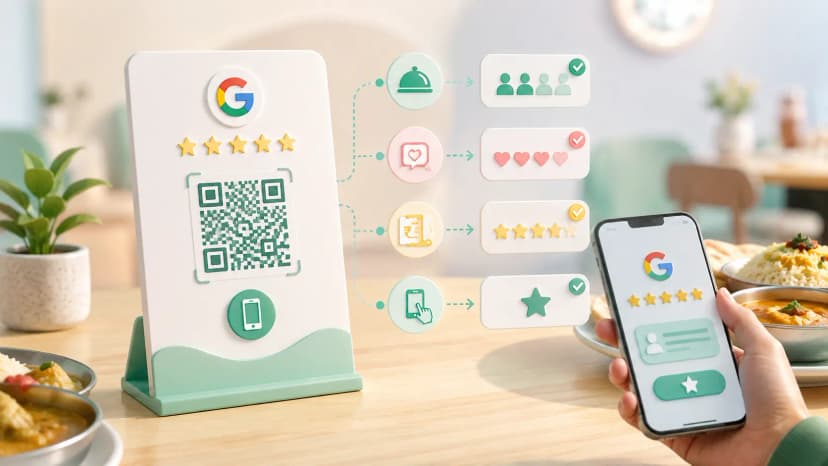
Once the profile is live you get both a QR code and the option of an NFC card. At an offline event, show the QR from your phone, print a QR sticker for your badge or lanyard, or tap the NFC card against any smartphone; nothing needs to be installed on the other side. The creator event scene in India has grown: creator summits, brand days, activations in Bangalore and Mumbai, creator-house events and podcast festivals are real in-person chances to make connections that turn into deals, and most creators still exchange handles and hope the other person remembers to follow.
With a tap, your full profile opens in the brand manager's browser with your niche, platforms, media kit link and booking email in one place. That is the difference between "I should follow this person" and "let me add this to my outreach list." The same trick works at press walls, brand booths and merch tables: print the QR on the badge, put an NFC sticker on the back of your phone, and make it impossible for someone to meet you and leave without your profile.
Step 6: Read the analytics and follow up
Most card tools do not show you who is looking. ProfileTap's creator analytics show total and unique profile views, which links get the most clicks, which platforms send traffic to the profile, and peak visit times. If you sent your link to three brand managers on Monday and see three visits from a corporate network on Tuesday, someone has been looking, and that is the signal to follow up. If your YouTube link gets ten times the clicks of your Instagram link, that tells you which platform visitors value and how to pitch your packages.
The step people get wrong
Leaving the media kit off because "brands can ask". A brand manager without a media kit is a brand manager asking an assistant to find your rates, and that deal usually dies in email. Link it on day one, even if it is a two-page Canva, and update it instead of recreating it.
Digital card or basic link page?
Creator digital business card
- Niche, numbers, handles, media kit and booking email in one view
- Live: edit once and every saved link updates
- QR and NFC sharing for events, no app on the other side
- Analytics that show when a brand has been looking
Basic link-in-bio page
- A list of links with no niche statement, numbers or media kit
- No booking button, so brands fall back to DMs
- Nothing to tap or scan offline
- No visibility into who opened it or what they clicked
Common mistakes
What makes brands move on
- A vague niche line. Name the category, the audience and the city.
- Stale follower counts. Update them when they move, since the profile is live.
- Personal email or personal number on the card. Use a booking address and an enquiry button.
- Icons instead of links. Every handle should open the channel in one tap.
- Showing up to an event with nothing to scan. Badge QR or NFC card, every time.
You're done
Set it up once and it works at every brand event, pitch and DM; a complete profile is what turns a chance meeting into a paid collaboration. The creator identity page is where to start, the digital business card in India page covers the card options, and how to build a personal brand online goes deeper on the niche and cadence work that comes before the card. For the bio line itself, see best Instagram bio ideas for creators.