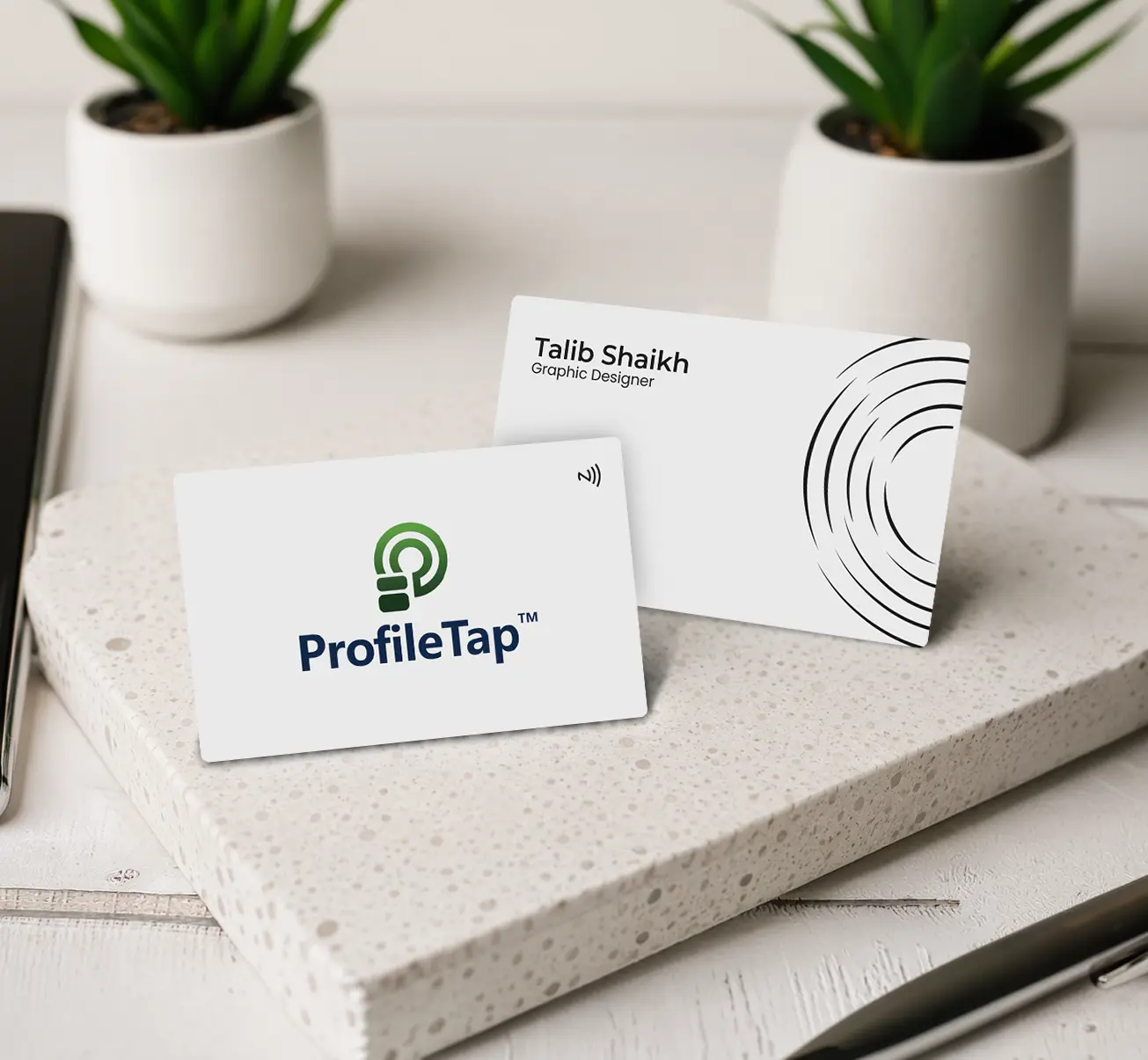

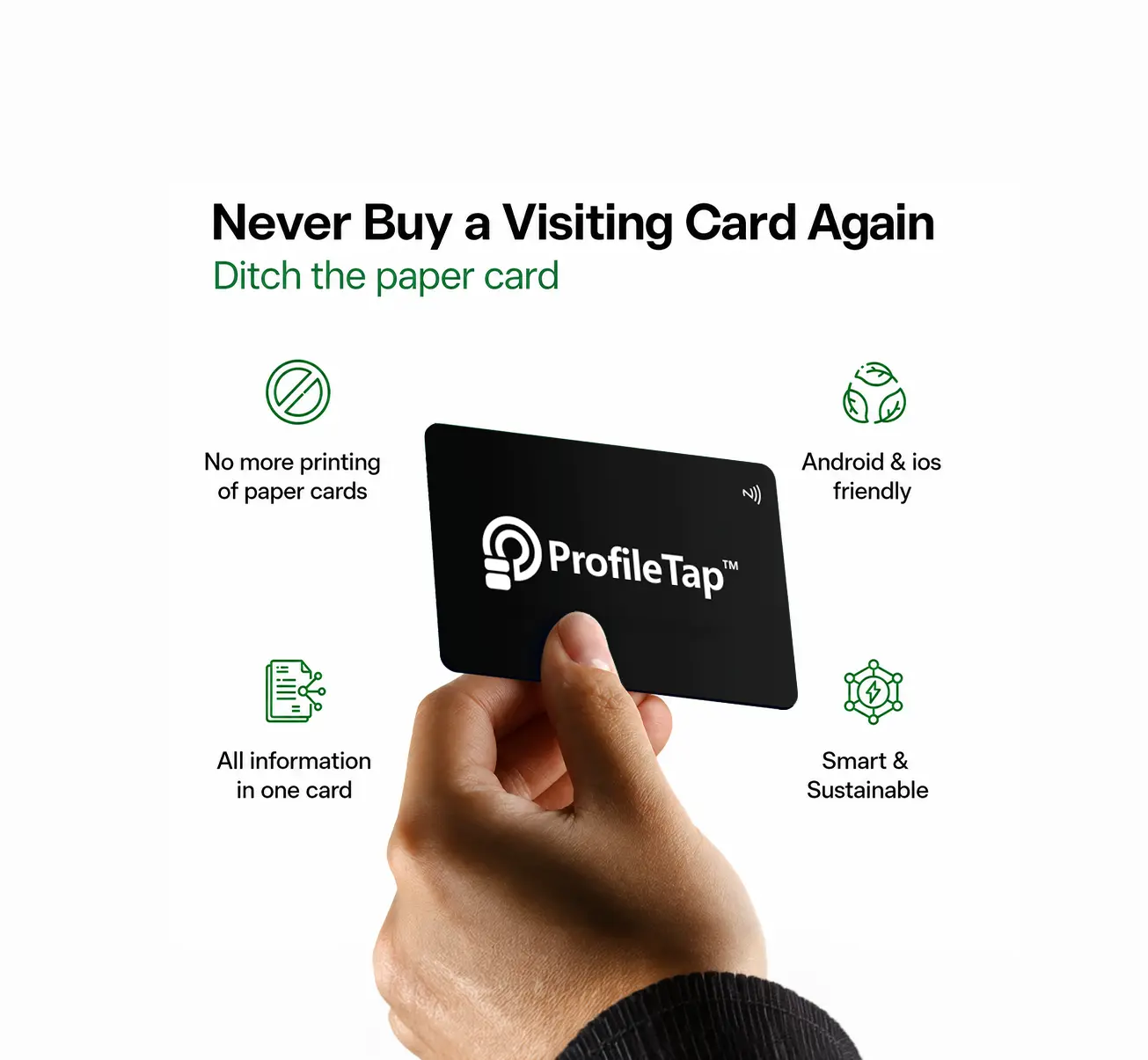
Ten colleagues, ten separately printed cards, and a brand that quietly comes apart at the seams. A corporate visiting card from ProfileTap holds the frame steady across every desk, while each person still taps out contact details that belong only to them.

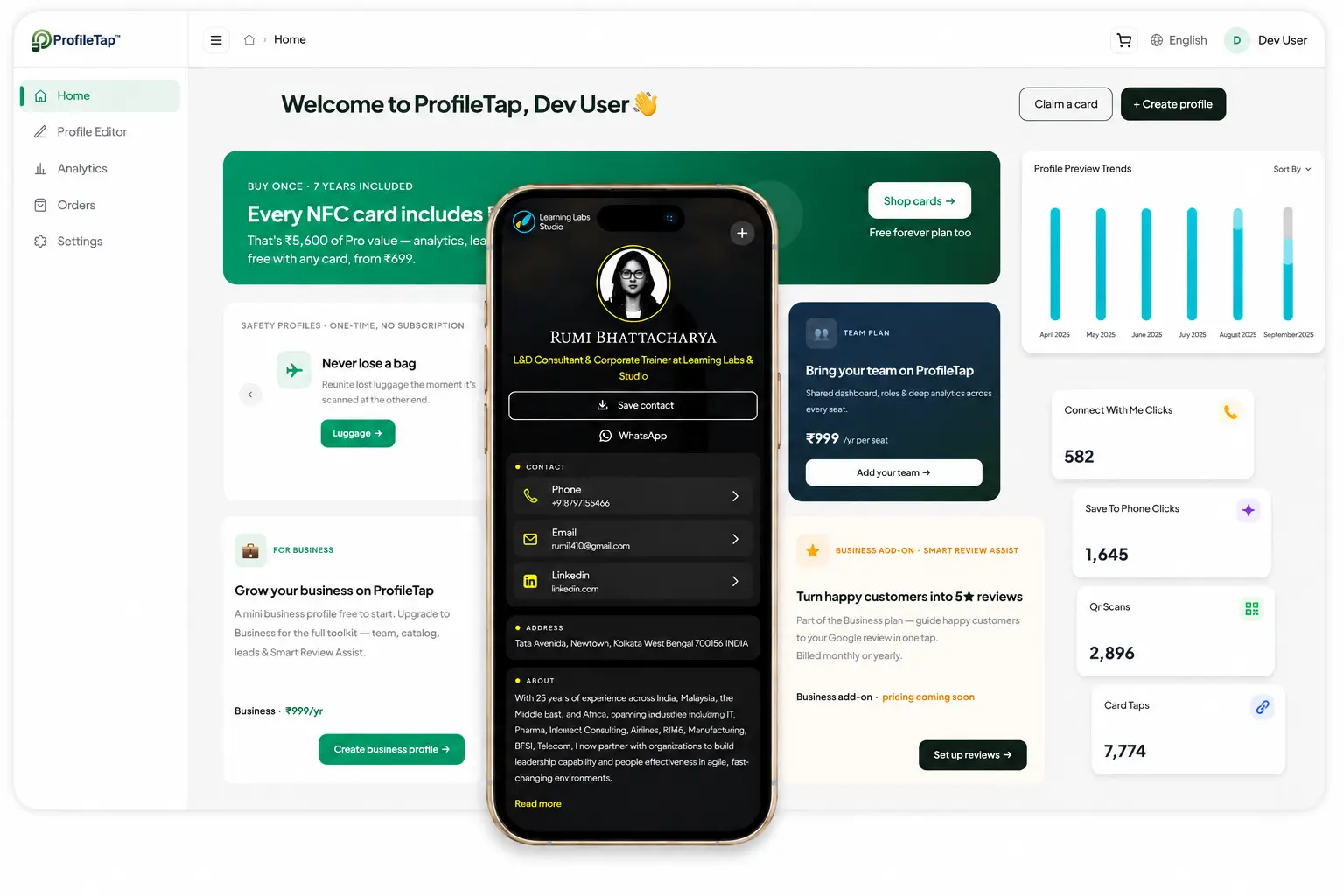
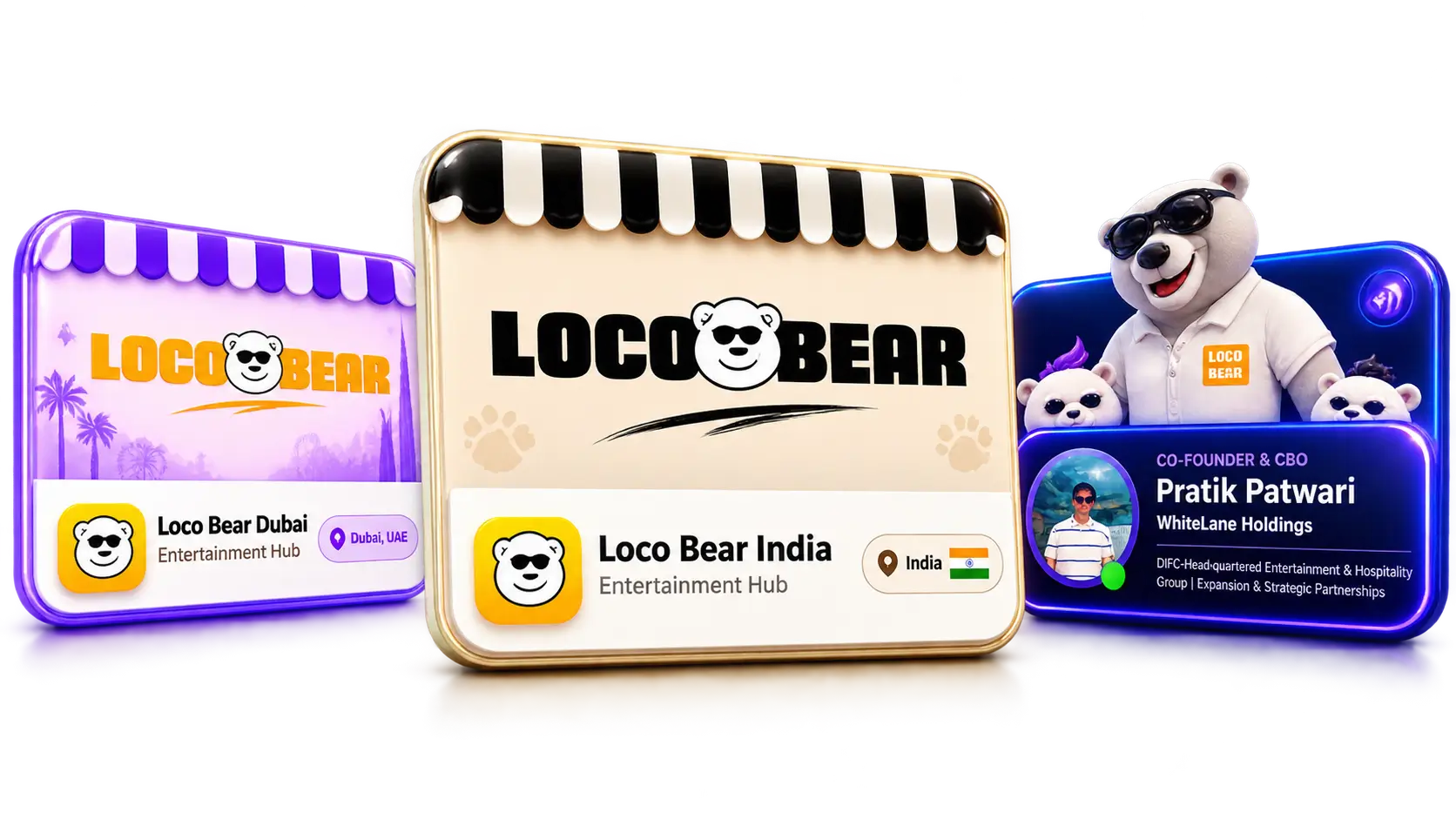
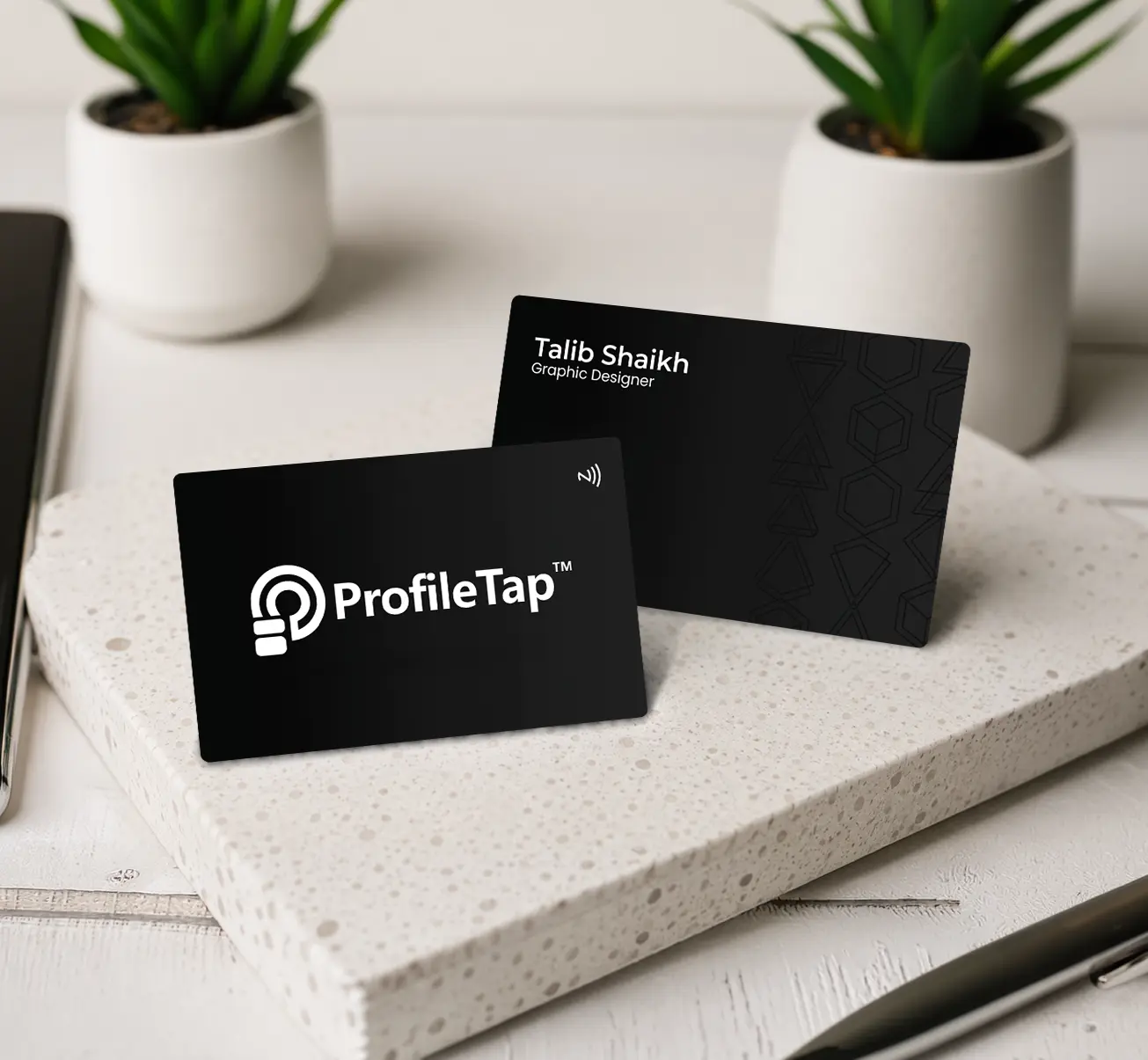
One artwork, many names — approve the design once and every card in the batch follows it, with each person's name and designation set individually.
Central dashboard — manage and update every profile centrally from one company login.
Tap insights — views and contact saves on each profile, with the Team Pack adding tap insights across every card in the batch.
One invoice for finance — the whole batch bills as a single prepaid GST invoice in your company name.
No reprinting for a role change — a promotion changes the designation, and cards already handed out stay accurate.
Joiners and leavers handled — a profile can be updated or reassigned, so the card in circulation never points at a stale contact.
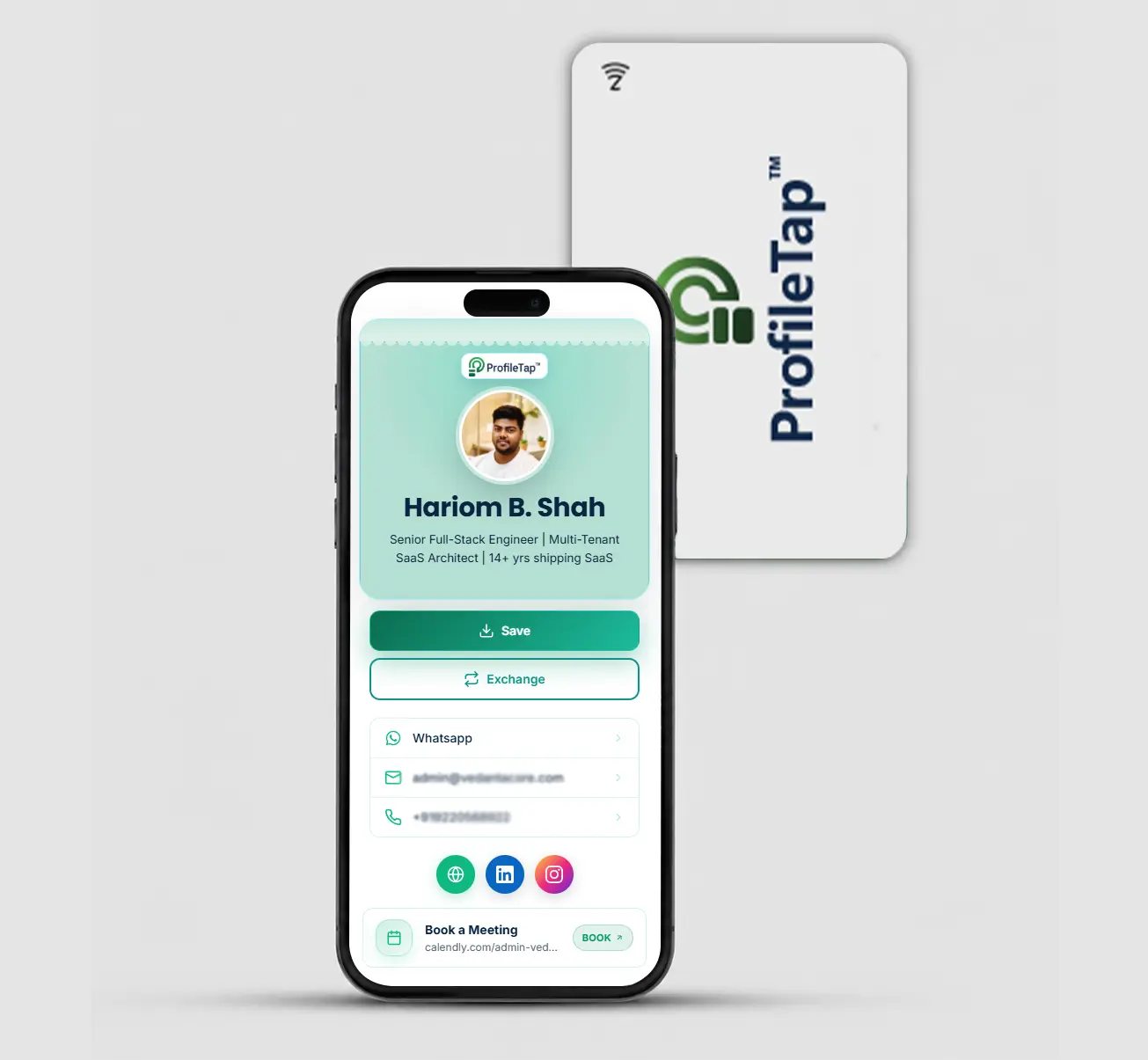
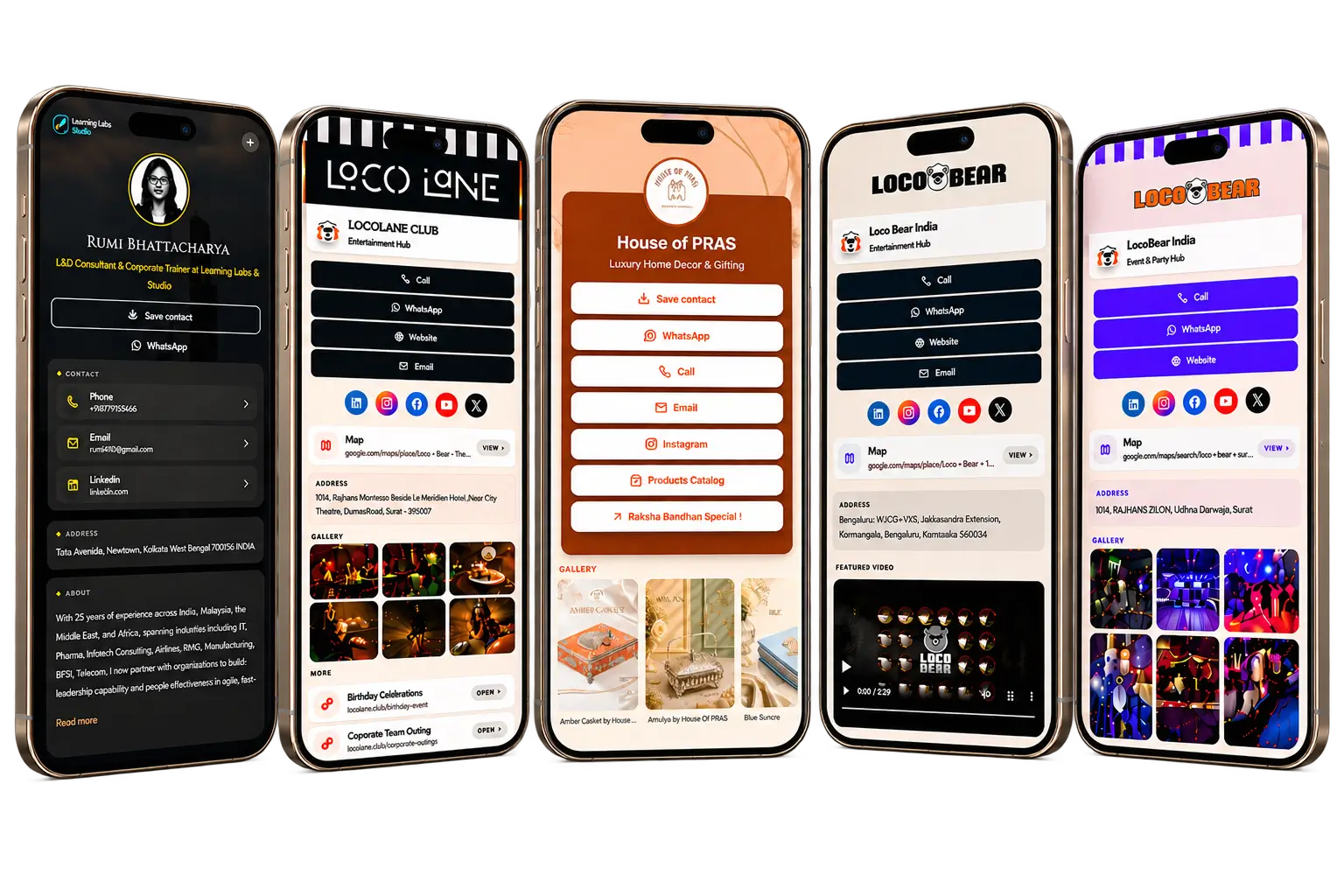
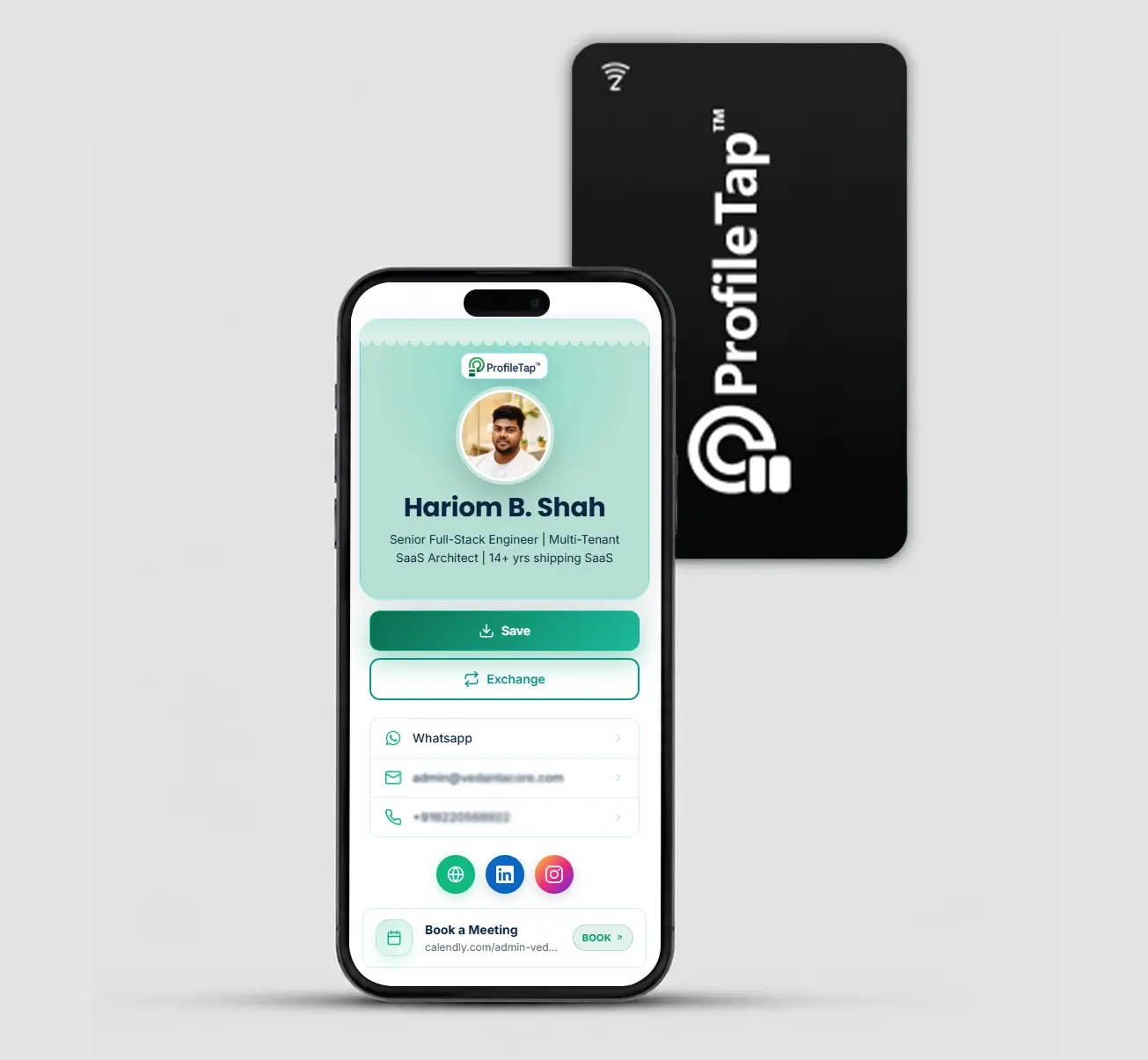
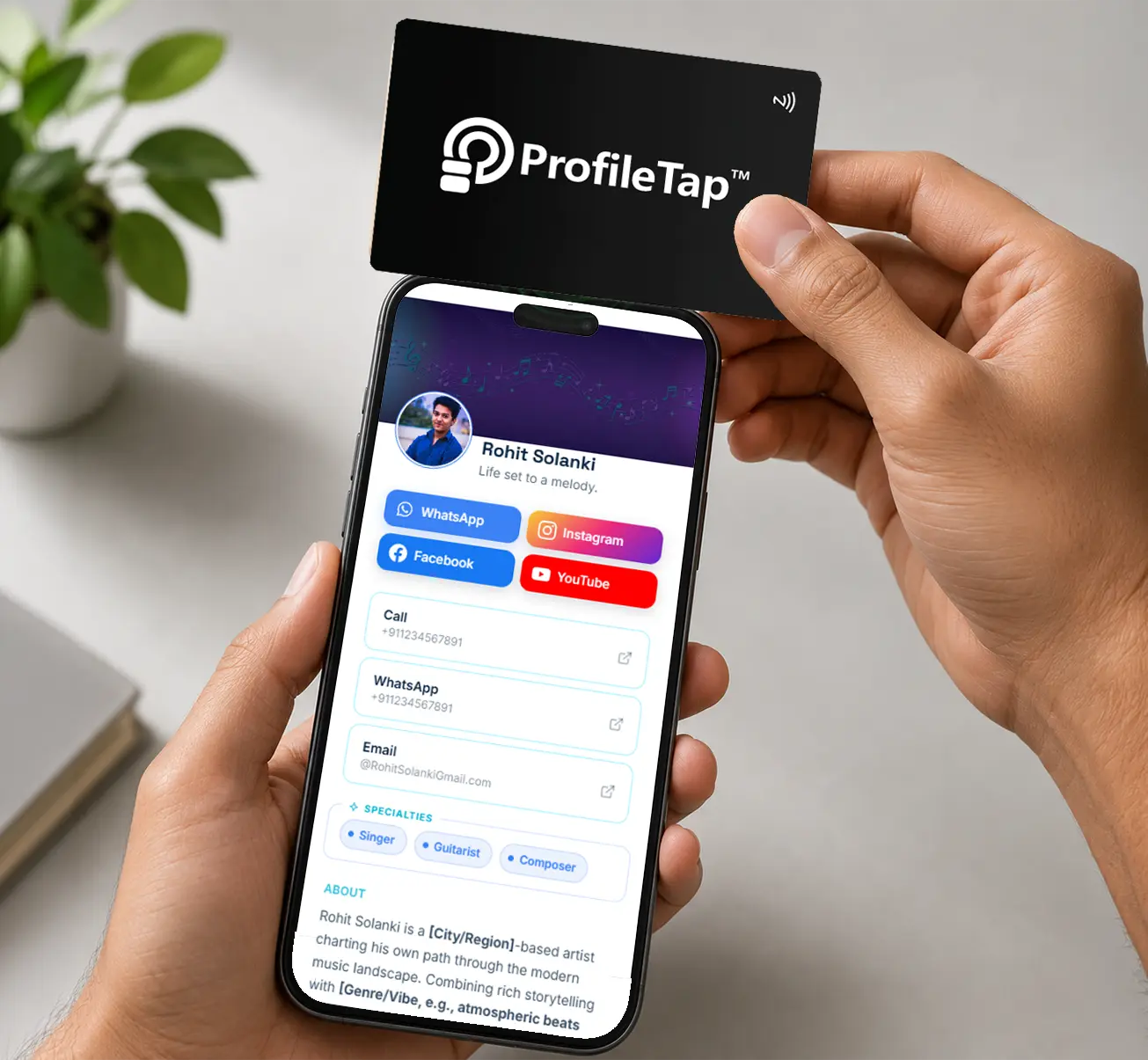
The card is only the doorway. What opens is a digital id card page built to the company layout, carrying that colleague's own details and nothing you have not signed off.
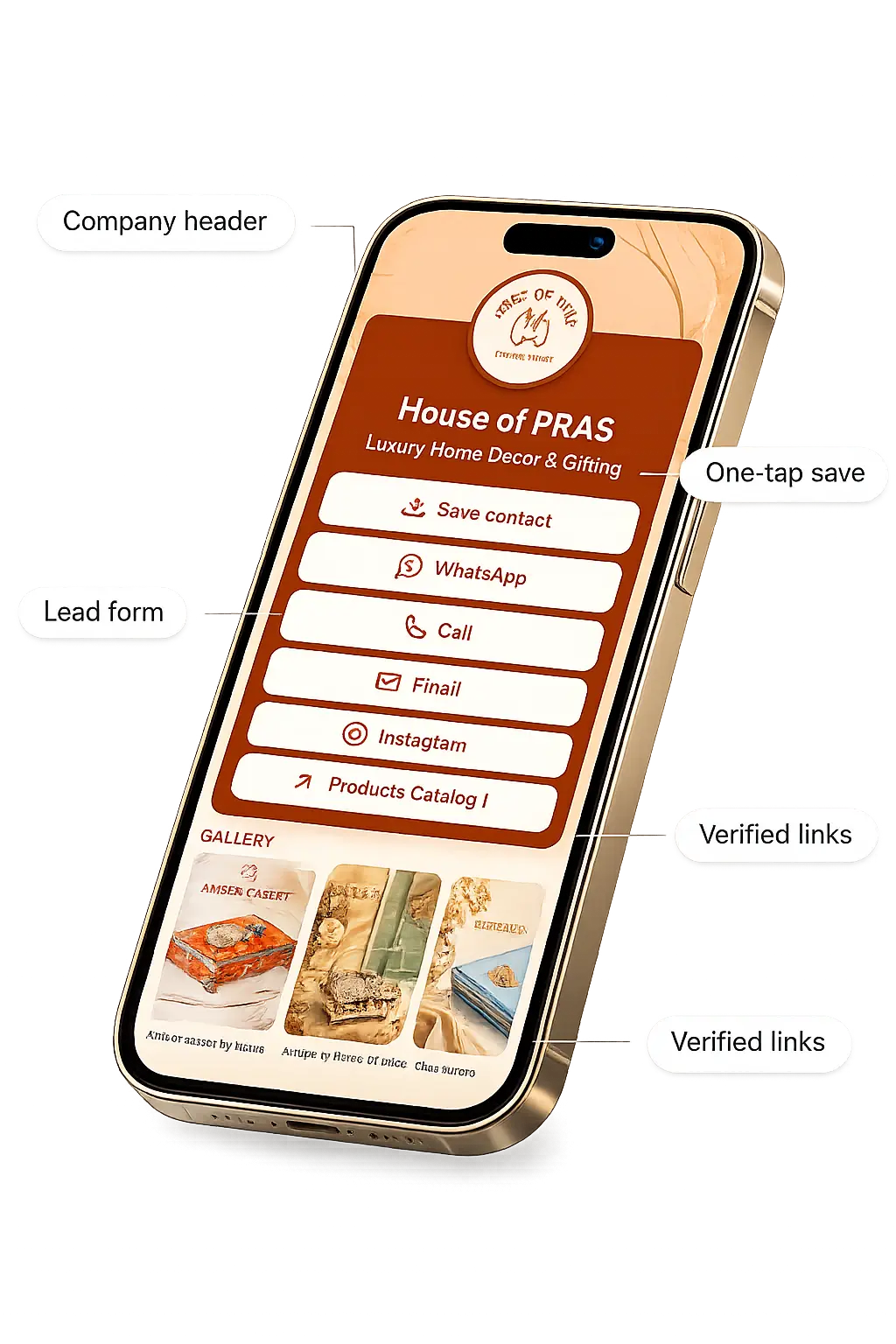
Logo and brand colour sit at the top of every profile, taken straight from the layout you approved for the cards.
The contact lands in the other person's phone before the meeting is over, which is usually where a paper card starts its journey to a drawer.
The two things a client actually does next, one tap from the profile, with a lead form underneath when you want the enquiry recorded.
You decide which channels appear. A colleague cannot quietly add a personal handle to a page that carries the company logo.
The same batch has to hold up in a client office, on an exhibition stand and at your own reception desk. These are the three places a printed set usually gives way first.
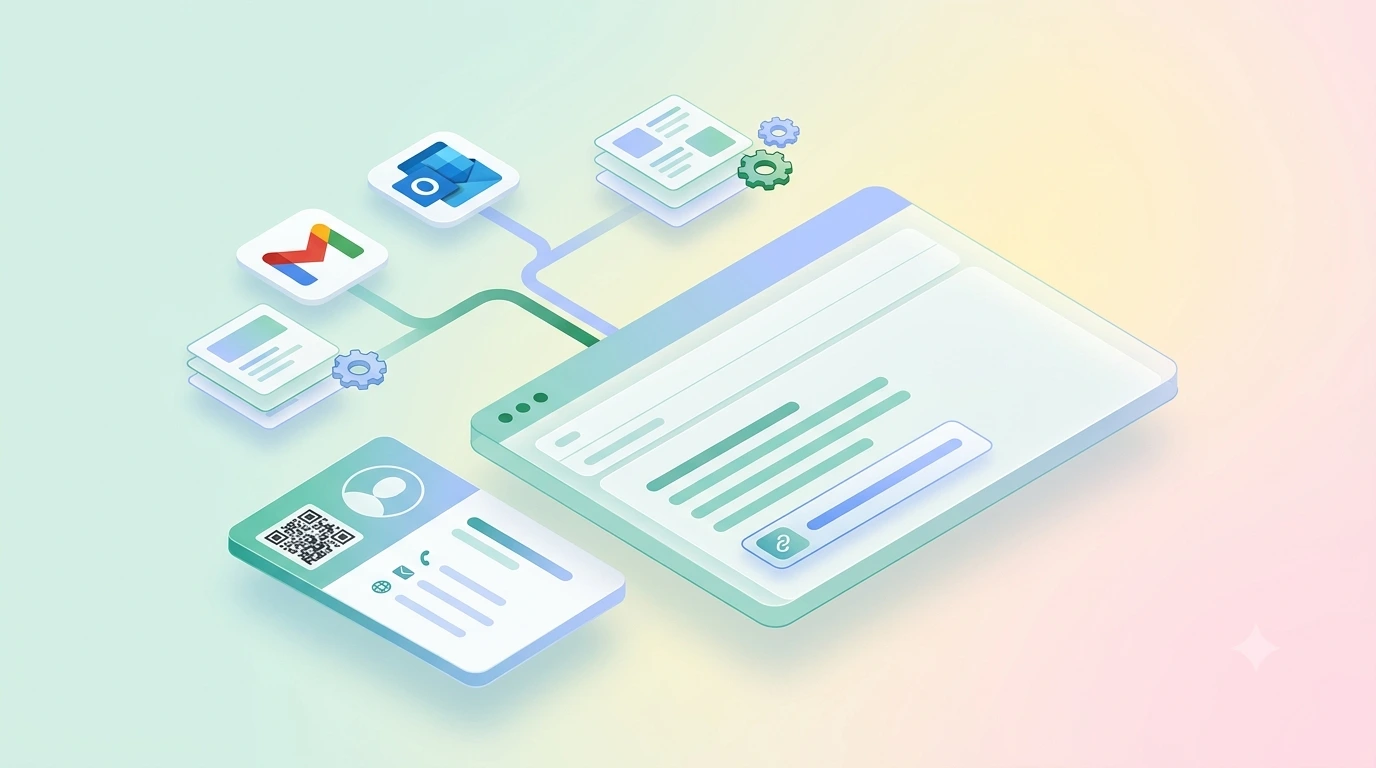
The same profile link sits in every signature the team sends, so a cold email and a handed-over card open the same page rather than two versions of the company.
A three-day stand shared by four colleagues empties a printed box around the second morning. A tap card has no such ceiling, and each scan reaches whoever held the conversation.
The front desk taps the right colleague's card instead of writing an extension on a slip that the visitor loses somewhere between the lobby and the lift.
Ordering a corporate visiting card for a whole company runs the same way at twelve cards as it does at two hundred. Only the quote moves.
How many people, which material, and whether any department needs a finish of its own.
A proof is drawn from your brand files and sent back to you. Nothing is printed or engraved until you approve it.
Names, designations and work emails in a simple spreadsheet. Each card is linked to the matching profile before it leaves us.
Cards arrive ready to work, so nobody on the team loses a Tuesday afternoon to setup screens.
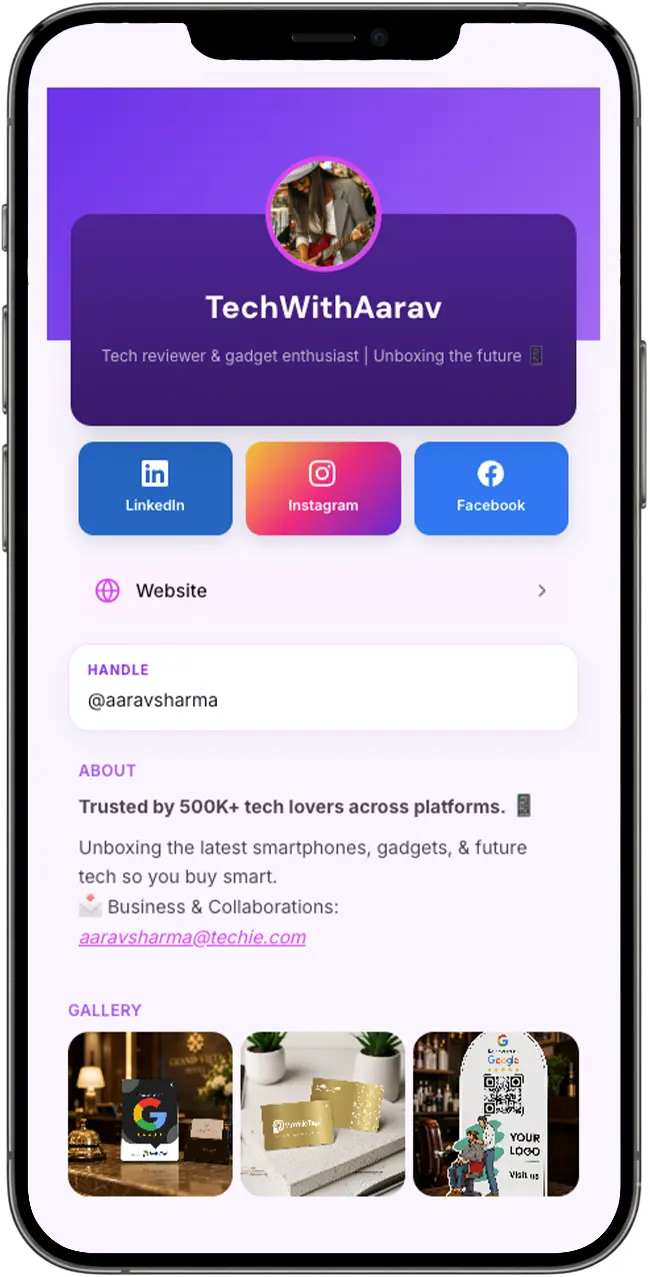
Runs in any browser — nothing to install. Admins manage the team from the dashboard, and every colleague opens their profile from the same link.
Live pricing sits on each product page, and a batch quote is worked out from the mix you choose.
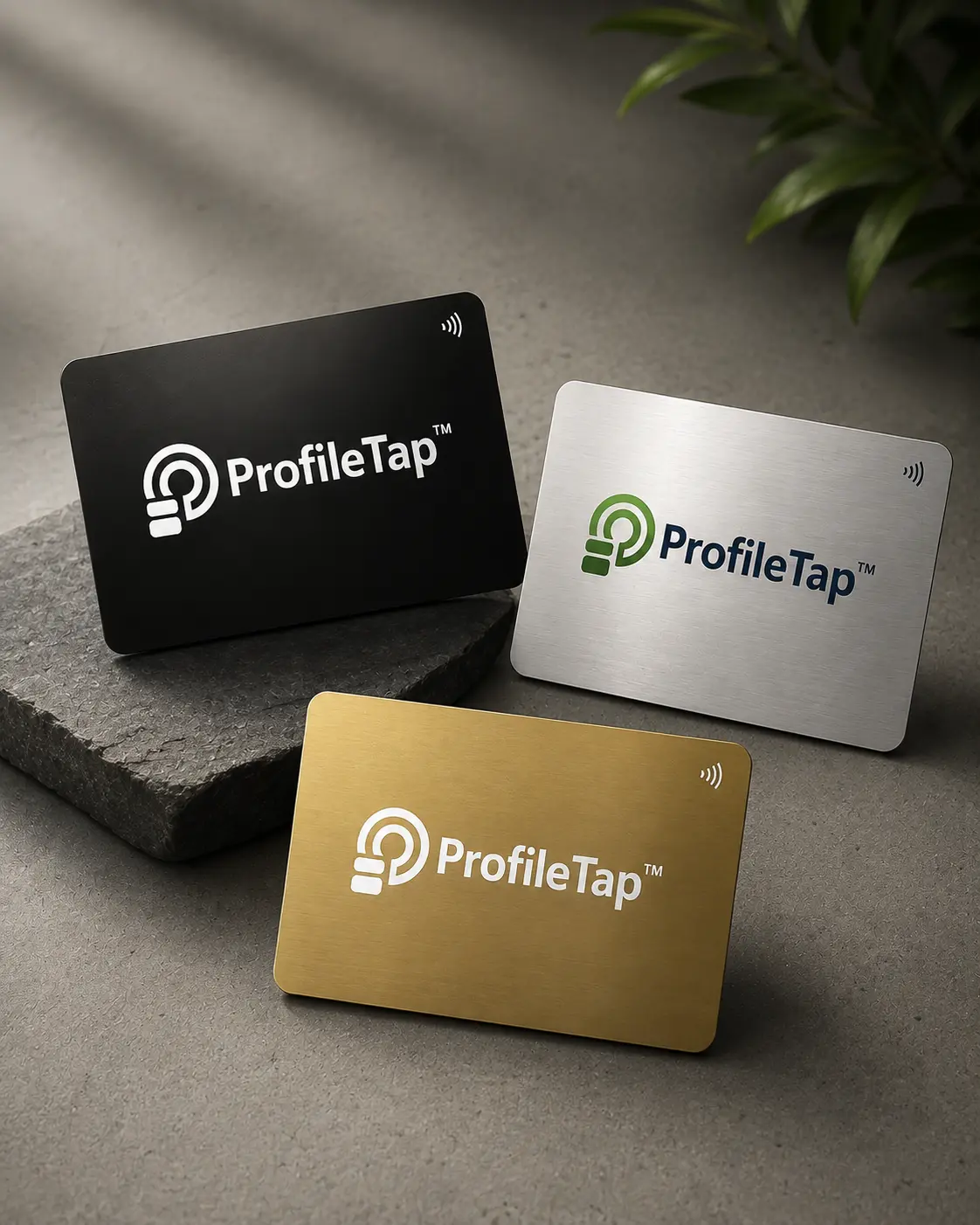
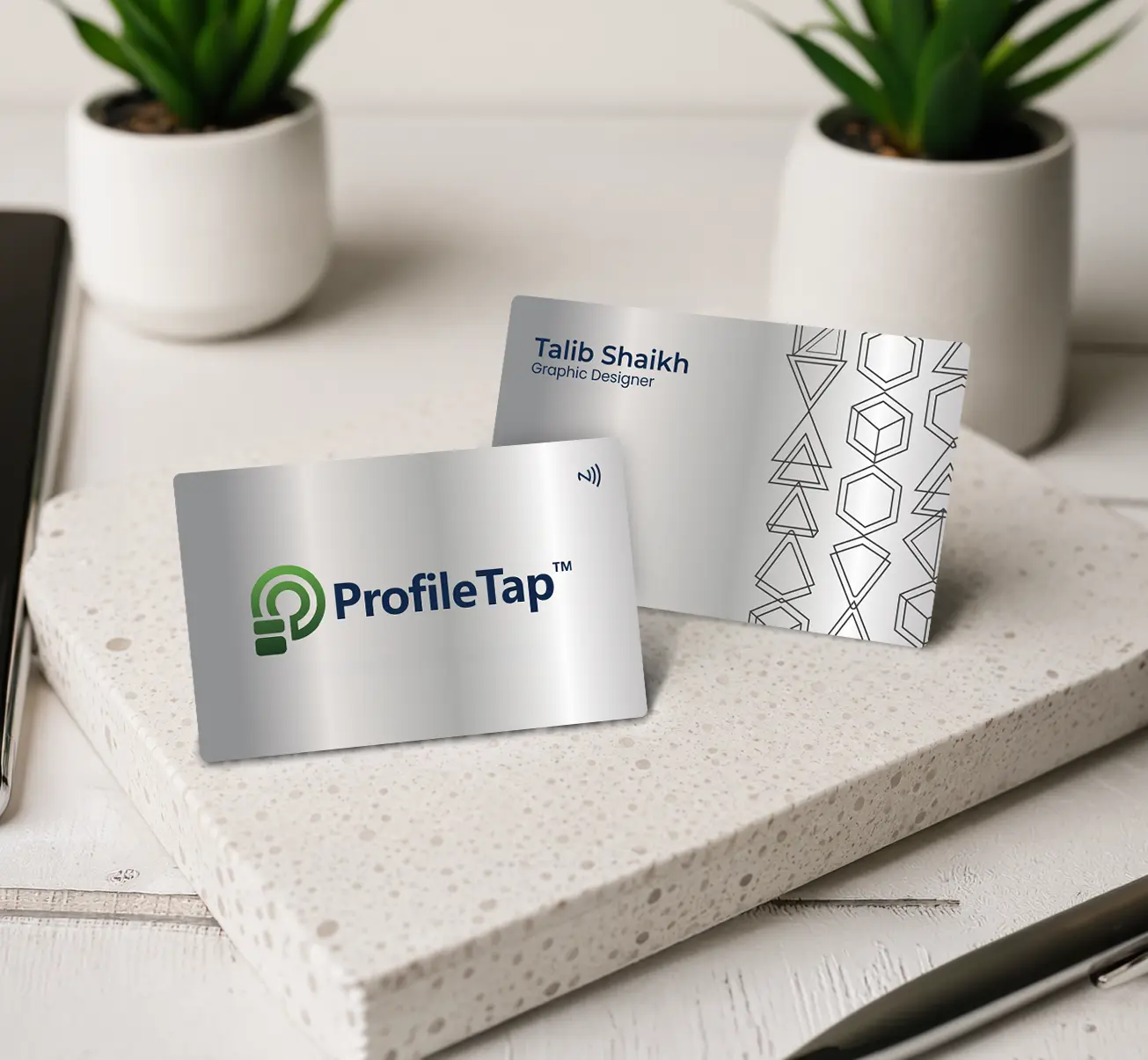
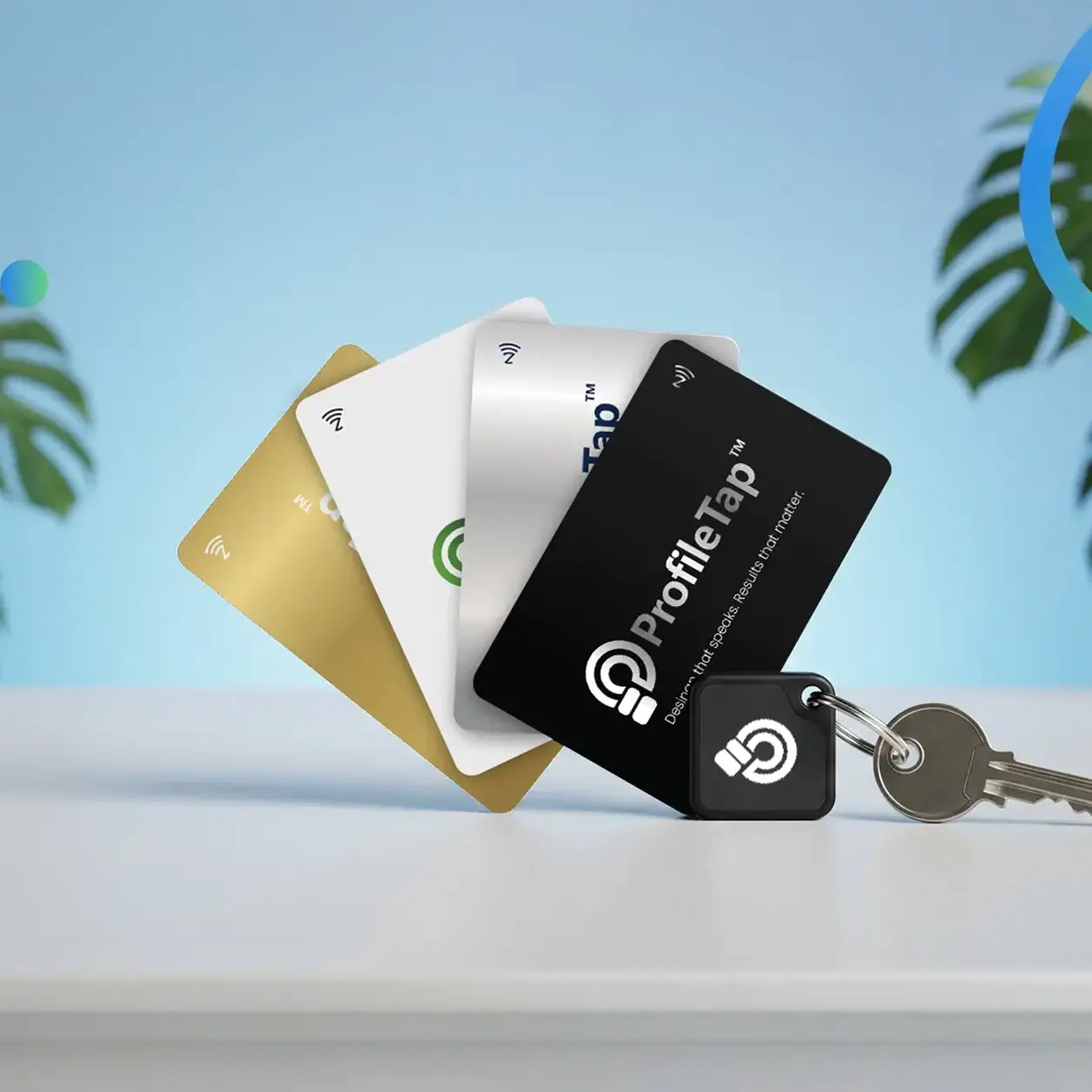
Eight things an office manager usually checks before signing off a batch, from the smallest order we take to what a card does once the person carrying it changes role.
A corporate visiting card is a company-issued card carrying one approved brand layout, while each colleague keeps their own name, designation and contact details. Tapping it opens a digital id card page, so a wrong number or a new designation is corrected there instead of reprinted.
There is no fixed floor. Small offices order a dozen and larger ones run into the hundreds; the per-card rate improves as the count climbs. Send the headcount and material through the contact page and a quote comes back against it.
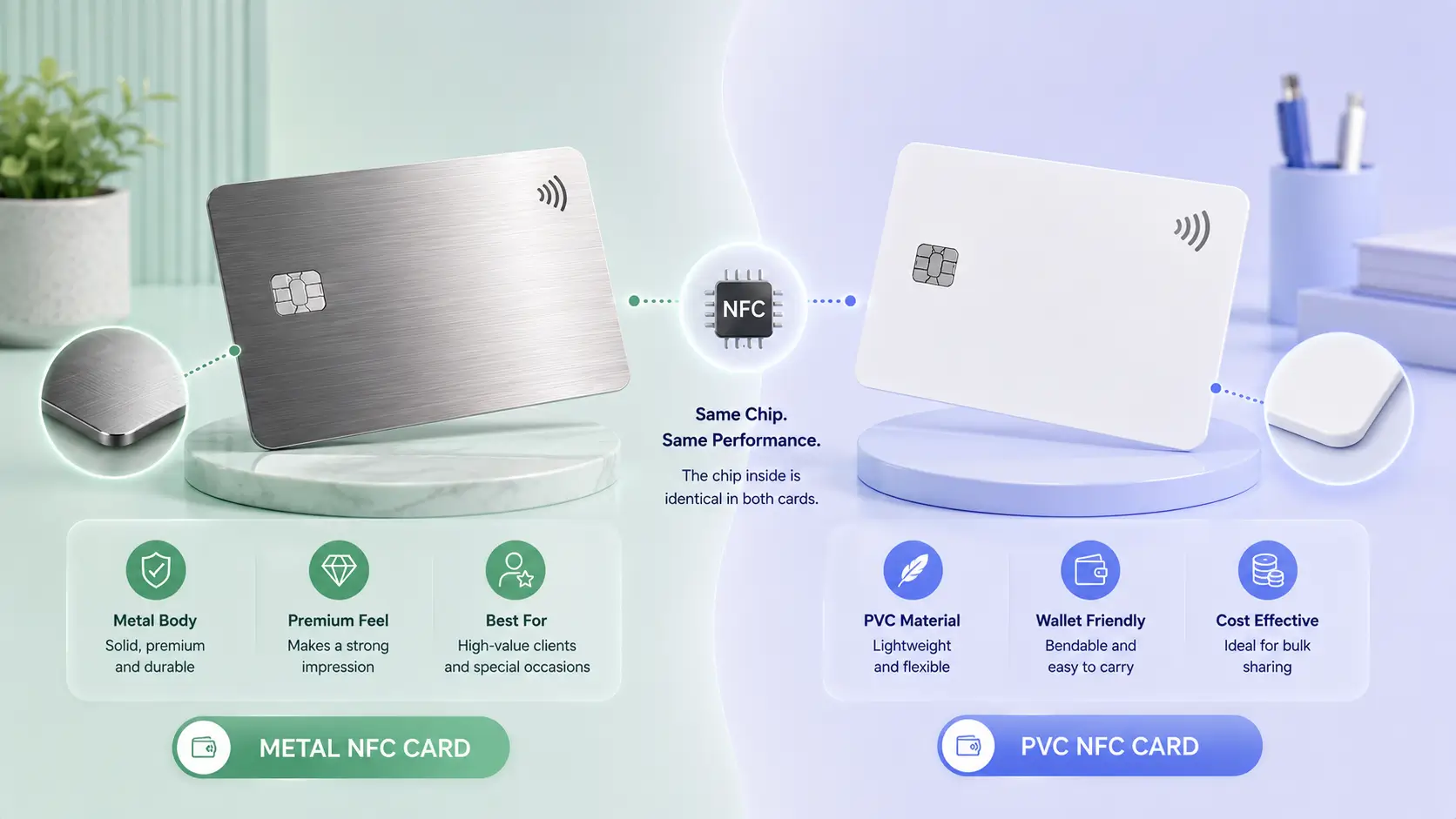
Yes. A single batch can put metal in the hands of leadership and PVC across the wider team, all under one artwork and one invoice. The finishes differ; the brand frame does not.
Partly. It identifies the person and their role to anyone outside the company, which covers most client-facing needs. It does not open doors or clock attendance, so a company employee id card used for building access stays a separate item alongside it.
Yes. Send whatever you already use and the layout is drawn to sit beside it, so an office employee id card design and the new tap card read as one family rather than two unrelated pieces of stationery.
The profile is edited from the company dashboard. A promotion changes the designation on cards already in circulation, and a departure lets you reassign the profile or route it to a team inbox, so an old card never strands an enquiry.
Yes. The batch is billed prepaid as one GST invoice raised in the company name. Accounts can book it as a single line, with no reimbursement thread to reconcile across several personal payments afterwards.
No. The card opens a web page on the receiving phone, so a client with no app and no account still gets your colleague's details saved in a couple of seconds. Your team manages profiles through a browser login.
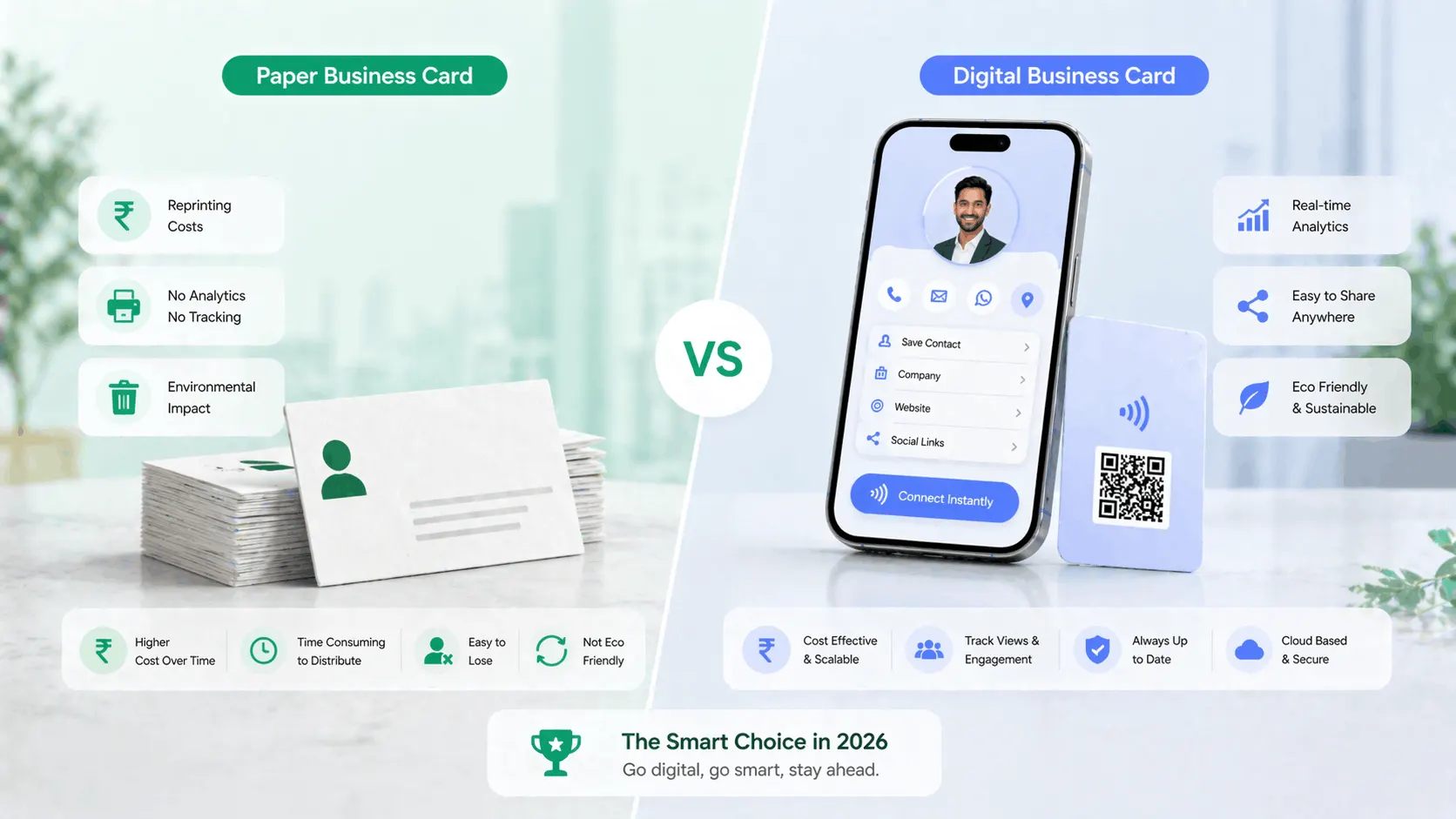
Three questions that come up in almost every team enquiry: how the profile link travels in email, which material suits which department, and what actually changes once the printed set is retired.
Share a headcount and the material you are leaning towards. A quote and an artwork plan come back together.
Prepaid GST billing · one approved layout · a profile for every person · shipped across India