
NFC in mobile phones is a short-range wireless chip that lets your handset exchange data with another device by holding the two within about four centimetres of each other. It powers tap-to-pay at a card machine, instant Bluetooth pairing, transit gates, and tapping a card or tag to open something on screen — all without pairing, an app or an internet connection.
So what is NFC in mobile phones, in practice? People phrase the question a dozen ways — nfc in mobile meaning, nfc phones meaning, or what nfc means in mobile phones — and the answer is the same short one above. Here is what the technology actually does, and how to find out whether your handset has it.
NFC full form and how it works
Typed into search as full form NFC or nfc ka full form, the answer is Near Field Communication — and if you are wondering nfc kya hota h, that is it: a short-range radio link, nothing more mysterious. It is a subset of RFID that operates on the 13.56 MHz radio frequency and is deliberately limited to a very short range, which is a security feature rather than a shortcoming.
- Range: roughly 4 cm in practice. Someone across the room cannot intercept the exchange the way they could with Bluetooth.
- No battery needed on one side. A passive NFC tag or card has no power source. Your phone's field energises the chip for the split second it needs to respond.
- No pairing, no setup. Unlike Bluetooth, there is no discovery step or PIN. Touch and it works.
- Small payloads only. NFC carries identifiers, links and payment tokens — not photos or videos. It often hands larger transfers over to Wi-Fi Direct instead.
NFC meaning in mobile phones: the three modes
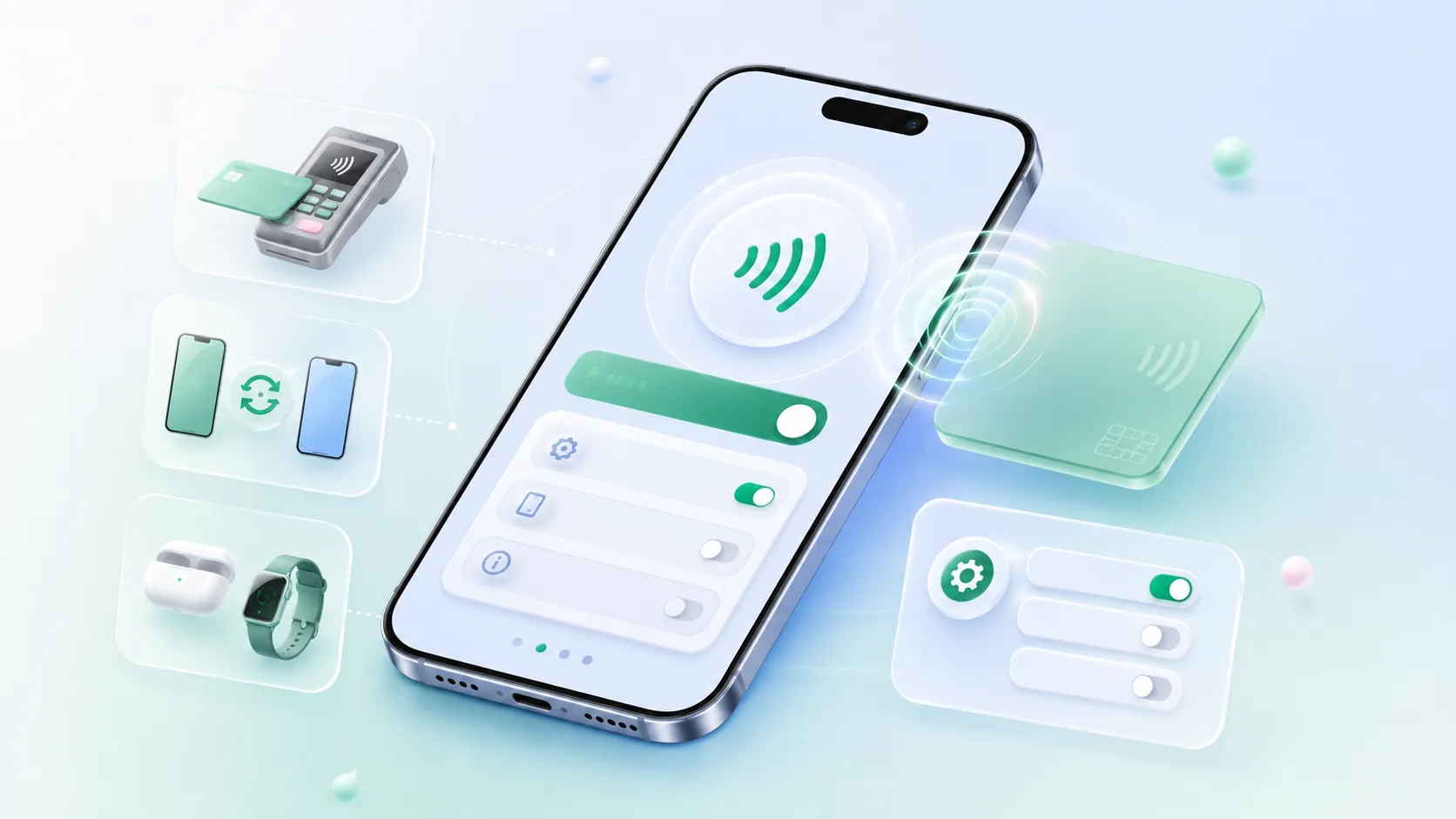
The chip in your handset can behave in three different ways, which is why one feature covers such different jobs:
- Reader / writer. Your phone reads a passive tag or card — a poster tag, a product label, a business card — and acts on what it finds, usually by opening a link.
- Card emulation. Your phone pretends to be a card. This is what happens when you tap to pay at a POS terminal or through a metro gate.
- Peer-to-peer. Two phones exchange data directly. This mode is largely retired on modern Android in favour of newer sharing methods.
What is NFC in mobile phones used for?
- Contactless payments. Tap your phone on a card machine instead of inserting a card. Works offline at the terminal.
- Transit and access. Metro gates, office door readers and hotel locks in a growing number of cities.
- Instant pairing. Tap a speaker or headphones and the Bluetooth handshake happens automatically.
- Tags and automation. Stick a cheap tag on your desk or dashboard and program it to trigger a routine — silent mode, navigation, Wi-Fi on.
- Sharing who you are. Tap a card against a phone and a full contact profile opens on the other person's screen.
How to check whether you have an NFC phone
On Android
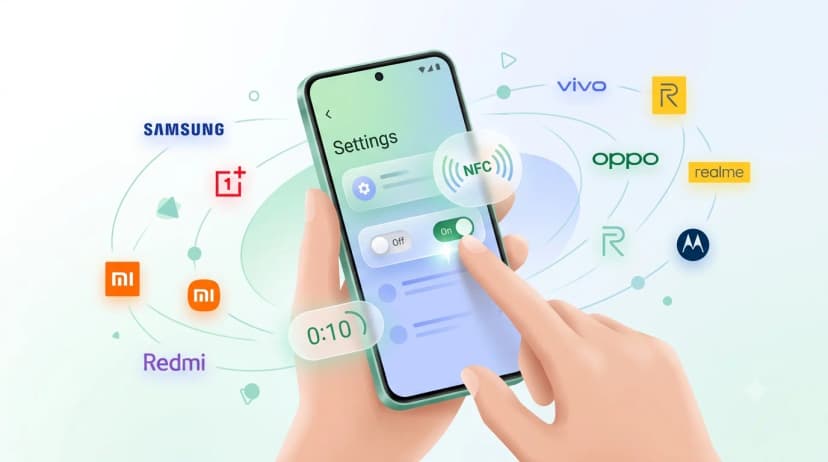
Open Settings and search for NFC. On most handsets the toggle sits under Connected devices, then Connection preferences. If nothing comes up in search, your phone does not have the hardware — it cannot be added later by an update. Most mid-range and flagship Android phones sold in India since around 2019 include it; the cheapest entry-level models often skip it to save cost. For the full brand-by-brand picture, see our guide to phones with NFC in India.
On iPhone
Every iPhone from the iPhone 7 onwards has NFC built in, and there is no toggle to switch on. From the iPhone XR and XS onwards it reads tags in the background automatically — unlock the screen, hold the top edge of the phone near the tag, and a notification appears. Older models need the NFC Tag Reader from Control Centre.
NFC vs Bluetooth vs QR code
| Feature | NFC | Bluetooth | QR code |
|---|---|---|---|
| Range | About 4 cm | About 10 m | Camera line of sight |
| Setup | None — just tap | Pairing required | Open camera, aim |
| Power on the other side | Not needed for tags | Battery required | Not needed |
| Speed | Under a second | Seconds to pair | Two to five seconds |
| Works in the dark | Yes | Yes | Poorly |
| Needs compatible hardware | Yes | Yes | No — any camera phone |
In practice the two complement each other: NFC is faster and feels better, QR reaches every phone. We compared them in detail in NFC business card vs QR code.
Is NFC safe, and does it drain the battery?
Leaving NFC switched on is safe for everyday use, and it is the most common follow-up to what is NFC in mobile phones. The four-centimetre range means an attacker would have to be touching your pocket, payment data is tokenised rather than sent as a raw card number, and a payment still needs your screen unlocked and biometrics confirmed. Battery impact is negligible — the radio idles until a field is detected and draws power only during the fraction of a second an exchange takes.
The sensible precautions are ordinary ones: keep your screen lock on, and treat an unknown tag in a public place the way you would treat an unknown link — read the URL in the notification before you tap it open.
The everyday use most people miss: your visiting card
Payments get the attention, but the simplest use of an nfc device is introducing yourself. An NFC visiting card is a card with a passive chip inside. Hold it against someone's phone — theirs, not yours — and your full profile opens on their screen in about a second. They do not need an app, an account, or to have NFC switched on beforehand in most cases.
- Your number, designation, catalogue, location and social links all live on the profile, and you can edit them any time without reprinting.
- A printed QR code sits on the back for anyone whose handset is not an NFC phone — so nobody is left out.
- Multi-language support means the profile can open in the language the person in front of you reads.
If you want the practical side — how to hold it, where the chip sits, what to do when a tap does not register — read how to use an NFC business card. If NFC is switched off on your handset, enabling NFC on Android covers every major brand. Or browse the NFC cards collection to compare PVC, wooden and metal finishes. One-time purchase, GST invoice, no subscription required.