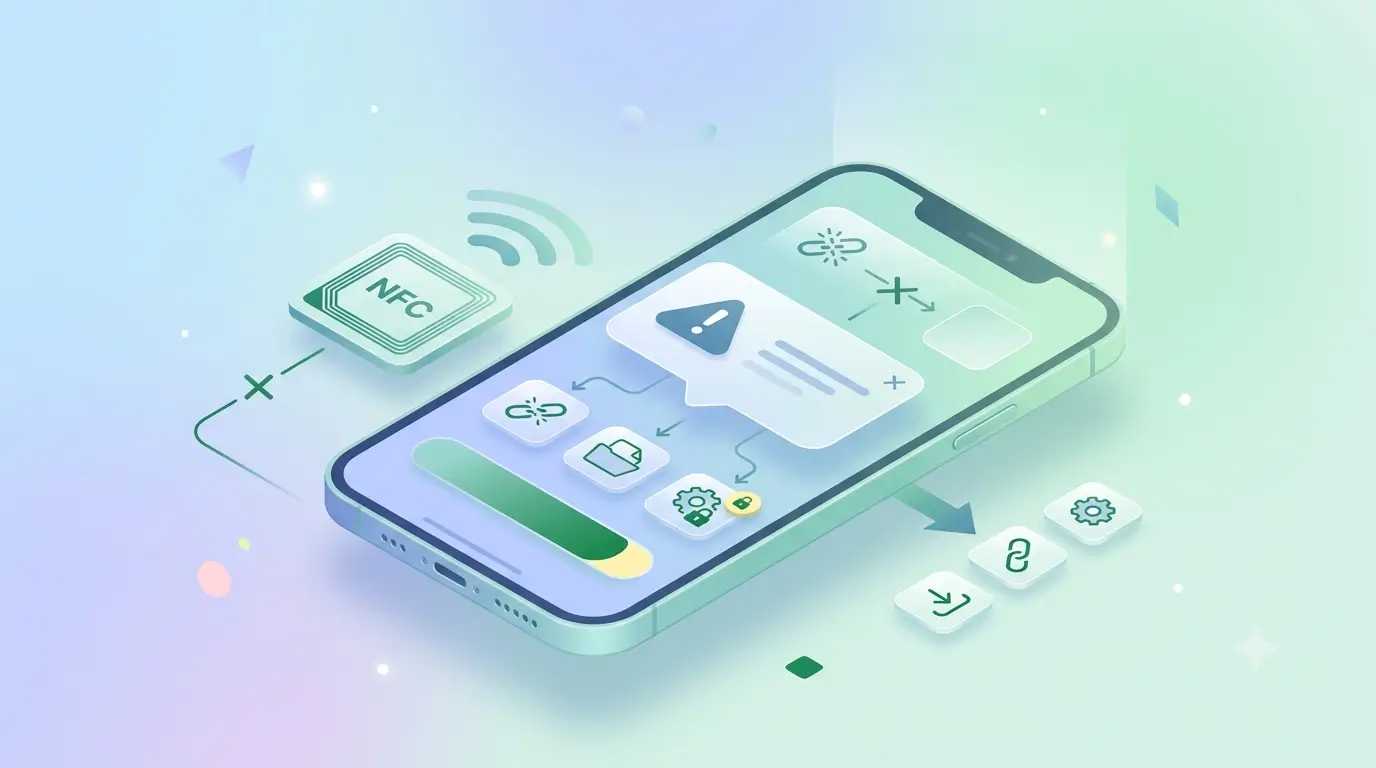

If your phone shows 'No supported app for this NFC tag', the tag is fine and your NFC is working. The message means your phone read the chip successfully but found nothing it knows how to open — usually because the tag is blank, or because it holds a data type your phone has no default app for. Almost none of these cases means the tag is broken.
It is one of the most alarming messages Android shows, because it sounds like a missing download. It is not. Here is what triggers it and what to do in each case, in the order worth checking.
Handsets word it differently, and people type it differently too. You may see 'No supported app for this NFC tag', the clipped 'no support app for this NFC tag', or a plain NFC tag not supported. Whatever the wording, the cause is the same. If your problem is closer to NFC tag not reading, with no message at all, skip to the last section.
What the message actually means
An NFC tag stores a record, and the record has a type. A URL record tells the phone to open a browser. A contact record tells it to open contacts. A plain-text record tells it nothing useful at all — there is no default app for raw text, so Android reports that no supported app exists. The read succeeded; the handover failed. That record is all a tag holds — an NFC card works the same way, storing a link rather than the details themselves. If you want the phone side explained from the beginning, start with what NFC is in mobile phones.
The four common causes
- The tag is blank. A new tag straight from a supplier often has nothing written to it yet. This is the single most common cause, and it is not a fault — the tag simply has no instructions on it.
- The tag holds plain text instead of a link. Written with a generic writer app, it may contain text your phone cannot act on. Rewrite it as a URL record and the behaviour changes immediately.
- The record points to an app that is not installed. Some tags encode an app-specific action. Without that app, the phone has nothing to hand it to.
- The tag was locked mid-write. Interrupting a write can leave the tag readable but with an incomplete record. If it was locked in that state it cannot be rewritten, and the tag needs replacing.
How to fix it
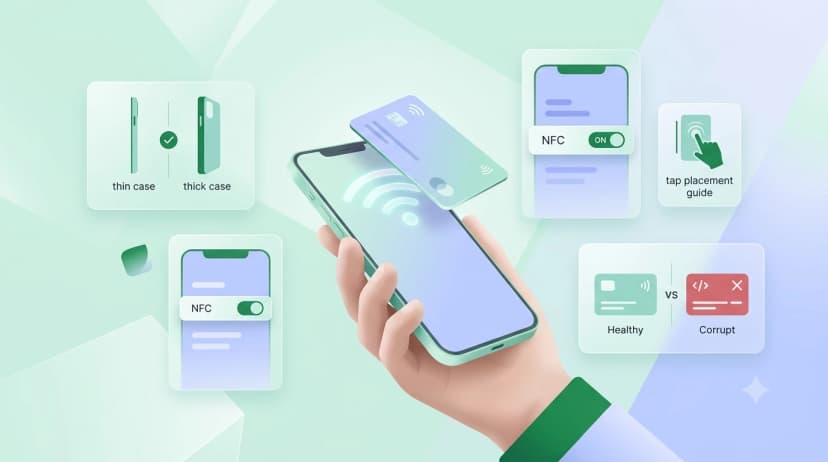
- Confirm NFC is switched on before anything else. Seeing the message means it already is, but if a second tap gives silence, the toggle is the first suspect; our guide to enabling NFC on Android has the path for each brand.
- Read the tag with an NFC reader app first. It will tell you whether the tag is empty, what record type it holds and how much memory is used — which separates a blank tag from a badly written one in about five seconds.
- If it is blank or holds text, write a URL record pointing at the page you want to open. URL is the most universally supported record type across Android and iOS.
- If the tag is locked and wrong, it cannot be fixed. Locking is one-way by design, which is what stops a stranger overwriting your card.
Is it different on iPhone?
iPhones handle this more quietly. Rather than an error, an unrecognised tag usually produces no reaction at all — which people read as the tag being dead. iOS only surfaces a notification for record types it can act on, chiefly URLs. If a tag works on Android but does nothing on an iPhone, the record type is the first thing to check. There is more on this in our guide to NFC on iPhone.
When a tag genuinely is dead
A dead tag produces nothing — no message, no vibration, no reaction on any phone at any tap position. If you are seeing the 'no supported app' message, the chip is alive and readable, which rules out physical damage. Antennas are usually killed by a sharp fold, a hole punched through the card, or sustained heat. Our NFC card troubleshooting checklist covers the physical side.
If the tag you tapped was a business card, how to use an NFC business card walks through the everyday tap once the card is written, and the NFC cards collection shows what a pre-linked card looks like.