Learning how to make QR code for business India customers will actually scan takes about ten minutes, and most of that is deciding what the code should open. Pick the destination, generate the code from the link, test it on two phones, then print it large enough to scan from arm's length and put it where people already pause. The mistakes are almost never technical; they are a bad destination, an untested print, or a code taped where nobody stands still.
TL;DR
- Four steps: choose the page, generate the code, scan it on Android and iPhone, print with a white margin and a one-line reason to scan.
- Use a dynamic code for anything printed in quantity, so the destination can change without a reprint.
- A logo and a brand colour are fine if contrast stays strong and the logo stays small.
Before you start
A code is only a shortcut to a web address, so the address matters more than the code. Sending people to a homepage wastes the scan; send them to the one thing you want them to do, your menu, your catalogue, your review page, or a profile that holds all of it. If you do not have a page worth scanning yet, build one first: a free digital business card gives you a destination in a couple of minutes and the code can point at it permanently.
What you need
- The exact web address you want people to land on, including the https part.
- Any QR generator; the free ones are fine for the image itself.
- Two phones to test on, ideally one Android and one iPhone.
- A printer, or a print shop, for anything bigger than a counter sticker.
Step 1: Decide what the code opens
Write down the single action you want from the scan. For a restaurant it is the menu, for a clinic the booking or review page, for a trader the catalogue or WhatsApp. Copy that page's address from the browser bar and keep it somewhere you will find again; you will need it in step two and again every time you reprint.
Step 2: Make QR code from link, static or dynamic
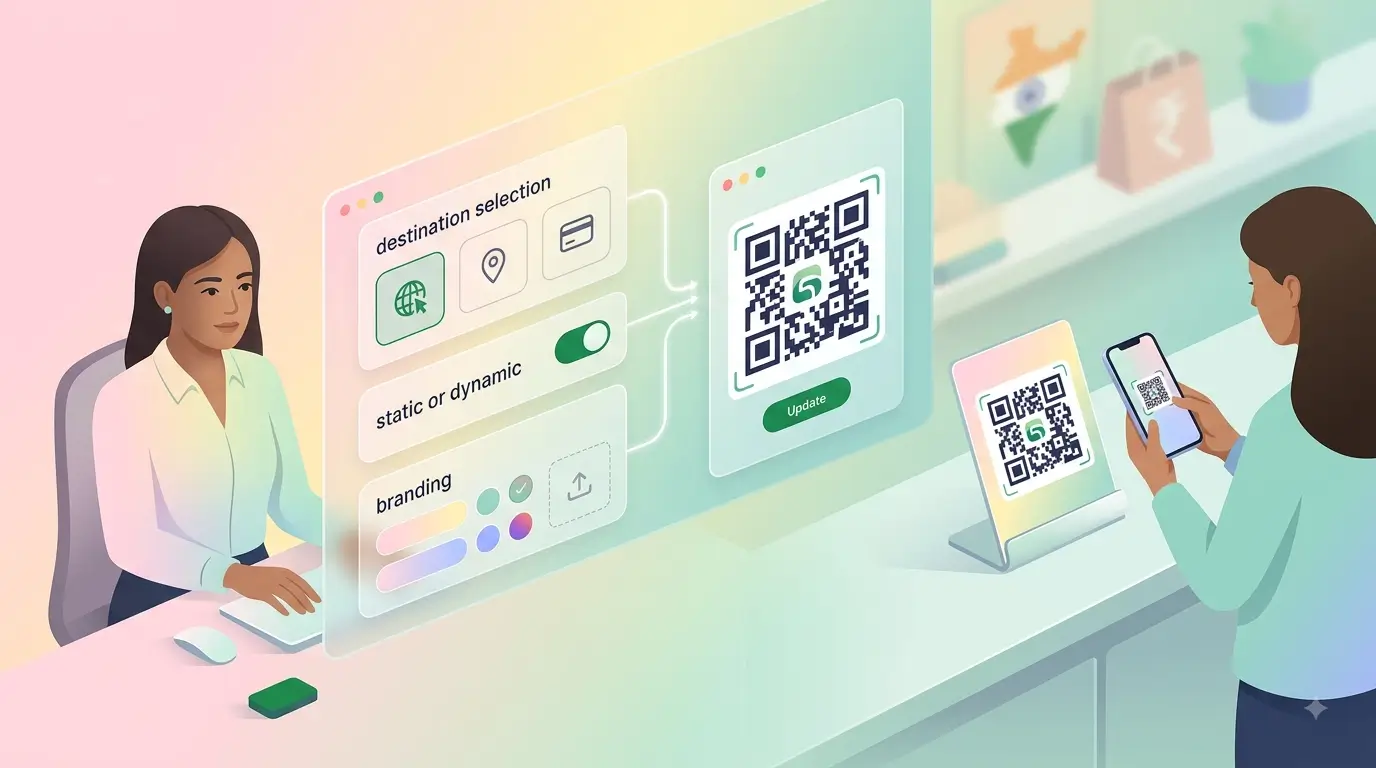
Paste the address into the generator and download the result as a PNG or, better, an SVG that scales without blurring. Before you download, decide which kind of code you are making. A static code has the address baked into the pattern; change the address and the printed code is dead. A dynamic code points at a redirect you control, so the destination can change while the printed code stays the same. A DIY QR code from a free tool is usually static, which is fine for a one-off poster and expensive for a shopfront, packaging or a hundred stickers.
Step 3: Test it on two phones
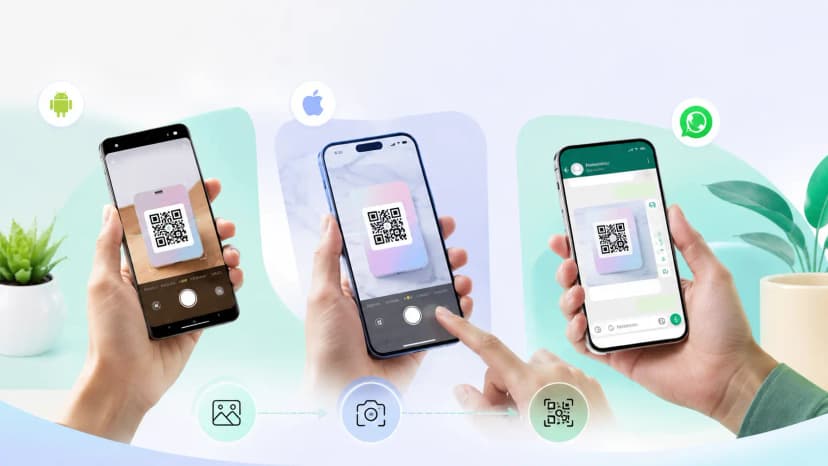
Open the camera app on an Android phone and on an iPhone and point each at the code on your screen. Both should show the link and open the right page without any scanner app. If one fails, the usual cause is low contrast or an inverted colour scheme; fix it before anything is printed.
The step everyone skips
Most printed codes in the wild that do not work were never scanned by their owner. Test on the screen, then test the first physical print at the distance a customer will stand, before the full run.
Step 4: Brand it, print it, place it
A customized QR code with your logo in the centre and a brand colour instead of black scans perfectly well within two limits: keep strong contrast between the pattern and its background, and keep the logo small enough to cover only the middle. Light pattern on a dark background fails more often than the reverse on older cameras, so test an inverted version harder. Print with a clear white margin on all four sides; our QR code size guide covers how small you can safely go. Then add one line saying what the scan gets them; a bare code gets ignored, a labelled one gets used.
Knowing how to generate QR code for shop use is half the job; placement is the other half. The billing counter catches everyone, the entrance catches people still deciding whether to walk in, and tables catch diners while they wait. Anywhere a customer stands still for ten seconds is a good spot.
Why this is faster than the alternatives
| Need | Free static code | Dynamic code | Card or standee that taps |
|---|---|---|---|
| Time to first working code | Ten minutes | Ten minutes | Setup once, then nothing |
| Change the destination later | No, reprint everything | Yes, no reprint | Yes, edit the profile |
| Works for a customer with no QR habit | Partial, needs the camera angle | Partial | Yes, tap or scan |
| Looks like part of the business | No | No | Yes |
| Cost | Free | Usually a subscription | One-time hardware |
Honest comparison
A code taped to a counter works. It also looks like a code taped to a counter, and customers hold their phone at an awkward angle over a printout.
Where a ProfileTap card or standee is clearly easier
- The scan is part of how you introduce the business, so the object should look like it belongs
- The destination will change: new menu, new review page, new number
- You print in quantity and cannot afford a reprint every time something moves
Where a free generator is enough
- A one-off poster or event notice that will be thrown away
- A menu that never changes
- Testing an idea before spending anything
Common mistakes
What breaks printed codes
- Pointing it at the homepage instead of the one page you want opened.
- Printing a static code on a hundred stickers and then changing the address.
- Crowding the code with text or artwork so the quiet zone disappears.
- A brand colour so pale, or a logo so large, that the pattern no longer reads.
You're done
Give the code somewhere permanent to point. Set up a digital business card for free, aim the code at it, and change what visitors see later without touching a single printed sticker. When the scan deserves a proper object, the NFC cards collection has cards that tap and scan.