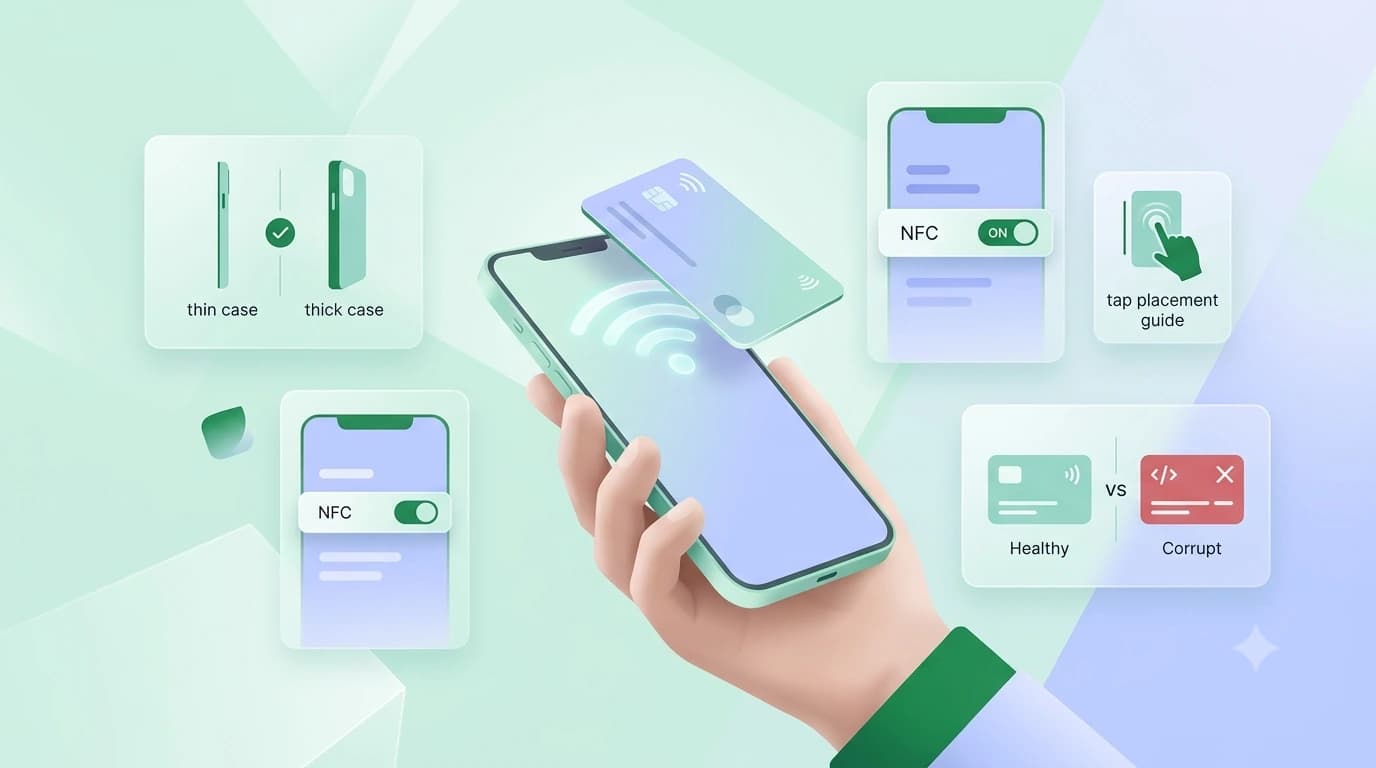

Most NFC cards that seem broken are not. Before replacing one, check four things in order: whether NFC is switched on, where exactly you are tapping, how thick the phone case is, and whether the card was ever written to. That sequence resolves the large majority of cards people write off as dead.
The reason is simple: an NFC chip has no battery, no moving parts and nothing to wear out in normal use. When a tap fails it is nearly always the phone, the position or the record rather than the chip.
So when you are asking why is my NFC card not working, start with the phone rather than the card. A toggle left switched off produces every symptom of a dead chip.
1. Confirm NFC is actually on
Search NFC in Settings. If no toggle appears, the phone has no chip and no card will ever work with it. That is a limit of the handset rather than a fault in the card. On iPhone there is no toggle because background reading is always on. Full steps are in our guide to enabling NFC on Android.
2. Tap the right part of the phone
This is the most common cause by a wide margin. The NFC antenna sits in a specific spot, and it is not the middle of the back. On most iPhones it is at the very top edge, near the camera. On Android it varies — often upper-middle, sometimes lower. Hold the card flat against the phone and move it slowly across the back over about three seconds rather than tapping once and giving up.
3. Take the case off
NFC works across roughly four centimetres in ideal conditions, and far less through material. A thick rugged case, a wallet case stuffed with cards, a metal plate for a magnetic car mount, or a popsocket sitting over the antenna will all block or weaken the read. Remove the case once and retest — if it works, the case is the answer.
4. Check the card was written
A new card is often blank until it is linked to a profile. A blank card is readable but has nothing to open, which on Android usually shows as 'no supported app for this NFC tag' and on iPhone as nothing at all. If you see that message, the chip is working — it just has no instructions yet.
When it is the phone, not the card
Sometimes nothing reads — not your card, not a metro card, not a colleague's tag. If my NFC is not working describes your phone rather than one card, the fault is on the handset side. Toggle NFC off and on once, then restart the phone: some Android builds leave the radio in a stuck state after an update or after Airplane mode. Check that Airplane mode is off, since it switches NFC off and does not always switch it back. If the phone still reads nothing after a restart, test one tag on a second handset to confirm which device is at fault.
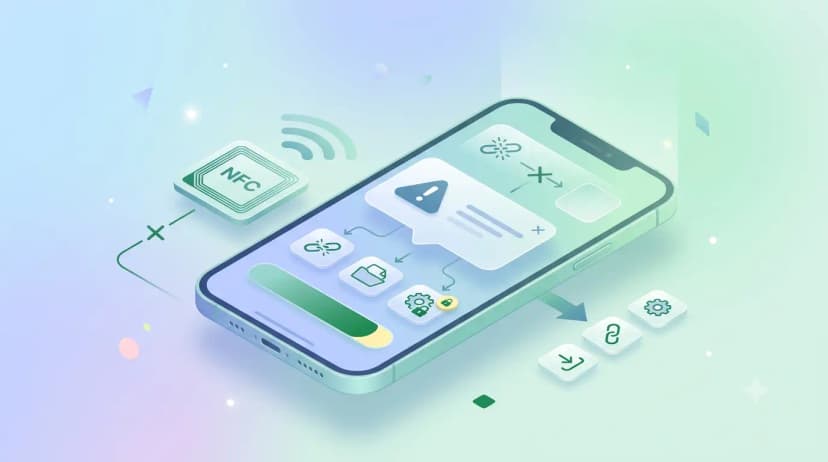
What the common NFC error messages mean
Android shows a handful of standard messages when a tap goes wrong, and each one points somewhere different:
- "NFC read error, try again" — the phone found the chip but lost it mid-read. Almost always movement: hold the card still against the antenna for a full second instead of swiping past it.
- "Tag failed to respond correctly" or NFC failed to respond — usually interference. Another card, a metal plate or a second tag in the same wallet is competing with the one you want read.
- "No supported app for this NFC tag" — the chip is fine and readable; it simply has no profile written to it yet.
- No message at all — the tap never registered. Back to tap position and the phone case, in that order.
An error message is good news. It means the phone detected a chip, so the card is alive and the problem is in how the two are meeting.
What actually kills an NFC card
- A sharp fold or crease across the antenna loop, which runs around the edge of the card rather than through the middle.
- A hole punched through it for a lanyard, if the punch cuts the loop.
- Sustained heat — a dashboard in an Indian summer is genuinely hostile to a PVC card.
- Water is not usually one of them. A PVC card is the same material as a bank card and survives rain and spills.
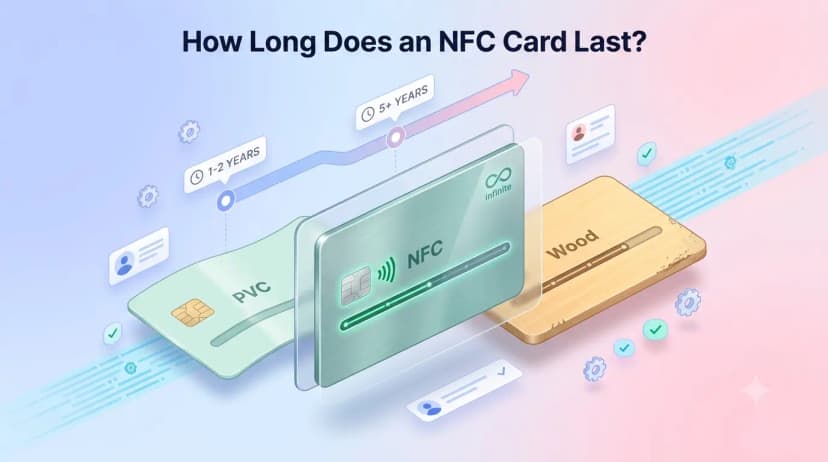
If the card fails on three different phones with the case off and no message appears on any of them, it is genuinely dead and needs replacing. That is rare enough to be worth ruling out everything else first. A well-made card outlasts the details printed on it — more on that in how long an NFC card lasts.
If you are choosing a card rather than rescuing one, the NFC business card guide covers what to look for before you buy, and the profile behind a ProfileTap card is free to set up before the card arrives.