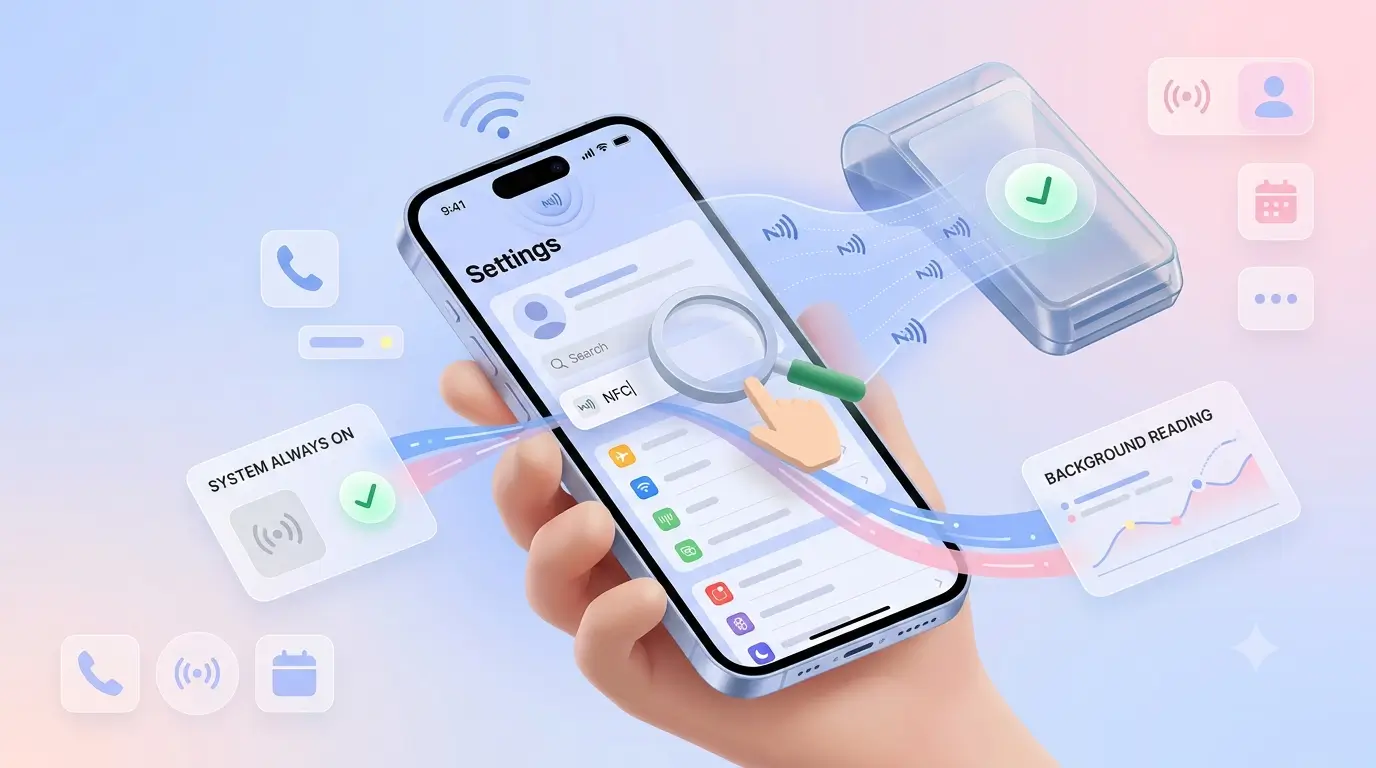

There is no NFC toggle on a modern iPhone, and that is the answer most people are actually looking for. From the iPhone XS onwards, background tag reading is always on — the phone listens for tags whenever the screen is awake and unlocked. If you have been hunting through Settings, you can stop.
There are no iPhone NFC settings to hunt for — the reader is part of the system, not a switch.
So when a tap does nothing on an iPhone, the cause is almost never a setting. It is where you tapped, what is on the phone, or what the tag holds.
Tap the top edge, not the back
The iPhone's NFC antenna sits at the very top of the device, near the camera housing — not in the middle of the back where most people instinctively hold a card. Touch the top edge of the phone to the card, keep the screen on and unlocked, and hold for a second rather than tapping and pulling away. That single correction fixes most failed taps.
Older models: the Control Centre reader
On iPhone 7 and 8, background reading does not exist. You add the NFC Tag Reader to Control Centre and open it manually before tapping. It is an extra step, but the hardware is there — those phones are not excluded, they just need the reader opened first.
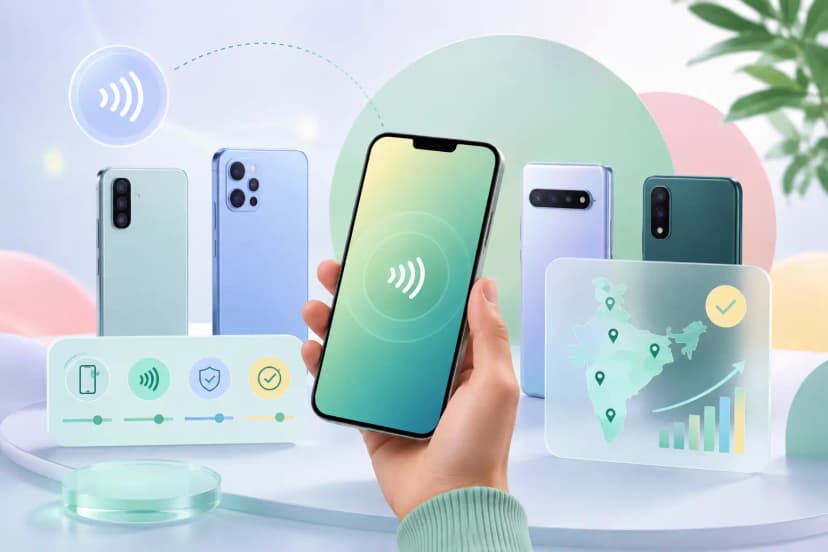
So can iPhone read NFC cards? Yes — every model from the 7 onwards; only the method differs.
When nothing happens at all
iPhones fail quietly. Where Android shows an error, iOS simply does nothing if the tag holds a record type it cannot act on — which people read as a dead card. iOS reliably reacts to URL records; plain text often produces silence. If a tag works on Android but not on iPhone, that mismatch is the first thing to check, and our guide to unsupported NFC tags explains how to rewrite it.
The other three causes
- A thick case, a MagSafe wallet or a metal mount plate sitting over the top of the phone.
- A locked screen. Background reading needs the phone awake and unlocked.
- Low Power Mode on some models, which can suspend background tag reading.
Android is a different story — there the toggle genuinely exists and is genuinely sometimes off. That is covered in enabling NFC on Android.