
Your Google review link is a short URL — usually starting with g.page/r/ — that Google creates for every verified Business Profile. It opens the star-rating box for your business directly, and getting it takes about two minutes: search your business name on Google while signed in as the owner, and use the "Ask for reviews" option.
That is the short version. This guide covers every way to find the link, what to do when the button is missing, how to put the link in front of customers, and how to fix a link that does not work — written for Indian shops, clinics and services running on a Google Business Profile.
How do I get my Google review link?
The fastest route is through Google Search itself — there is no separate dashboard to hunt for anymore. Your Google review link sits behind your own profile panel:
- Sign in to the Google account that manages your Business Profile.
- Search your exact business name on Google. Your profile panel appears with owner controls.
- Find the "Ask for reviews" button (wording varies slightly — sometimes "Get more reviews").
- Copy the short link Google shows. That is your review link — save it somewhere permanent.
On mobile, the same controls live in the Google Maps app: open Maps signed in as the owner, tap your profile picture, choose your business, and the review-sharing option is in the profile tools. Same link, same result.
Is there a free Google review link generator?
Yes — Google itself. The "Ask for reviews" button is the official Google review link generator, free and always current. Third-party generator sites do the same thing with an extra step: they look up your listing's Place ID and wrap it into a longer URL of the form search.google.com/local/writereview?placeid=…, which also works, and is handy if the short link ever misbehaves.
If you were wondering how to make Google review link from scratch — you never build it manually. Google generates it; you only copy it. Be cautious with generator sites that ask you to log in or pay: the link is free from Google, so there is nothing to buy.
How do I share my Google review link on WhatsApp and everywhere else?
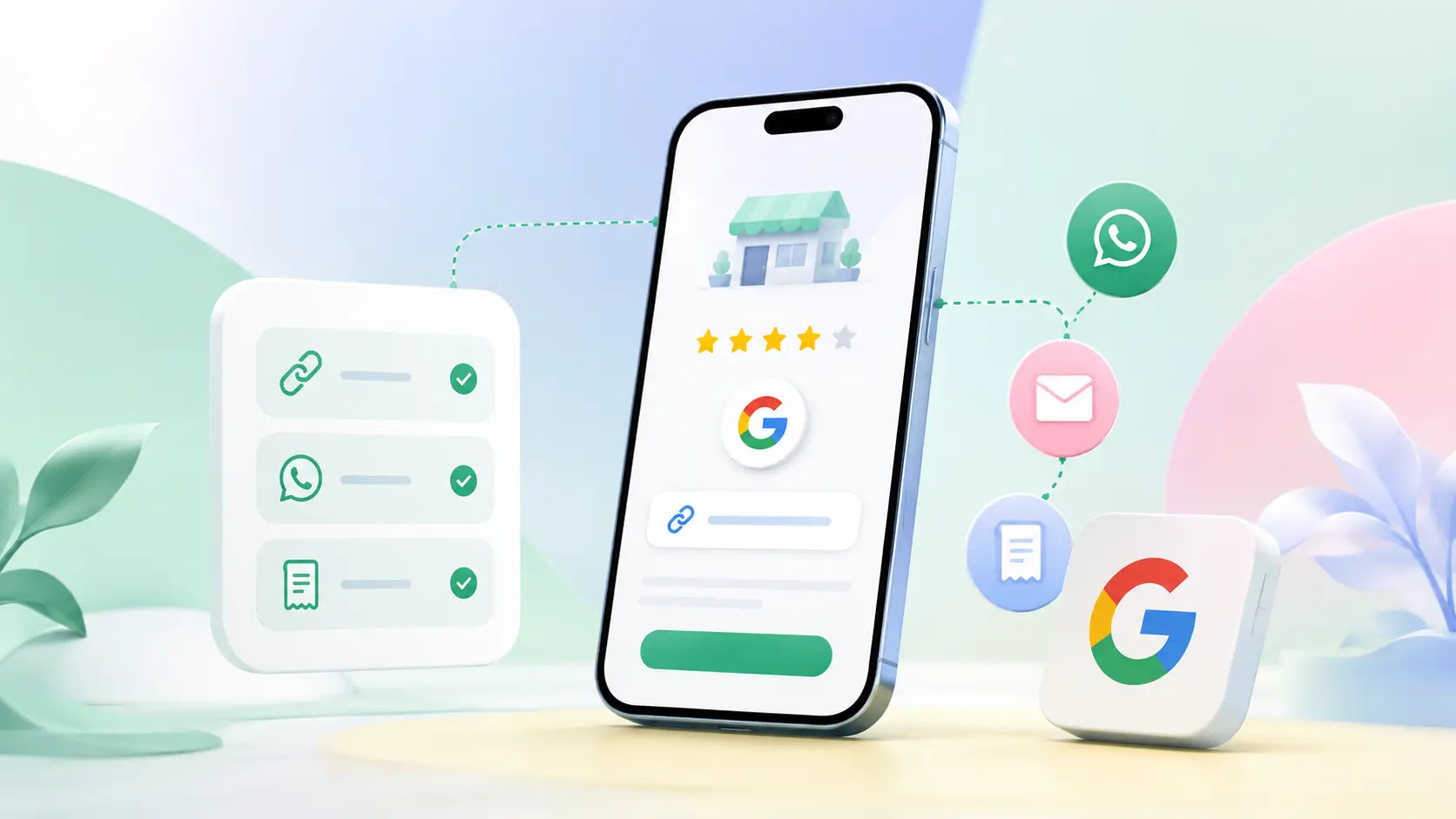
For Indian businesses, WhatsApp is the natural first channel, and the simplest answer to how to share Google review link with customers. Paste the link into a short message right after the service: "Thank you for visiting! If you have a minute, a Google review helps us a lot: [link]". Sent within a couple of hours of the visit, while the experience is fresh, it converts far better than a request days later.
Beyond WhatsApp, the same link works everywhere text works: printed on bill receipts, in an SMS follow-up, as a "Review us on Google" button on your website, and in your email signature. The habit that matters more than the channel is asking every customer at the same point of service — that is how to send Google review link to customers without it feeling like begging. Restaurants have their own version of that moment: increasing Google reviews for a restaurant.
Why is my Google review link not working?
Almost every broken review link traces to one of four causes. The profile is not verified yet — unverified listings cannot collect reviews, so complete verification first. You are signed in to the wrong Google account and cannot see the owner controls. The link was retyped or truncated when printing — always copy-paste, never type it out. Or, rarest and most serious, the profile has been suspended, in which case the link shows an error until the profile is reinstated.
One more India-specific catch: if your business recently moved or changed its name, Google sometimes issues a fresh short link after re-verification. If old printed material stops working, fetch the link again and compare. And when the reviews that arrive are not the ones you hoped for, responding to negative Google reviews matters more than chasing new ones.
Taking the link offline: QR codes, cards and standees
Online, you paste the link. In a shop, clinic or salon, customers cannot click — so the link gets printed as a QR code or loaded onto tap hardware. The full walkthrough is in our guide to creating a Google review QR code, which starts from exactly the link you just copied.
If you would rather skip the DIY, ready-made Google review cards and counter standees come with your review link already loaded — customers tap or scan and land straight in the rating box. What separates one that gets used from one that gets ignored is covered in Google review card design.
The Google review link is the smallest piece of review collection and the one everything else builds on: get it once from your profile, keep it saved, put it in every thank-you message, and let the printed versions work your counter while you work. If you would rather not build the code yourself, a ready Google review QR code arrives already pointed at your listing.