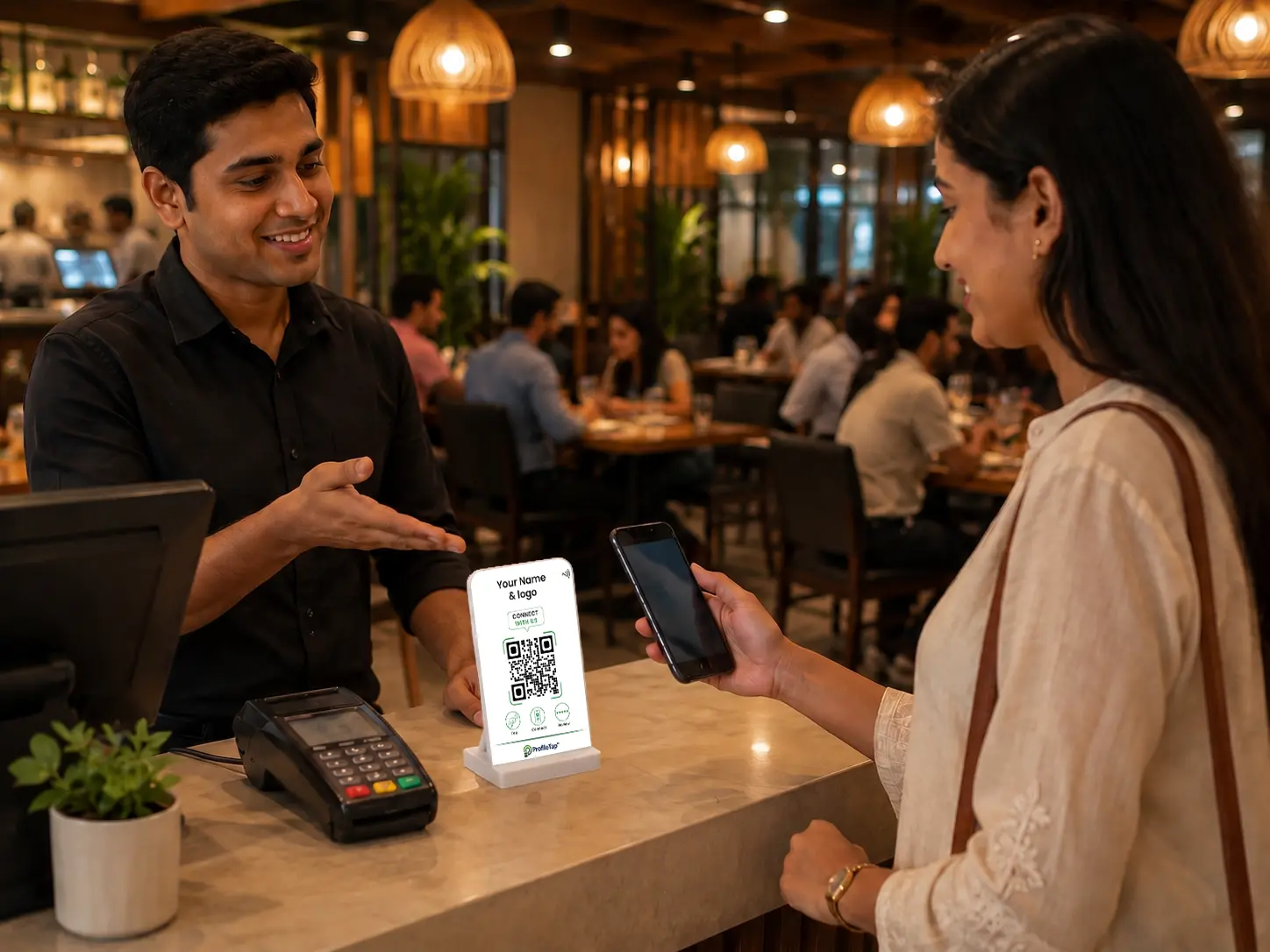
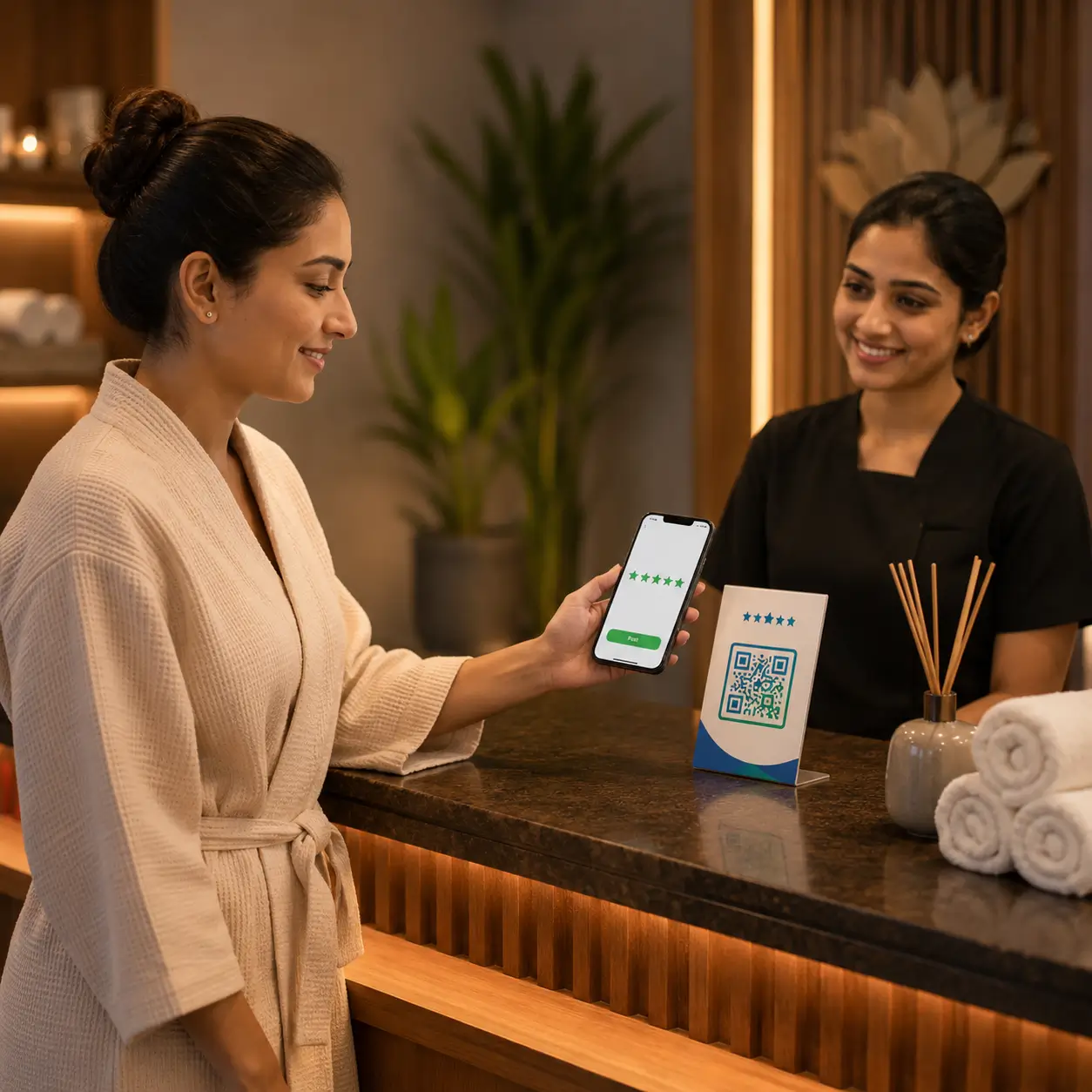
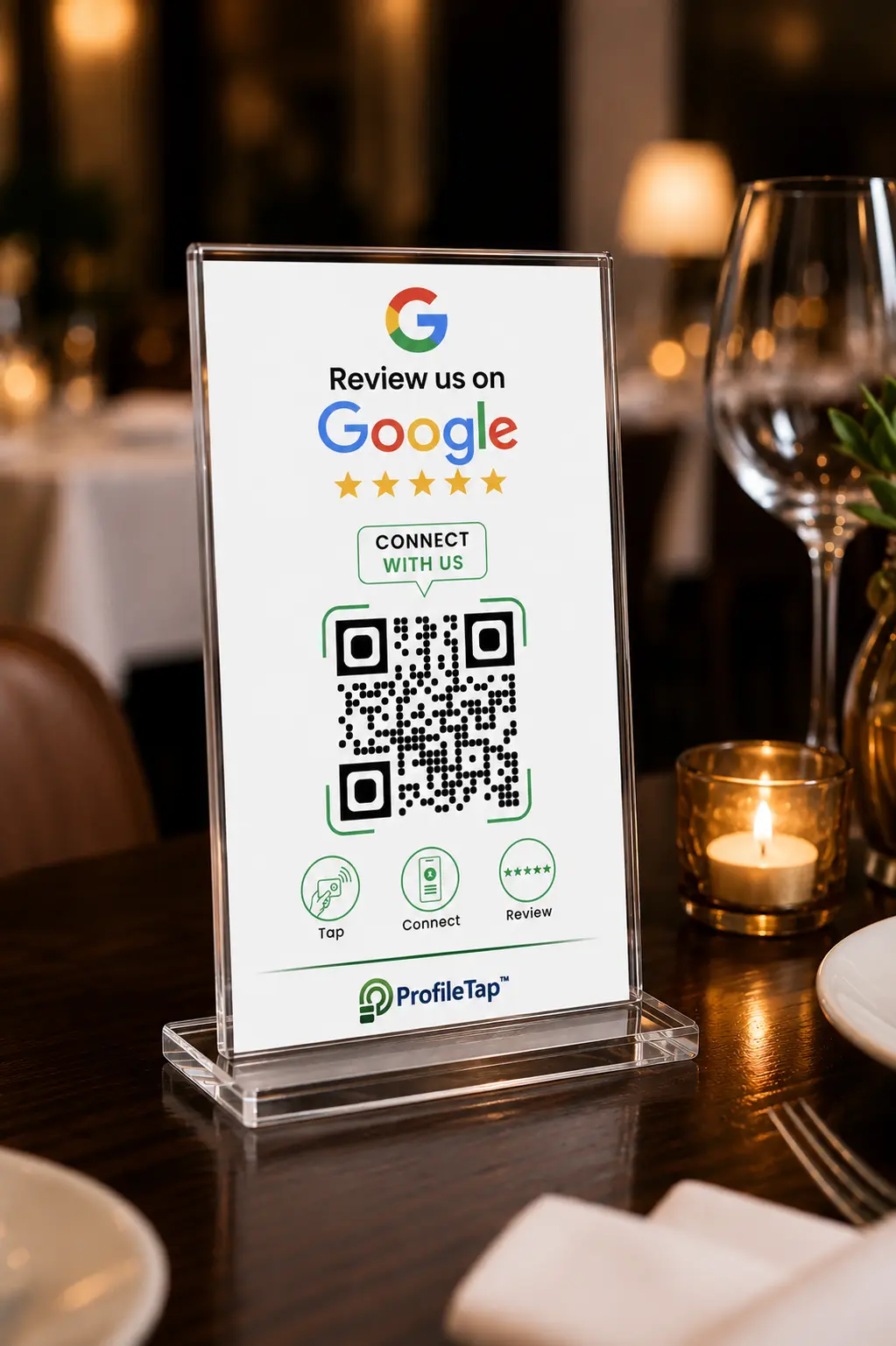
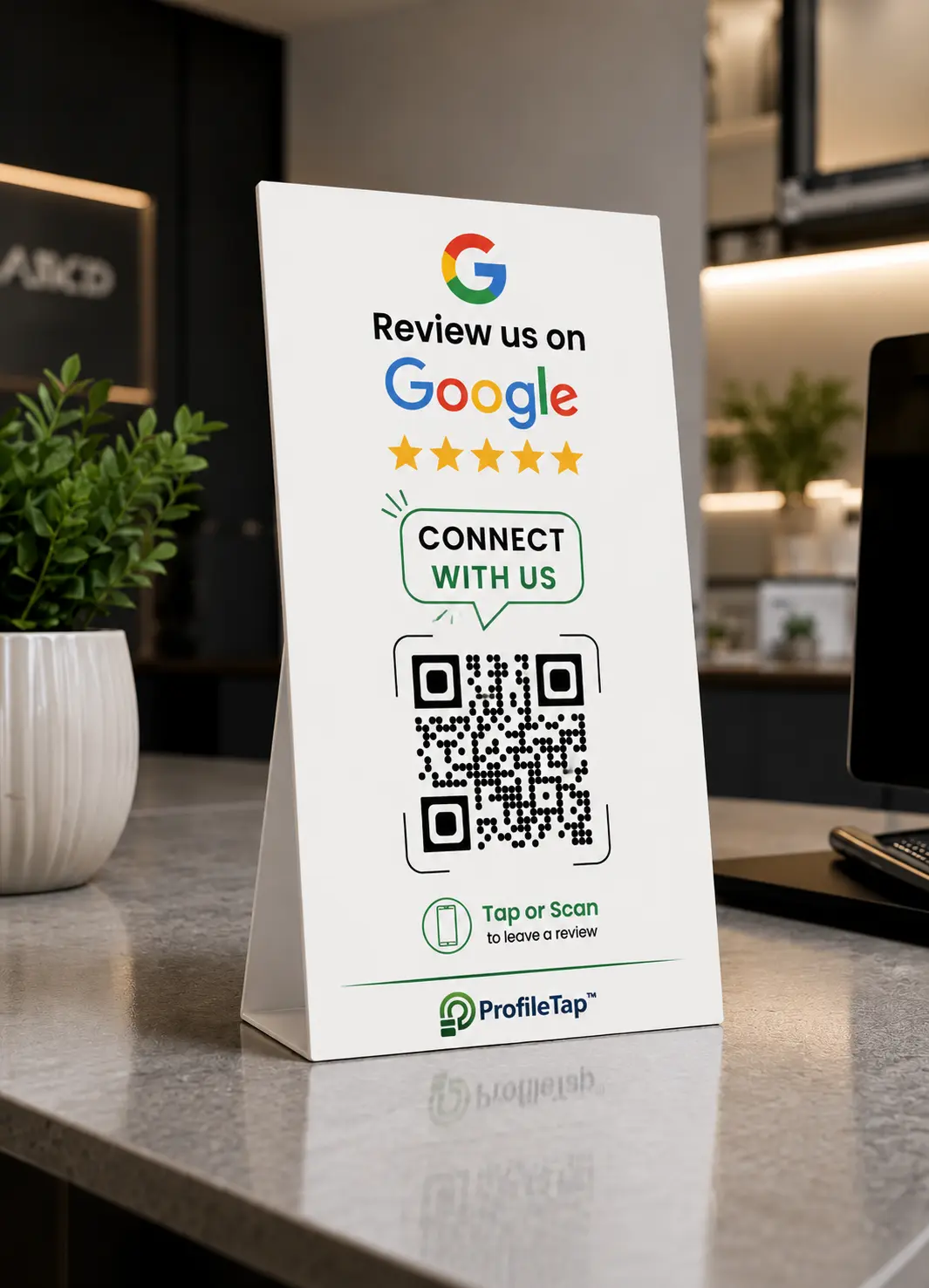
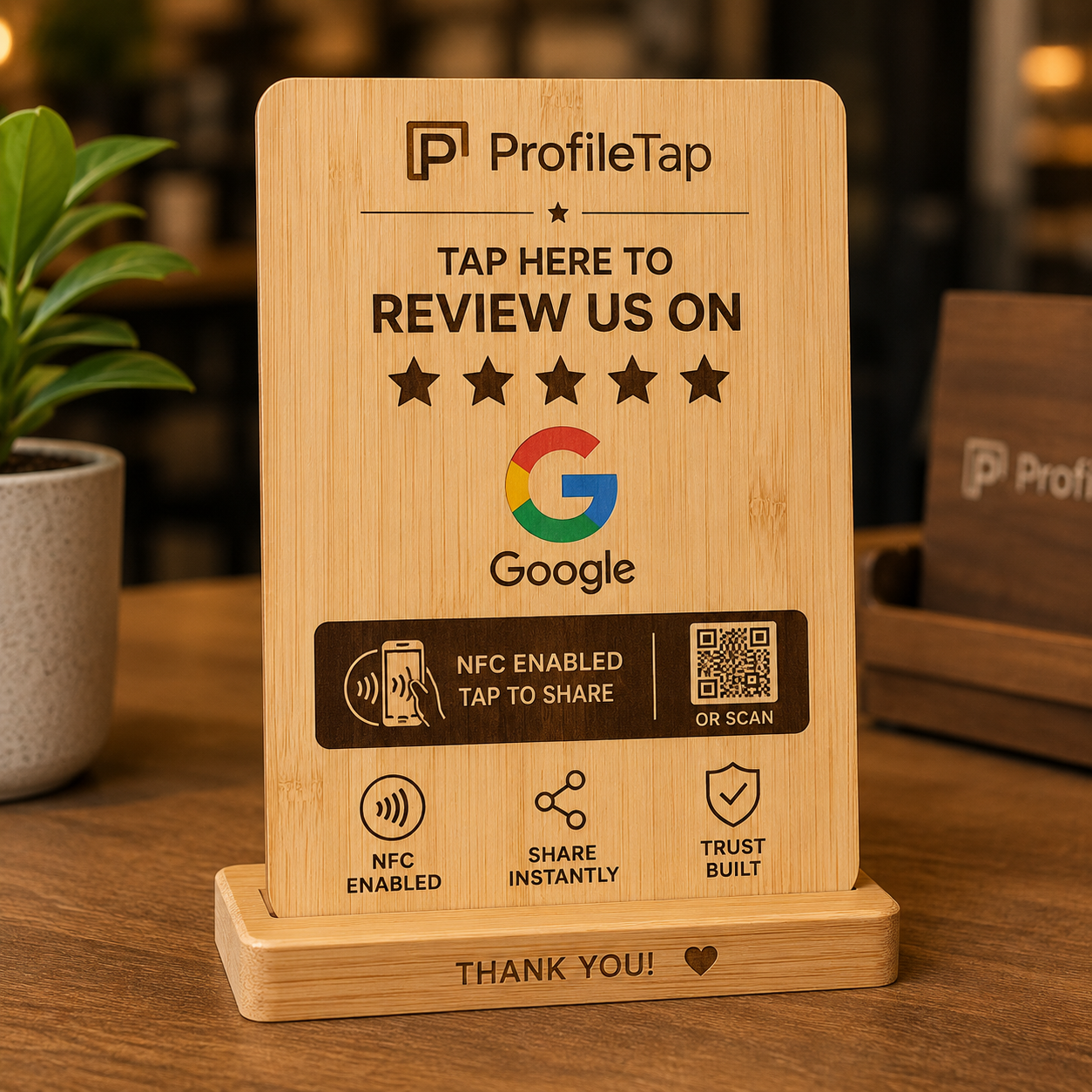

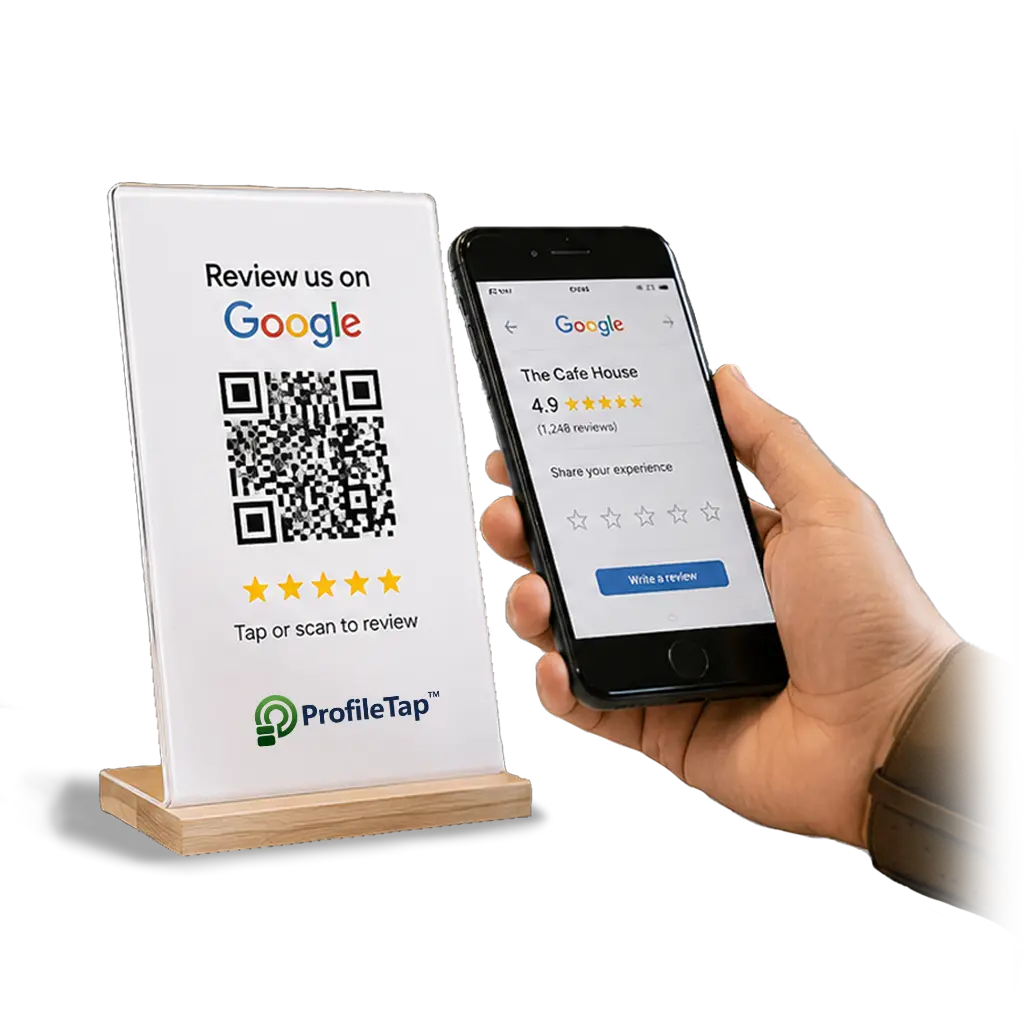
A Google review QR code lets any customer scan or tap and land directly on your Google review page — no app to install, no searching for your business name. Put it at billing, on each table, or on a poster and reviews start coming in.
Make a Google reviews QR code free of charge with your own review link, or get it print-ready on a ProfileTap standee or card. One-time purchase, GST invoice, ships across India — no monthly fee, ever.
Most customers mean to leave a review and forget by the time they get home. A QR code for Google review turns a good visit into a review on the spot — the same one-tap prompt, every customer, every time.

Staff ask verbally — most customers forget once they leave.
Typing your exact business name into Google is slow and fiddly.
No visible prompt, so reviews only trickle in.
Paper feedback slips get ignored and thrown away.
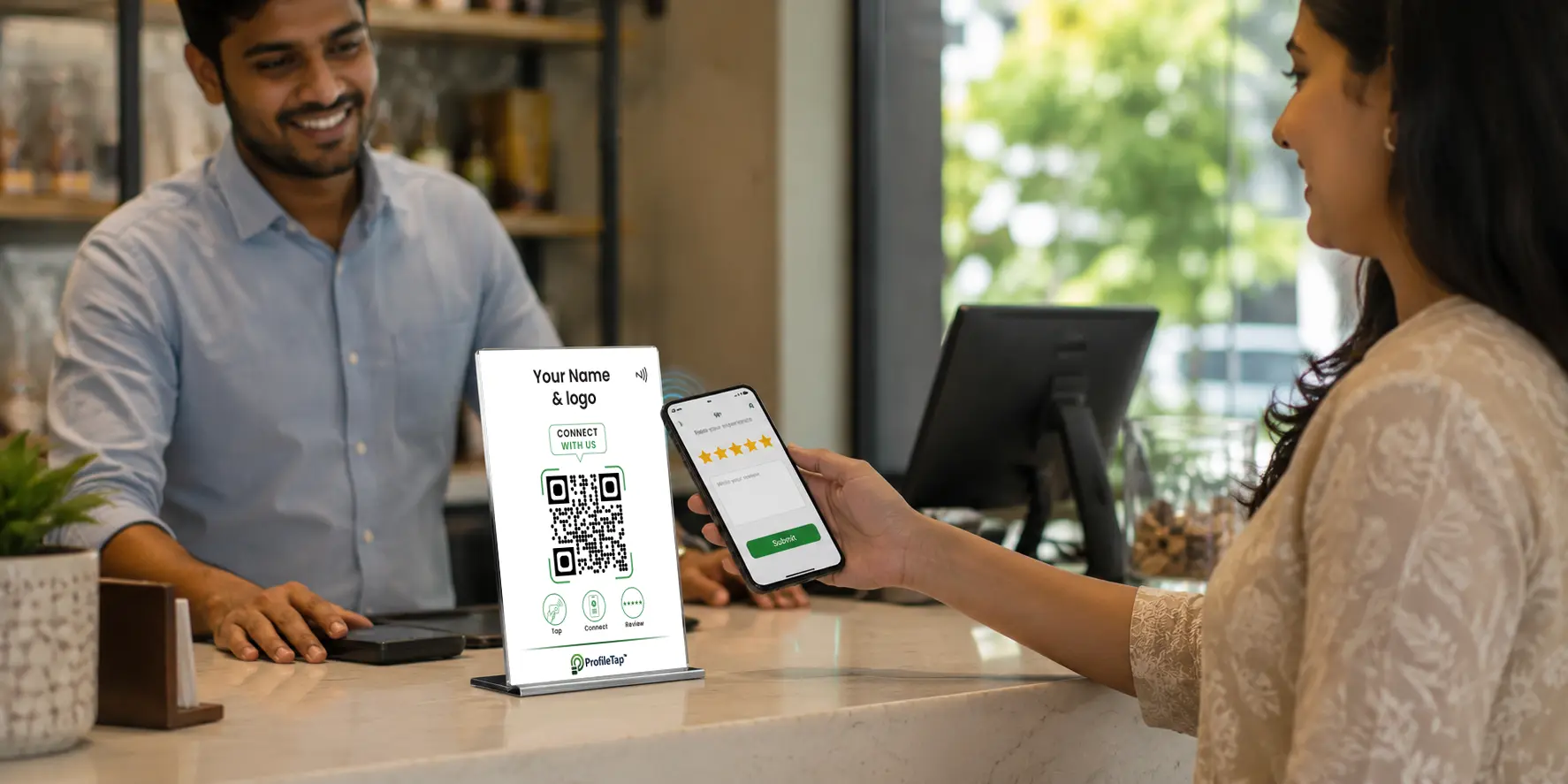
A scan or tap opens your Google review page in seconds.
A prompt on every counter or table reaches every customer.
Works on any phone — nothing to download.
One-time price, no subscription, nothing to renew.
How it works
One simple code — scan or tap — that takes customers straight to your Google review page and makes leaving a review effortless.
The scan opens your Google review page directly — no searching for your business — so more customers finish the review.
Every phone can scan the QR; on an NFC standee, newer phones can also tap. Whichever the customer's phone supports, it just works.
Customers use their built-in camera — nothing to download for you or for them. Point, scan, review: done in seconds.
Put it on a Google review standee at billing, on a Google review card at the till, or on a poster on the wall — same code, wherever customers are.
Order the hardware once — a one-time price with no subscription, so it keeps working with nothing to renew.
Prepaid order with a proper GST invoice, delivered across India, with multi-language support.
Wherever customers pause — billing, tables, reception — the same code quietly collects reviews.
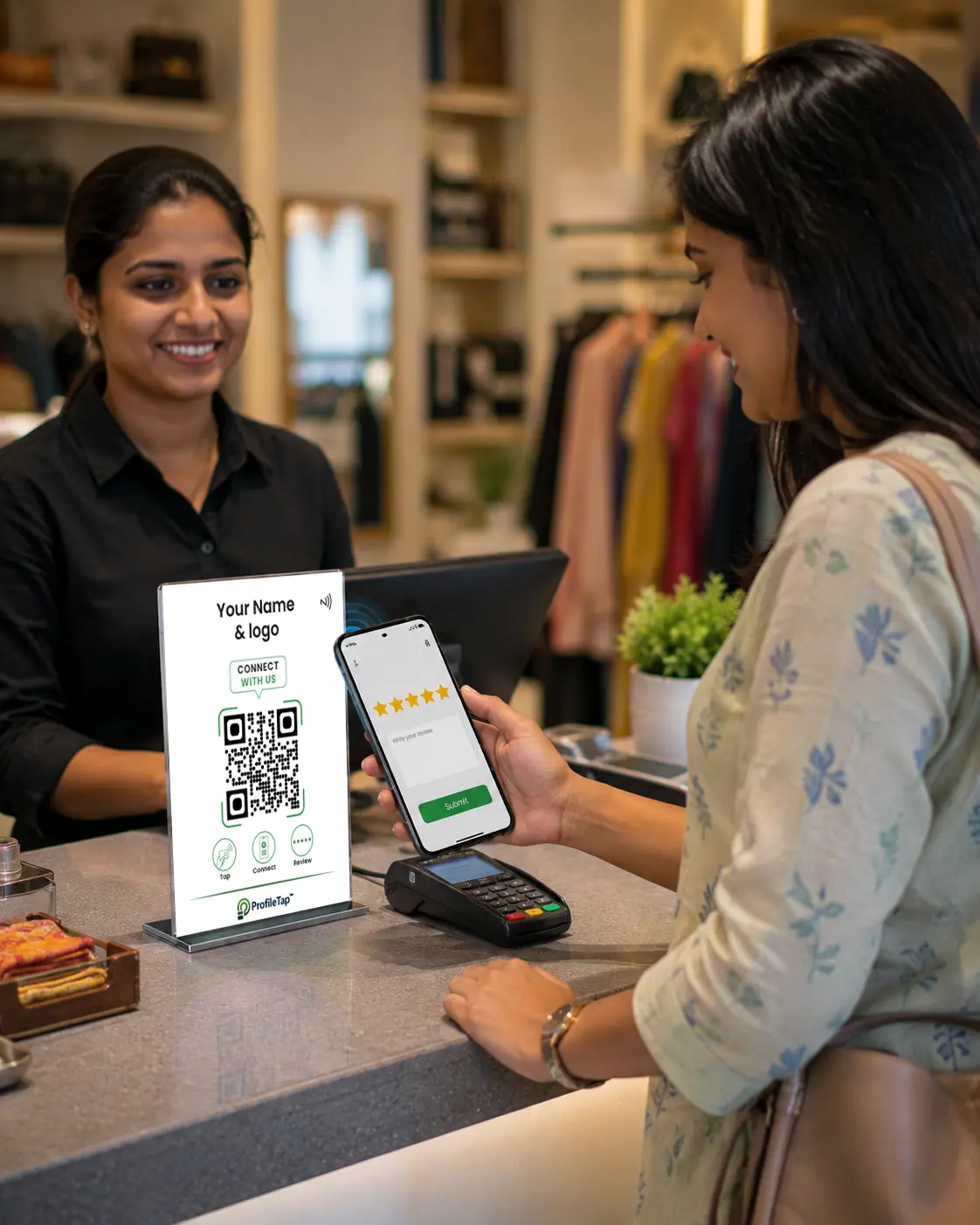
Retail & shops
A code beside the card machine catches shoppers right at payment.
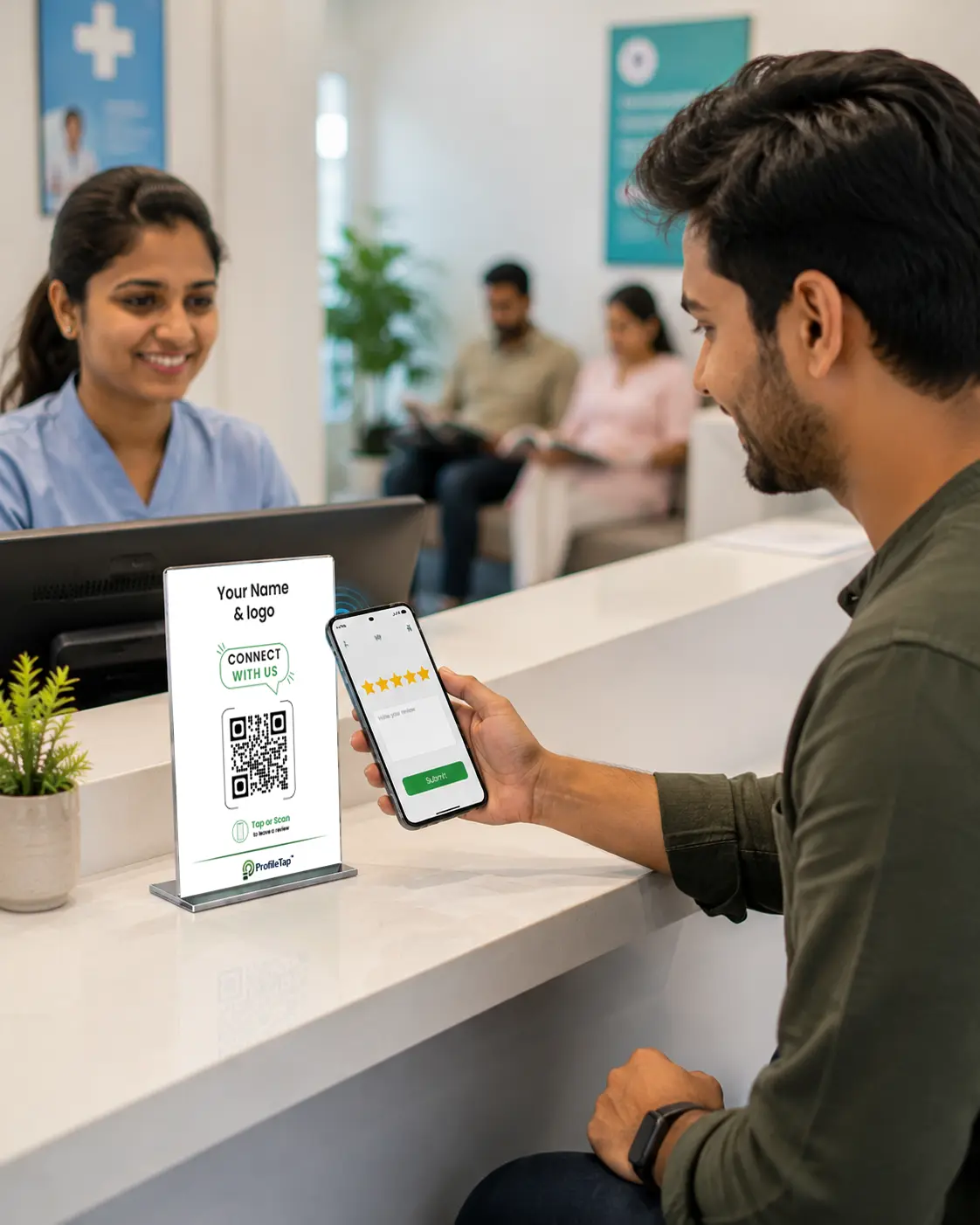
Clinics & services
Waiting-area minutes become review minutes — patients scan while they sit.
Collect More Reviews with Every Visit.
Material: 5mm premium acrylic/PVC, Bamboo
Technology: Embedded NFC + printed QR
Branding: Custom logo & brand print
Link: Dynamic — change anytime from dashboard
Base: Weighted anti-slip counter base
Setup: No app, no typing — tap or scan
Pricing: One-time, no subscription
You save ₹300
Order the code pre-linked to your Google review page on a counter standee or a review card. All one-time, prepaid with a GST invoice, and shipped across India.
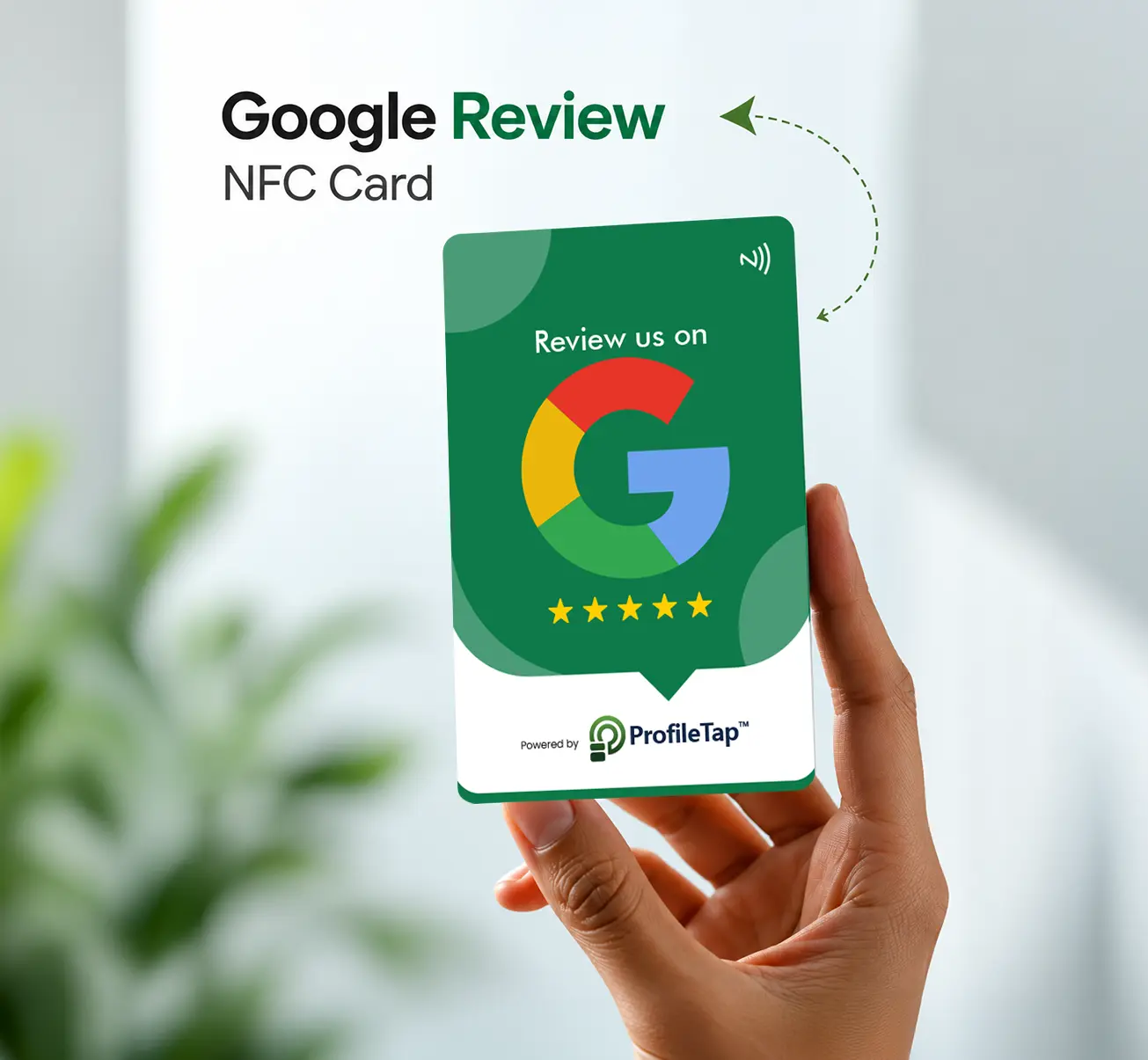
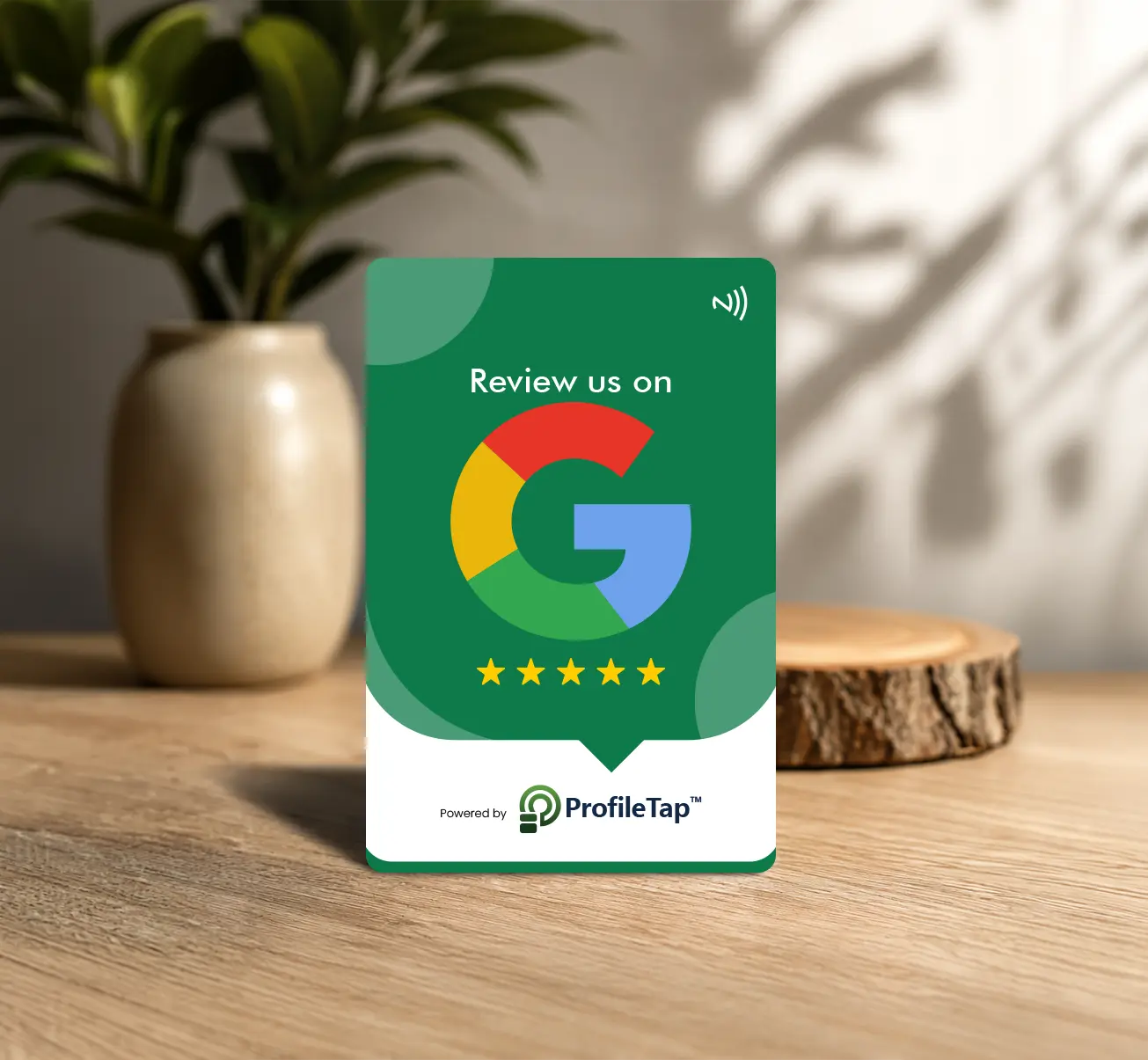
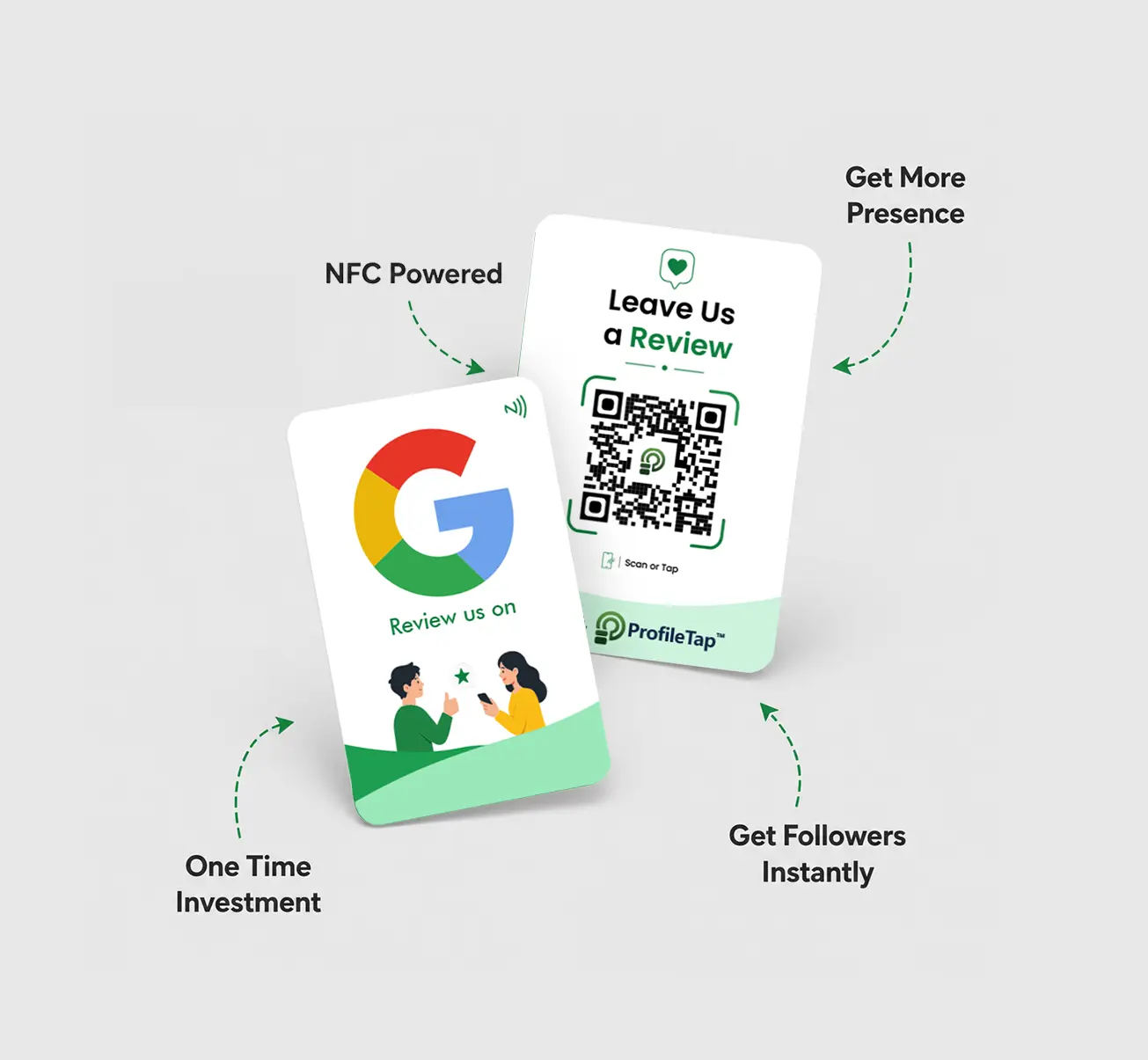
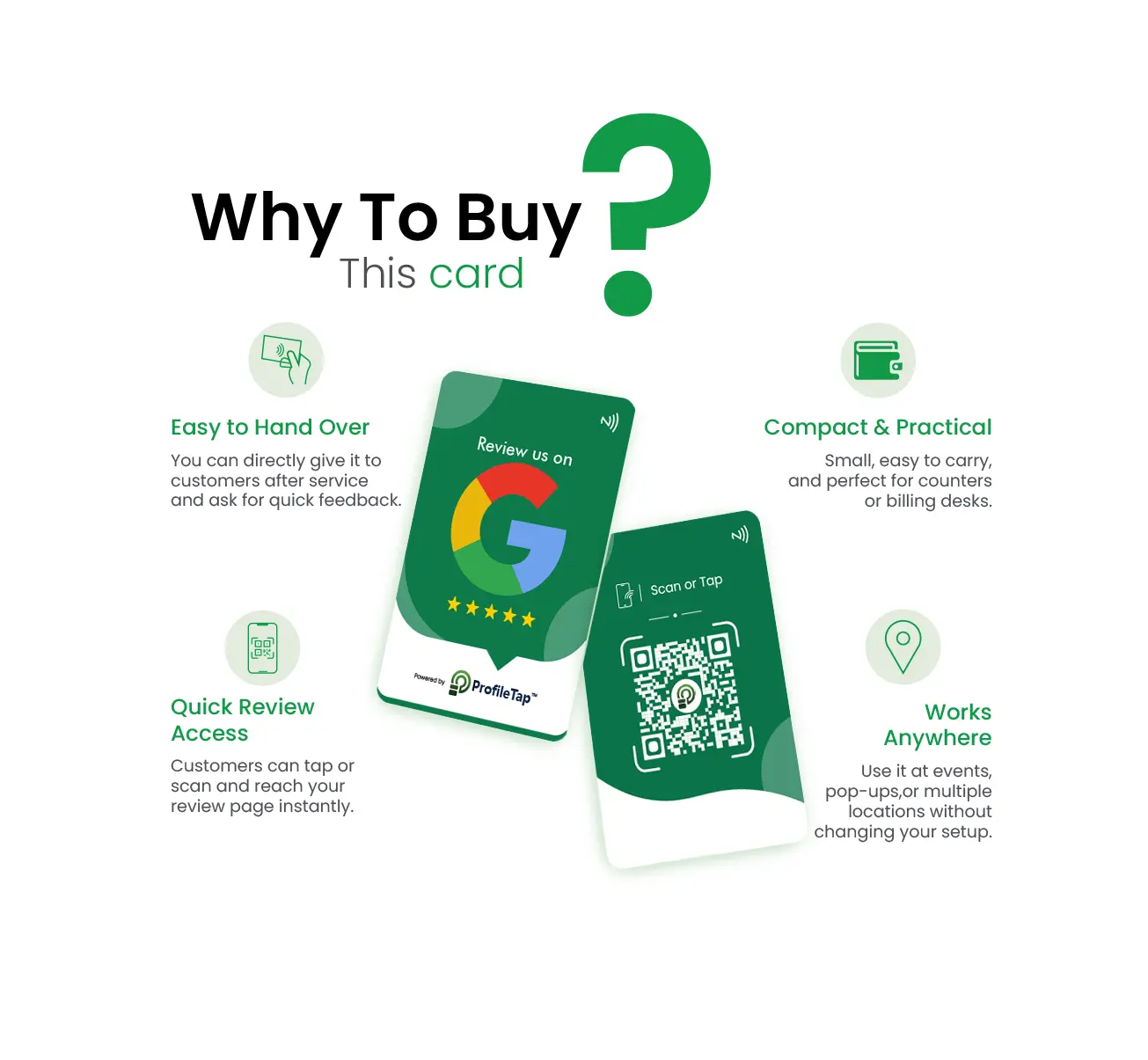
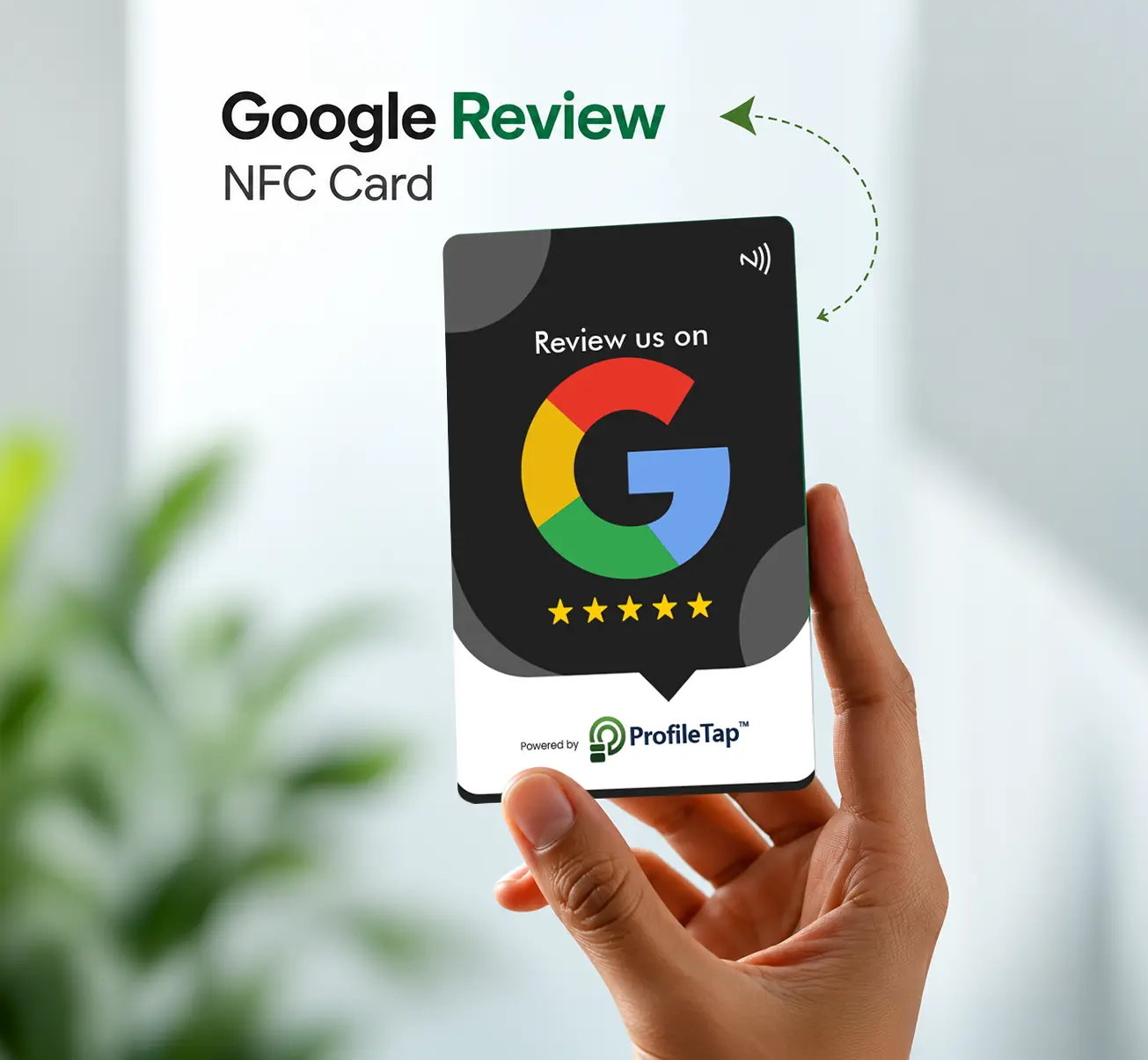
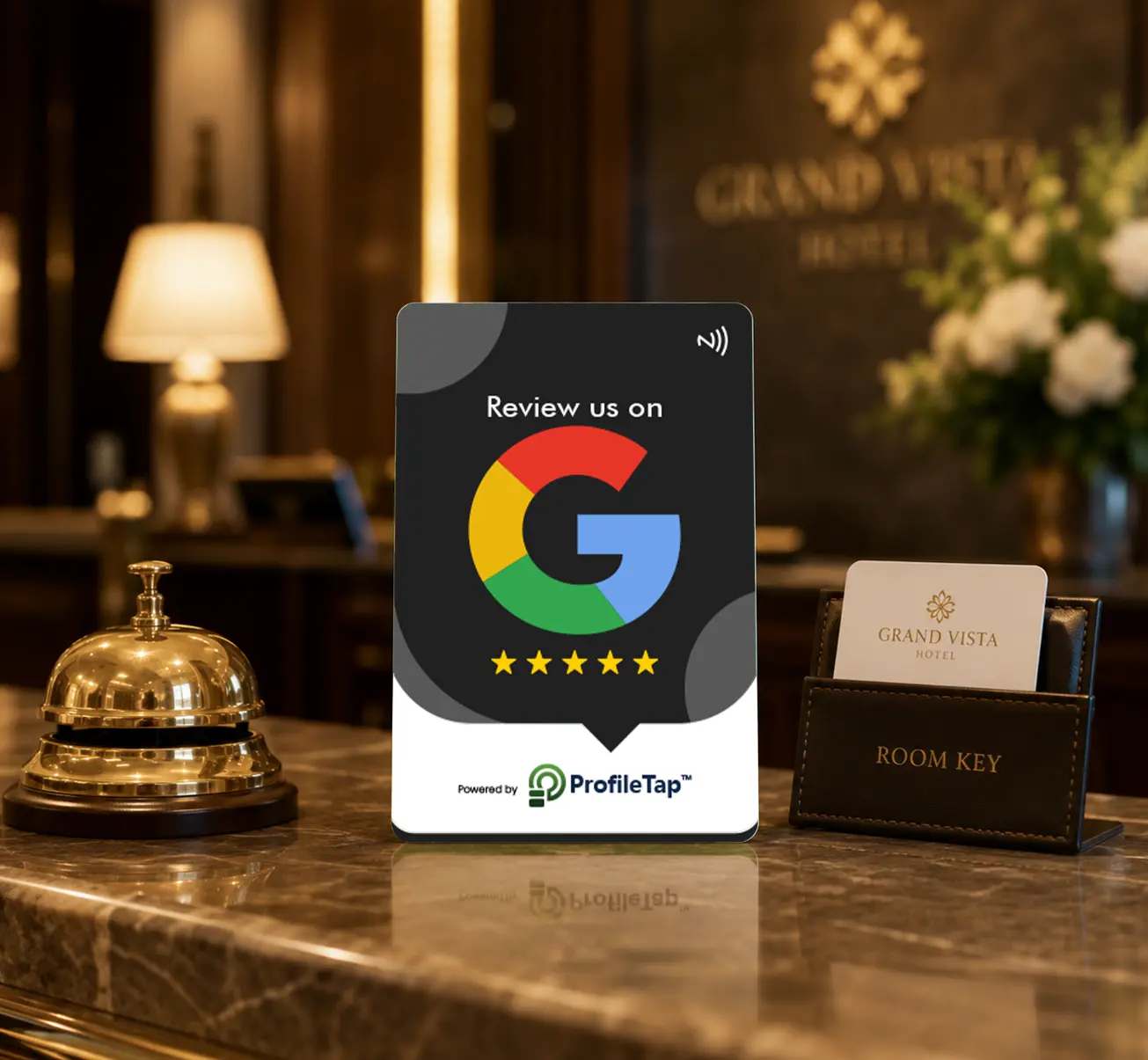
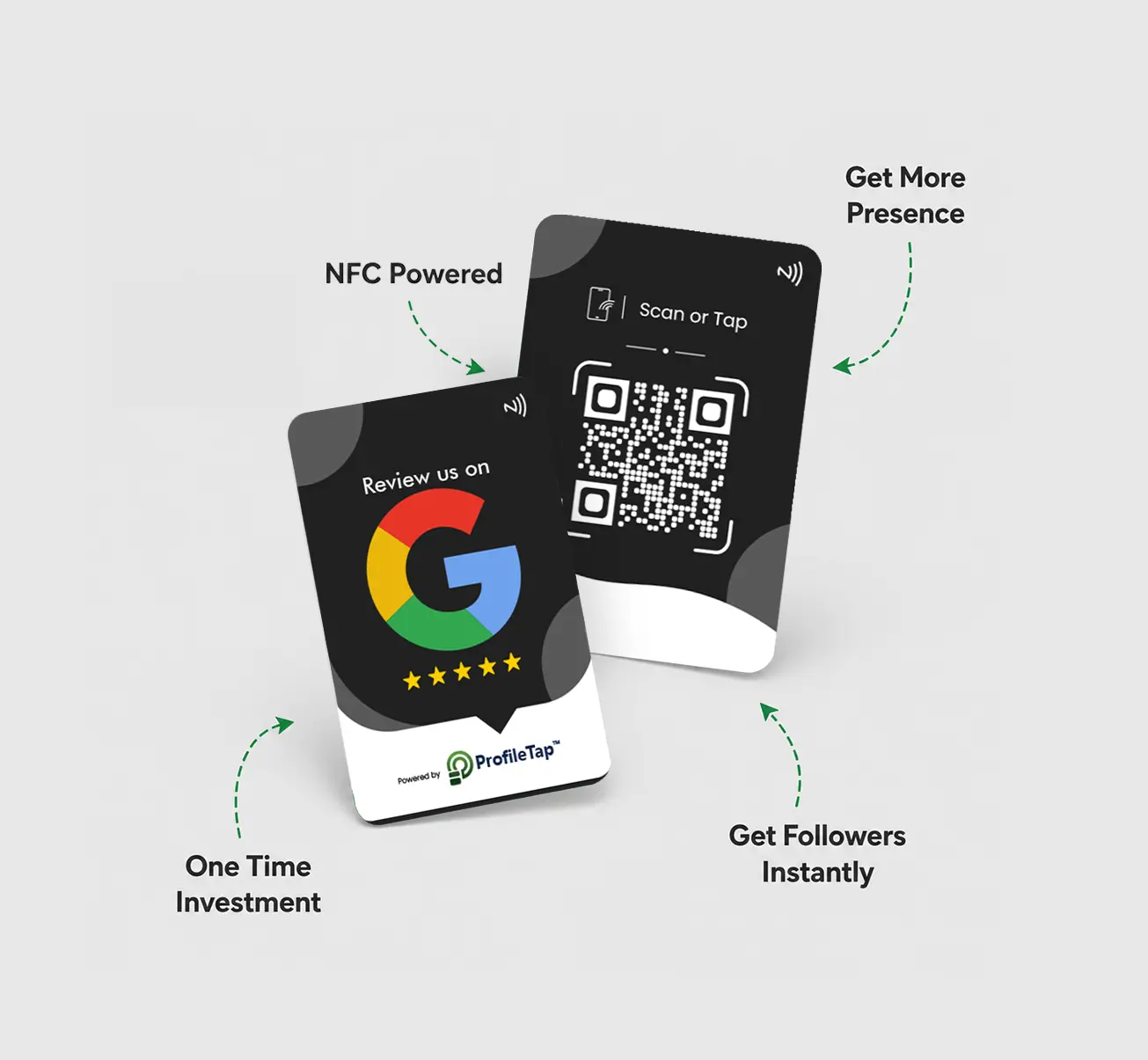
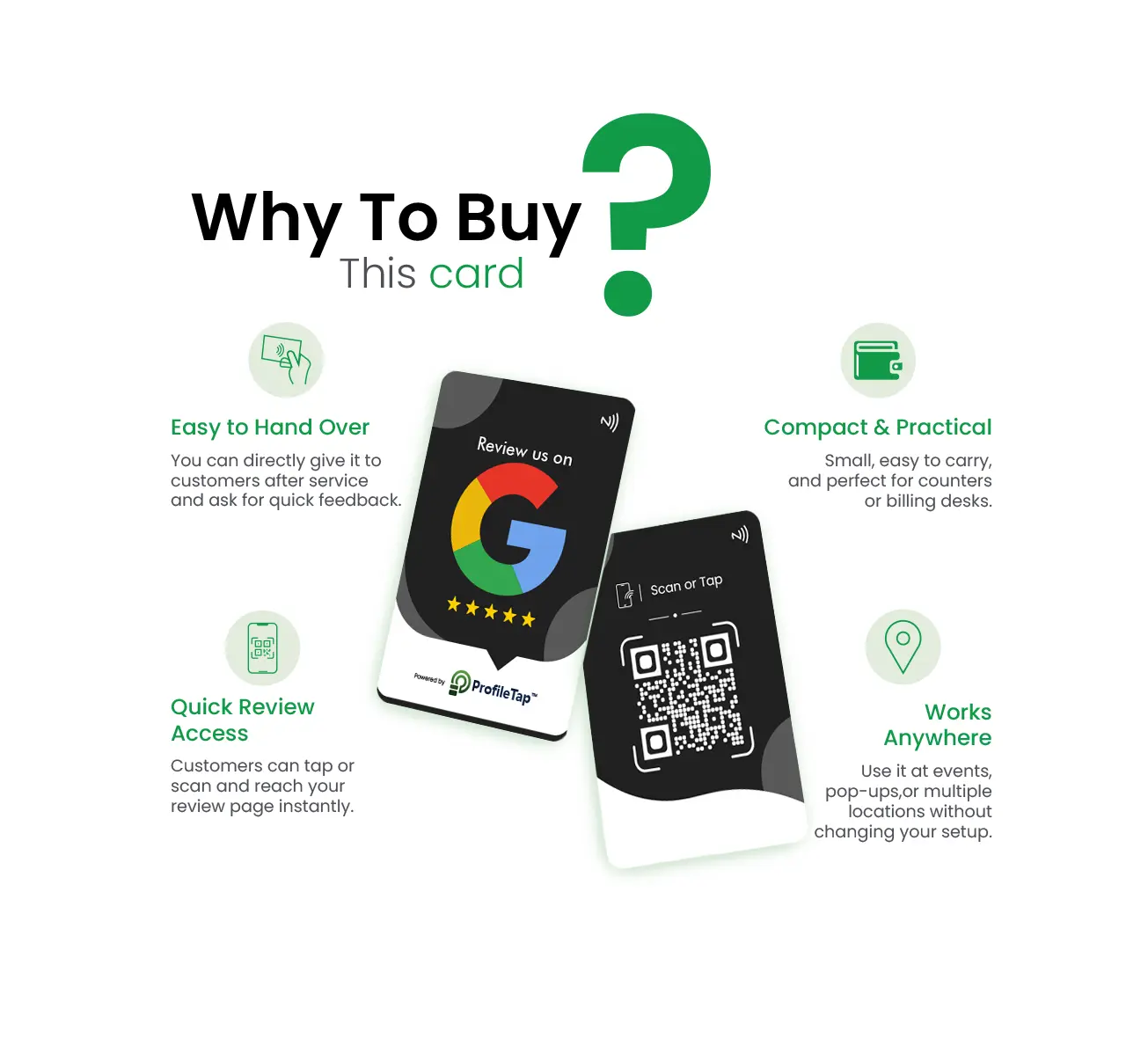
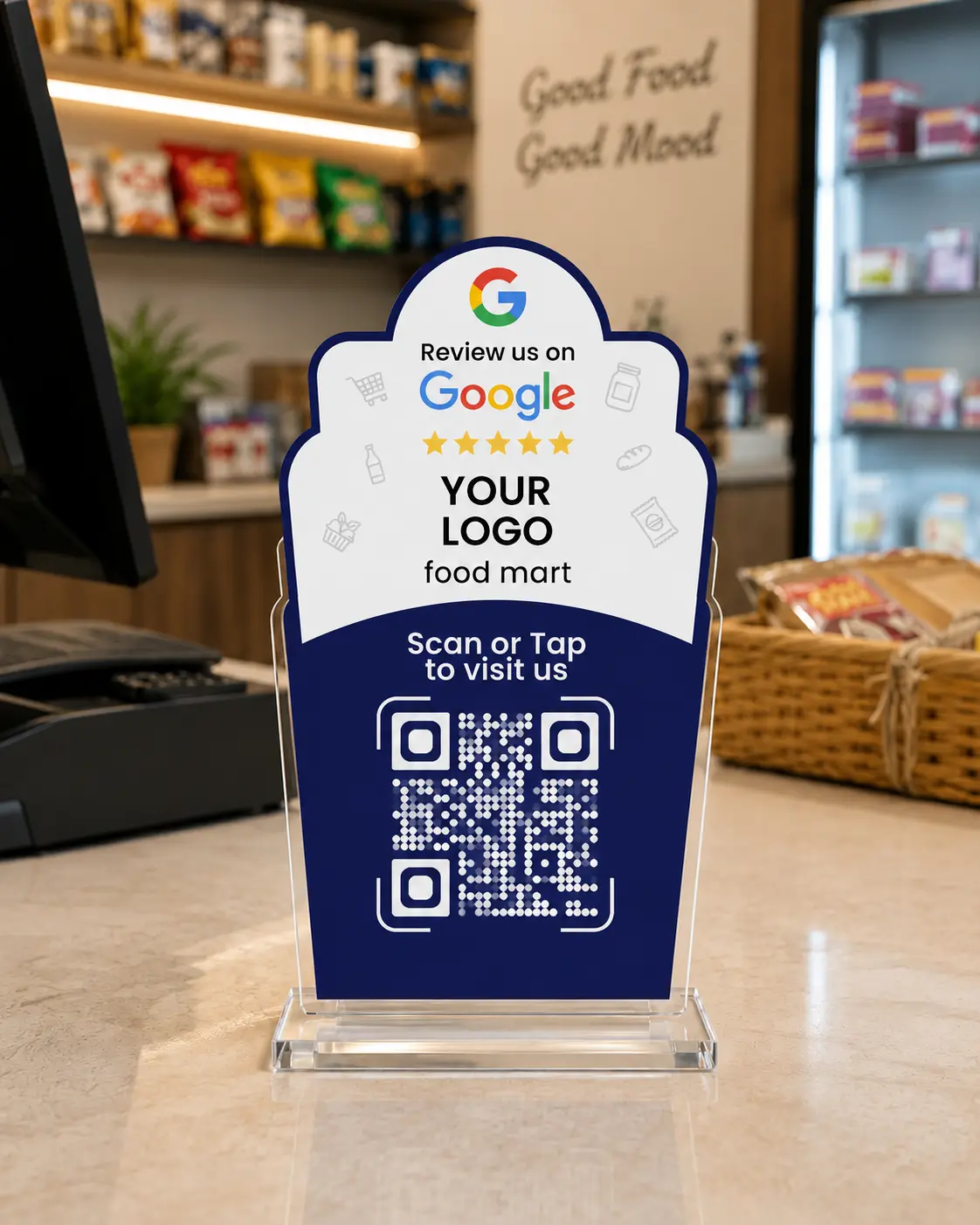
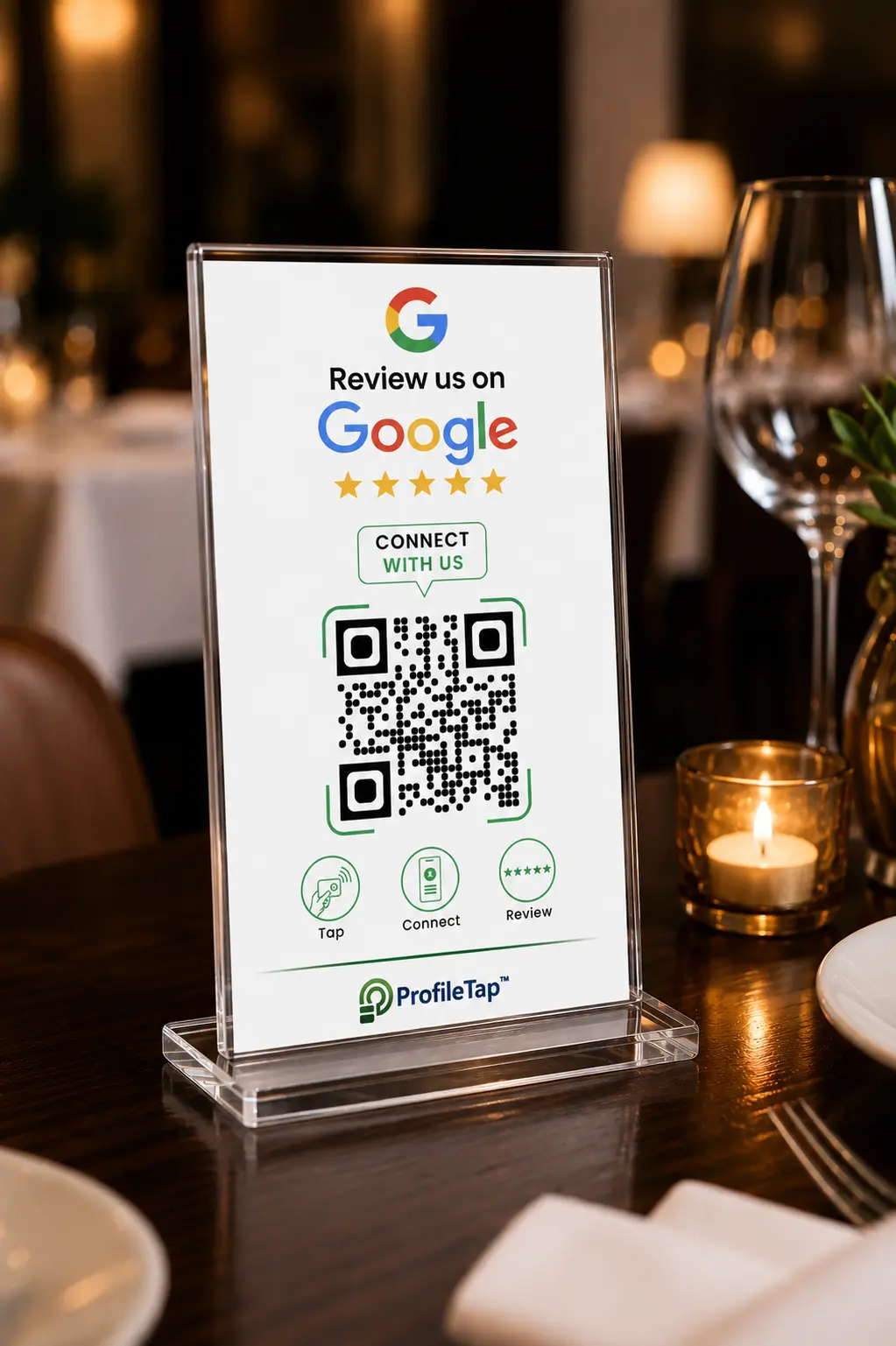
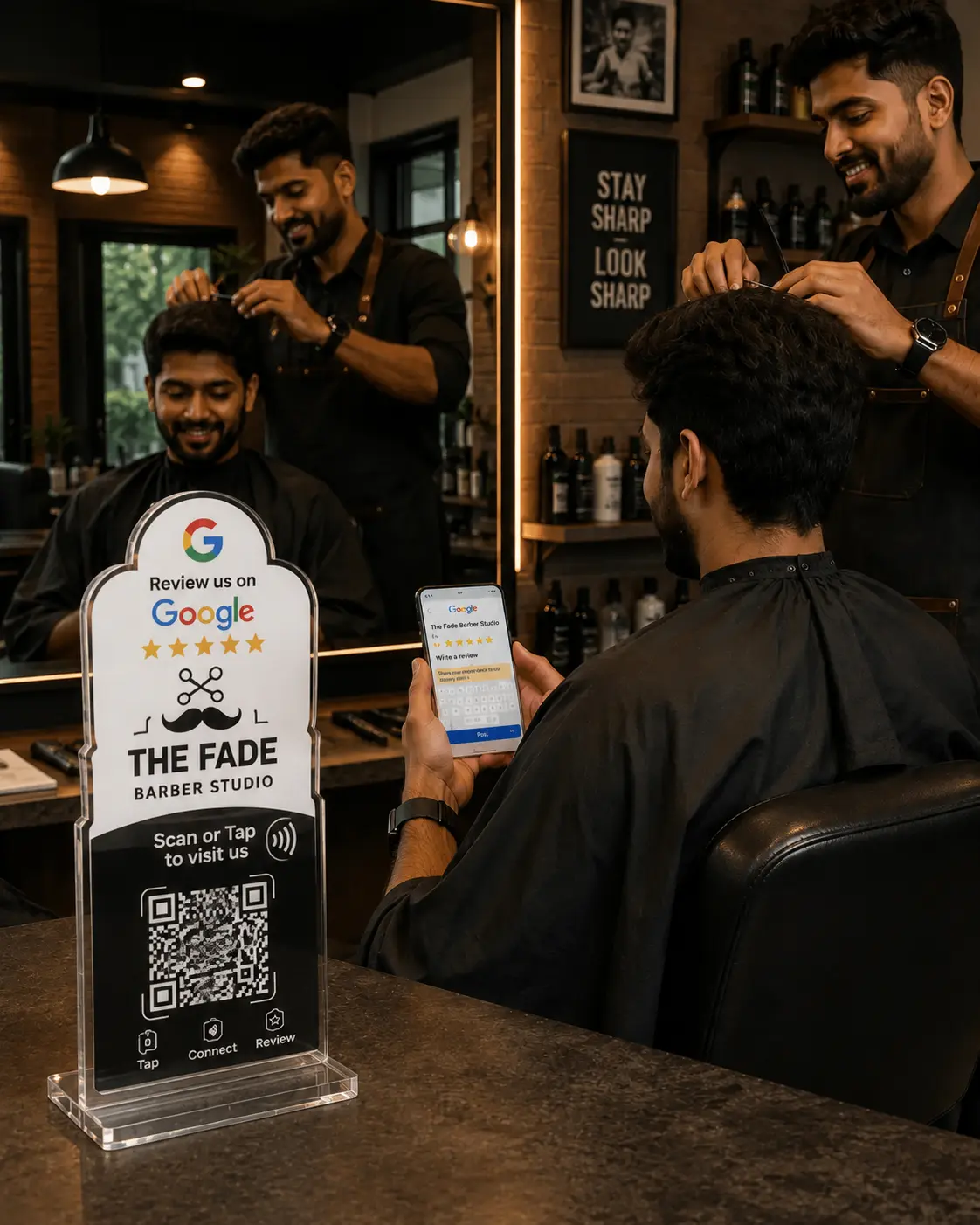
A Google review QR code is a scannable code that opens your business's Google review page in one tap. A customer points their phone camera at it — or taps it, if it's on an NFC standee — and lands straight on the review screen, with no app to install and no searching for your business name.
They open the phone camera, point it at the code, and your Google review page loads — newer phones can simply tap the NFC standee instead. From scan to submitted rating takes under a minute, right at the counter or table.
Open your Google Business Profile, copy your review link from the "Ask for reviews" option, and turn that link into a QR code. Print it at least 2–3 cm wide with a clear white margin. Our full step-by-step guide to creating a Google review QR code covers finding the link, print sizes and common scan problems.
Yes. You can make a Google review QR code free of charge using your Google review link and any online QR generator, then print it yourself. A free code works, but it prints small and wears out — most shops move to a durable NFC standee or card so customers can also tap, not just scan.
Order a ProfileTap Google review standee or card — we link it to your Google review page and ship it print-ready. Keep it at billing or on each table so every customer can tap or scan and review in seconds, with a GST invoice and delivery across India.
No. Every smartphone can scan a Google review QR code with its built-in camera, and newer phones can also tap an NFC standee — nothing to download for you or your customer. They scan or tap, the review page opens, and they leave a rating in seconds.
A Google review QR code stand sits upright on your counter for visibility, while a sticker lies flat on a table or wall. A standee is best at billing; stickers suit individual tables. Both open your review page on scan — many businesses use the stand at the counter and stickers on tables.
Yes. A Google review QR code poster works well on a wall, entrance or noticeboard where customers wait. For the billing counter, a free-standing standee is easier to notice, and an NFC standee lets customers tap as well as scan.
Both carry the same QR code for Google review that opens your review page. A Google review card is a flat card you keep at the till or hand out; a standee stands upright on the counter. Cards are cheaper and portable; standees are more visible — many shops use both.
No. ProfileTap review hardware is a one-time purchase — pay once and it keeps working. Orders are prepaid with a GST invoice and ship across India, with no subscription and nothing to renew.
The code is the easy part — the format you print it on decides whether it survives the counter.