ProfileTap
ProfileTap
Free Tool

Email Signature Generator — Free, and It Stays Current

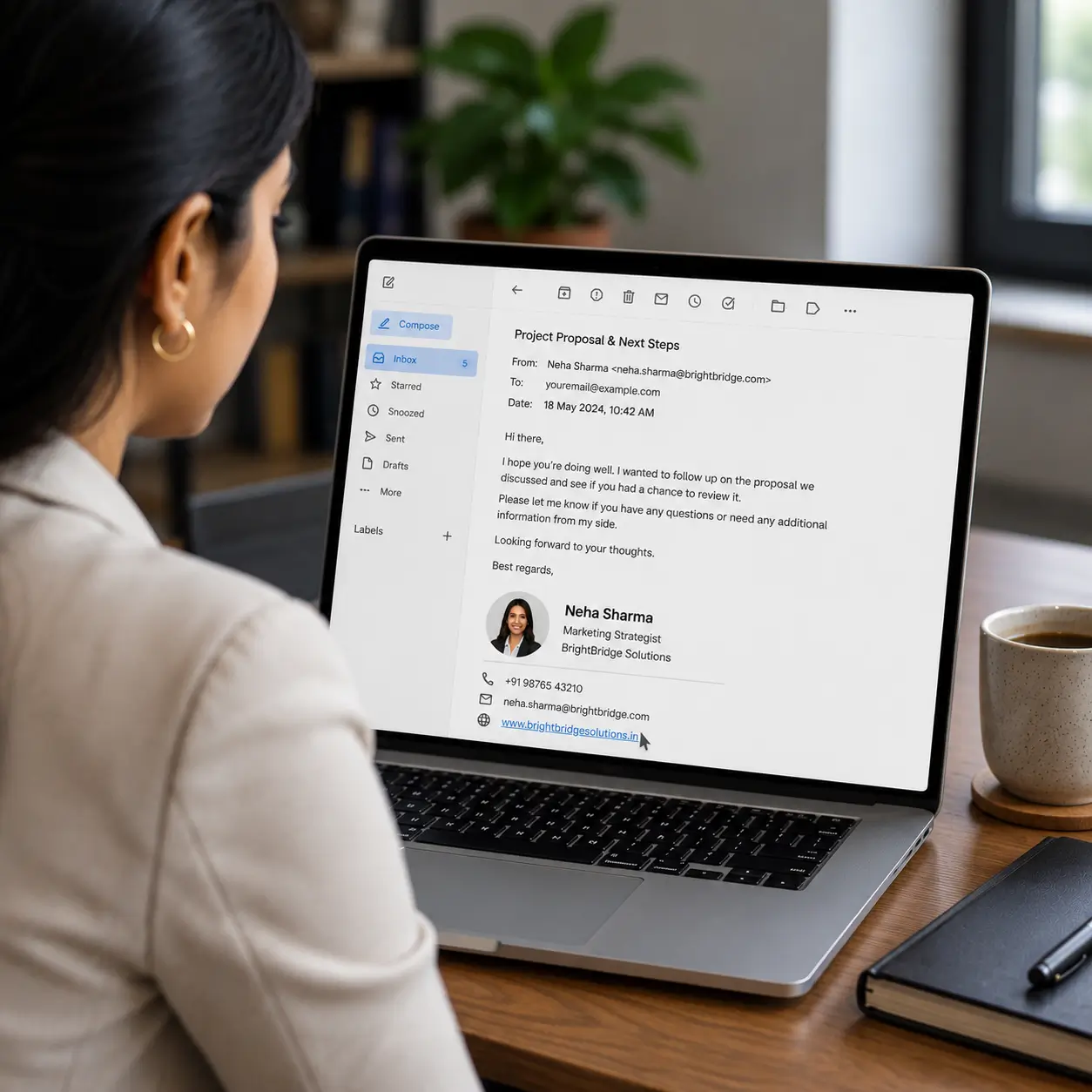
A professional email signature with name, title and a digital card link shown in an inbox

Every email you send is a chance to be remembered. Fill in your details, pick a layout, and this email signature generator builds a clean sign-off for Gmail or Outlook, with your live profile link inside, so a new number or job title never means editing a hundred old signatures again.

Free forever
Gmail & Outlook
Updates everywhere
Live card link

A Signature That Is More Than Text

A static sign-off is frozen the moment you paste it. Use a free email signature generator that ends in a living profile link instead, and the block at the bottom of your mail keeps working as your details change.

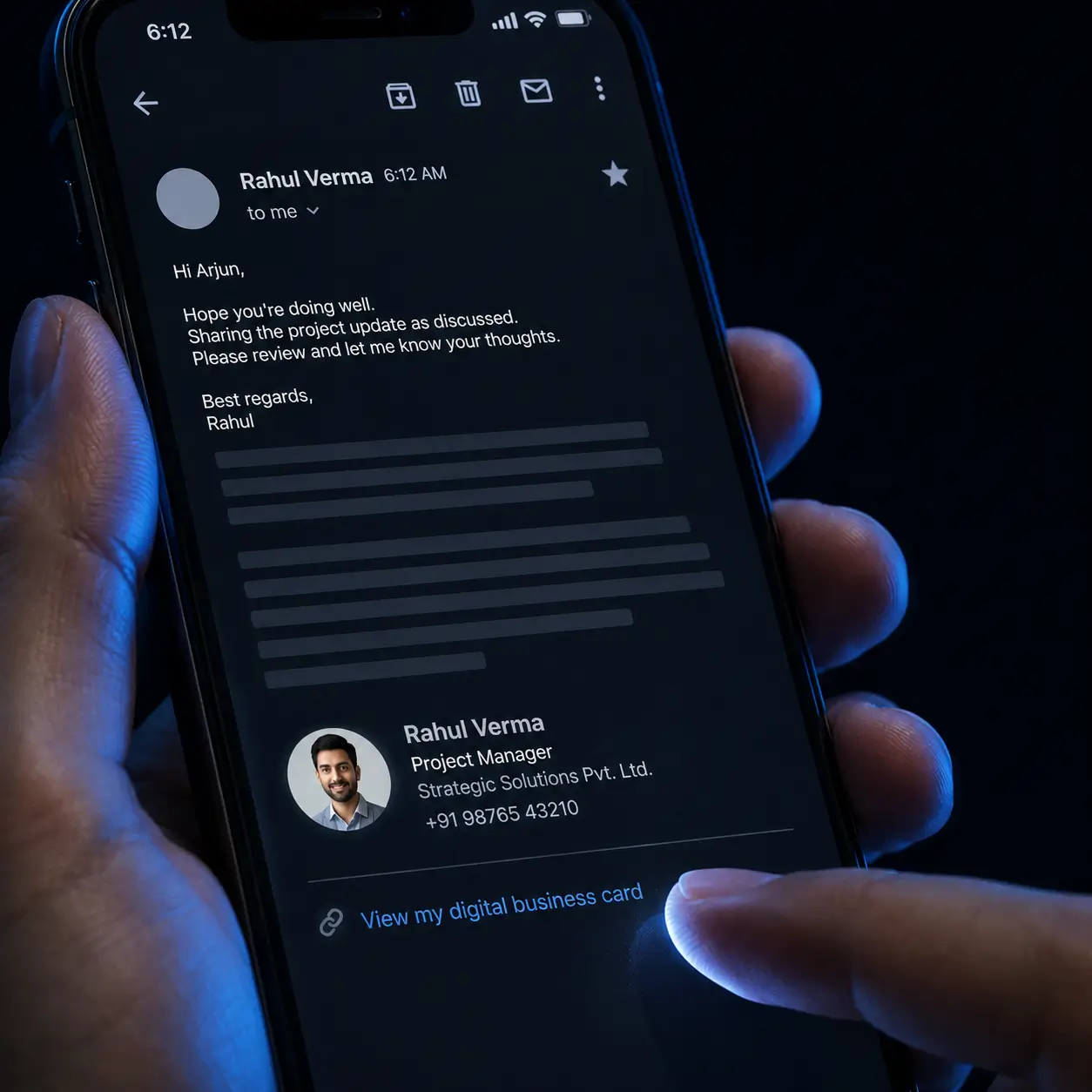
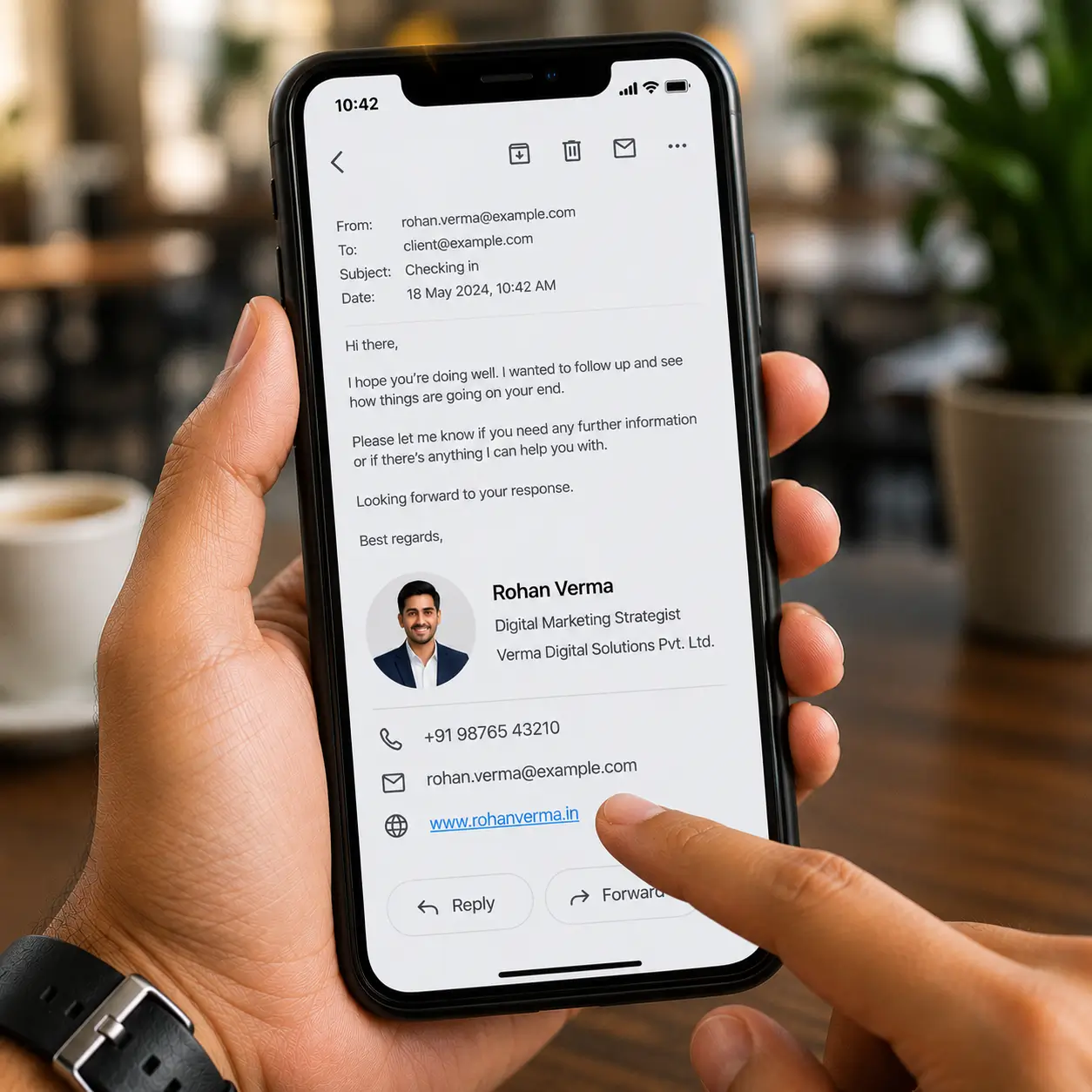
An email signature rendering cleanly on a mobile inbox

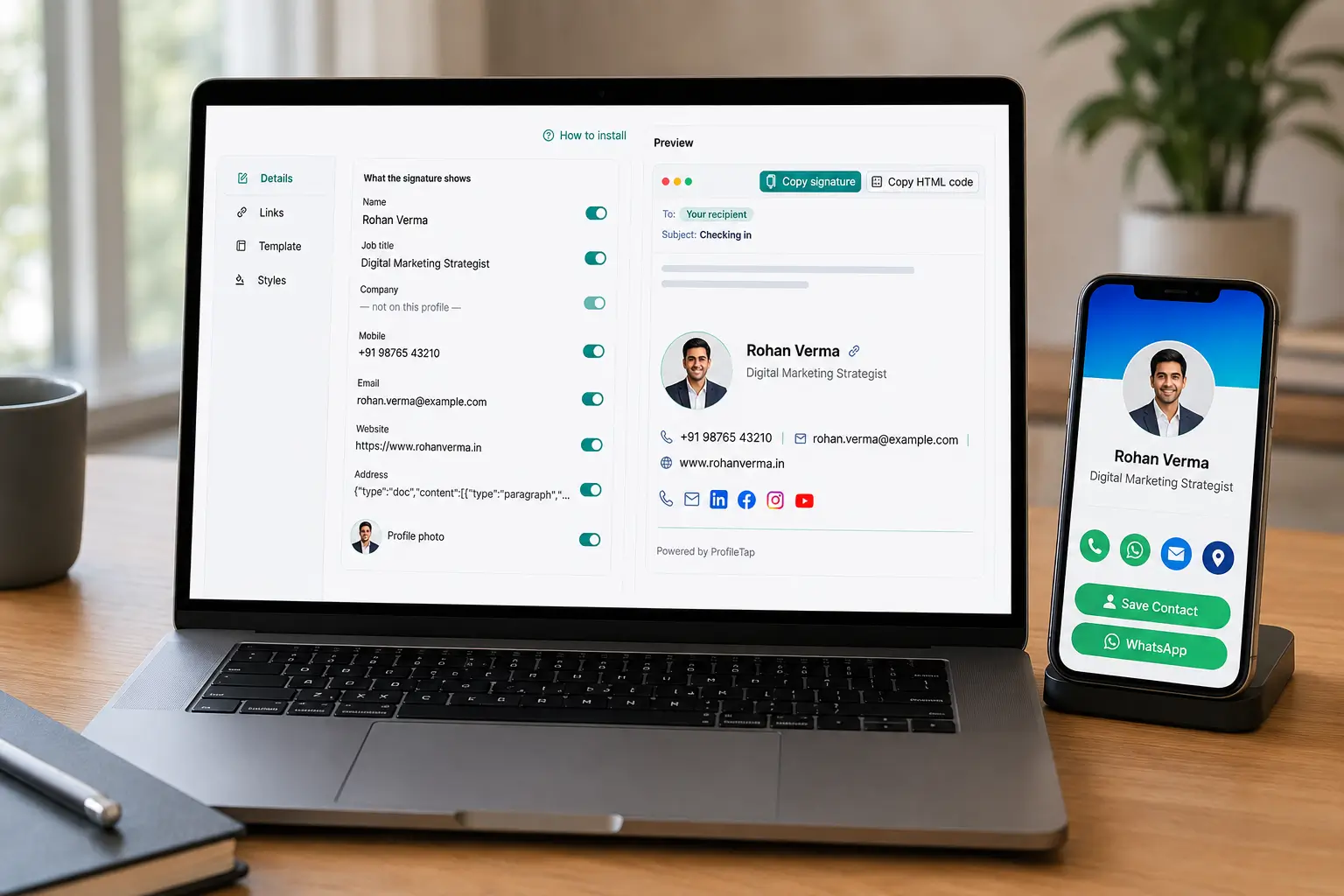
Write it once

Fill in your name, title and contact details, pick a layout, and copy the finished block into your mail client. No HTML, no design tools.

It never goes stale

Because the signature carries your live profile link, changing your role or number updates what every reader sees, including on mails you sent last year.

Reads well on a phone

Most business mail is read on mobile, so the layouts stay narrow, single-column and light enough to load on a patchy connection.

SETUP

From Blank Box to Installed Signature

Four steps, and the whole thing takes about five minutes.

01

Fill in the builder

Enter your name, designation, company, phone and profile link in the builder above, then pick a layout and copy the finished block. Everything runs in the browser as an email signature generator online, so there is nothing to install.

02

Install it in Gmail

Open Settings, then See all settings, scroll to Signature under the General tab, choose Create new, paste your block, and save changes at the bottom of the page. That is the quickest route to an email signature for Gmail that actually renders properly.

03

Install it in Outlook

Go to Settings, then Mail and Compose and reply, paste the block into the signature box, and pick whether it appears on new mails, replies, or both.

04

Send yourself a test

Mail it to your own phone and check the spacing, the logo size and that the profile link opens. Two minutes here saves an awkward signature going out for months.

What to put in it

What Belongs in a Signature, and What Does Not

What to include, how large the logo should be, how many links to use, and what to leave out entirely.

The four essentials

Name, designation, company and one phone number. A professional email signature earns attention by being short, not by listing everything you have ever done.

Logo, kept small

Good email signature design keeps the logo under roughly 150 pixels wide so it loads fast and never pushes your text off a narrow screen.

One link, not six

Rather than stacking LinkedIn, Instagram, website and calendar, point at a single profile that holds them all. Fewer links means more clicks on the one that matters.

Skip the clutter

Long legal disclaimers, inspirational quotes and animated images all cost you credibility and load time. Leave them out.

Email Signature FAQs

What to put in a signature, how to install it in Gmail and Outlook, and how to keep it current when your details change.

How do I create a professional email signature?

Start with your name, designation, company and one phone number, add a small logo, and finish with a single link to your digital profile. Keep it to four or five lines, then paste it into Gmail or Outlook. Short signatures get read; long ones get scrolled past. If you would rather not start from a blank box, a professional email signature generator lays the block out for you.

What should an email signature include?

Name, job title, company, one contact number and one link. Anything else is optional. A photo or logo helps recognition, but disclaimers, quotes and a stack of six social icons dilute the message and slow the mail down on mobile.

How do I add a signature in Gmail?

Open Gmail, click the gear icon, choose See all settings, and scroll down the General tab to the Signature section. Select Create new, name it, paste your block into the editor, then click Save Changes at the very bottom or nothing is kept. That is everything a Gmail email signature generator needs to do for you.

How do I add a signature in Outlook?

In Outlook, open Settings, go to Mail and then Compose and reply. Paste your block into the email signature box, choose whether it should appear on new messages, on replies, or both, and save. Desktop Outlook keeps the same option under File and Options.

Can I add my digital business card to my email signature?

Yes, and it is the main reason to bother. Paste your ProfileTap profile link into the signature and every recipient can open your full contact set, save you to their phone, or message you on WhatsApp without copying anything by hand.

Is it really free?

The profile and the signature block cost nothing. It is an email signature generator free online in the plain sense, with no trial clock and no watermark, and using a free email signature maker keeps it that way. The physical NFC card is a separate one-time purchase only if you want one.

What happens when my phone number or job title changes?

Edit your profile instead of your signature. Because the block points at a live page, the details your readers see update themselves, which is what separates this from a static email signature builder that freezes your old number in place.

Can a whole team use the same format?

Yes. Keep one design for the company and let each colleague generate email signature blocks with their own name and link, so the branding stays consistent while the details stay personal.

Is this an AI email signature generator?

No, and it does not need to be. An AI signature generator guesses at wording you would only rewrite anyway; here you enter your own details once, pick a layout, and the block is done. The result is your text, not a machine's approximation of it.

Make Every Email Introduce You Properly

Set up the profile, copy your signature block, and paste it into your mail client today.

Free profile · works with Gmail and Outlook · mobile-friendly layouts · no card purchase required