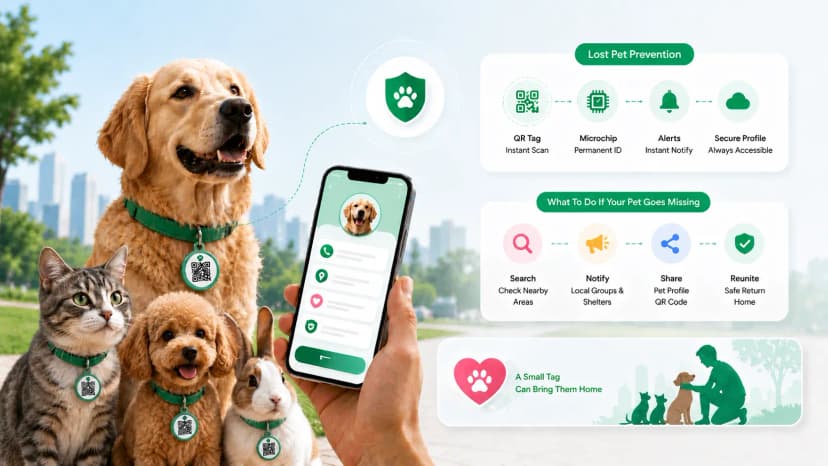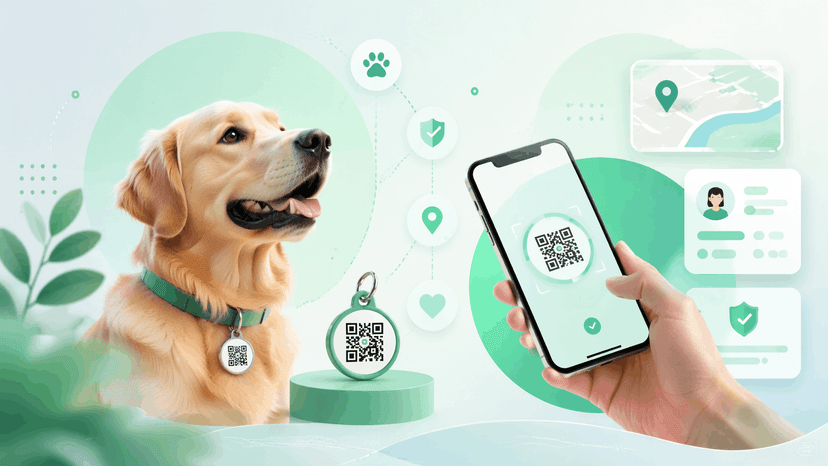
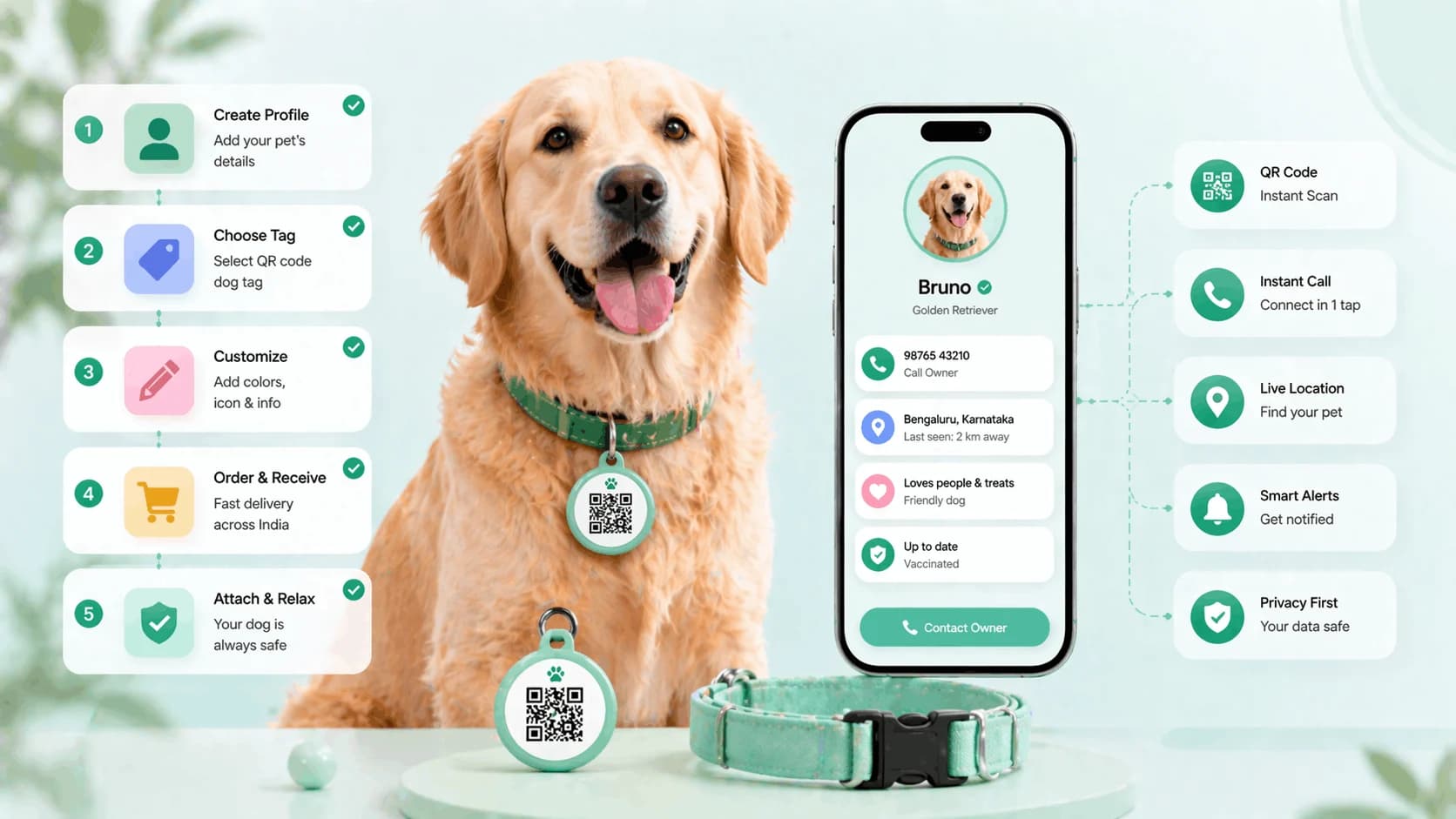

To make a dog ID tag with a QR code, you create a digital pet profile, generate its QR code, and print or attach that code to your dog's collar or tag - no engraving and no technical skills needed. Any smartphone can scan it to see your dog's name, your contact number, and vet details. Here's the full step-by-step, plus where to print and attach the code.
You don't need to know anything about QR codes, web design, or technology to set up a smart dog ID tag. The whole process takes under 15 minutes, and once it's done, you can update your dog's contact information any time - without ever buying a new tag.
A QR dog tag links a scannable code on your dog's collar to a full digital pet ID profile : your dog's name, photo, breed, your contact number, vet details, and medical notes. Any smartphone can scan it. No app needed.
Here's exactly how to do it.
This is the simplest way to make dog id tag setups work — a dog id tag qr code you control. Learn how to make a dog id tag with qr code in seven steps, and you'll never re-engrave a qr code dog tag again.
What You Need
The list is shorter than you might expect:
- Your phone (or any device with internet access)
- A ProfileTap account (free to create)
- A way to attach the QR code to your dog's collar - options below
That's it. You don't need design software, a printer necessarily, or any technical knowledge.
Step-by-Step: Create Your Dog's QR Profile
Step 1: Create your ProfileTap account
Go to ProfileTap and sign up. You'll need a valid email address or phone number. The signup process takes about two minutes.
Step 2: Create a new pet profile
From your ProfileTap dashboard, select "Create Profile" and choose "Pet" as the profile type. This sets up the right layout for your dog's information.
Step 3: Add your dog's name, photo, and breed
Give the profile your dog's name as it appears on the tag. Upload a clear, recent photo - ideally a front-facing shot in good light that clearly shows your dog's face and colouring. Add the breed, age, and any distinctive markings (white patch on chest, black ear tips, etc.). These details help a finder confirm the dog they've found is yours.
Step 4: Add your contact information
Add your primary phone number and a backup contact - a family member or neighbour who can also be reached if you're unavailable. You can also add a WhatsApp number, which in India is often the fastest way for a stranger to reach you.
Contact tip: You choose which contact options appear on your pet's profile - a phone number, a WhatsApp button, and a backup contact. For a pet profile that might be scanned by multiple strangers during a search, adding a WhatsApp button is an easy way for a finder to reach you fast.
Step 5: Enable multi-type profiles if you have more than one pet
If you have multiple dogs - or a dog and a cat - ProfileTap's multi-type profile feature lets you manage all of them from the same account. Each pet gets their own unique profile and their own QR code. You set this up in account settings and then create individual profiles for each animal.
Step 6: Add vet and medical information
Add your vet's name and contact number. Add any medical notes that could help a finder make good decisions: allergies, current medications, conditions like epilepsy or diabetes, behavioural notes ("friendly but anxious around children"). There's no character limit - include everything relevant.
Step 7: Get your QR code and attach it to the tag
Once your profile is complete, go to "Share Profile" and select "QR Code." ProfileTap generates a unique QR code for your dog's profile. Download this image.
Now you need to get this QR code onto a physical tag or sticker. Options below.
Where to Print and Attach the QR Code
Option 1: Pet store engraving or custom tag services
Many pet stores in Mumbai, Delhi, Bangalore, and other major cities offer custom tags - some can print QR codes directly onto metal or plastic tags. Ask specifically for a "custom printed tag" or "QR tag." This gives you the most durable result.
Alternatively, search for "custom QR dog tag" on Amazon.in or Flipkart - several sellers offer metal or acrylic tags with your QR code printed on them. Upload your QR code image during ordering.
Option 2: Print-at-home weatherproof sticker
If you have a printer, print the QR code onto waterproof sticker paper (available on Amazon.in for ₹150–₹400 per sheet). Cut it to size and attach it to an existing tag with a clear laminate layer on top for protection. This is the fastest and cheapest option.
Option 3: Standard sticker laminated for durability
Print on regular paper, laminate it (any print shop will do this for ₹10–₹20), and attach with strong adhesive or punch a hole to attach to the collar ring.
Option 4: Collar attachment or tag holder
Some pet accessories include a clear plastic tag holder that attaches to the collar ring - you slide a printed card with the QR code inside. This protects the code and is easy to replace if needed.
Wherever you attach it, make sure the QR code is visible from outside the collar. Test the scan yourself before putting the collar back on your dog.
Keeping the Profile Updated
This is where a QR tag genuinely outperforms any engraved option. When something changes:
- Your phone number changes: Log into ProfileTap, update the number, save. Done. The QR code on your dog's collar stays exactly the same. No new tag needed.
- You move house: Update your address or neighbourhood. Same QR code.
- Your dog has a new vet: Update the vet details. Same QR code.
- Your dog develops a new medical condition: Add it to the notes. Same QR code.
The physical tag never becomes outdated. You simply maintain the profile the same way you'd update a contact in your phone.
A lost and found QR tag through ProfileTap can also be set up as a dedicated recovery-focused profile - one that presents a finder with your contact information front and centre, designed specifically for the "I found this dog, how do I reach the owner" scenario.
What to Include on Your Dog's QR Profile
Use this checklist to make sure you haven't missed anything important:
Identification
Dog's name (and any nickname they respond to)
Breed
Age or date of birth
Weight
Colour and distinctive markings
Clear photo (front-facing)
Owner contact
Your primary phone number
Backup contact name and number
WhatsApp number
Your general neighbourhood or area
Veterinary
Vet name and clinic contact
Microchip number (if applicable)
Vaccination status / last vaccination date
Medical
Known allergies
Current medications (name + dosage)
Any medical conditions
Behavioural notes (anxious, friendly, reactive to other dogs, etc.)
Dietary restrictions
The more you include, the more equipped any finder - or any vet who takes in your dog - will be.
Create Your Dog's QR ID Tag in 15 Minutes
Your dog's QR ID tag starts with their digital profile. ProfileTap's pet ID profile is purpose-built for this - create your dog's profile in under 15 minutes, update it any time from your phone, and attach the QR code to any collar or tag. One setup, zero re-engraving, and your dog's information is always current.
Key Takeaways
Making a dog ID tag with a QR code requires nothing more than a phone, a ProfileTap account, and a way to attach a printed QR code to a collar. The seven-step setup process takes under 15 minutes, and the result is a dog tag that never becomes outdated - your dog's profile can be updated in seconds from anywhere, without ever replacing the physical tag.
That's how to make a dog id tag with qr code — fifteen minutes, zero re-engraving.
Related reading: Best Pet ID Solutions in India · Lost Pet Prevention with QR Tags
.webp&w=828&q=75 "Best Pet ID Solutions in India: Tags, QR Codes, and Smart Options (2026)")