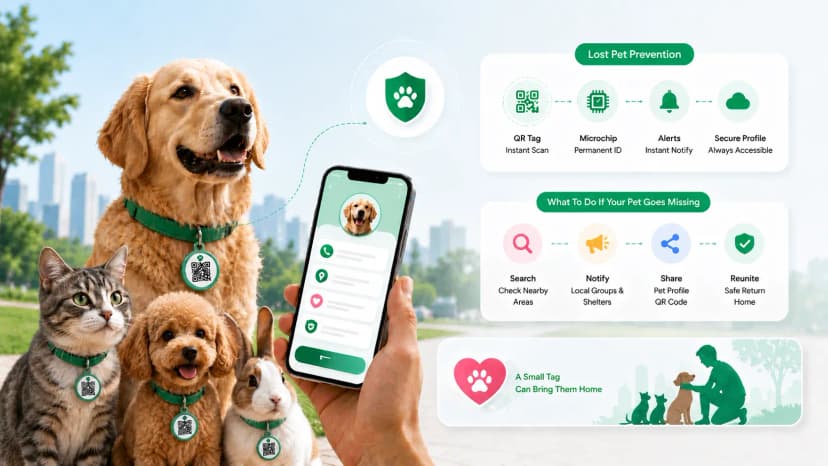
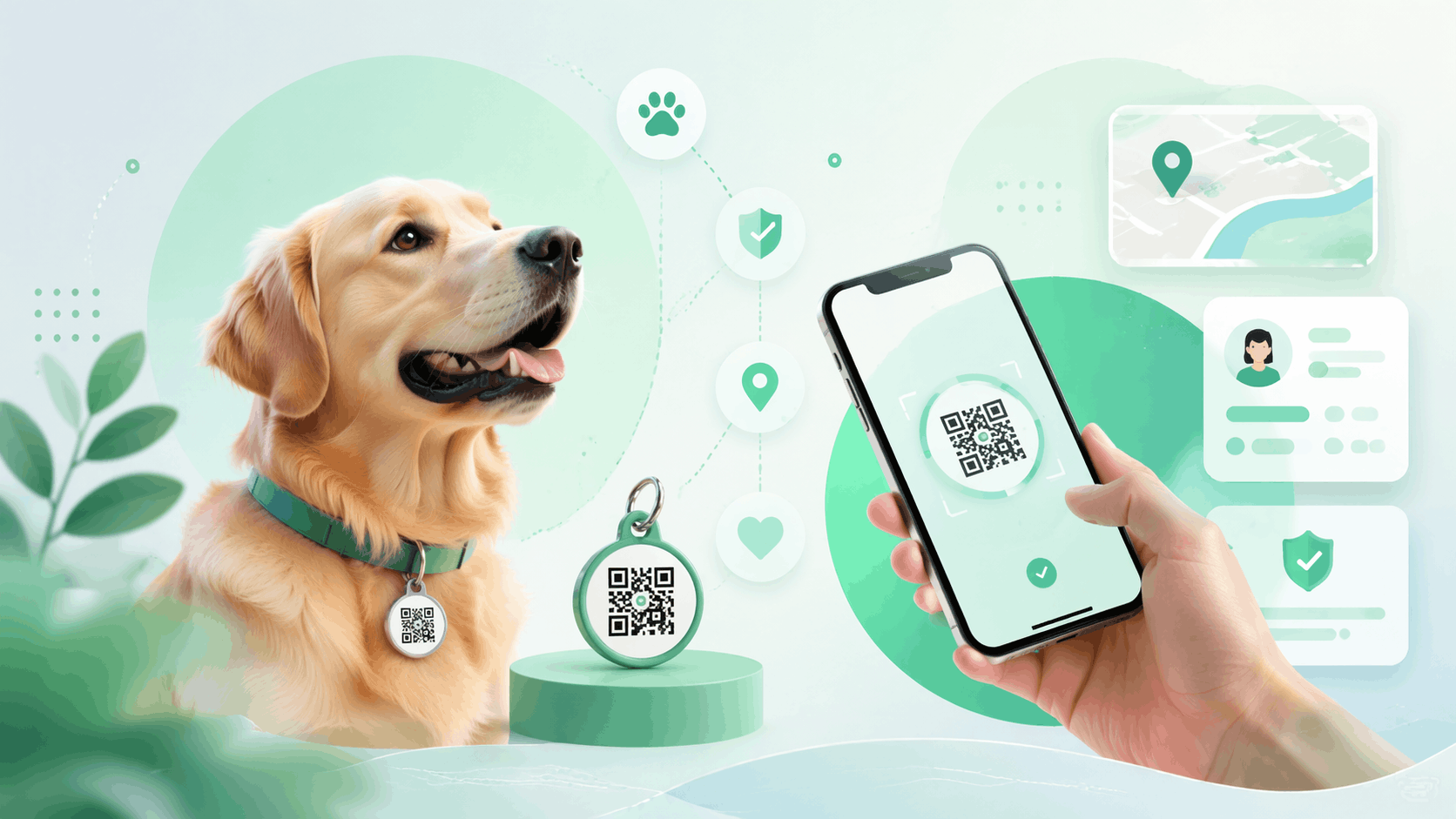

A pet QR tag is a scannable code on your pet's collar that links to an online profile with your contact, vet, and medical details. When someone finds your pet, they scan the QR code with any phone - no app needed - and can reach you in seconds. Because the profile lives online, you can update it anytime while the tag itself stays the same. Here's exactly how pet QR tags work, step by step.
The classic metal dog tag has one fundamental problem - if your phone number changes, the tag becomes useless overnight. You'd need to buy a new one, engrave it, and hope your pet is still wearing it by the time anything goes wrong. Pet QR tags solve this completely. Your pet ID profile lives online and can be updated in seconds, while the QR code on your pet's collar stays exactly the same.
So how do pet qr tags work, exactly? A pet qr code tag — also called a smart pet id tag — stores a link to your pet's profile, turning any qr code for pet collars into a one-scan way to reach you. Here's how do pet qr tags work in practice.
What Is a Pet QR Tag?
A pet QR tag is a physical tag - usually made of metal, silicone, or durable plastic - that carries a QR code instead of (or alongside) engraved text. That QR code links to a digital pet profile stored online.
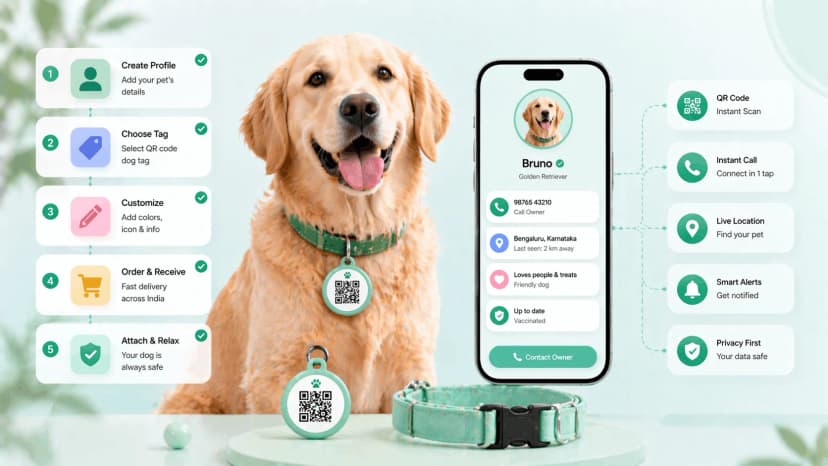
When someone scans the code with any smartphone, they instantly see your pet's details: name, photo, breed, your contact number, vet information, and any special medical needs. No app needed. No searching through contacts. Just scan and call.
The key difference from a traditional engraved tag is that the digital profile behind the QR code can be updated any time. Change your number? Update it in 30 seconds. Move to a new city? Update your address. The tag on your pet's collar never needs replacing.
How Pet QR Tags Work: Step by Step
The process is straightforward once you see it laid out:
- The QR code is scanned. A stranger finds your pet and points their phone camera at the QR tag on the collar. No app is needed - the camera app on any modern iPhone or Android handles this.
- The digital profile opens. A webpage loads immediately in the stranger's browser, showing your pet's complete profile.
- Your pet's details appear. The finder sees your pet's name, a photo (so they can confirm it's the right animal), breed, age, and any identifying marks.
- Contact options are shown. Your phone number, WhatsApp, or any other contact method you've added appears with a one-tap call or message button.
- The reunion begins. The finder contacts you directly. You know exactly where your pet is, and you can arrange pickup immediately.
The entire process - from scanning to making contact - takes under a minute.
What Goes in a Pet's QR Profile
A well-built pet QR profile contains everything a finder needs to help and everything you'd want them to know:
Pet basics
- Pet name and nickname (if your dog is officially "Bruno" but responds to "Bru", note that)
- Species, breed, age, and colour/markings
- A clear, recent photo
Owner contact
- Your primary phone number
- A backup contact (spouse, family member, or neighbour)
- Your neighbourhood or area (helpful for finders posting on local groups)
Veterinary information
- Your vet's name and clinic contact
- Vaccination status
- Microchip number (if applicable)
Medical notes
- Known allergies
- Current medications
- Special dietary needs
- Behavioural notes (e.g., "anxious around strangers - approach slowly")
This is vastly more information than fits on any engraved tag, and all of it can be updated without touching the physical tag.
QR Tags vs Traditional Pet Tags: Comparison
| Feature | Traditional Engraved Tag | Pet QR Tag |
|---|---|---|
| Information capacity | Name + 1-2 phone numbers | Full profile with photo, vet info, medical notes |
| Updatability | Must buy a new tag | Update online in seconds |
| Durability | Metal lasts years; info becomes outdated | QR code lasts as long as the tag material |
| Works without internet | Yes - info is on the tag | QR scan needs internet on the finder's phone |
| Cost | ₹100–500 per tag | Tag cost + free or low-cost profile |
| Available in India | Yes - widely available | Yes - via ProfileTap |
| Readability | Fades with wear | QR code is machine-read - doesn't "fade" like text |
The practical verdict: a QR tag isn't a replacement for a traditional tag - it's an upgrade. Many pet owners use both: an engraved tag with the owner's name and a basic number, plus a QR tag with the full profile.
How to Set Up a Pet QR Profile with ProfileTap
ProfileTap is a smart identity management platform that lets you create digital profiles for your pets - and keep them updated from anywhere. Here's how to set up your pet's profile:
Step 1: Create your ProfileTap account. Go to ProfileTap and sign up. It takes about two minutes.
Step 2: Create a pet profile. Select "Pet" as your profile type and give it your pet's name.
Step 3: Add your pet's details. Upload a photo, add the breed, age, colour, and any identifying marks.
Step 4: Add your contact information. Enter your phone number, a WhatsApp button, and a backup contact, and choose which of them appear on the public profile.
Step 5: Add vet and medical information. Include your vet's contact, vaccination dates, and any medical notes that a finder - or a vet who takes in a stray - should know.
Step 6: Get your QR code. ProfileTap generates a unique QR code for your pet's profile. Download it.
Step 7: Attach it to your pet's collar. Print it on a sticker tag, or order a custom QR tag. The QR code is fixed - you update the profile online, not the physical tag.
If you have more than one pet, ProfileTap's multi-type profile feature lets you manage all of them from a single account. One account for your dog, your cat, and your second dog - each with their own profile and QR code. You can also set up a dedicated lost and found QR tag that's specifically designed for recovery scenarios.
The whole setup takes under 15 minutes. After that, maintaining it takes seconds whenever something changes.
Set Up Your Pet's QR Profile Today
Your pet's safety starts with the right ID. ProfileTap's pet ID profile gives your pet a digital identity that's always current - update your contact, add medical notes, or swap a photo without ever replacing the physical tag. Set it up in under 15 minutes and give yourself real peace of mind every time your pet leaves the house.
Key Takeaways
Pet QR tags link a physical collar tag to a living digital profile that you can update any time - making them far more resilient than traditional engraved tags when your contact details change. The five-step process from scan to contact takes under a minute, giving any finder everything they need to reunite your pet with you. Setting up a profile on ProfileTap takes less than 15 minutes, and maintaining it costs almost nothing.
Now you know how do pet qr tags work — scan, profile, contact, reunion.
Related reading: Best Pet ID Solutions in India · How to Make a Dog ID Tag
.webp&w=828&q=75 "Best Pet ID Solutions in India: Tags, QR Codes, and Smart Options (2026)")