

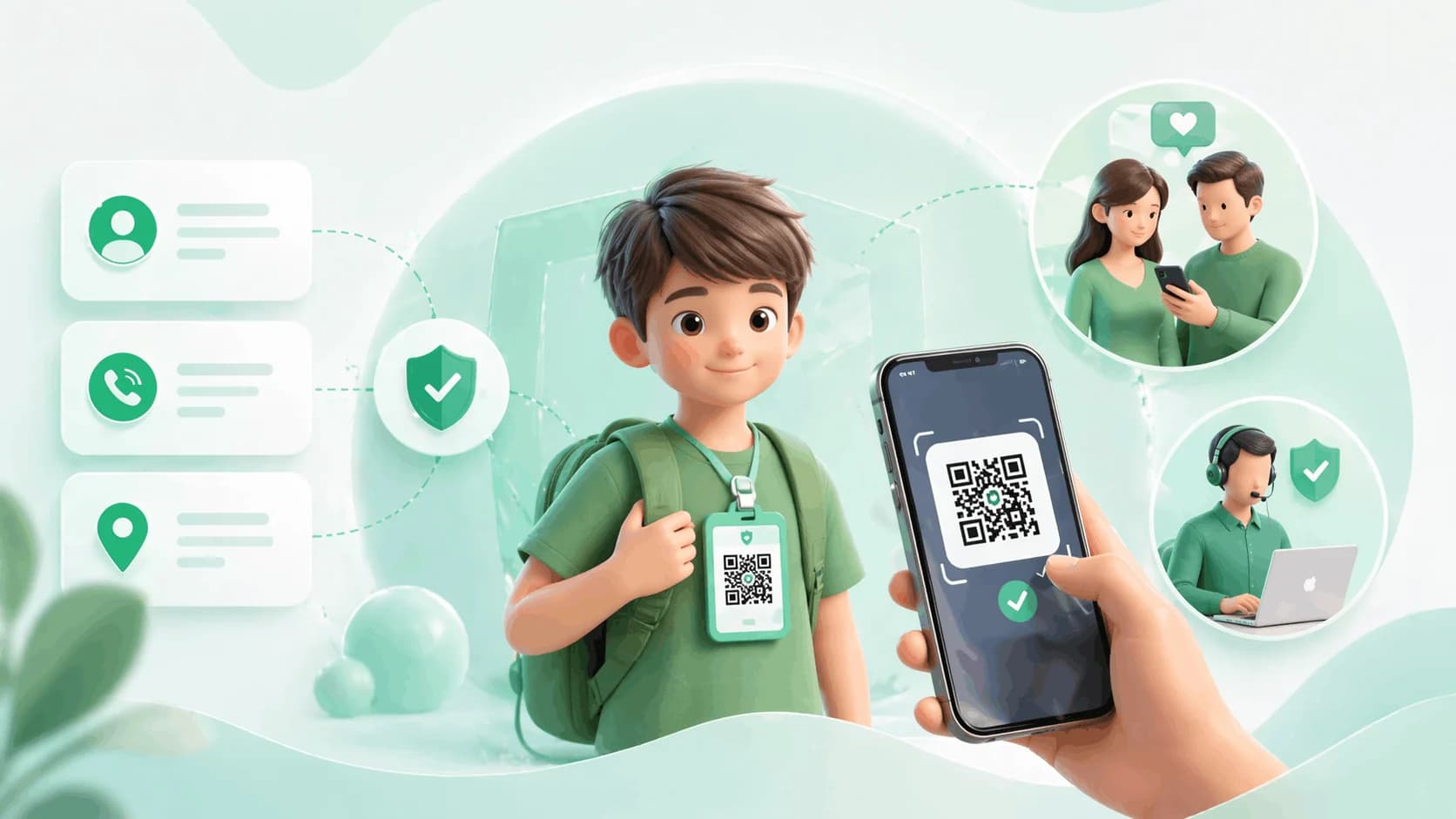
An emergency contact card for kids does one job: it gets a parent on the phone fast when a child is separated from you at a school event, a market or a railway station. A paper card in a bag pocket does that until the ink fades or the number changes; a QR emergency card for kids links to a family safety profile that any adult can open with a phone camera, shows the contacts and medical details you choose, and updates the moment you edit it. This guide covers what belongs on the card, how the QR version works, how to set it up, and what to keep private.
Key takeaways
- The faster a stranger or official can reach a parent, the sooner a frightened child is safe; that window is what the card is for.
- First name, two contacts, blood group and allergies are the fields that matter; address, date of birth and school details stay off.
- A QR tag needs no app on the helper's phone and is updated online, so the tag never goes stale.
- Setup takes five to ten minutes; test-scan it before the first school day.
What an emergency contact card for a child is
A physical or digital record that lets a stranger, teacher or responder identify your child and reach a parent or guardian without searching phones or databases. Laminated paper cards have done this for decades: name, parent numbers, blood group, allergies, in a bag pocket. They work until the card gets wet, the number is out of date, or the card is not where you put it last year. A QR tag on a bag, jacket zip or lanyard opens a digital safety profile in any phone browser instead, with contact buttons and the health details you have chosen to show, and nothing to install.
What to include
| Field | Why it is there | Show on scan? |
|---|---|---|
| Child's first name | Enough for a stranger to address the child calmly | Yes |
| Parent or guardian name and contact | The call that ends the emergency | Yes |
| Backup contact on a different number | Grandparent or trusted adult, for when the first line is busy | Yes |
| Blood group | Critical if treatment is needed | Yes |
| Food and drug allergies | Paramedics need this before anything else | Yes |
| Conditions: asthma, epilepsy, diabetes | Changes how a helper responds | Yes |
| Language the child speaks | Useful when separated in another city | Yes |
| Recent photo | Confirms identity if the child cannot speak | Yes |
| School name | Who to coordinate with | Optional |
| Full name, date of birth, home address, class details | Identity details a stranger has no need for | No |
How a kids safety QR card works
You create a family safety profile and fill in the child's emergency information. ProfileTap generates a QR code tied to that profile. You print it or order a tag and attach it to the school bag, a jacket zip or inside a shoe. If the child is ever found separated from you, any adult scans the code with a phone camera, the profile opens in the browser with no app, and they see the contacts and details you chose to make visible, with a button to call. You decide what is shown; the rest of the profile stays out of sight.
Paper card versus QR tag
| Laminated paper card | QR safety tag | |
|---|---|---|
| When your number changes | Reprint and replace | Edit the profile; same tag |
| Readable after a monsoon | Partial; ink fades, card swells | Yes, if laminated or on a durable tag |
| What a curious stranger sees | Everything on the card | Only the fields you made visible |
| Helper needs an app | No | No |
| Space for a photo and full medical notes | No | Yes |
| Works if the bag is lost | Partial; the card goes with the bag | Partial; attach a second tag to the jacket or shoe |
Who it suits
Where a QR emergency card earns its place
- Young children who cannot yet say a phone number or a parent's full name
- School trips, melas, railway journeys and large family events
- Children with an allergy or condition a helper should know in the first minute
- Parents whose numbers or addresses have changed since the last paper card
Where to think twice
- Children old enough to recite a parent's number reliably; the tag still helps if they are too upset to speak
- Families who will not keep the profile current; a stale profile is worse than a fresh paper card
- Anyone wanting location tracking; a QR tag is a contact tool, not a tracker
Setting it up
- Log in to ProfileTap and create a new profile with Family Safety as the type; it unlocks the child emergency contact fields.
- Fill in the fields from the table above. The layout puts parent contact, blood group and allergies at the top of the scanned view.
- Set visibility: first name, contacts, blood group and allergies on; address, date of birth and class details off.
- Generate the QR code and get it onto something that survives a school year: a laminated sticker from a local print shop, a label on the bag's inner flap or zip pull, or a durable tag.
- Scan it with a second phone before the first school day. Confirm the profile opens and every detail is right.
If you would rather not print, the kids bag tag ships already linked to a family safety profile.
Privacy: the part that makes it safe
A tag on a school bag is visible to anyone, so the safety benefit only holds if the privacy design is right. Show what a helper needs to act: the child's first name, a way to reach you, the backup contact, blood group and critical allergies. Keep off anything that identifies the family or the home: full name, date of birth, home address, school address and class. Someone scanning out of curiosity learns only that this is a child with a parent who can be reached. And when a number changes, edit the profile the same day; the code on the bag does not change, only what it points to.
Honest limits
A QR tag does not tell you where your child is, and it only works if a helper notices it and has a phone with internet. Teach the child that the tag exists and what it is for, put one on more than one item, and treat it as the thing that shortens the worst ten minutes, not as a substitute for supervision.
Set it up once, before the next outing
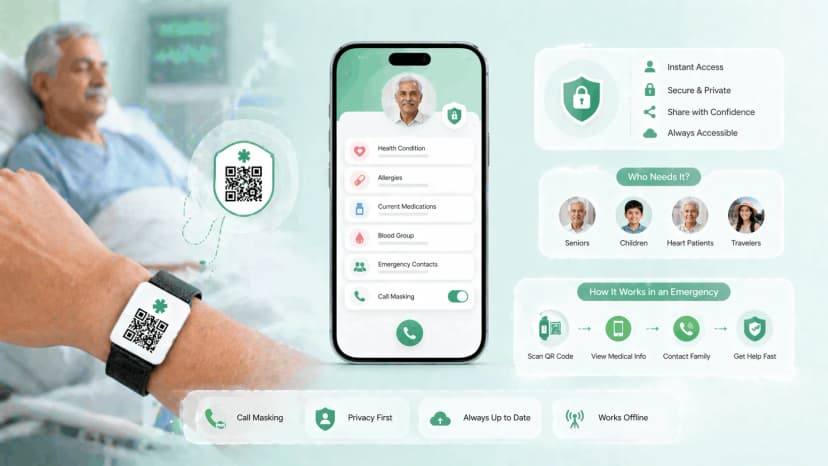
A paper card in a bag pocket is better than nothing. A QR-powered profile is faster, always current and shows only what you decide. The family safety profile is built for exactly this; for the wider range of tags and wristbands see the child safety tags guide, and for adults in the family the medical emergency QR code guide.
.webp&w=828&q=75 "Best Child Safety Tags for School Bags in India (2026)")
.webp&w=828&q=75 "Best Digital Business Card for Doctors in India")