01
Add your number to the profile
Enter the number with its country code and the chat button builds itself. If you've wondered how to make WhatsApp business card links without any coding, that's the whole job.

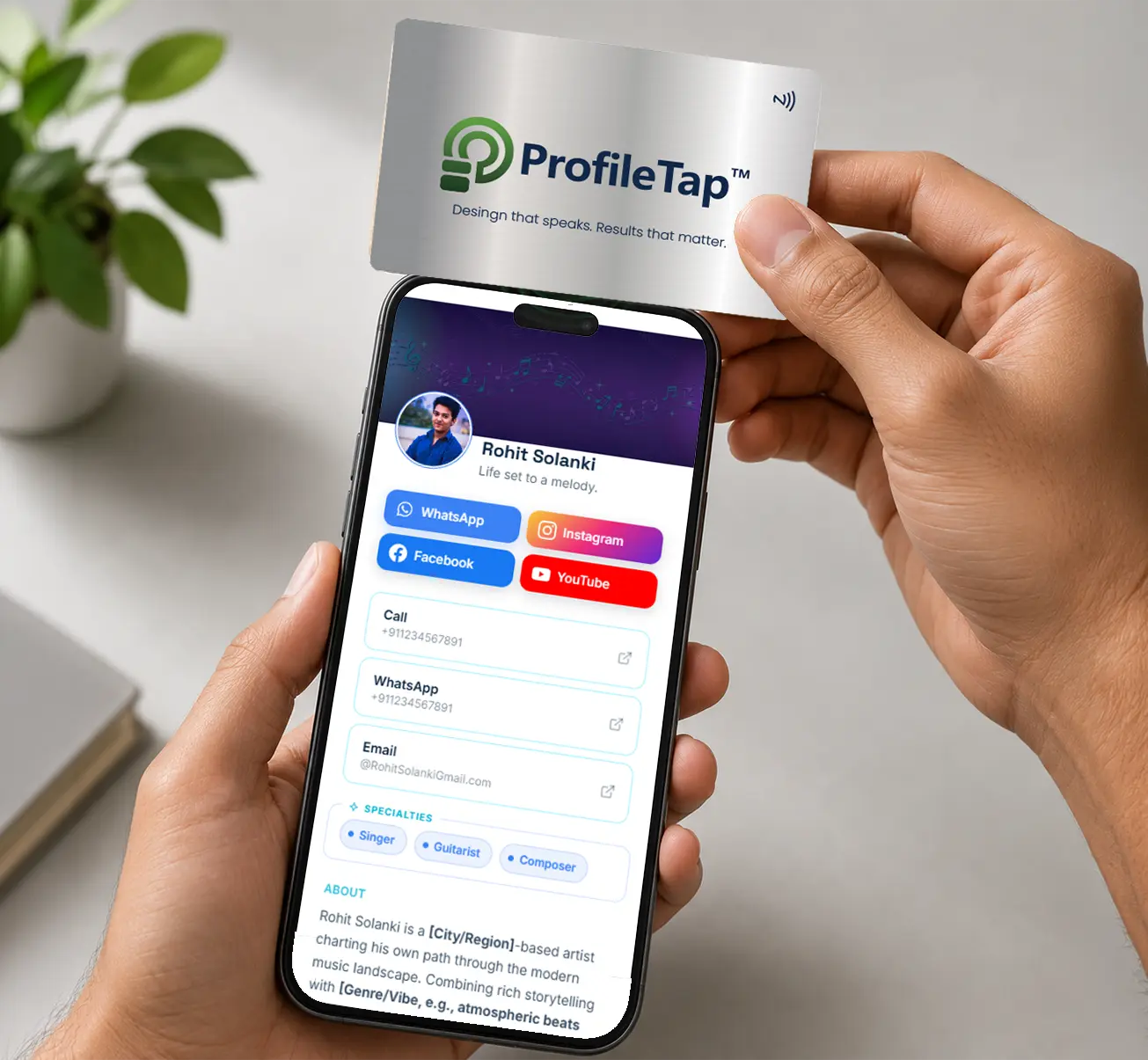
A lot of business in India happens on WhatsApp, yet the usual introduction ends with a number nobody saves. A WhatsApp business card puts the chat one tap away: hold the card to a phone and your conversation opens, with no contact to save first.
A printed number needs three steps before anyone can message you: type it, save it, then search for it in WhatsApp. A WhatsApp digital business card collapses that into a single tap, and the conversation starts while your name is still fresh.
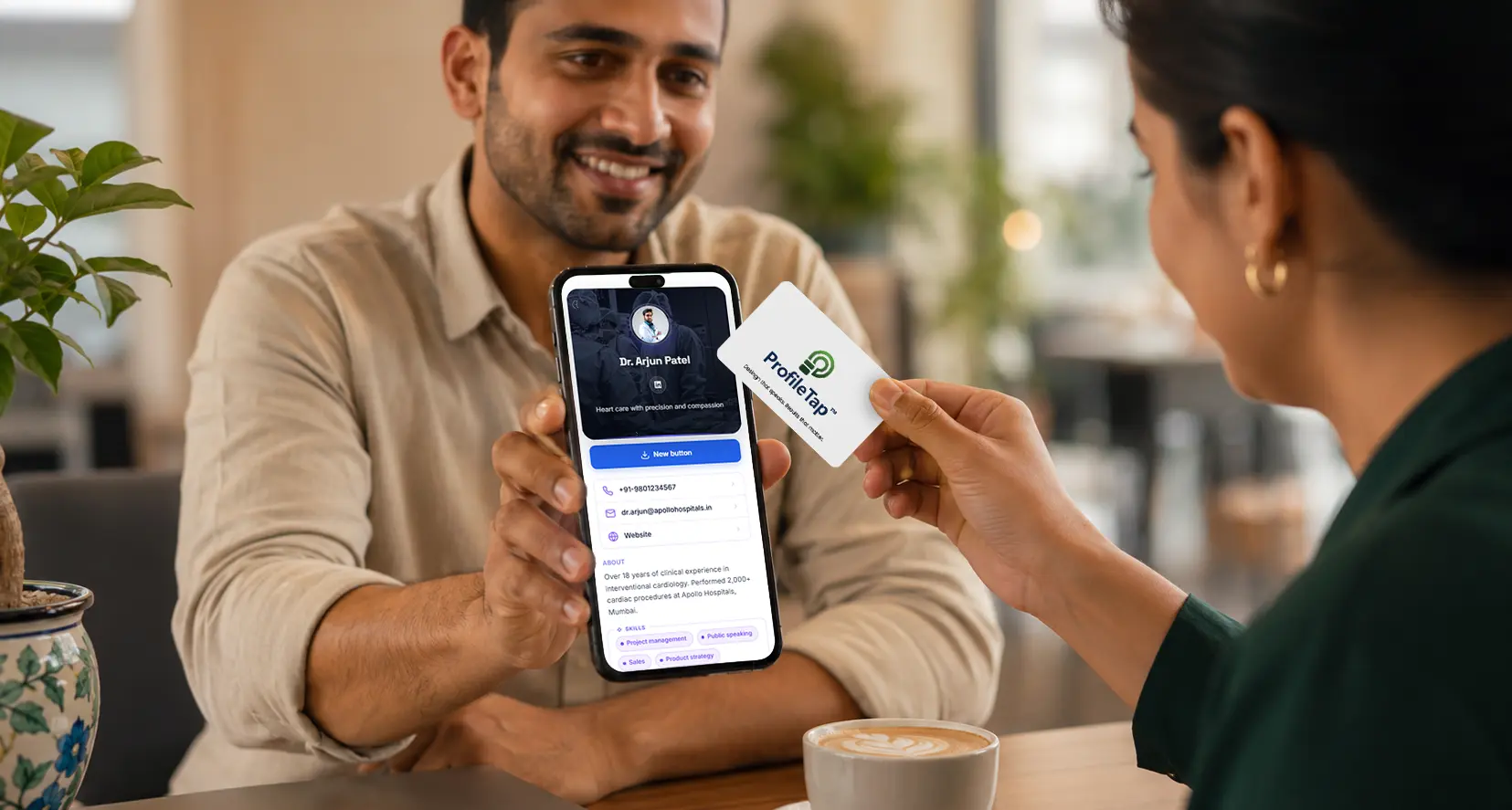
Scanning the code takes them straight into the chat window, so the first message arrives while you're still standing there.
Alongside chat, your profile can carry call, email, catalogue, maps and Save Contact, so nothing else has to be typed out.
Switch to a business line later and update the profile; every card already handed out points to the new chat.
What actually happens between meeting someone and the first message landing.
Ten digits, often misread from a small print size.
The card carries the link; their phone does the rest.
An extra step nobody takes standing in a corridor.
They message you while you are still standing there.
By a name they may already have forgotten.
Update the profile and every card already handed out follows.
The card goes in a pocket and the message never happens.
They can add you to contacts once the conversation has started.
Any ProfileTap card opens the same profile, so all our WhatsApp cards work the same way. Pick the finish you like.
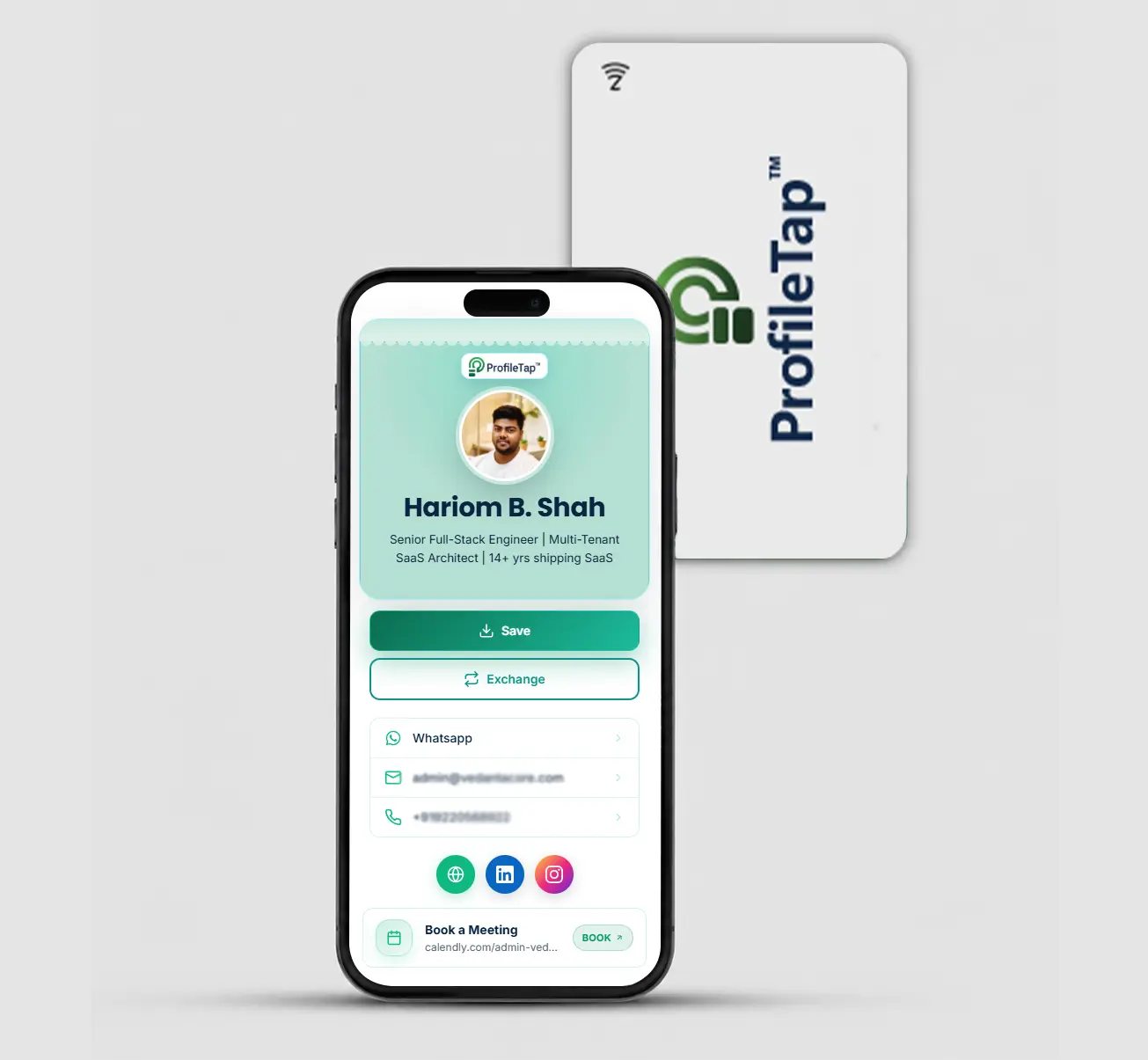
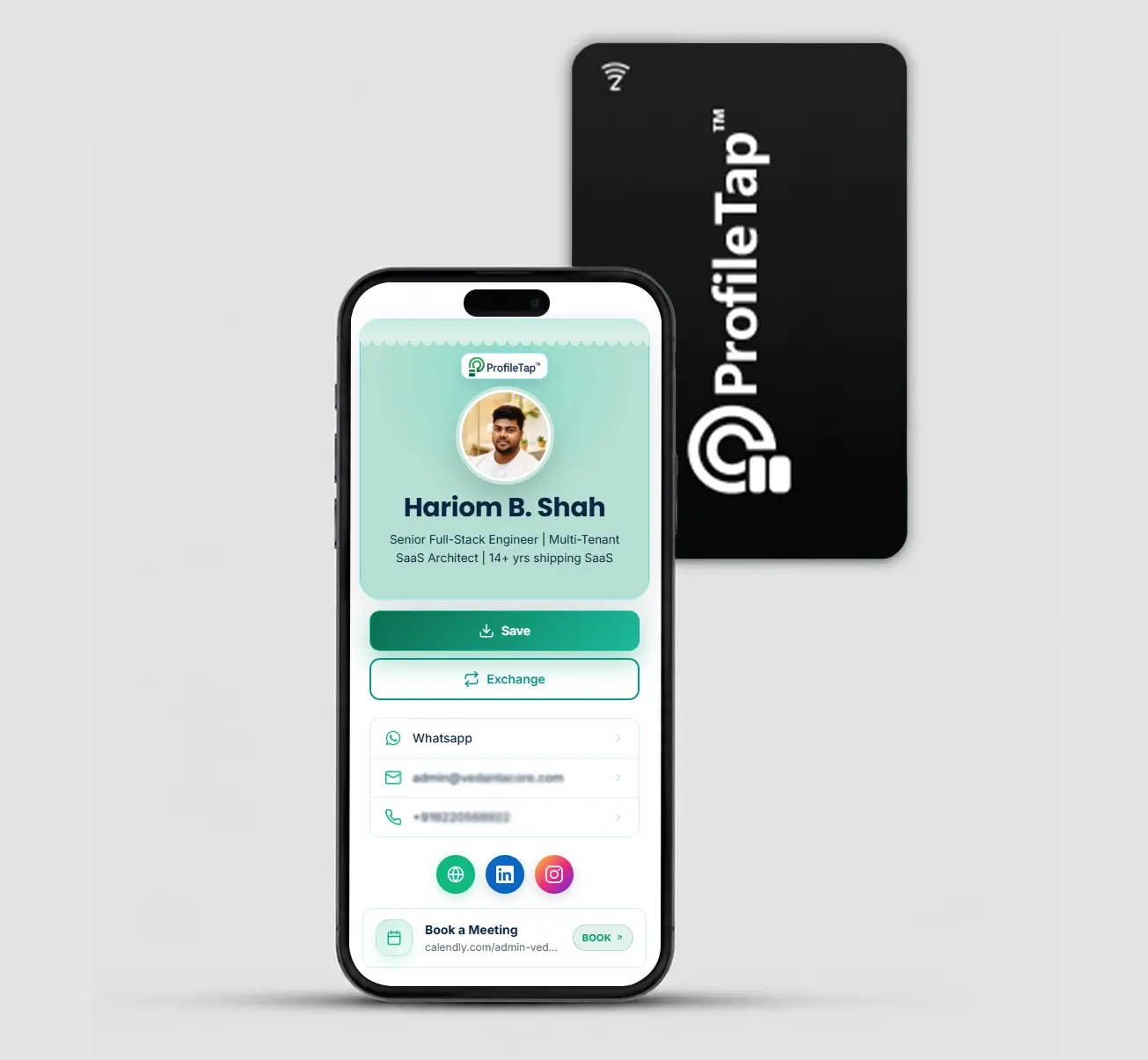
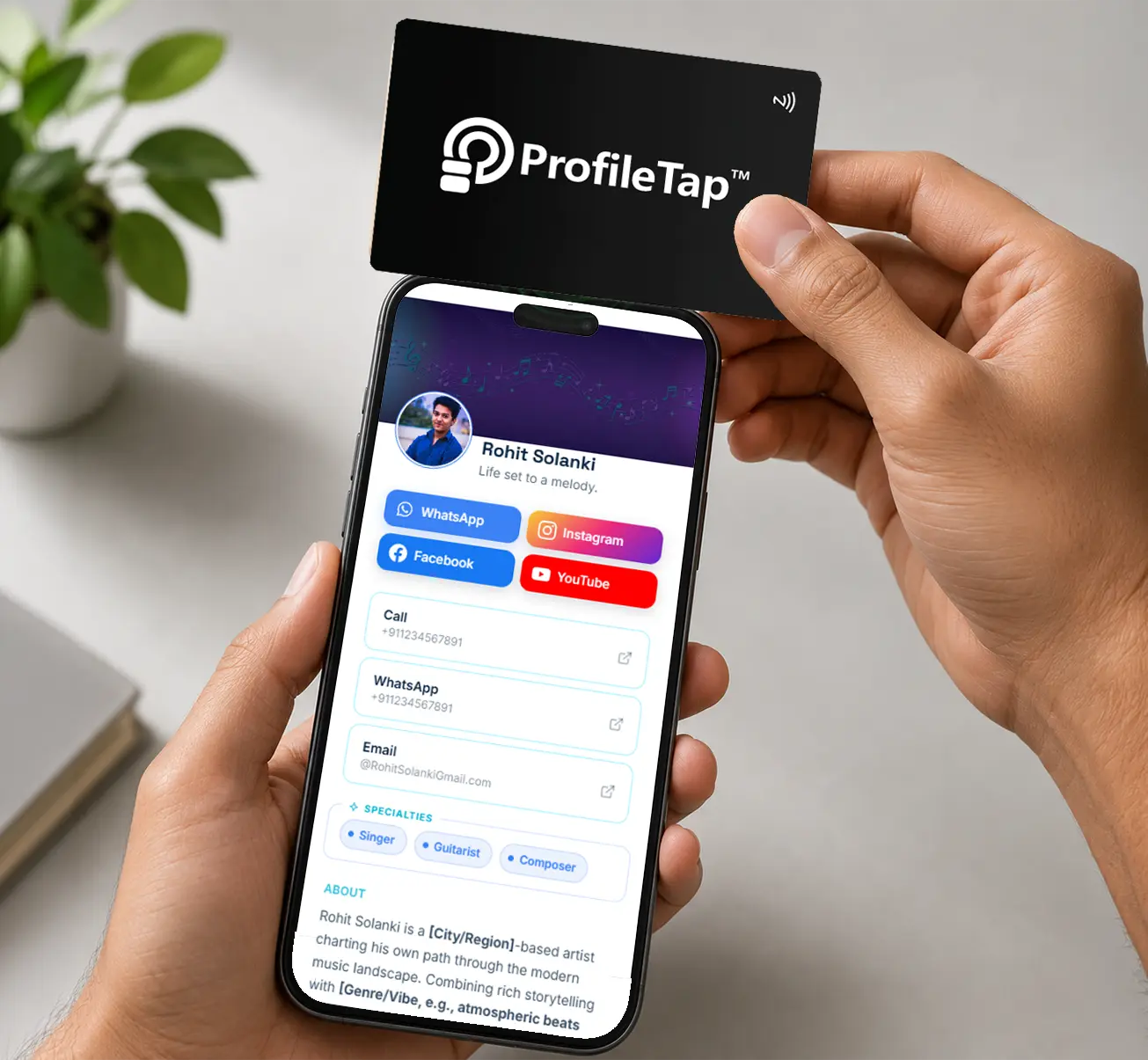
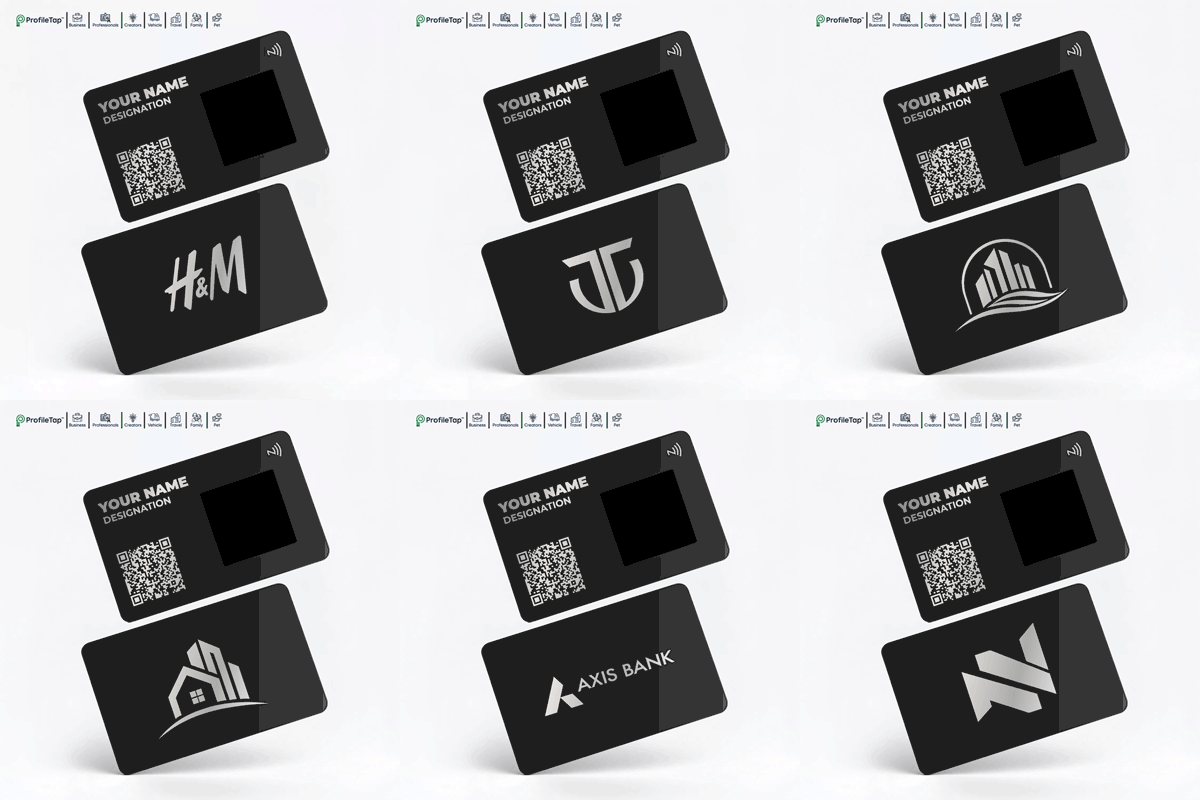
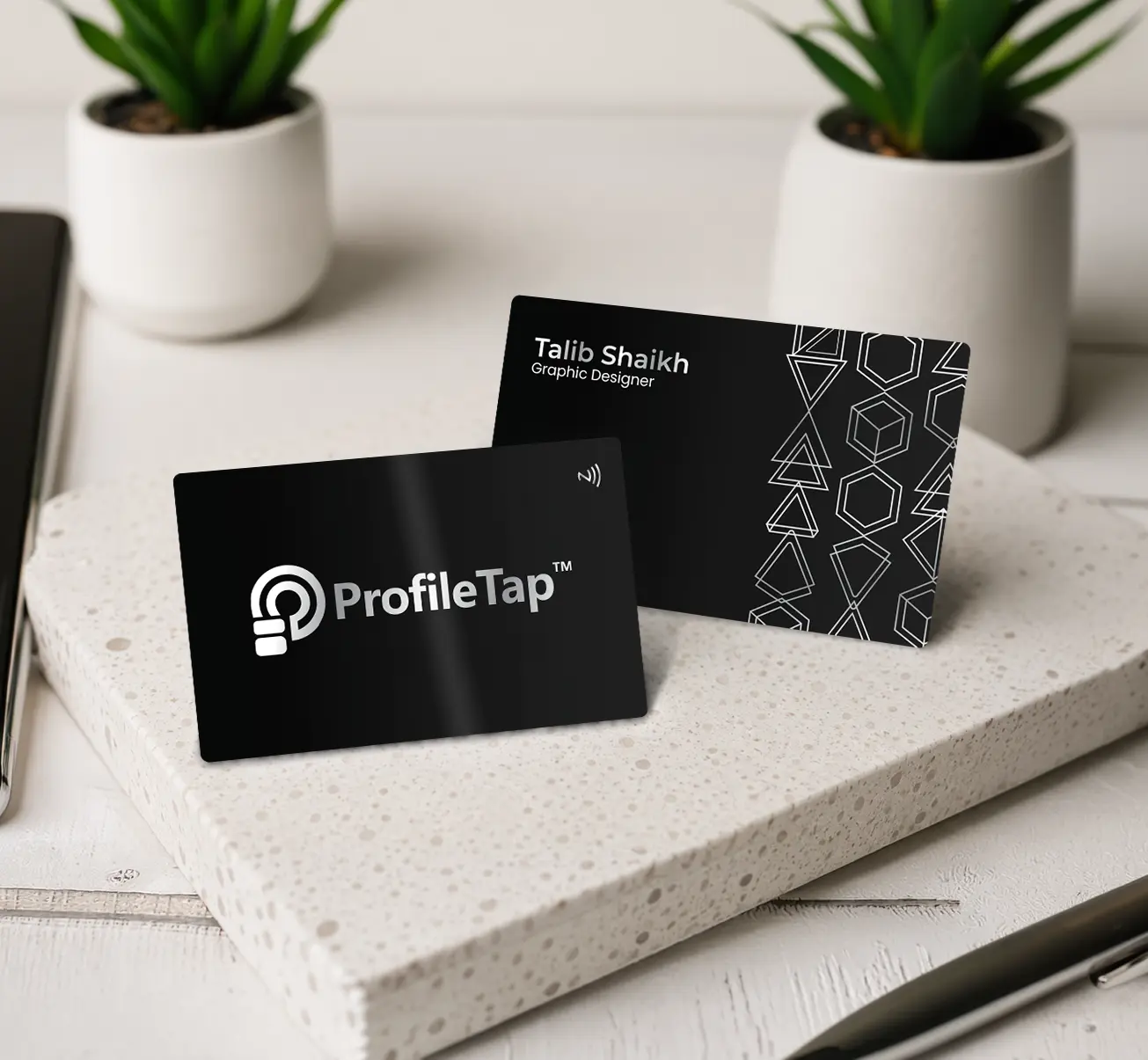
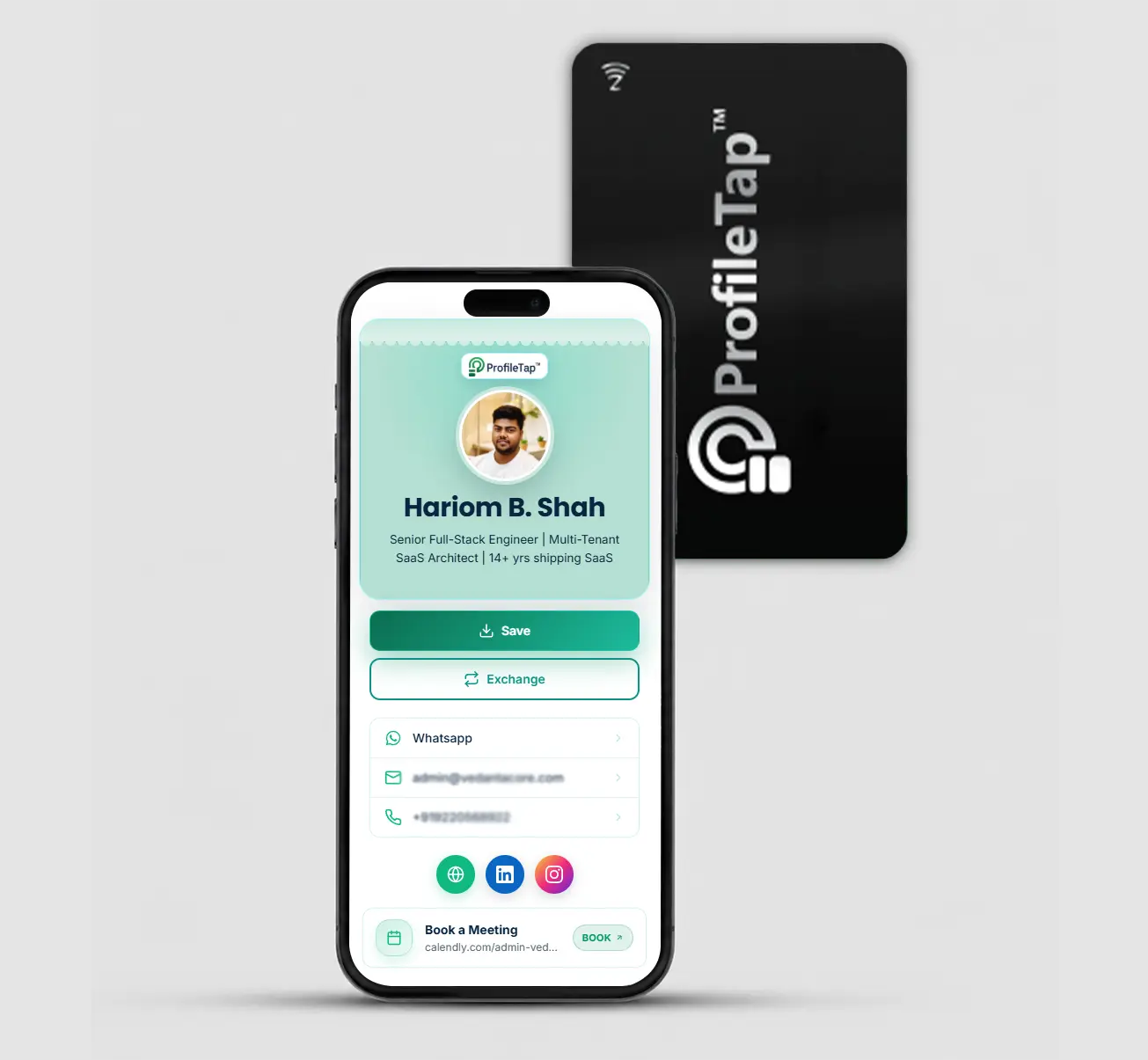
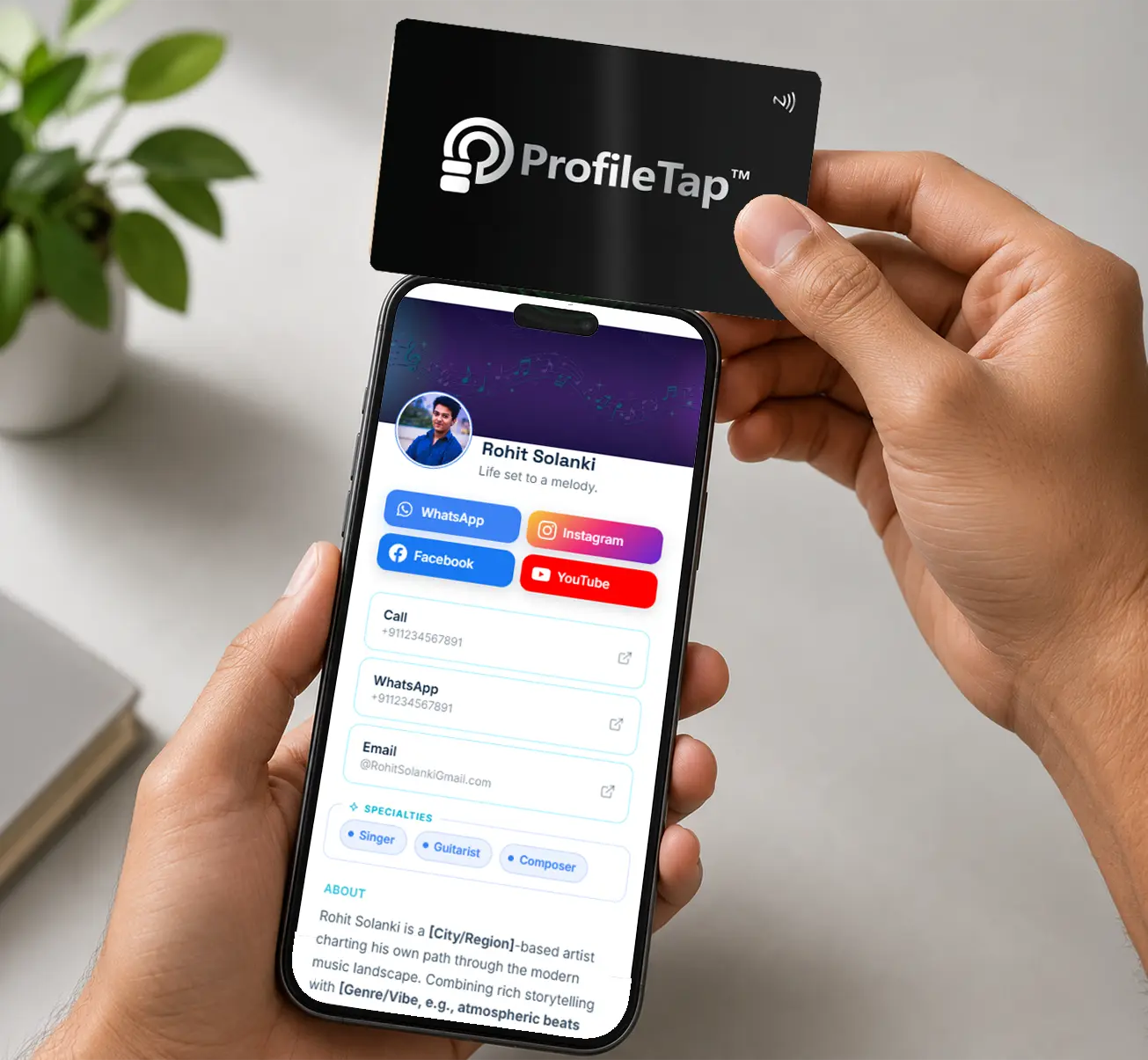
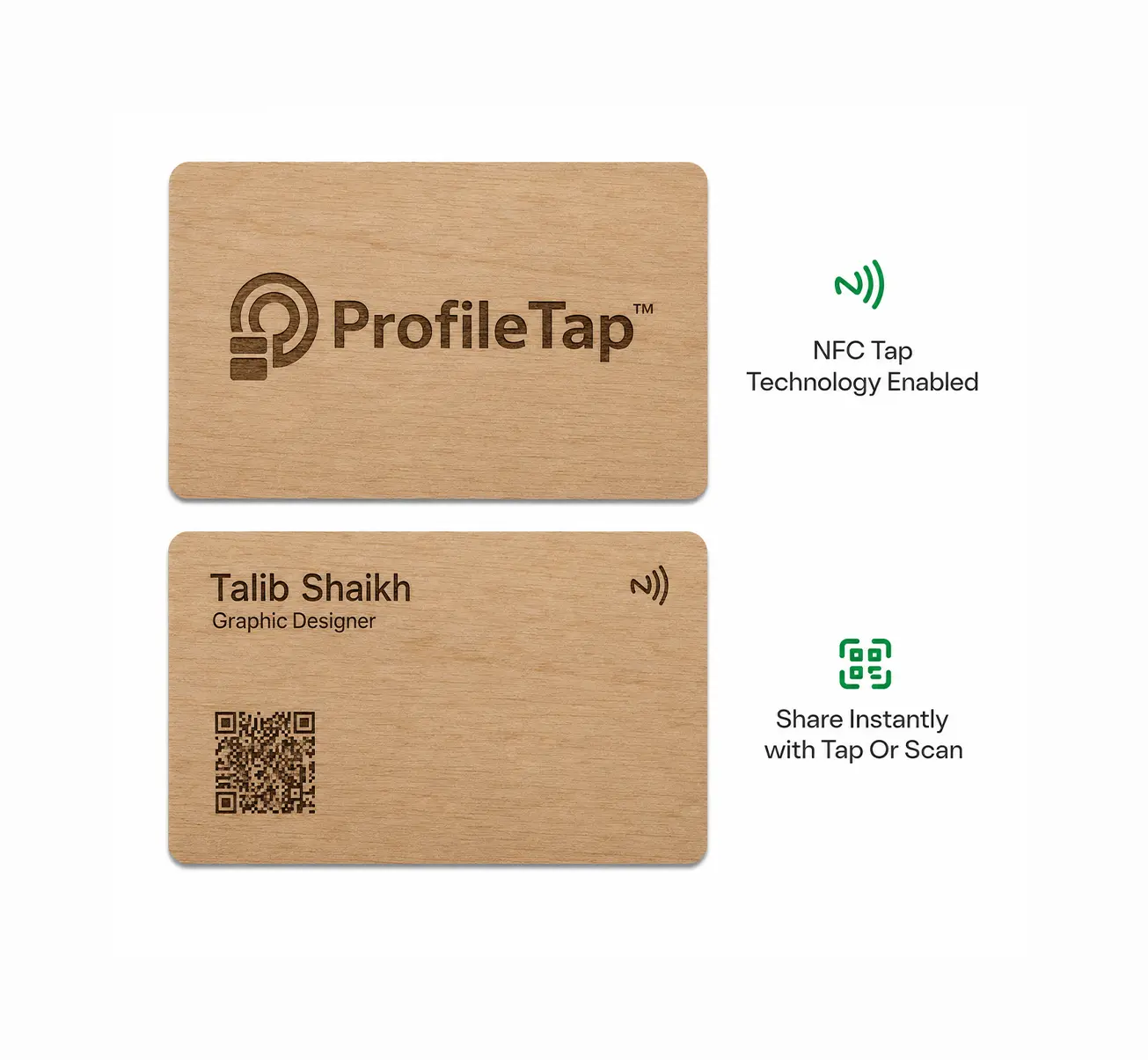
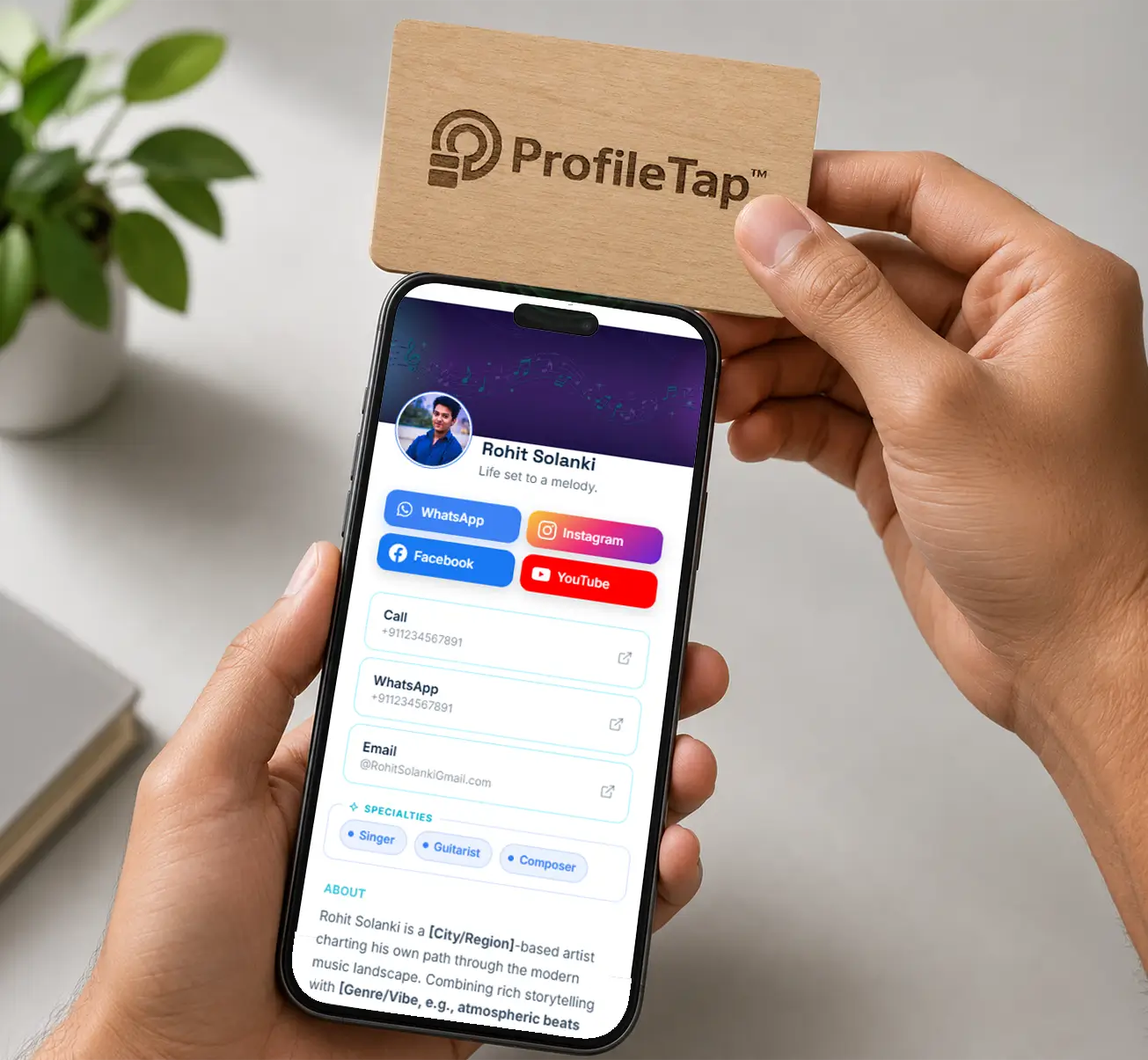
Add your WhatsApp number to your ProfileTap profile, optionally set a pre-filled opening message, and save. The chat button appears on your profile straight away, and anyone who taps your card or scans its QR reaches it without installing anything.
No. Tapping the card opens your chat thread directly in their WhatsApp app, so they can message you first and save your details later if they want to.
Yes. Whichever number you put on the profile is the one people reach, and you can swap it for a business line whenever you like without replacing any card.
Yes. Set an opening line in your profile, such as "Hi, I met you at the expo", and it appears in the message box when the chat opens. The other person only has to press send, which makes that first message far more likely to happen.
For meeting people, yes. WhatsApp's own QR code only opens a chat, and it changes if you reset it. A WhatsApp business card opens a full profile with chat, call, catalogue and Save Contact, works by NFC tap as well as scan, and keeps working when you change your number.
Both work and both open the same profile. A tap is faster in person, while printing the same code on flyers and signage helps where people can't tap. It's the simplest way to share WhatsApp number QR code India shops already put up at the billing counter.
Yes. The profile can hold call, email, website, maps, catalogue and social buttons alongside chat, so it works as a full WhatsApp contact card that covers every way someone might want to reach you.
The profile is free, and the card is a one-time purchase: ₹599 for white PVC, ₹899 with your logo, ₹1,299 in wood and from ₹1,899 in metal. So the WhatsApp NFC card India price starts at ₹599. Orders are prepaid, and we ship every WhatsApp QR code business card India-wide within 3 to 7 days.
Set up the profile free, add your chat button, and hand over a card that opens it.
Free digital profile · chat, call and catalogue buttons · one-time card purchase · GST invoice