
In a road accident, bystanders want to help - but they need to know who to call. A vehicle emergency QR sticker gives them that information in seconds, even if you're unconscious, your phone is locked, and they've never met you before.
Road accidents in India are unfortunately common. When one happens, the people around you are often willing to help but genuinely unsure what to do. They don't know your blood group. They don't know your emergency contact. They can't unlock your phone. A vehicle profile with a QR sticker on your dashboard or rear window changes all of that - it's a silent, always-available information card that any smartphone can read.
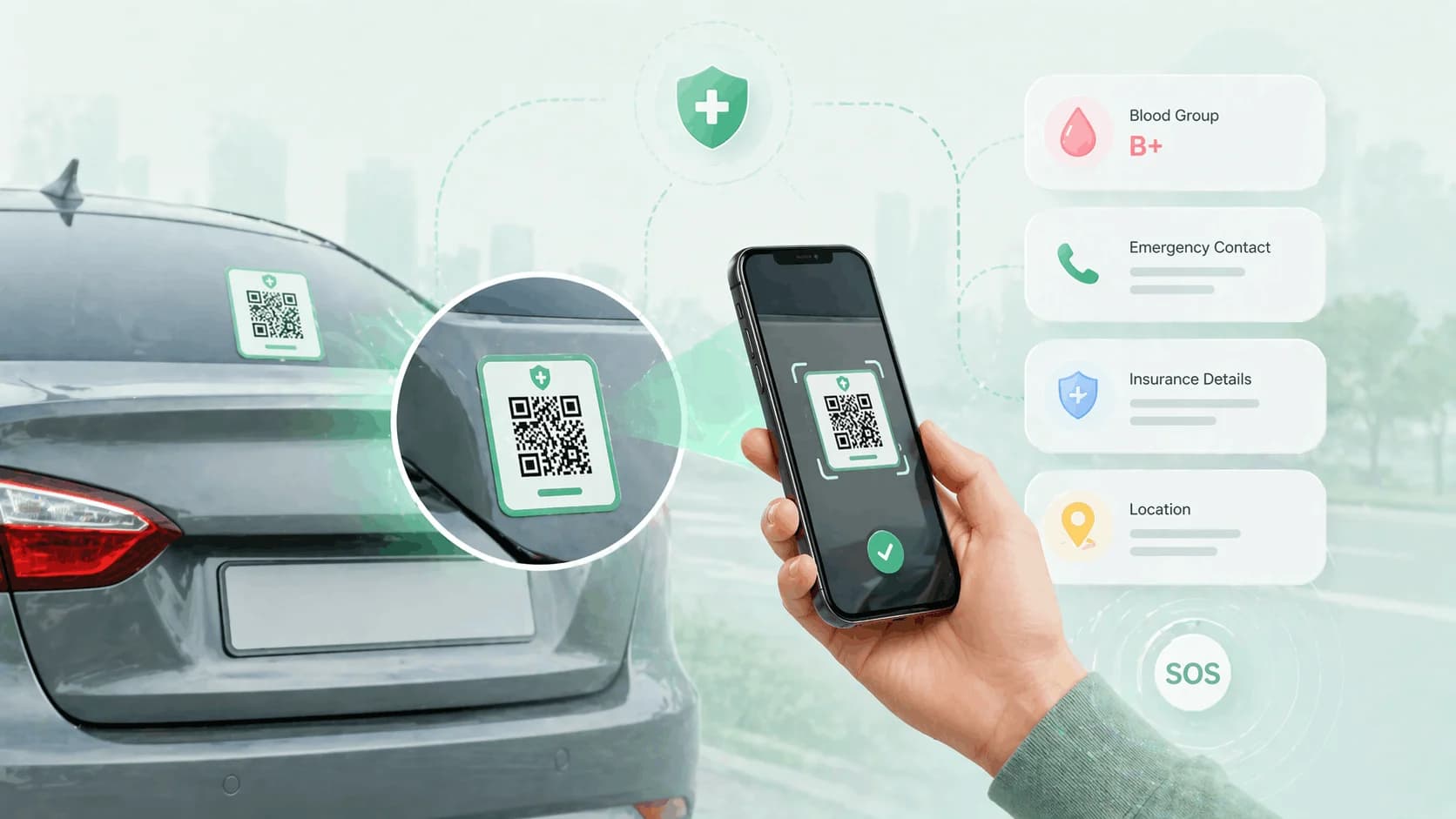
A vehicle emergency qr sticker — also searched as a car emergency qr code or an emergency sticker for car windows — turns any vehicle qr sticker into a first-responder's shortcut to your medical details.
Why Vehicle Emergency Stickers Matter
Consider a real scenario. You're driving on a highway near Delhi at night. Your car is hit from behind. You're unconscious. The bystanders who stop are good people - they want to help. But:
- Your phone is locked, and they can't access your contacts.
- Your wallet might have your driving licence, but not your blood type or emergency contact.
- They don't know if you have a medical condition that affects treatment.
- They don't know which hospital you'd prefer, or which one your insurance covers.
- Every minute they spend trying to figure this out is a minute your family doesn't know what happened.
A QR emergency sticker on your dashboard or rear window is scanned in two seconds. Your profile opens. They see your name, blood group, allergies, emergency contact with one-tap calling, and your insurance details. They know exactly what to do and who to call. Time saved - potentially life-saving time.
This isn't a hypothetical. Emergency medical responders in many countries now look specifically for vehicle emergency stickers because they've seen how much they help. In India, where paramedic response is inconsistent and bystanders often take critical first-response actions, having this information available is especially valuable.
What to Include in a Vehicle Emergency Profile
Your vehicle emergency profile should contain everything that matters in the first 30 minutes after an accident:
Personal identification
Full name
Date of birth
Photograph (helps confirm identity)
Emergency contacts
Primary emergency contact: name, relationship, phone number
Secondary emergency contact: name, relationship, phone number
Note any contacts who speak English and Hindi (for communication in different regions)
Medical information (most critical)
Blood group (A+, B+, O-, etc.) - make this prominent
Known drug allergies - especially important for paramedics administering treatment
Food allergies
Chronic conditions: diabetes, epilepsy, heart conditions, hypertension
Current medications (names, dosages)
Any relevant recent surgeries or medical implants
Healthcare preferences
Preferred hospital or specialist
Doctor's name and contact
Insurance
Vehicle insurance provider and policy number
Health/personal accident insurance provider and policy number
Insurance emergency assistance number (the 24-hour helpline)
Vehicle information
Vehicle registration number
Vehicle make, model, and colour
That seems like a long list - but filling it out takes about 10 minutes, and it only needs to be done once (with updates as things change).
QR Sticker vs Handwritten Sticker: A Comparison
Some drivers already put a handwritten note behind the sun visor or on the dashboard with their blood type and a family contact. That's a good start - but consider the limitations:
| Feature | Handwritten Sticker | QR Emergency Sticker |
|---|---|---|
| Information capacity | 2-3 lines | Full profile - unlimited fields |
| Updatability | Must rewrite (or it becomes outdated) | Update online in seconds - sticker stays the same |
| Readability | Fades, gets damaged | QR code is machine-read - always accurate |
| Privacy | Anyone can read it at any time | Only readable by scanning - profile can show only what's needed |
| Medical detail | Blood type, one contact | Full medication list, allergy details, conditions, multiple contacts |
| Insurance info | Rarely included (no space) | Fully included |
The handwritten note was always better than nothing. The QR emergency sticker is simply a better version of the same idea - more information, always current, more readable, and with privacy controls built in.
Where to Place the Emergency QR Sticker
Placement matters. The sticker needs to be visible to a bystander or paramedic at an accident scene without requiring them to search for it.
Dashboard (recommended - primary placement) Place the sticker on the lower centre of your dashboard, visible through the windshield from outside the vehicle. This is where emergency responders naturally look - it's the most visible location from the driver's side window or front.
Sun visor Many drivers keep emergency information on the sun visor. This is a traditional and widely understood location. Attach a small laminated card with your QR code here as a backup to the dashboard placement.
Rear window (recommended - secondary placement) A sticker on the lower corner of the rear window is visible to anyone approaching from behind - which is relevant in rear-end collision scenarios. It also helps bystanders who arrive before emergency services can take action without having to enter the vehicle.
Avoid: Placing the sticker where it interferes with your driving view, or in the glove compartment where it requires searching to find.
Use at least two placements - dashboard and rear window - to maximise the chance that a bystander finds the information quickly.
Setting Up a Vehicle Emergency Profile with ProfileTap
ProfileTap is a smart identity management platform. Setting up a vehicle emergency profile takes about 10 minutes:
Step 1: Create your ProfileTap account.
Step 2: Create a "Vehicle" profile. Give it a name like "[Your Name] - Vehicle Emergency Info."
Step 3: Fill in all emergency information. Work through the checklist above. Be thorough - this profile is for the worst-case scenario, so completeness matters.
Step 4: Add a clear photo. A photo helps confirm identity and humanises the profile for a bystander trying to help a stranger.
Step 5: Download your QR code. From "Share Profile," download your QR code as an image.
Step 6: Print and laminate. Print on card stock and laminate (any print shop, approximately ₹10–₹20). This protects against heat, moisture, and the general wear of living in a car.
Step 7: Place in the recommended positions. Dashboard and rear window at minimum.
Step 8: Tell your family. Share the profile link with your family members so they know it exists and what information it contains. They can also access it directly if needed.
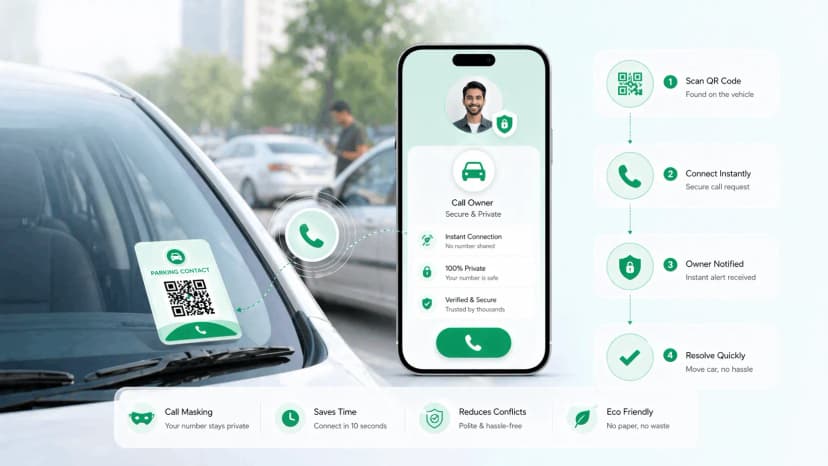
Also consider setting up a vehicle QR code sticker for parking contact - it's a separate use case, but the same vehicle profile can handle both.
Set Up Your Vehicle Emergency Profile Today
You hope you'll never need it - but a vehicle emergency profile is one of those preparations that takes 10 minutes and could matter in a moment when minutes count. ProfileTap's vehicle profile is built for this: a complete digital identity for your vehicle, always accessible, always current. Set it up today.
A vehicle emergency qr sticker is a 10-minute setup that could matter when seconds count — keep your vehicle emergency qr sticker current and let your family know it's there.
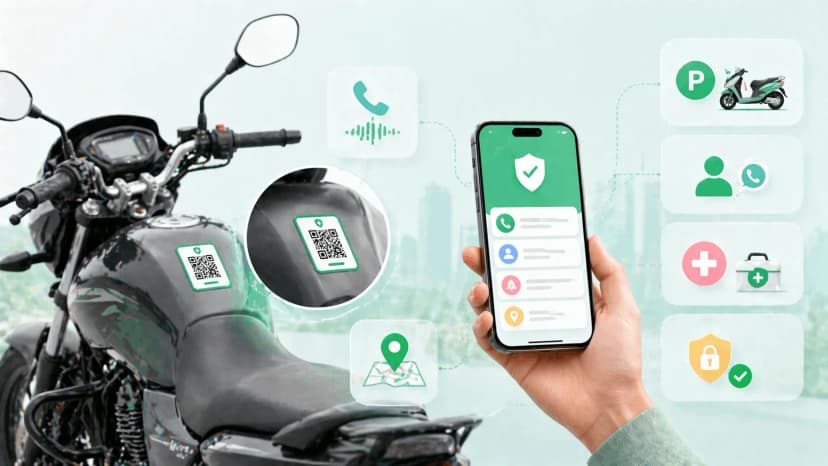
Related reading: Parking Contact QR Code Guide · Bike QR Code Tag for Two-Wheelers