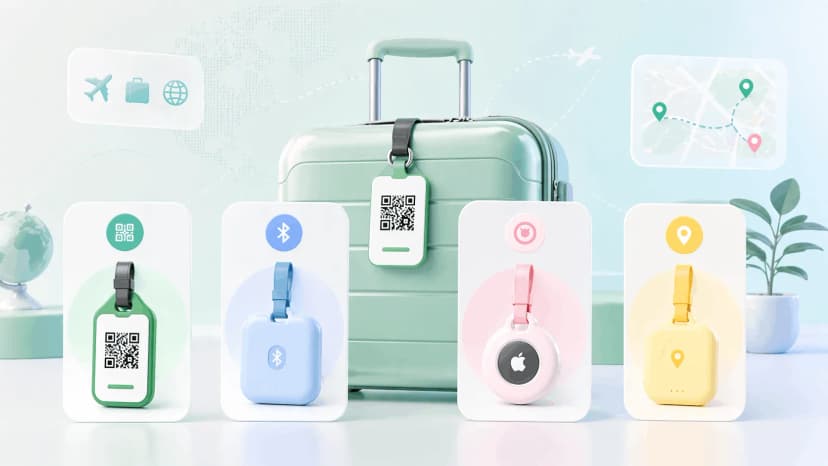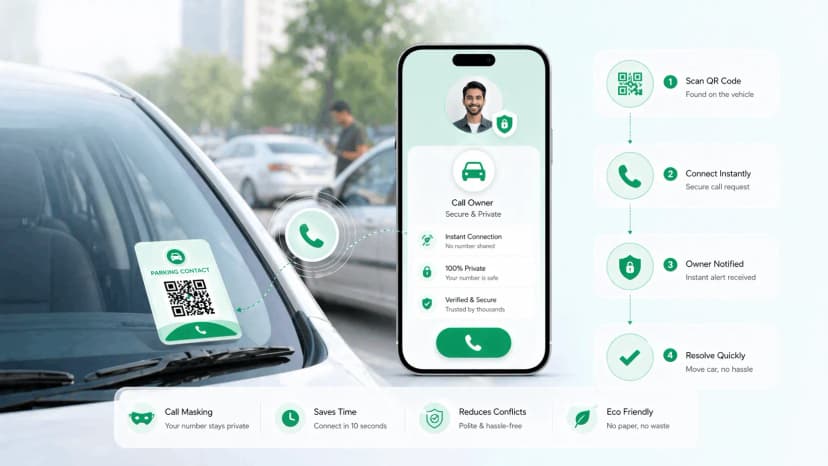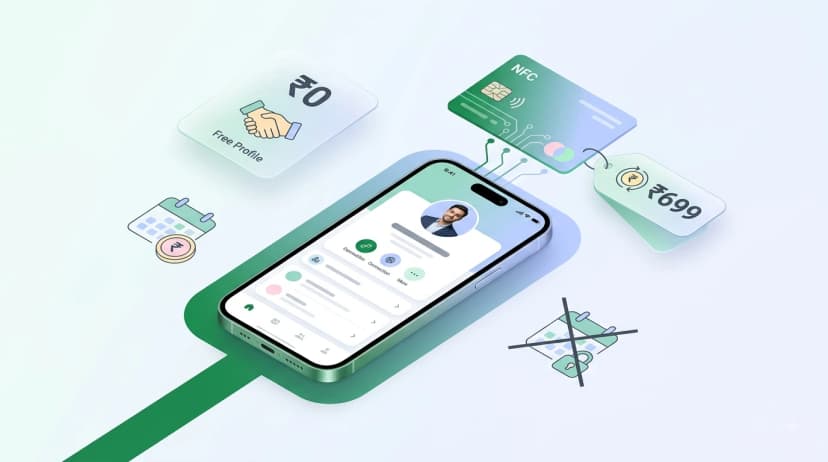

A travel safety QR code turns a small sticker or card into an instant emergency identity: anyone who needs to help you - or return your lost bag - scans it and reaches your emergency contacts and medical info in seconds. This guide covers five practical ways to use QR codes for safer travel, what to put in your travel profile, and how to set one up before your next trip.
The best travel safety tool isn't an app or a tracker - it's a QR code on your luggage, wallet, and passport holder that lets anyone help you if something goes wrong. A travel QR profile is always accessible, requires no battery, and can be read by any smartphone in the world. Set it up once and it works whether you're in Jaipur or Japan.
ProfileTap's travel profile lets you create a complete digital travel identity - emergency contacts, medical information, insurance details, and more - accessible to anyone who needs to help you, any time.
A travel safety QR code is the simplest insurance you'll ever pack. Any phone can read it, which is what makes a QR code for travel safety more dependable than an app or a tracker — an emergency QR for travel works even when nothing else does.
The Travel Safety Risks QR Codes Solve
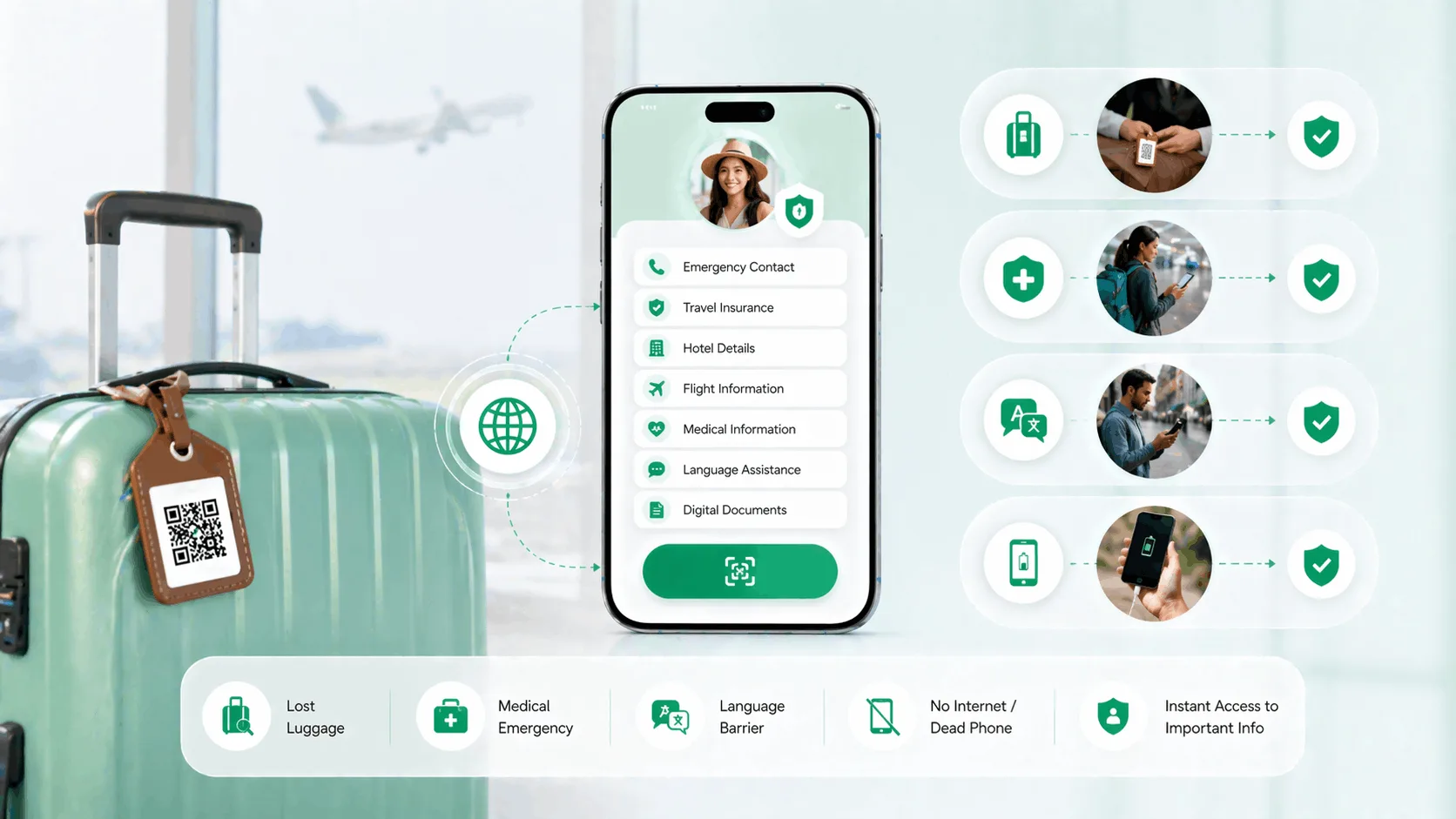
Travel introduces a specific set of scenarios where normal communication fails. QR codes are unusually well-suited to addressing each of them:
Lost luggage. Your checked bag ends up in a different city. The airline's baggage system has your booking reference - but if the tag tears off, the only way to identify and return your bag is through the contact information inside or on the bag. A QR tag on the outside of every bag gives anyone - airline staff, another traveller, a baggage handler - a direct path to reach you.
Medical emergency abroad. You're unconscious or disoriented after an accident. You can't communicate. The paramedics, bystanders, or hospital staff trying to help you need to know your blood type, any drug allergies, your emergency contacts, and your insurance information. A QR card in your wallet gives them that information in seconds without needing to access your locked phone.
Language barrier. You're in a city where no one speaks your language. You need to communicate basic information - your hotel, your emergency contact, your medical needs. A QR profile doesn't translate automatically, but it gives anyone with a phone a structured set of information to work with.
Dead phone. Your battery is at zero. You can't access your contacts, your maps, or your booking confirmations. If you've placed a QR card in your wallet or passport holder, that information is still accessible - to you and to anyone trying to help you.
5 Ways to Use QR Codes for Travel Safety
1. Luggage tag
Print your travel QR profile onto a luggage tag and attach it to every checked bag and carry-on. When someone finds your bag - whether it's been lost in transit or left somewhere - they can scan the code and reach you immediately, without needing your airline booking number or the bag's registration.
This is the most common use, and the most immediately practical. Keep one on every bag, every time.
2. Wallet emergency card
A small printed card in your wallet, behind your ID cards, contains your QR code. In any emergency - accident, medical situation, theft recovery - a person trying to help you can scan this card and instantly access your emergency contacts, blood type, allergies, and insurance details.
This works even if your phone is dead, lost, or inaccessible.
3. Passport holder card
Most passport holders have a sleeve or pocket for cards. A QR emergency card here means your most critical travel document holder also carries your emergency contact information. Consulate staff, airport security, or a fellow traveller can scan it immediately if you're in distress.
4. Hotel concierge card
Print a small card with your QR profile to leave at the hotel front desk on check-in. This is particularly useful when travelling alone or in destinations where medical communication might be difficult. Hotel staff in many international destinations are trained to assist guests in emergencies - giving them immediate access to your contacts and medical information makes their job easier.
5. Car rental or shared transfer card
If you're renting a car or using a shared transfer service, a QR card left in the vehicle (on the dashboard or in the glove compartment) gives emergency responders immediate identification if something happens during the journey.
What to Put in Your Travel QR Profile
This is your emergency information hub. Keep it thorough and current before every trip:
Emergency contacts
Primary emergency contact: name, relationship, phone (with country code)
Secondary emergency contact: name, relationship, phone (with country code)
Your home country embassy contact for your destination country
Medical information
Blood type
Known drug allergies (critically important - anaphylaxis risks especially)
Food allergies
Current medications (names, not just conditions)
Chronic conditions (diabetes, epilepsy, heart conditions)
Doctor or specialist contact back home
Travel and insurance
Travel insurance provider name and policy number
24-hour emergency assistance number from your insurer
Hotel name and address for current destination
Language note
A short line noting your language ("English speaker") helps emergency responders route to the right support
Privacy While Traveling: Why Contact Controls Matter
When you're travelling, your QR profile might be scanned by airline staff, hotel concierges, a stranger who found your bag, a bystander at an accident - a wide range of people, many of whom you'll never know.
ProfileTap lets you choose which contact options appear on your profile - a phone number, a WhatsApp button, or a backup contact - so someone who finds your bag or spots your emergency card can reach you without you having to put your personal number on permanent display. You decide what's shown; you stay reachable while keeping the details you'd rather not share private.
For travel scenarios specifically, these controls are worth setting up. You want to be reachable; you don't necessarily want every stranger who handles your luggage to have your personal mobile number saved in their contacts.
Setting Up Your Travel QR Profile
ProfileTap is a smart identity management platform that handles travel profiles alongside other digital identity types. Here's how to get your travel profile set up before your next trip:
Step 1: Create your ProfileTap account (2 minutes).
Step 2: Create a "Travel" profile type. Give it a clear name like "Travel Emergency Info."
Step 3: Fill in all emergency contact details. Add at least two contacts with international dialling codes included.
Step 4: Add your complete medical information. This is not the place to be brief - include everything a paramedic might need to know.
Step 5: Add your insurance details. The 24-hour assistance number from your travel insurer is the most critical piece - add it prominently.
Step 6: Choose which contact options are visible if you want privacy protection for strangers contacting you.
Step 7: Download your QR code and print it onto:
- A luggage tag (print on card stock and laminate, or order a custom tag)
- Wallet cards (print 2-3 small cards to carry in different places)
- A passport holder card
Step 8: Test everything. Scan each printed code yourself to confirm the profile loads correctly and all contact links work. Do this before you travel, not at the airport.
The whole setup takes about 10 minutes. Update your insurance details and hotel information before each trip - the rest stays current.
You can also create a dedicated QR luggage tag through ProfileTap that's specifically formatted for baggage recovery scenarios.
Set Up Your Travel QR Profile Before Your Next Trip
Every journey goes smoother when someone can reach you or help you - no matter what goes wrong. ProfileTap's travel profile gives you a complete digital emergency identity that lives on a QR code you carry everywhere. Set it up before your next trip - it takes 10 minutes and could matter in a moment when time counts.
Key Takeaways
A travel QR profile turns any smartphone into a bridge between you and help - whether that's an airline staff member returning your bag, a paramedic reading your medical information, or a hotel concierge reaching your emergency contact. Set up your profile before every trip, print it onto luggage tags and wallet cards, and choose which contact options are shown to stay reachable without sacrificing privacy. Ten minutes of setup that's worth far more in the moments that count.
Pack a travel safety QR code on every bag and in your wallet before you go. Ten minutes of setup, and it pays off in the moments that matter.
Related reading: Smart Luggage Tag Guide · Medical Emergency QR Code Guide