Building a personal brand online comes down to three things: a clear niche, consistent output, and one profile that ties it all together. You don't need a huge following — you need to be easy to recognise and easy to reach.
Whether you're a food creator in Mumbai, a freelance designer in Bangalore, or a finance educator on YouTube, your personal brand is what people remember once they stop scrolling. Here are six steps you can start today — and the points where creators in India usually lose momentum.
What Is a Personal Brand?
Your personal brand is the impression people form when they see your content, your profile, or your name. It isn't your logo or your follower count — it's the answer to one question: what does this person do, and why should I pay attention?
In India, that answer increasingly decides who gets paid. Brands running influencer campaigns don't just count followers — they check whether your niche is clear, your content is consistent, and your profile looks professional. A sharp brand answers before anyone has to ask.
Why it matters more in 2026:
- Brand deals go to creators with clear positioning, not just big audiences.
- Algorithms reward consistency — a focused creator gets better reach.
- Followers come and go; your identity is what survives platform changes.
- Brands search by niche, not by name — your brand is your discoverability.
The Three Pillars of a Personal Brand
Get these right before you spend a single day on content strategy.
1. Niche
The specific corner of the internet you own. "Lifestyle" is too broad. "Sustainable fashion for Indian women under 30" or "personal finance for first-generation earners in tier-2 cities" is a niche. The narrower it is, the more memorable you become.
2. Voice
How you communicate — casual and funny, authoritative and data-driven, or warm and educational. Your voice should feel the same in an Instagram caption and a YouTube video. It's what makes people feel like they know you.
3. Visual Identity
Consistent colours, fonts, thumbnail styles, and photo treatment. You don't need a designer — you need consistency. People should recognise your content before they read your name.
Six Steps to Build Your Personal Brand Online
Step 1 — Define Your Niche
Answer three questions honestly:
- What do I know better than most people?
- Who benefits most from that knowledge?
- What's already out there, and how am I different?
Then write one line: I help [audience] do [thing] through [content type]. That sentence is the foundation of everything else.
Step 2 — Build One Unified Profile
Before you make more content, connect what you've already made. Most creators have an Instagram page, a YouTube channel, an X account, maybe a LinkedIn, and a portfolio link — all sitting in silos. A brand manager who lands on your Instagram has no easy way to reach your YouTube; a journalist has to dig for your email.
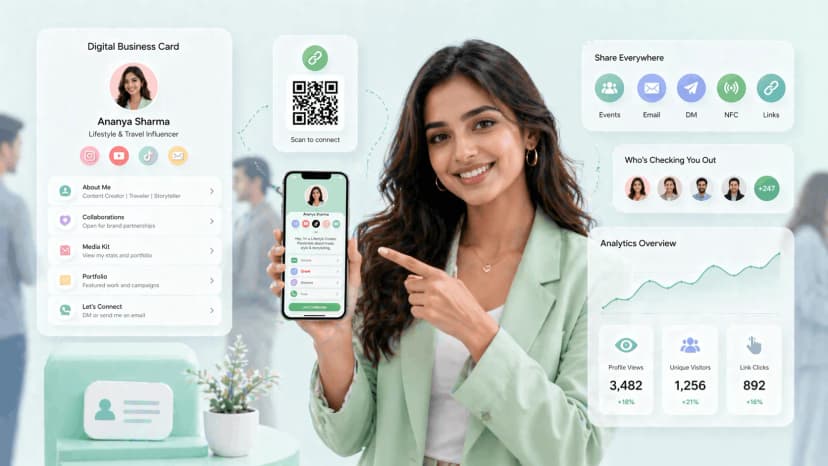
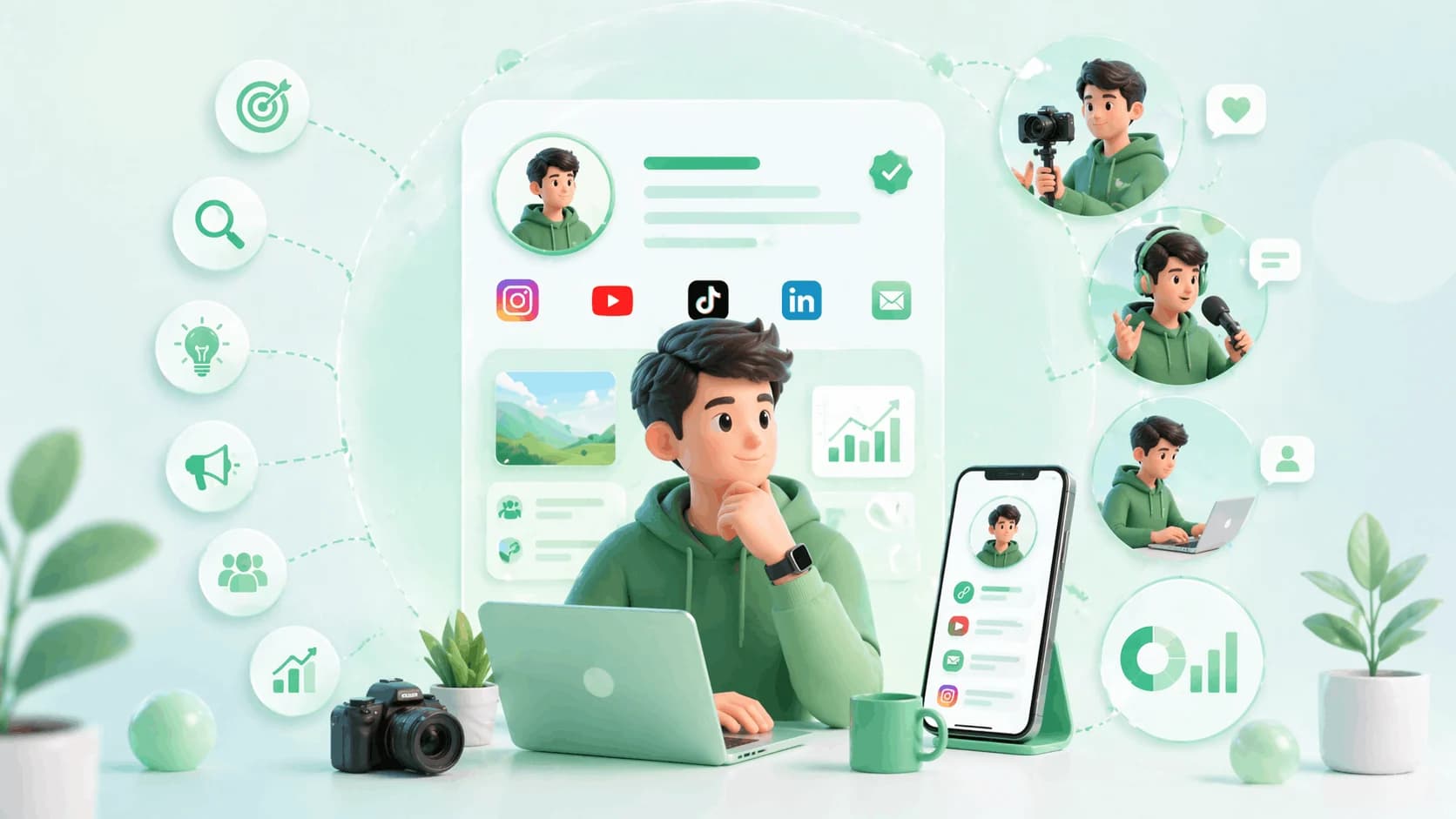
A digital business card for creators gives you one link that holds your platforms, handles, booking contact, and media kit — shareable by QR code or an NFC tap. This becomes your hub.
Step 3 — Choose a Primary Platform
Be present on several platforms, but build deeply on one first. Your primary platform is where you create original, in-depth content; everything else repurposes it. Match it to how you naturally communicate:
- Teaching, tutorials, deep dives → YouTube
- Visual lifestyle, fashion, food → Instagram
- Opinion and rapid commentary → X (Twitter)
- Professional and B2B positioning → LinkedIn
- Short-form entertainment → Reels or Shorts
Step 4 — Set a Cadence You Can Keep
Early on, consistency beats brilliance. Someone who posts every week for a year beats someone who posts perfectly for three months and disappears. A cadence that lasts:
- 1 primary-platform post a week — your core content
- 3–4 repurposed pieces a week — clips, carousels, quotes
- 1 short engagement block a day — comments, replies, DMs
Batch-create and schedule with tools like Buffer, Later, or Notion — but none of it works unless you protect the time.
Step 5 — Point Everything to One Hub
As you grow, your profiles scatter. The fix is one central link that lists your active platforms, links your media kit, carries your booking contact, states your niche, and updates in real time — change it once and it updates everywhere.
ProfileTap's creator identity hub does exactly this: one smart profile with a shareable link and QR code you use everywhere — Instagram bio, email signature, YouTube description, WhatsApp status, or tapped at an offline event. A brand manager sees everything they need in one place.
Step 6 — Track What's Actually Working
Building without data is guesswork. You want to know which content drives profile visits, which platforms send the most traffic, when your audience engages, and which brands are clicking through — then double down on what converts and cut what doesn't.
Why the Profile Hub Matters in India
Picture a scattered presence from the outside: a brand manager searches your name, finds your Instagram, sees 40K followers, hunts for your contact, clicks the one link in bio — an outdated Linktree — finally finds your email, and by then has moved on to a creator with a cleaner profile. That's a deal lost to friction.
In India that friction bites harder. Much of the outreach happens on WhatsApp, much of the discovery happens at offline meetups in Mumbai, Bangalore, Delhi and Hyderabad, and many audiences are multi-language. One link that opens instantly, shares on WhatsApp, and taps offline removes each of those hurdles. The best creators treat their profile as a product — always current, always professional.
Mistakes Creators Make
- Generic bio with no niche. "Content creator | Lifestyle | Travel" says nothing. "Mumbai food creator | street food reviews | 85K on YouTube" says everything.
- Inconsistent handles. Being @RahulCreates, @rahul_lifestyle and @rc_official across platforms makes you hard to find and remember. Lock down one handle everywhere.
- No tracking. If you don't know what drives profile visits or inquiries, you're building blind.
- Treating every platform the same. Reels are not LinkedIn — adapt the format, keep the voice and niche.
- Ignoring offline. Creator meetups and brand activations run across Indian metros every month. Without a QR code or NFC card to share your profile, you leave real connections on the table.
Start With One Profile
Your personal brand deserves a professional home — one place that represents everything you do and makes it easy for brands, collaborators, and followers to find you.
ProfileTap's creator identity platform gives you that hub — analytics, multi-platform linking, and NFC/QR sharing built in. Set it up once and it works everywhere.
Related reading: Best Instagram Bio Ideas for Creators · Best Link in Bio Tools for Indian Creators