

NFC rings are wearable smart devices embedded with Near Field Communication technology. They are designed to function as contactless tools for tasks such as sharing information, unlocking devices, or triggering digital actions with a simple tap.
Unlike smartwatches, NFC rings do not require charging or displays. Their simplicity, durability, and passive operation make them popular for both personal convenience and professional use cases.
What Is an NFC Ring?
An NFC ring contains one or more NFC chips sealed inside a wearable ring. These chips store small amounts of data or commands that can be read by NFC-enabled devices such as smartphones, tablets, or access readers.
Most NFC rings are passive, meaning they do not contain batteries. They draw power from the NFC reader during interaction, making them maintenance-free and long-lasting.
What Can You Use an NFC Ring For?
NFC rings can be programmed to perform a variety of useful actions. Their functionality depends on how the embedded NFC chip is configured.
- Sharing digital business cards or contact details
- Opening websites, social media profiles, or portfolios
- Unlocking smartphones or compatible smart locks
- Triggering automation or shortcuts on mobile devices
- Access control for offices, gyms, or secure areas
How to Set Up an NFC Ring
Setting up an NFC ring typically requires an NFC-enabled smartphone and a compatible NFC writing application. The process is straightforward and can be completed in a few minutes.
- Install an NFC writing or management app on your smartphone
- Enable NFC in your phone’s system settings
- Place the NFC ring near the back or top of your phone
- Choose the action or data you want to write to the ring
- Save the configuration and test the ring by tapping it
Using an NFC Ring with iPhone and Android
On Android devices, NFC rings can be used for both reading and writing data with supported applications. Android also allows deeper automation through system integrations and third-party tools.
On iPhone, NFC rings are primarily used for reading actions such as opening links or triggering shortcuts. Writing data to NFC rings on iOS may be limited depending on the device and app capabilities.
Security Considerations
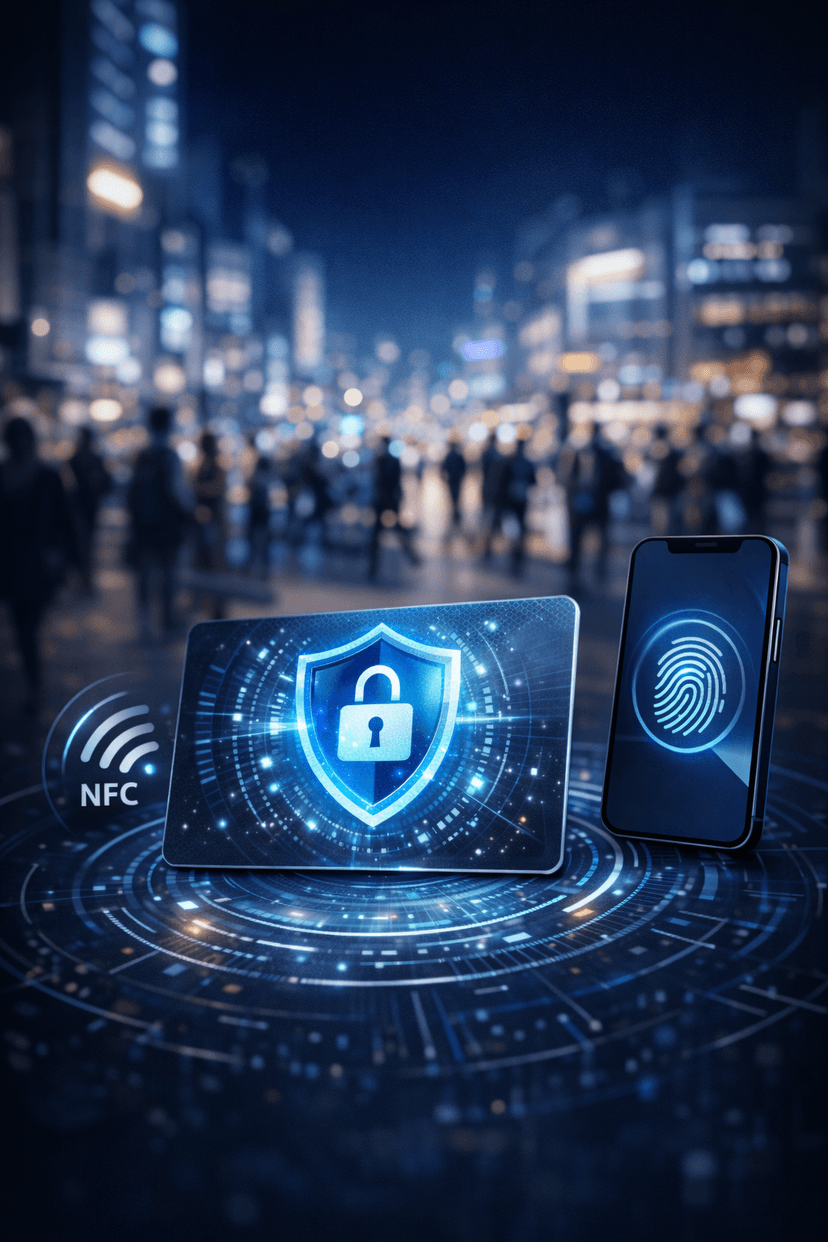
NFC rings are generally secure due to their short communication range. However, users should avoid storing sensitive personal data directly on the ring.
For secure applications, it is recommended to use NFC rings in combination with authentication layers such as device permissions, encryption, or biometric verification.
Final Thoughts
NFC rings offer a unique blend of convenience, style, and functionality. Their simple tap-based interaction makes them ideal for fast, contactless actions in everyday life.
As NFC technology continues to evolve, NFC rings are becoming a practical alternative to cards, keys, and even mobile apps, providing a compact and intuitive way to interact with the digital world.